Email campaigns
Email campaigns that turn past customers into booked jobs
A simple reminder can go a long way. Let customers know you’re the one to book when it’s time for their next service with Jobber email marketing.
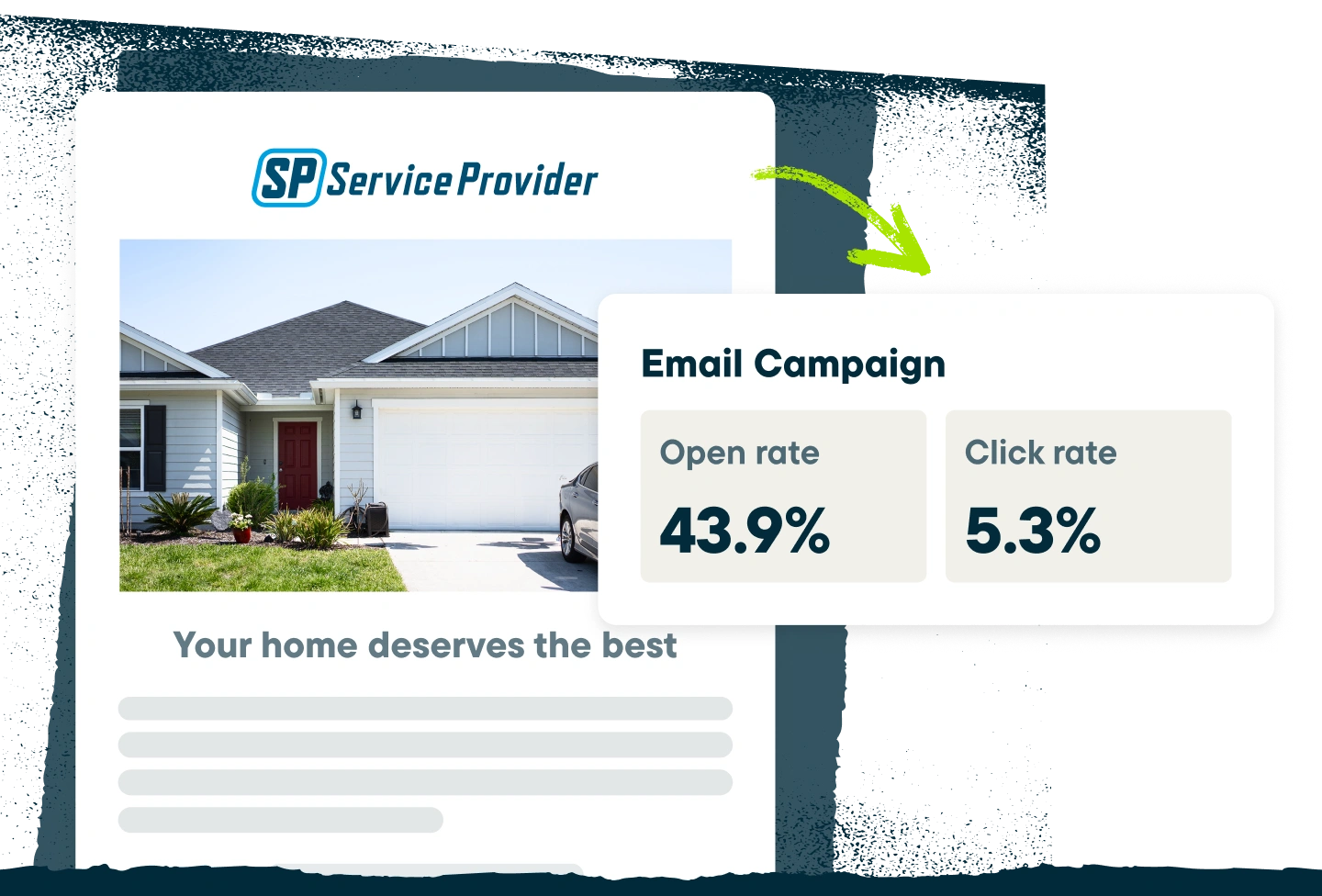
Send the right message at the right time
See how intentional, targeted email marketing for contractors can bring in new revenue from existing customers.
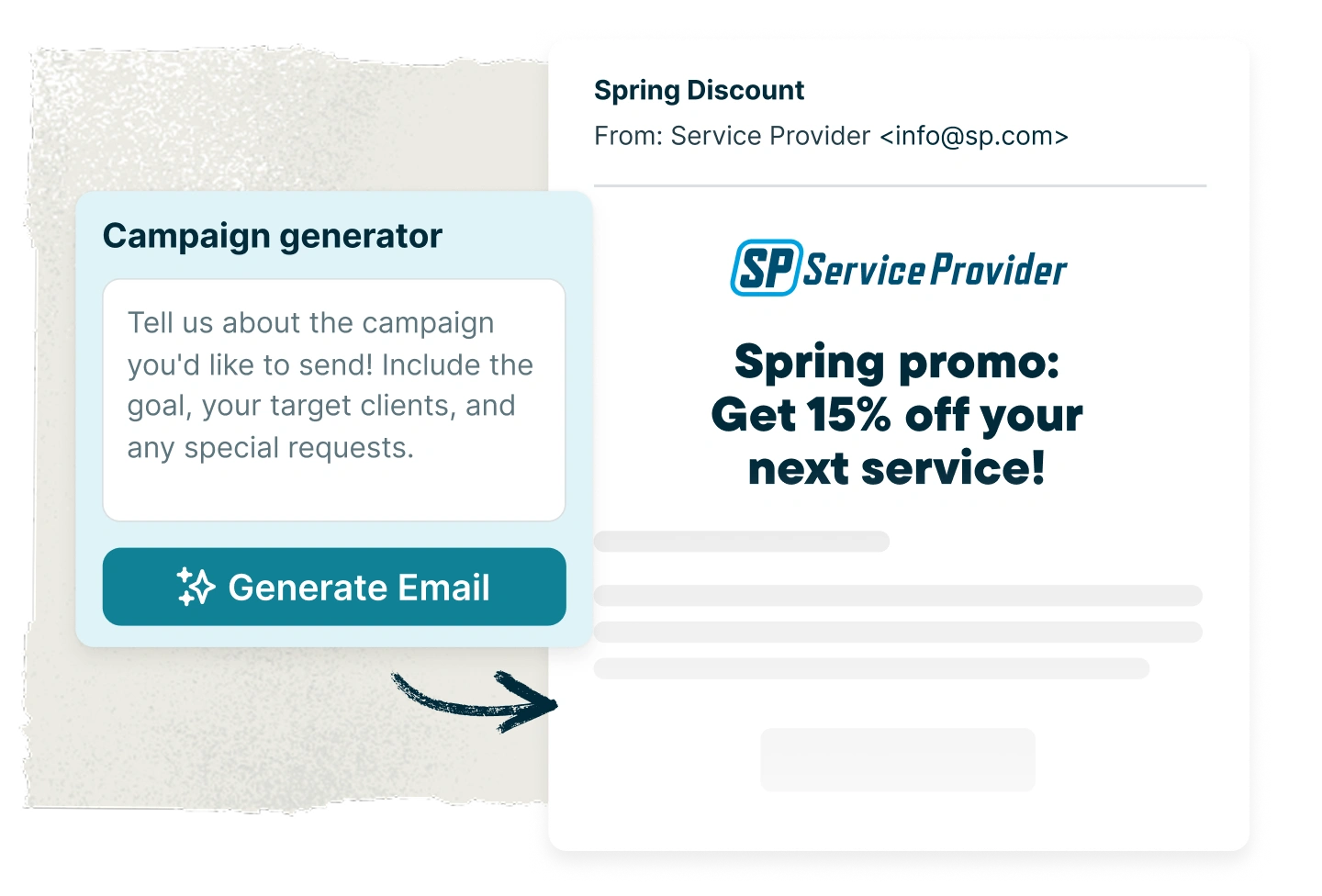
Campaign Generator
Say goodbye to blank email drafts
Describe your idea and get a campaign ready for your customers’ inboxes in seconds. Look it over, make any changes you want, then approve it before it goes out.
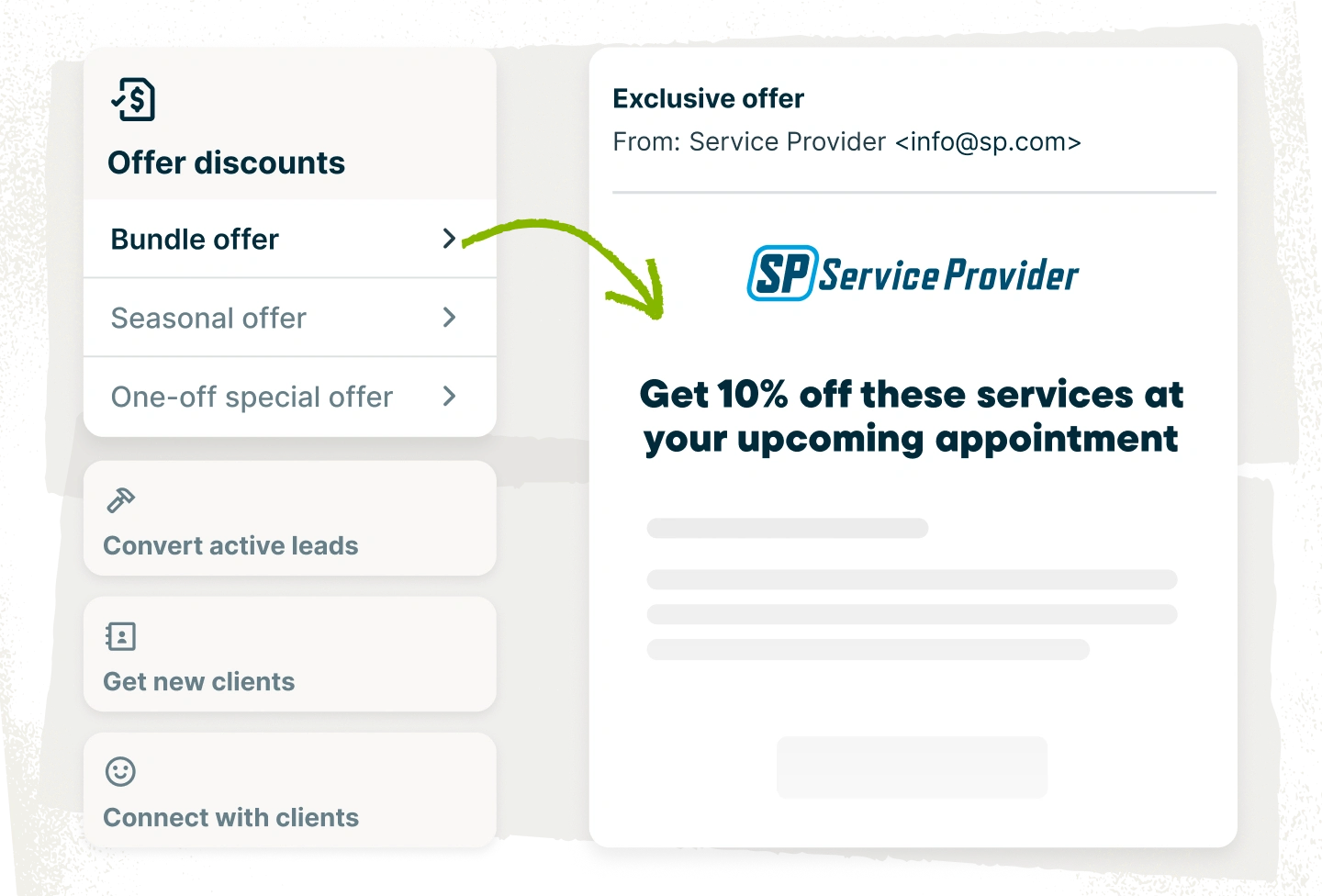
Campaign Templates
Get a head start on every campaign
Start with templates for common situations, such as quote follow-ups, win-back emails, or promotions. Pick one that fits your goals and focus on what you want to say, not on formatting.
"From just one campaign, I landed 19 jobs and brought in over $423,000 in revenue because Jobber made it simple to stay in touch and stay visible."
Jeremy TalboyNorth Georgia Landscape Management Inc.

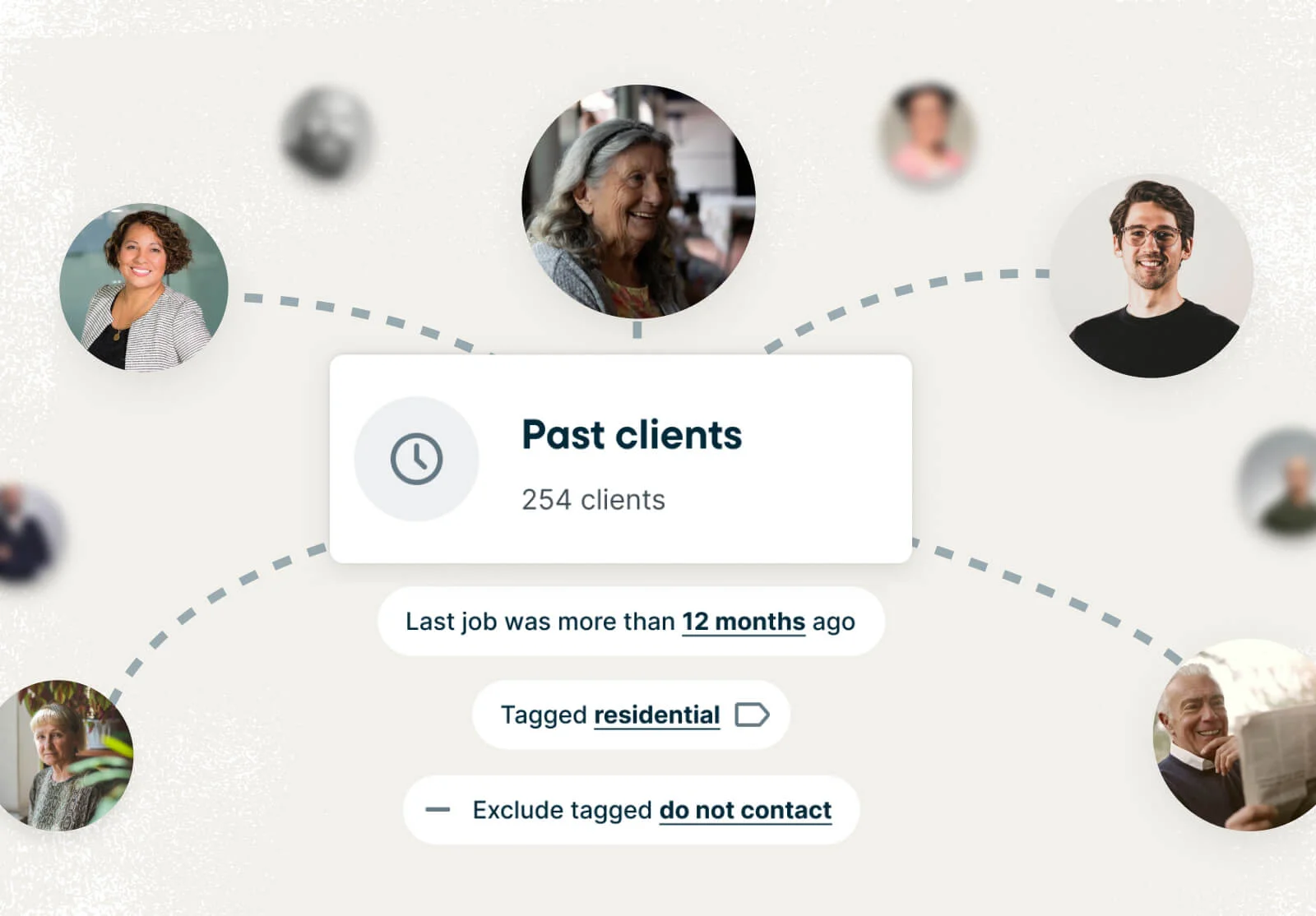
Client Segmentation
Reach the people most likely to book
Filter customers by city, past services, quotes, and more, so your campaigns reach the people most likely to book.
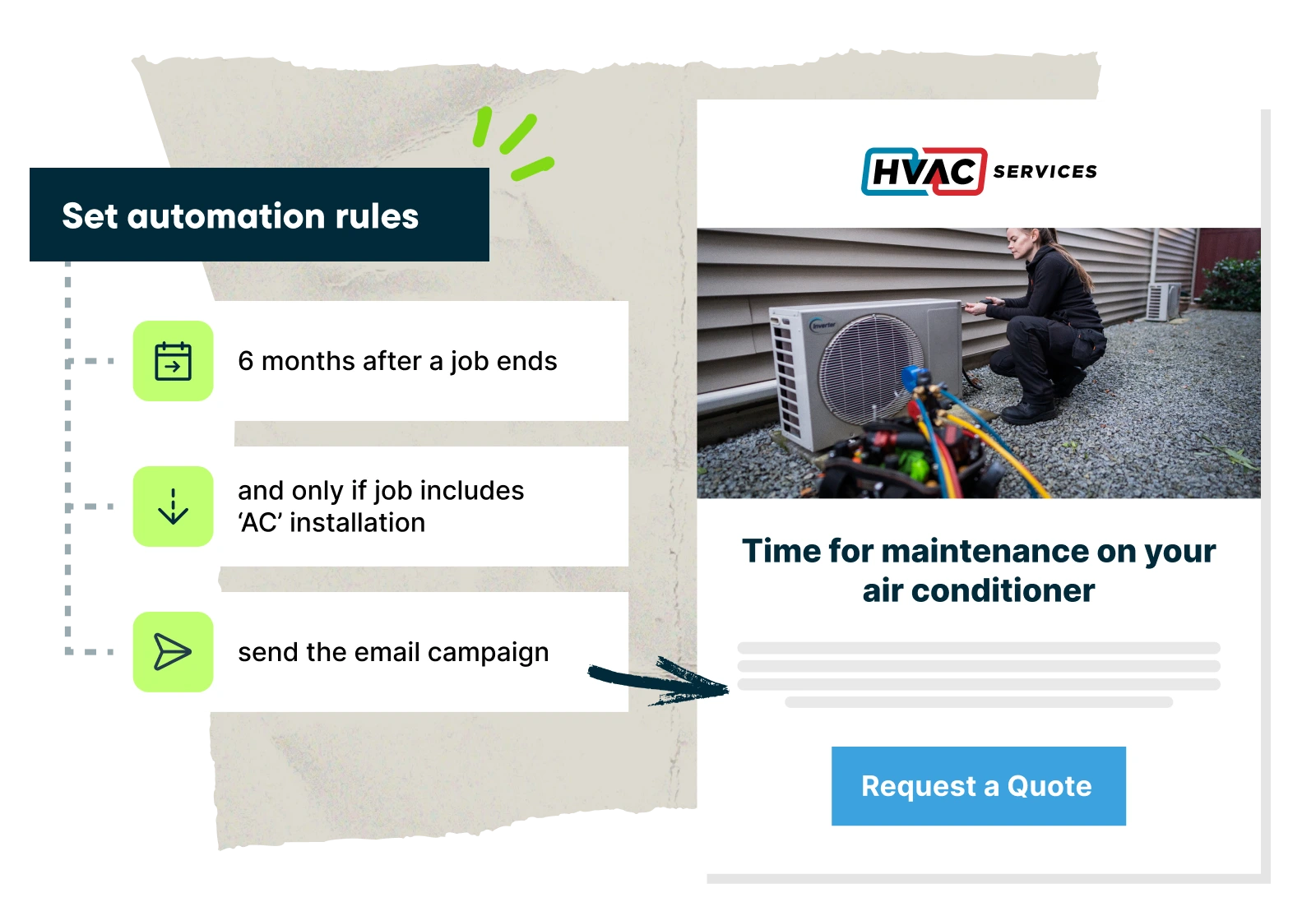
Automated Campaigns
Keep your focus where it matters
Set up campaigns once and only be as hands-on as you want. Your campaigns will keep running in the background automatically.
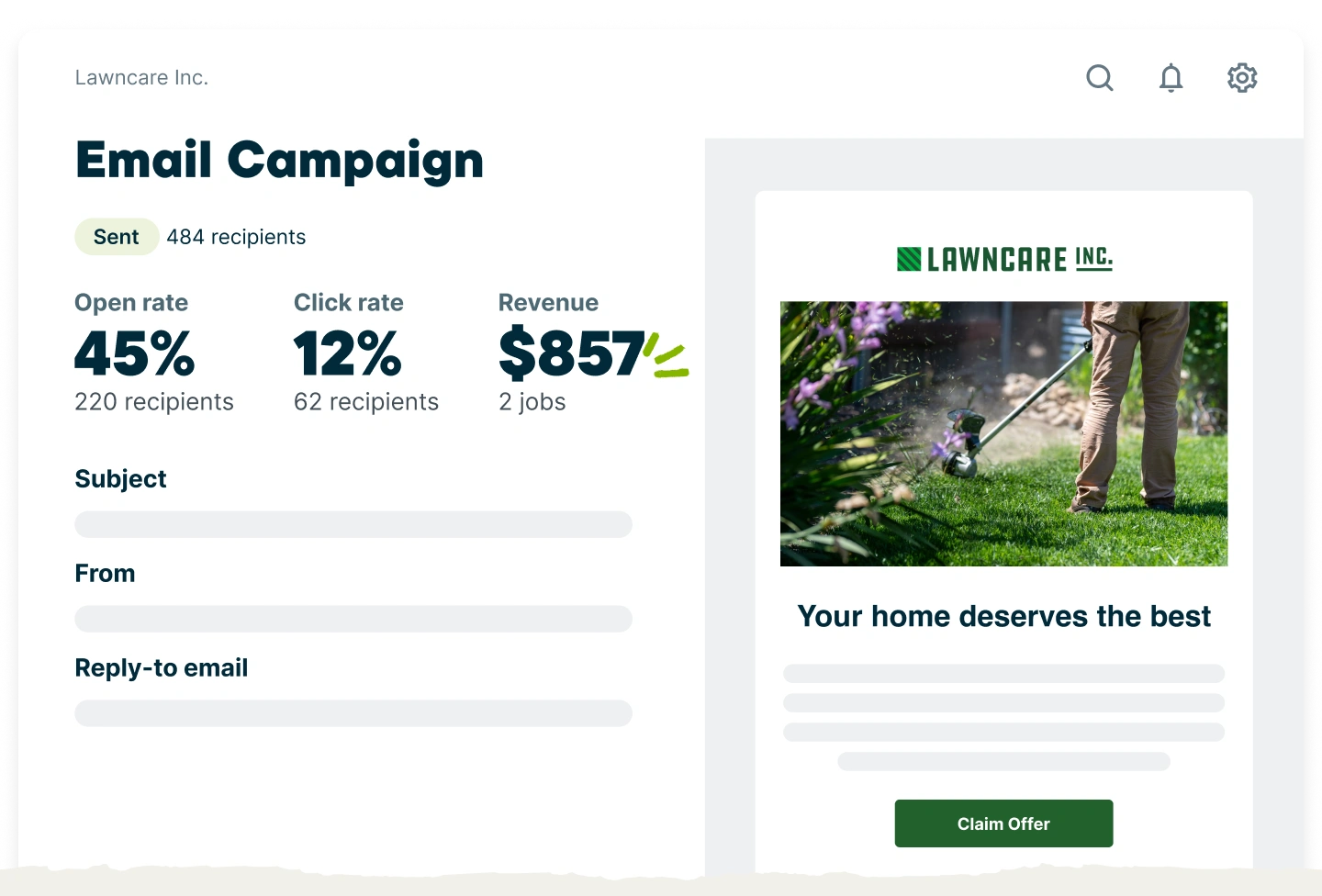
Campaign Reporting
Know the impact on your bottom line
See which campaigns bring in the most jobs and revenue so you know which are worth running again.
Pick the best plan for your business
Get the tools you need to work smarter, stay in control, and grow with confidence.
View Pricing
TRUSTED BY 400,000 SERVICE PROS
“I used to spend so many hours manually organizing my client list in a spreadsheet for email marketing. It was maddening. With Campaigns, everything was ready with one click, and I could start sending emails immediately. We got about $25,000 worth of jobs in the first week after sending our campaign.”
Already a Jobber customer?
80% of campaigns sent through Jobber lead to new work being booked.
Check out Marketing SuiteRelated features
Marketing Tools
No marketing degree required. With Jobber, email campaigns, reviews, referrals, and a professional website all live in the same place you run your jobs.
Learn MoreReviews
Customers check reviews before they decide who to call. Stand out in search and build up your reputation with Jobber.
Learn MoreReferrals
Build a referral program for your service business
Learn MoreSocial Posting
Jobber turns the work you've already done into ready-to-go social media posts. Job photos, team pictures, promotions—drafted and scheduled for you to approve and publish.
Learn MoreClient Hub
A convenient online client portal that keeps work moving forward
Learn MoreCustomer Communication
See how you can keep clients informed with client communication in Jobber. Jobber sends automatic updates, follow-ups, on-my-way texts, and more.
Learn MoreOnline Booking
An online booking system that fills your schedule with less effort
Learn MoreJob Showcase
Job Showcase writes the post and gets it in front of local customers on your website, Google Business Profile, Facebook, and email. Finish the job, pick the photos—and let Job Showcase do the rest.
Learn MoreWebsite Builder
Use Jobber’s website builder to generate webpages tailored to your specific services, highlight real customer reviews, show off completed jobs, and provide customers with a search-friendly website.
Learn More