Online payments software that gets you paid 4x faster
Make it a breeze for customers to pay you. Jobber’s credit card processing provides a faster and simpler payment process with convenient payment options, automatic billing, and instant payouts so you can get paid from the office or the field.
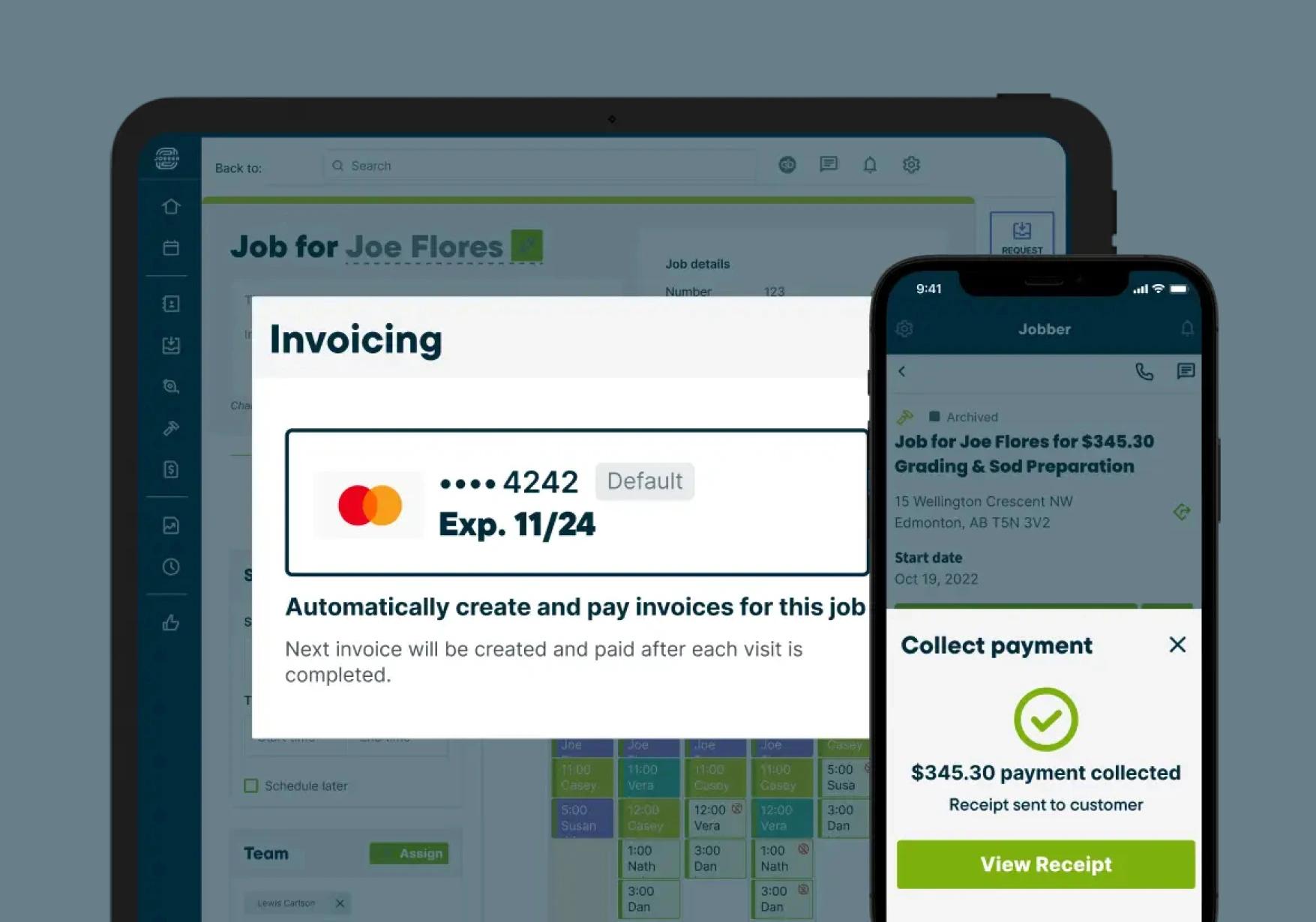
How does Jobber’s online payment software work?
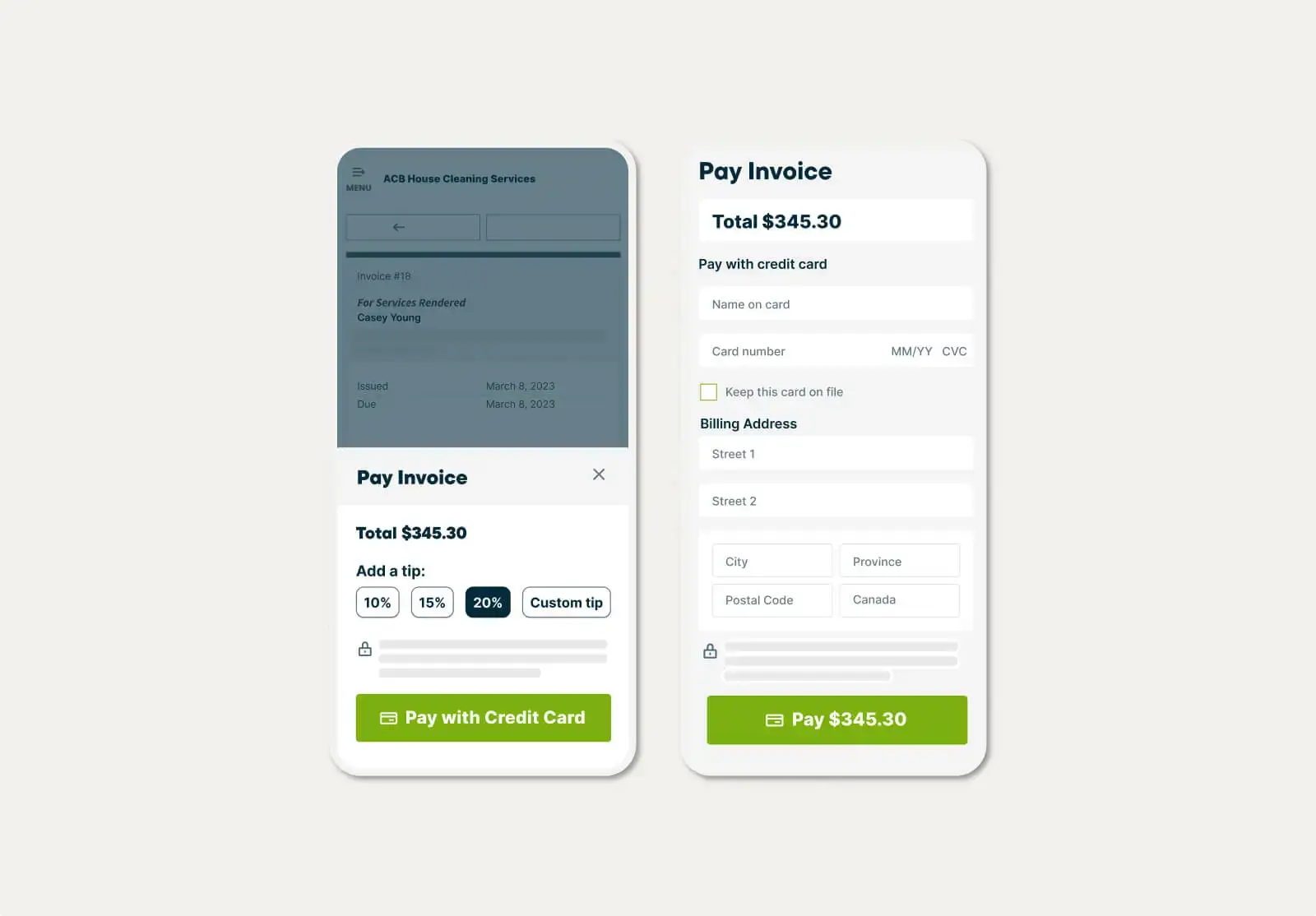
Get Paid Online
Collect payment faster with Jobber payment processing
Jobber Payments remove the delays and inconveniences associated with checks, providing better cash flow control for your business.
Customers can pay invoices through their client hub by entering debit or credit card details or using ACH bank transfers—ideal for larger jobs with competitive payment processing fees and fast, predictable deposit timelines.
Get Paid Automatically
Charge customers without lifting a finger
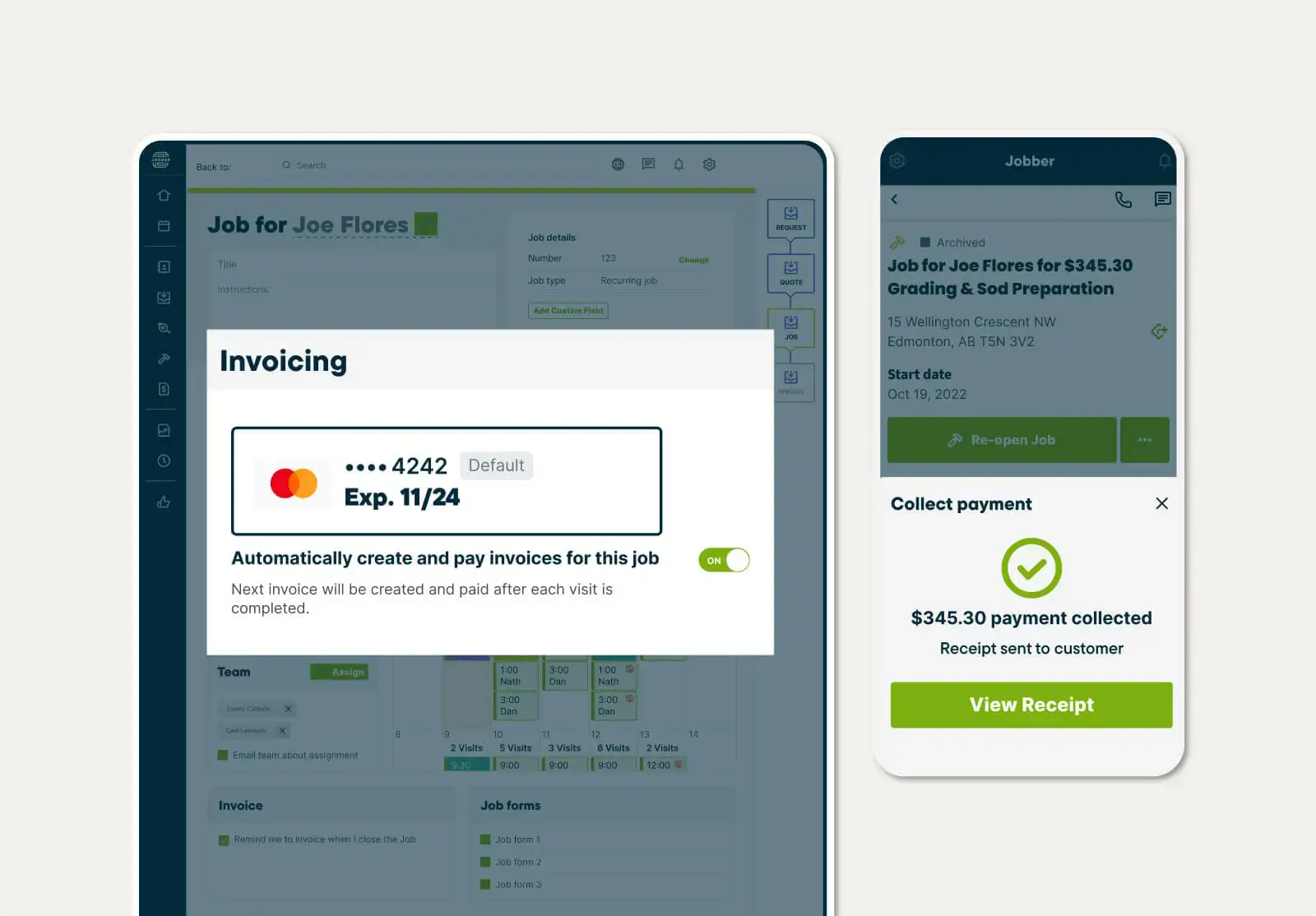
Forget tedious invoicing and get paid automatically, as soon as the job is complete.
Jobber automatically charges customer cards saved on file—perfect for recurring work.
"Two words: Jobber payments. We're now over $12,000 collected for tips from our clients, 100% goes to our technicians."
Dave MoermanRevive Services

Get Paid in Person
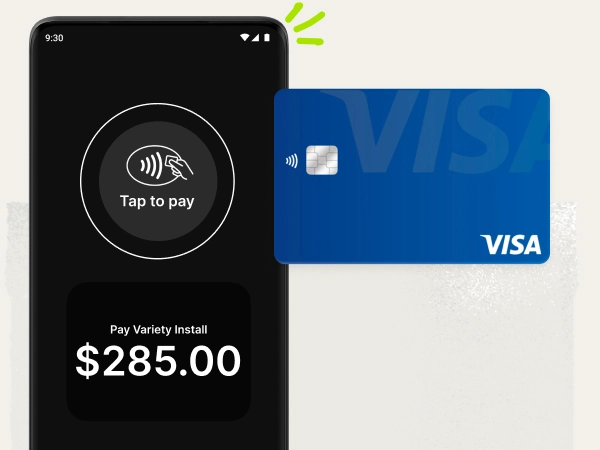
Take payments with just your phone
Get paid instantly with Tap to Pay. Clients can settle up in seconds before you pack up from the jobsite. It’s fast, secure, and all you need is the phone already in your pocket.
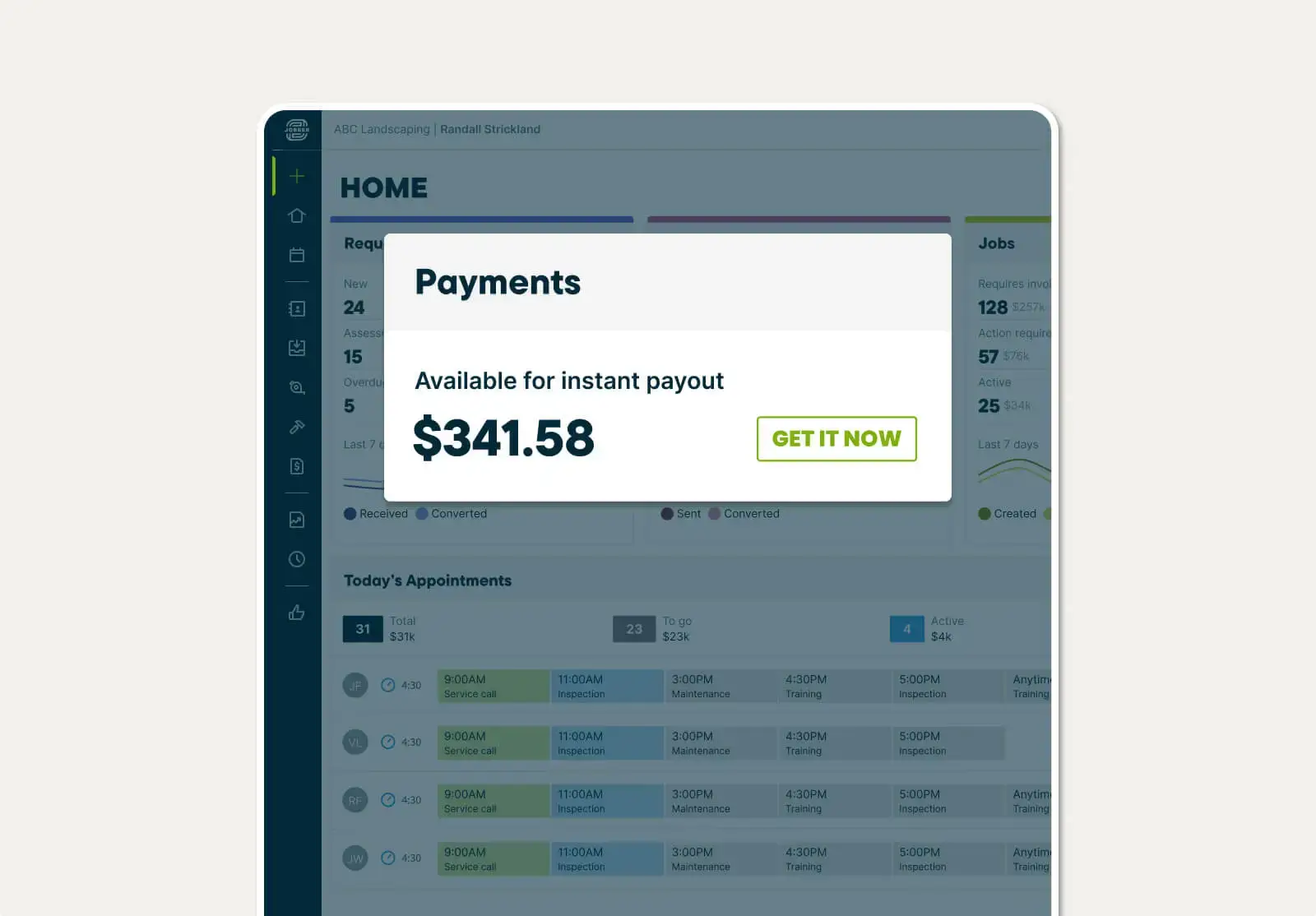
Instant Payouts
See money in the bank right away
Get access to funds just seconds after a customer pays—even on weekends and holidays.
Instant payouts help you control your cash flow and skip the standard two-day payout window.
Pick the best plan for your business
Get the tools you need to work smarter, stay in control, and grow with confidence.
View Pricing
TRUSTED BY 400,000 SERVICE PROS
“Using Jobber payments has become one of my favourite things. I don't have to take the customer's credit card, we just send them their invoice and they can tap on the link to pay their balance. Or if we've got a deposit on a fairly large job, we send them a link, they sign it, they pay their deposit, and voila, we get to put them schedule and it's great!”
Related features
Invoicing
Field service invoicing software that speeds up your cash flow
Learn MoreQuotes
Jobber lets you build customer-friendly quotes in minutes, price jobs perfectly, and automate your quote follow-ups so you never leave work on the table.
Learn MoreConsumer Financing
Paperless consumer financing that helps you win bigger jobs
Learn MoreJobber Capital
Access fast, fixed-fee financing with payments that fit your business so you can grow with confidence.
Learn MoreBookkeeping
A fully managed bookkeeping service: a dedicated bookkeeper closes the books monthly and verified data flows into the Insights Dashboard.
Learn MoreFinancial Management
Financial management and reporting tools for field service teams
Learn MoreThe integration app marketplace
Integrate Jobber with your favorite tools and take your business to the next level.
Check Out the App Marketplace