Run more profitable projects
Between scope changes, subcontractor coordination, and rising material costs, there’s a lot that can impact the bottom line. Jobber brings your bids, scheduling, costs, team and client communication together, and keeps profitability in focus.
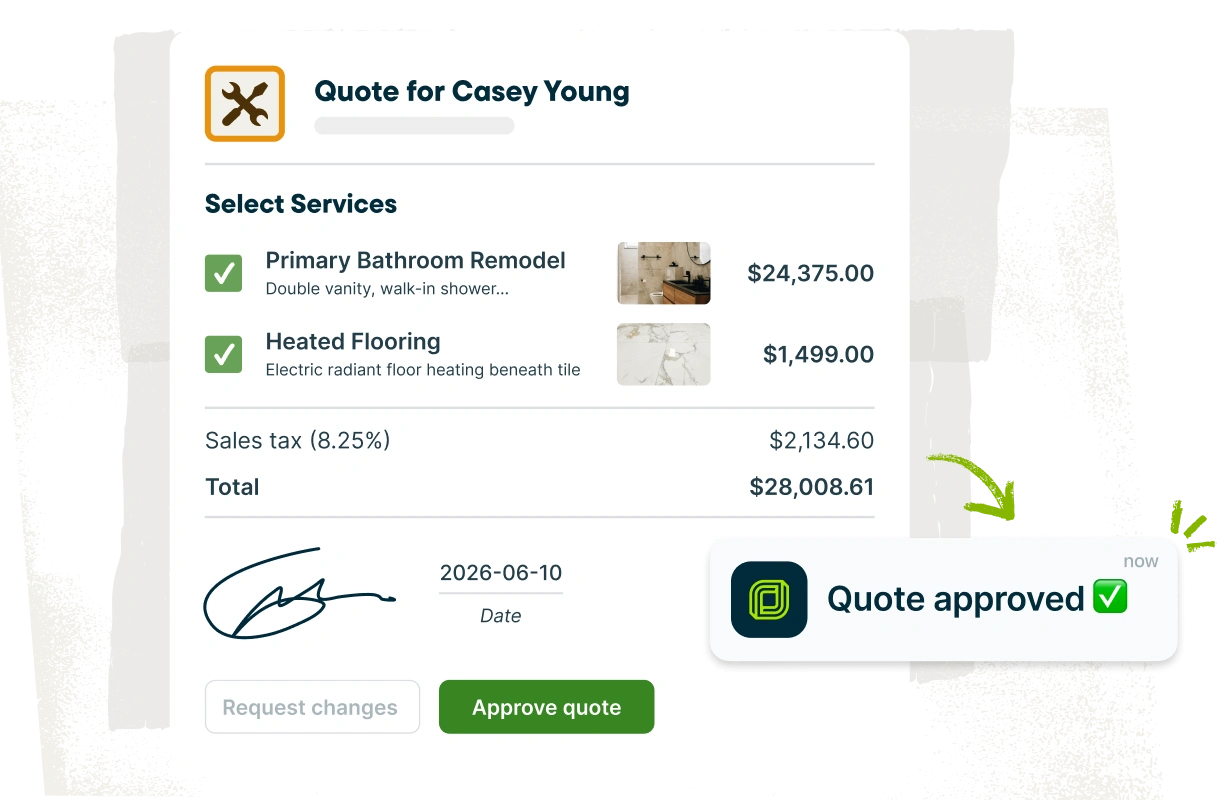
Contractor software for estimating
Win more bids with professional, detailed estimates that clearly communicate project scope and pricing. Bid faster with AI-powered drafting and reusable templates, offer financing, and give clients the flexibility to choose upgrades with optional line items.
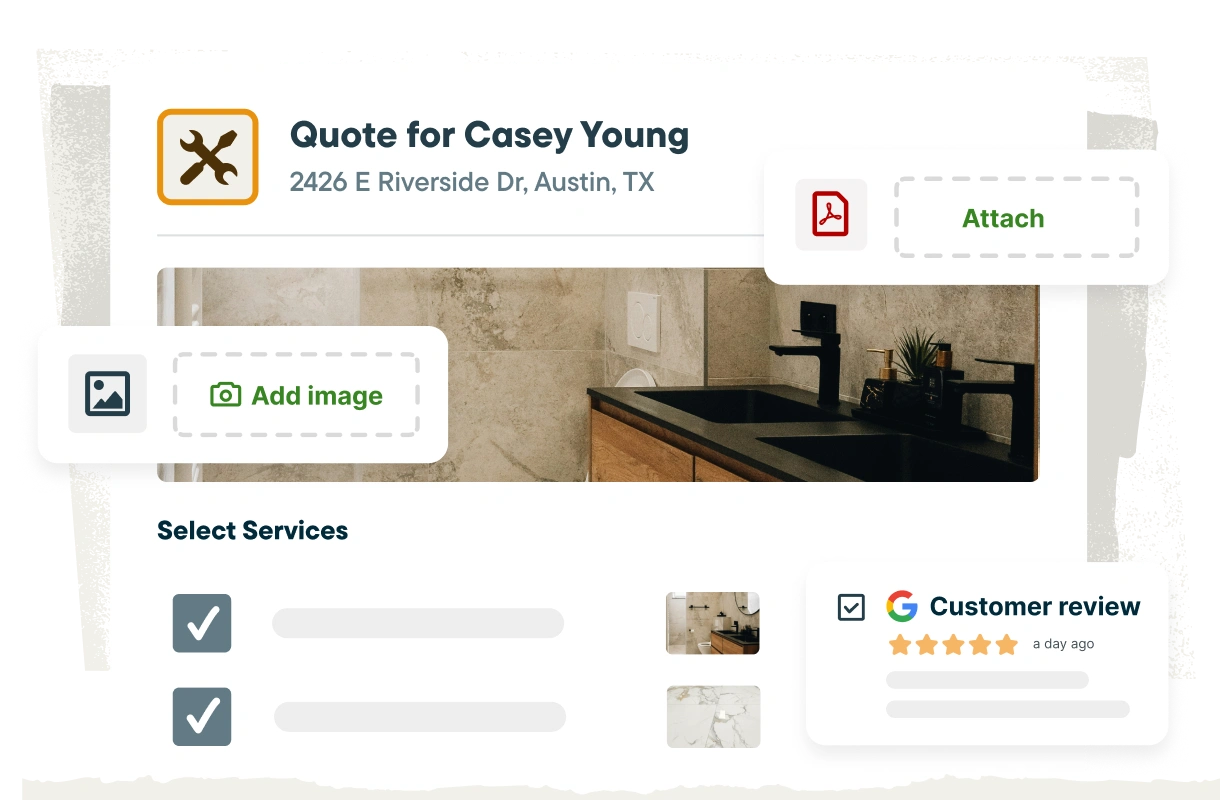
Winning estimates
Jobber makes it easy to create customized estimates that help clients confidently approve the project. Highlight your quality of work with past job photos and five-star reviews to build trust. Clearly lay out project scope and costs, with access to up-to-date pricing and inventory from The Home Depot. Plus, AI-powered drafting and reusable templates save you from having to start from scratch every time.
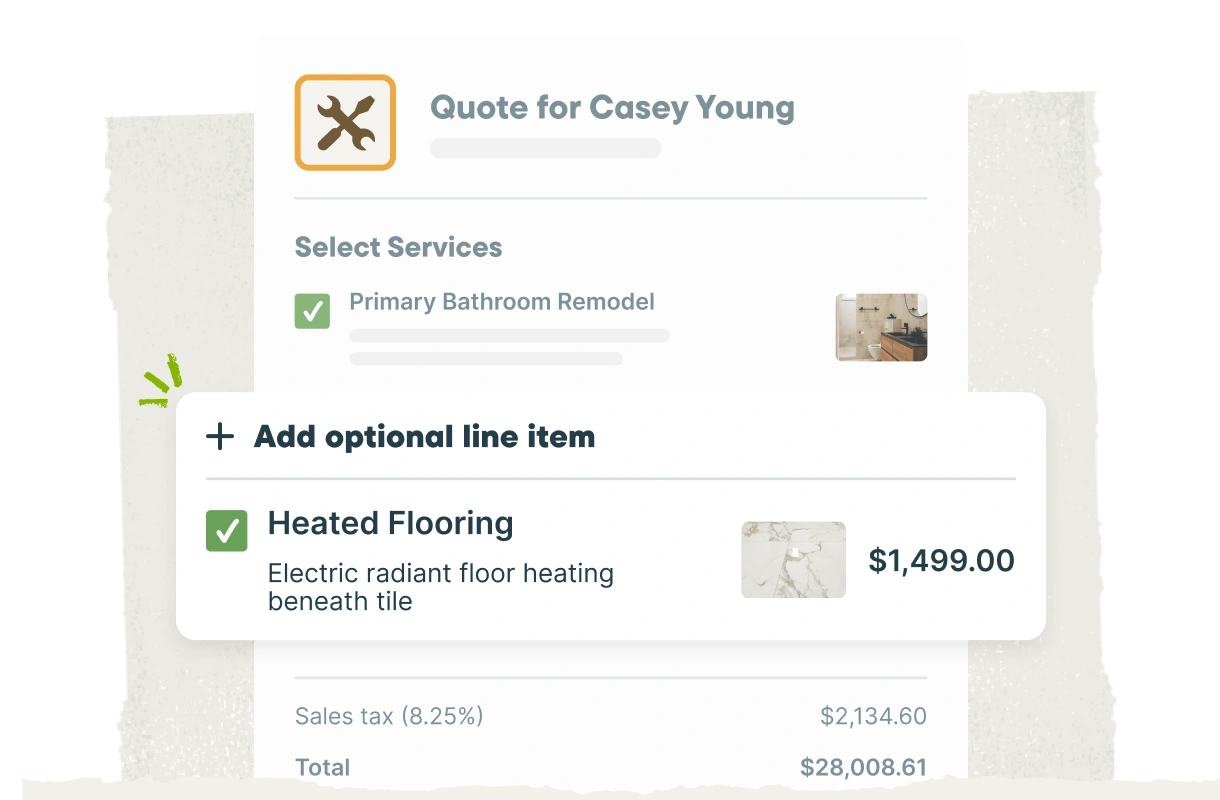
Optional line items
Offer upgrades and project options right in your estimate—like premium finishes or upgraded materials. Clients can review and select what they want, and the total updates automatically for quick approval.
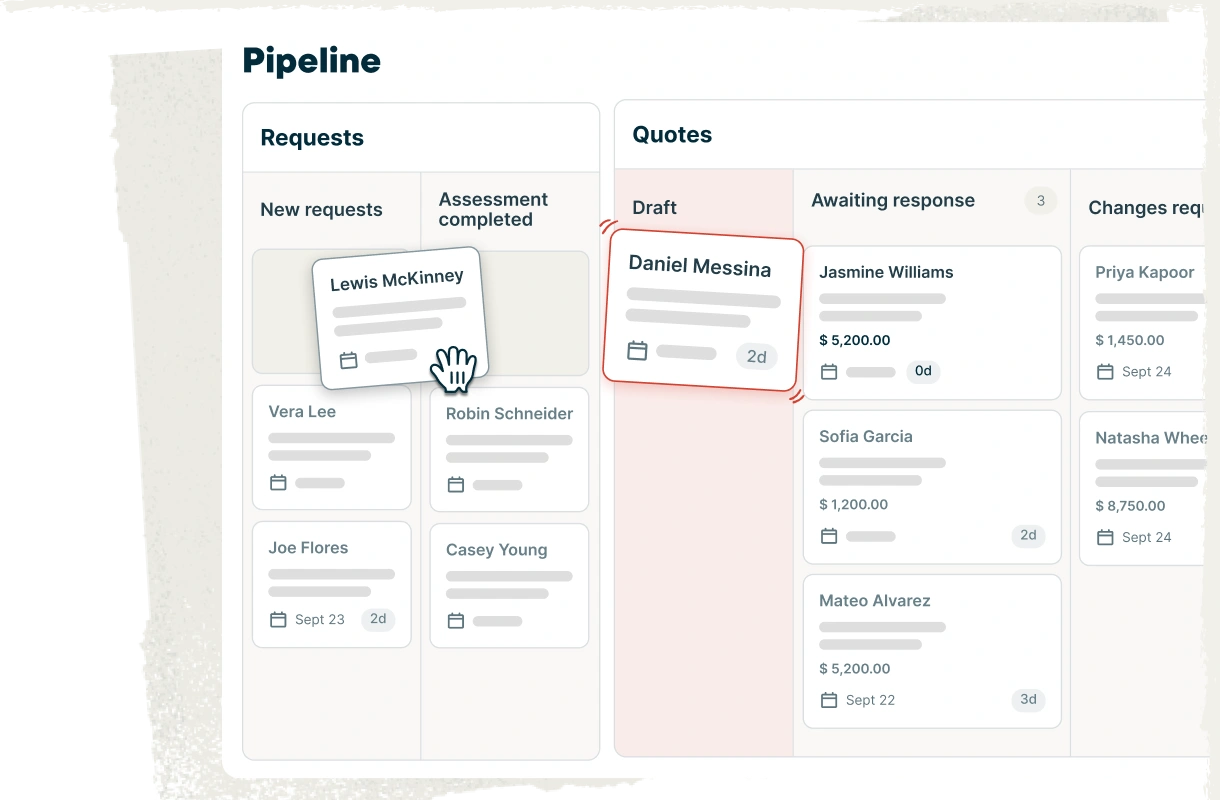
Sales Pipeline
Keep your sales pipeline and bid management process organized inside Jobber, from new requests to approved work. See where every opportunity stands, follow up at the right time, and stop losing jobs that quietly fall off your radar.
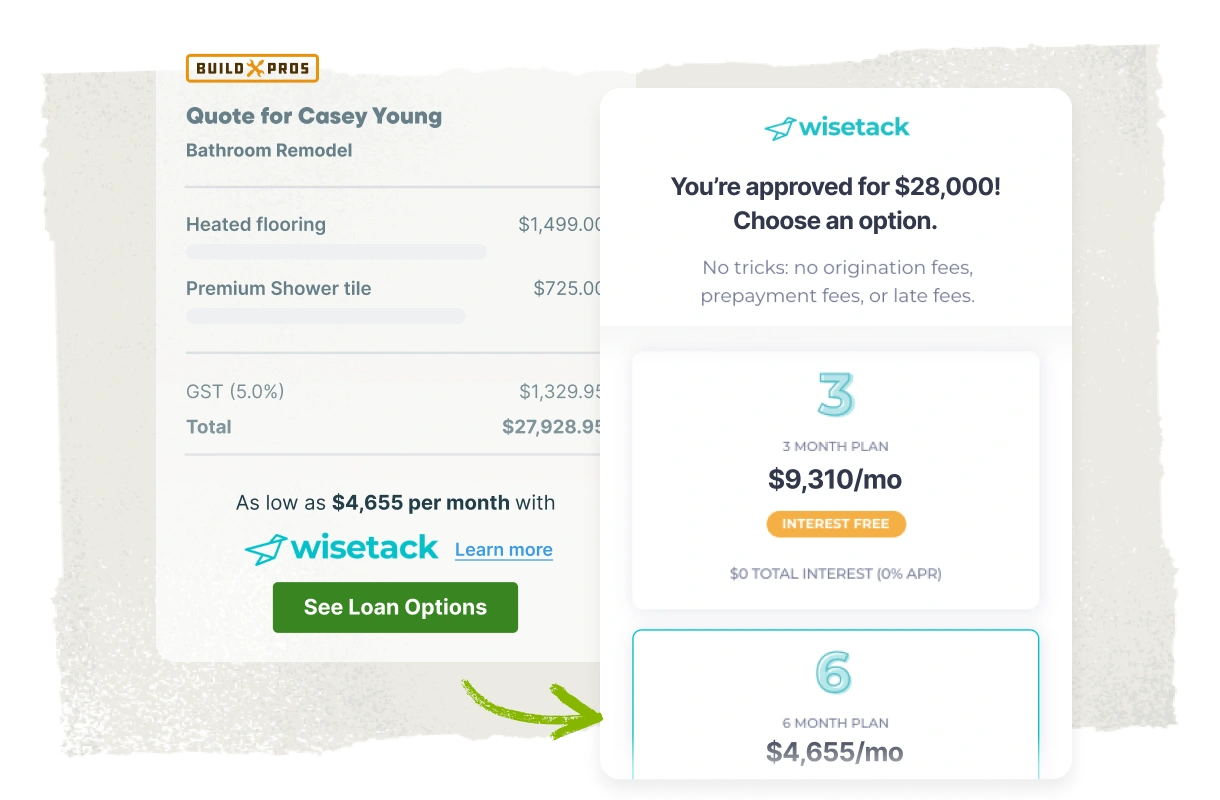
Consumer financing
Budget concerns don’t have to stand in the way of a bigger project. Consumer-friendly financing powered by Wisetack gives clients flexible payment options, opening the door to larger, more complex projects, upgrades, and higher-value work.
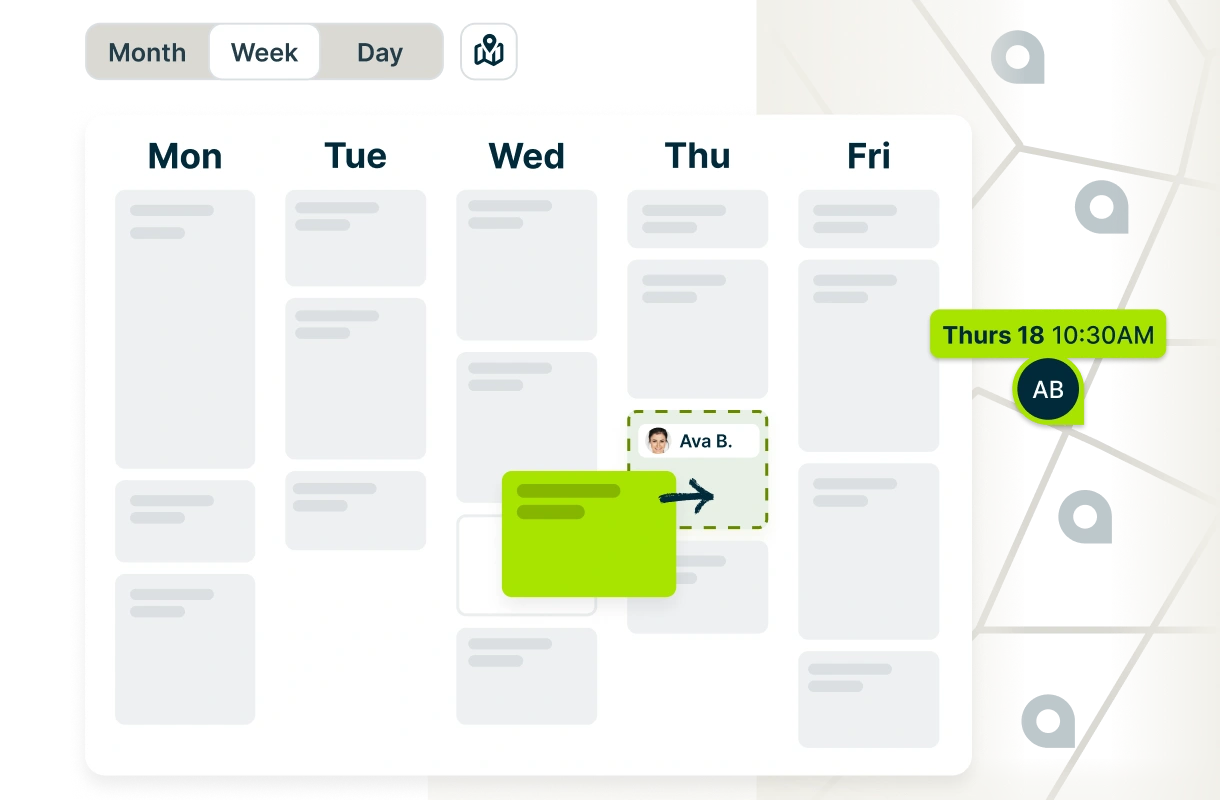
The best software for general contractors and their crews
Stay organized across every jobsite with general contractor software built to keep schedules, crews, client communication, job details, and project management connected. Give everyone access to the information they need while reducing the admin work that comes with running multiple projects at once.
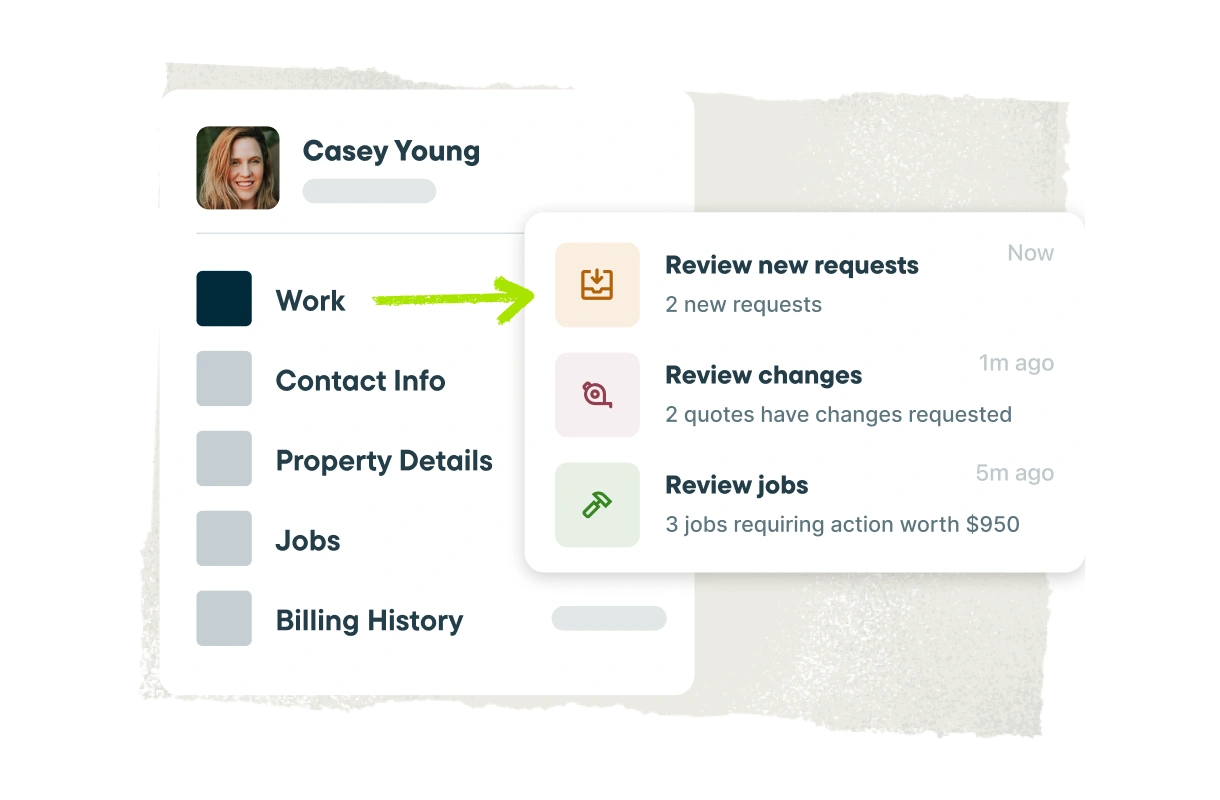
Contracting CRM
Jobber is an all-in-one software for contractors that keeps client and project information, project history, documents, communication, and a complete audit trail easily accessible and searchable, so your team always has what they need to deliver standout client experiences. Plus, clients get 24/7 access to their own online portal to review estimates and invoices, approve work, sign documents, make payments, and stay informed throughout the project lifecycle.
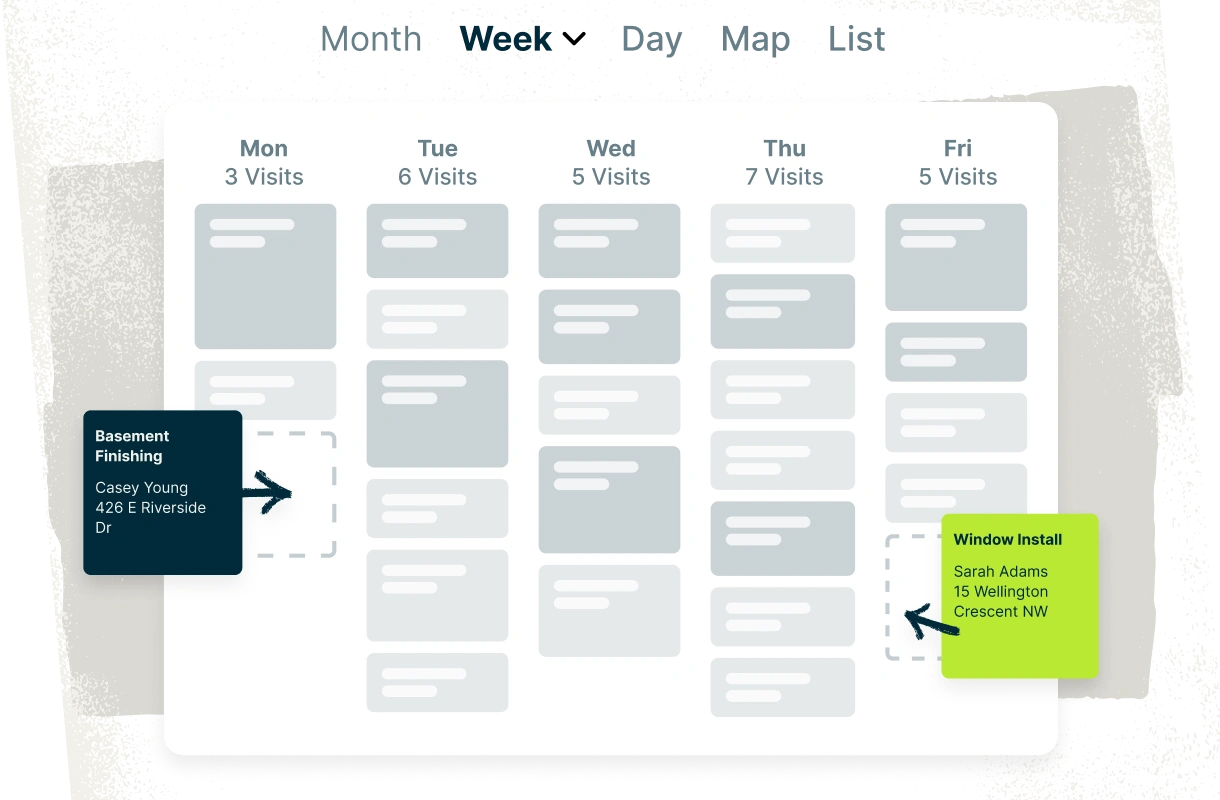
Smart scheduling
Project scheduling tools keep active jobs, upcoming work, and team schedules visible in one calendar, making assignments clear and reducing scheduling conflicts and overlaps. Quickly reschedule or reassign work when plans change, and automatically notify crews and clients in real time so everyone stays in the loop.
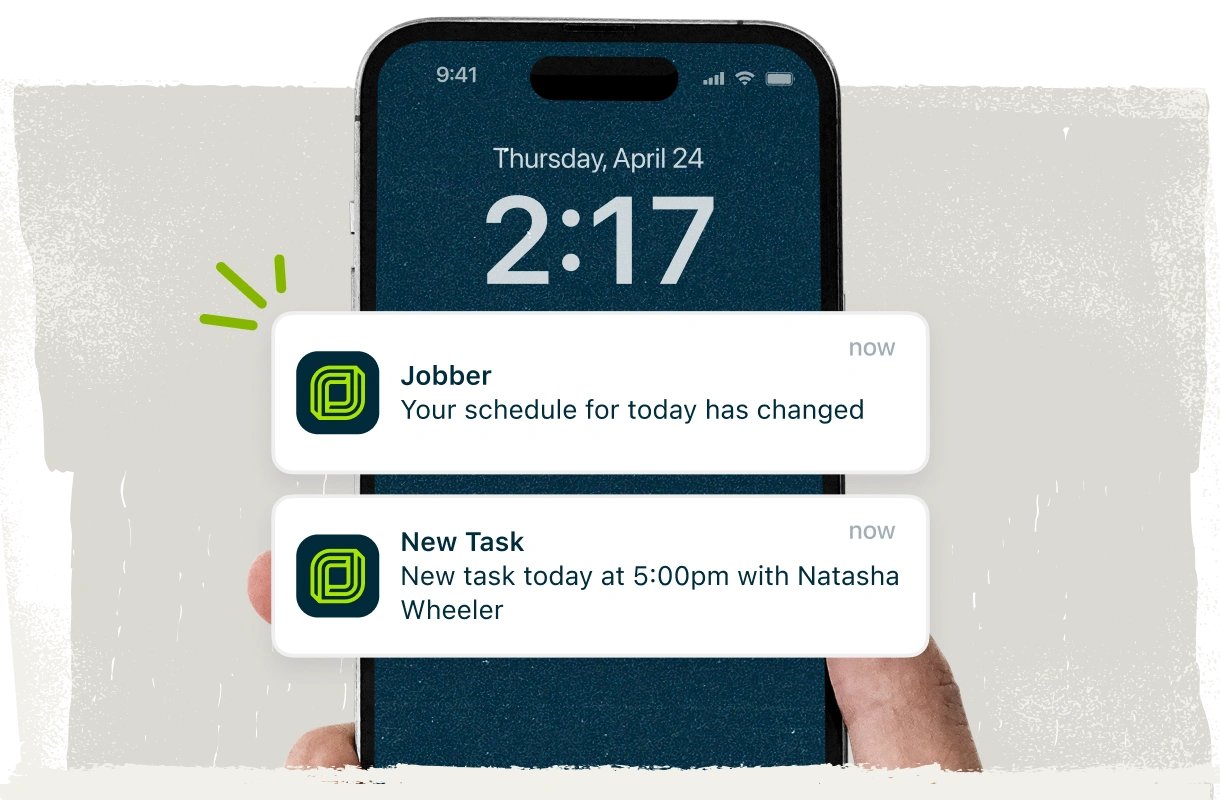
Powerful automations
Let Jobber handle the admin so you can focus on clients, crews, and the work in front of you. Automate reminders, confirmations, estimates, invoice follow-ups, and other repetitive workflow tasks without adding more to your to-do list.
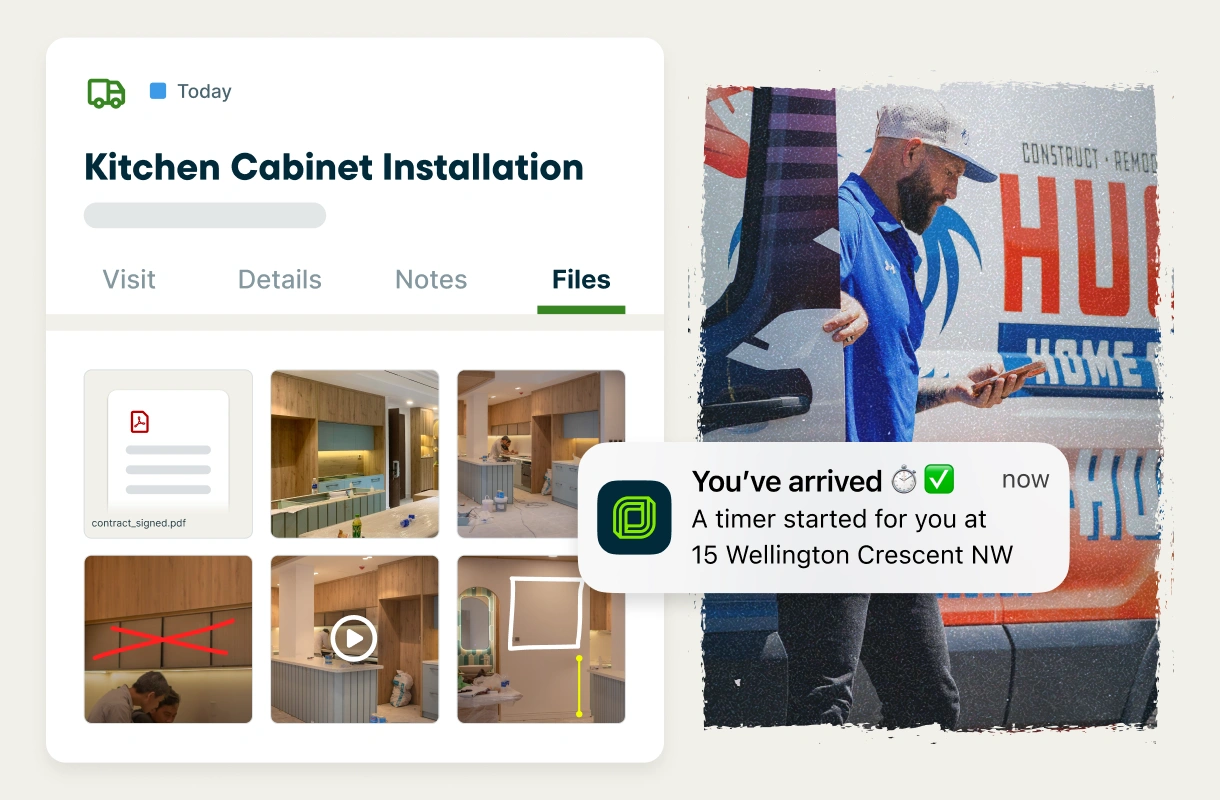
Mobile app
Give your crews the project management tools they need to stay productive in the field. With Jobber’s top-rated mobile app, they can access schedules, project details and notes, task management tools, photos, files, checklists, and time tracking from anywhere. Image markups and team @mentions make it easy to communicate updates and keep everyone on the same page, without unnecessary calls, texts, and trips back to the office.
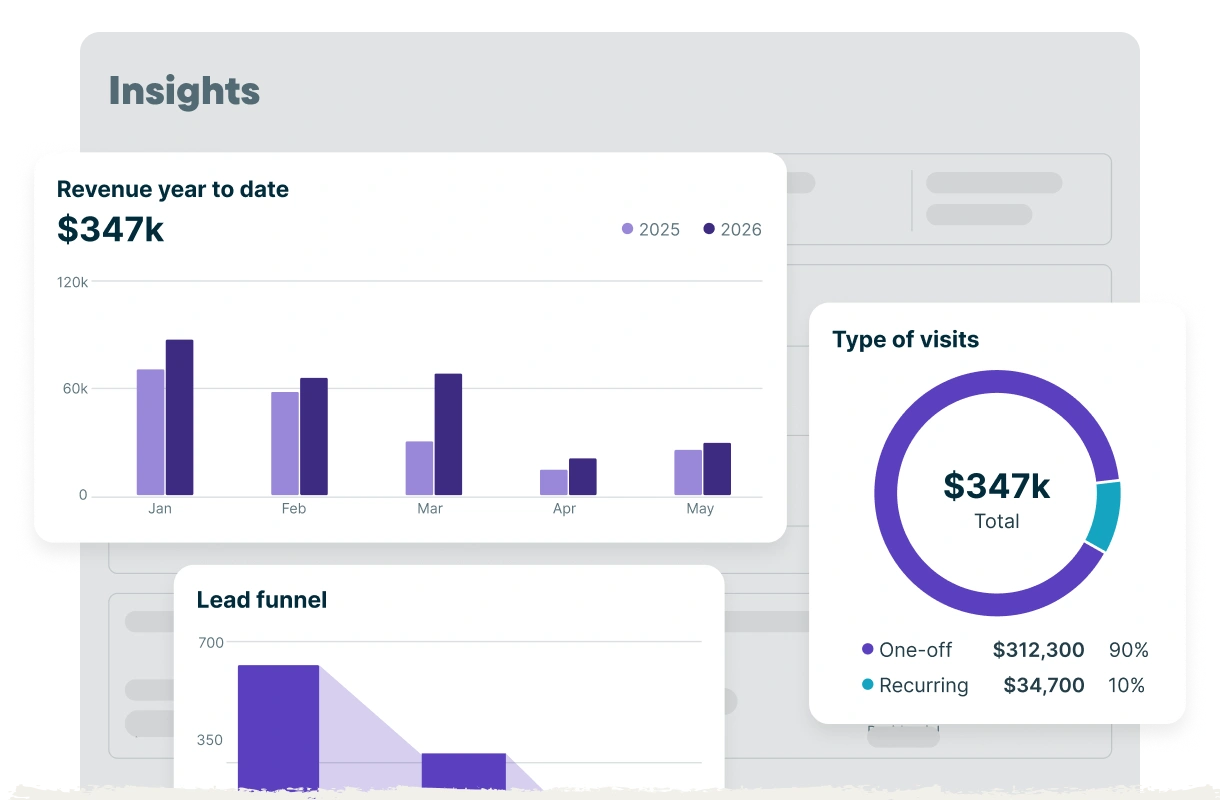
General contractor management software that protects your profits
Spend less time chasing invoices, tracking expenses, and updating spreadsheets, and more time running your contracting business. Jobber’s general contractor business software gets you paid 4x faster with flexible invoicing that fits how you work, easy payment options, and automatic follow-ups for overdue balances. Plus, detailed job costing and financial insights mean you always know your margins.
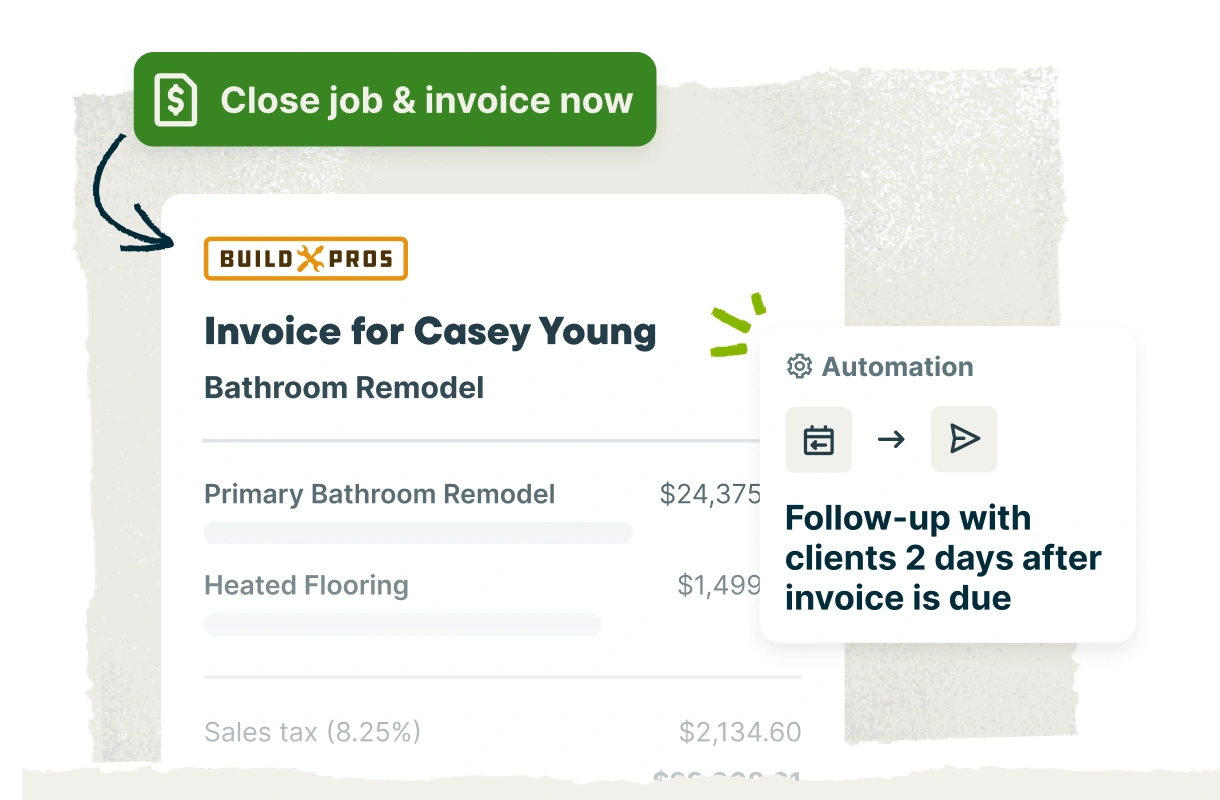
Improve cash flow
Instantly generate accurate, professional invoices from anywhere and send them by text or email. Automatic follow-ups help you settle up with clients who still owe without awkward money conversations. For larger or longer projects, use progress invoicing to set clear payment schedules tied to project milestones.
Easy payment options
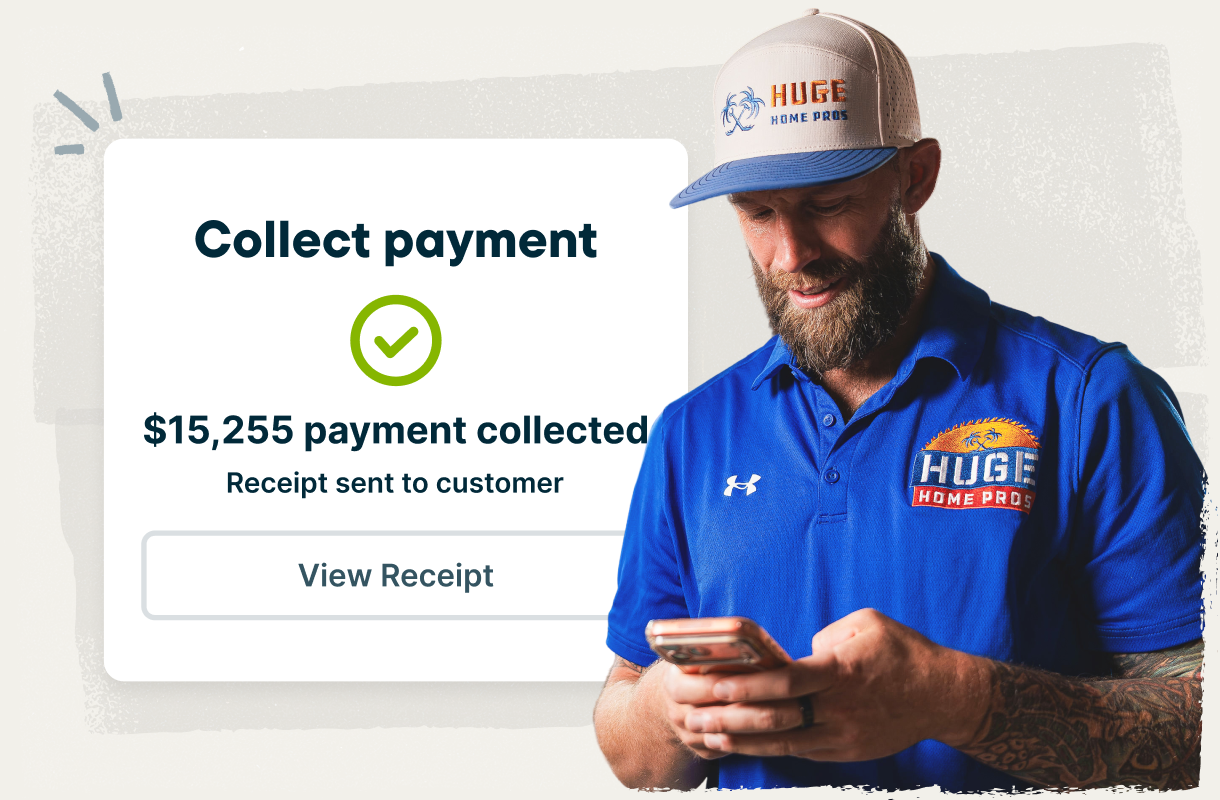
Make payments easy with secure credit card and bank transfer options through Jobber Payments, so cash keeps flowing and you get paid faster. Collect deposits, scheduled payments, and final balances online to simplify billing across every stage of the project.
Automatic job costing
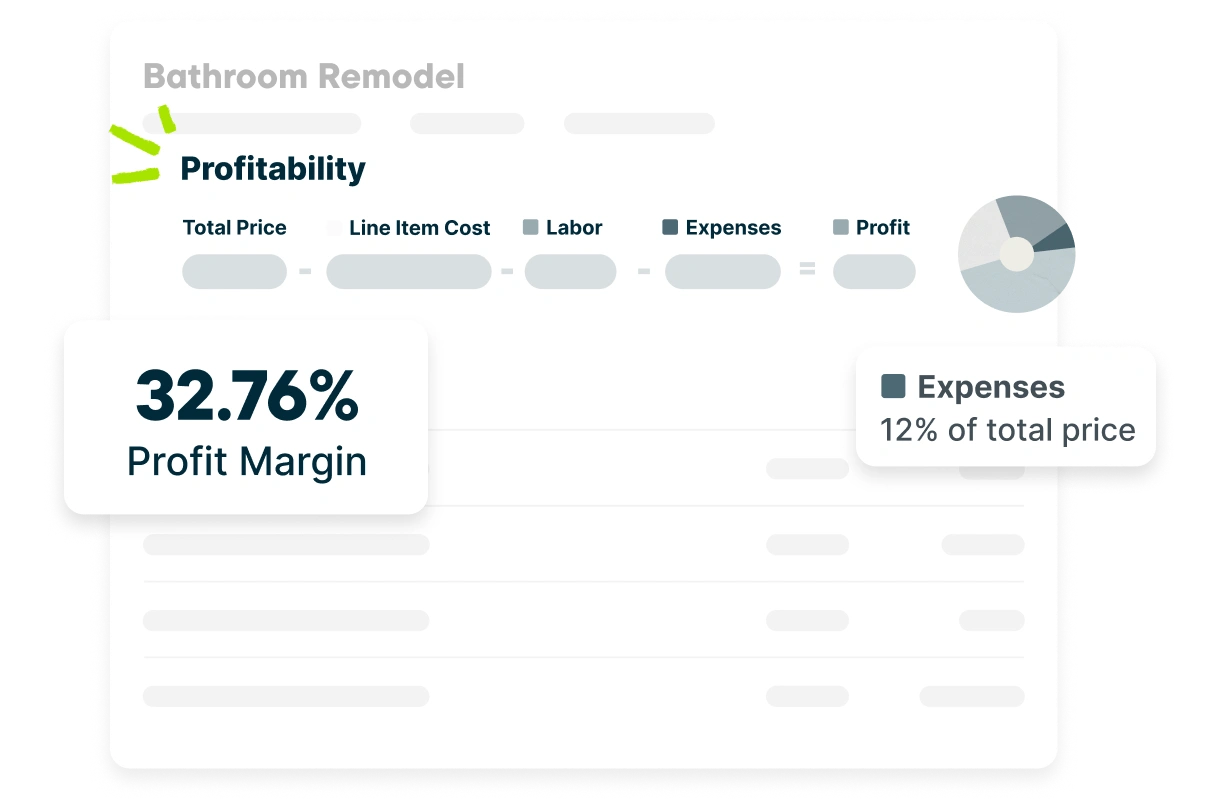
Protect your margins by knowing the cost of every project from the very beginning through to completion. Jobber automatically tracks labor, materials, and other expenses in real time, so you’re not stuck piecing profitability together from spreadsheets, receipts, and supplier invoices later.
Business health insights
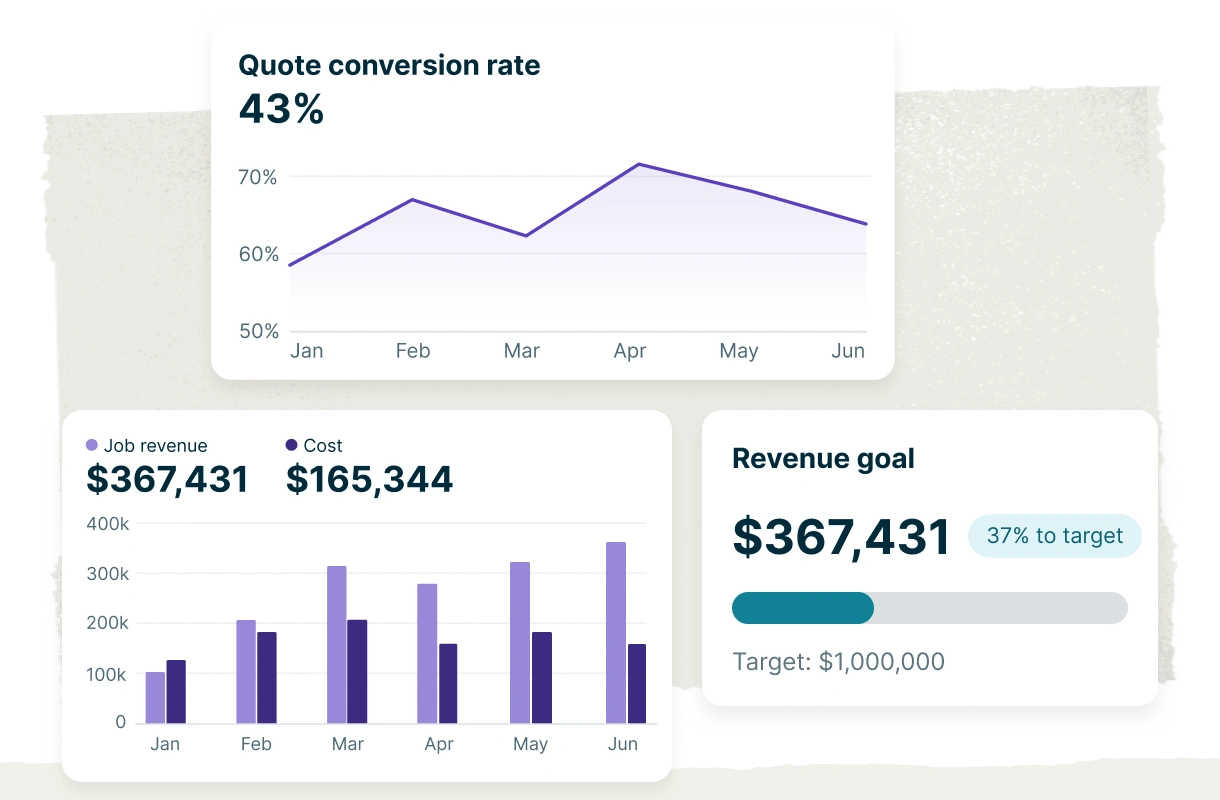
See job costs, expenses, labor hours, and business performance all in Jobber, with reports that show exactly how your contracting business is performing. Everything is captured automatically and updated in real time, so you can track revenue against your goals, make confident decisions, and stay on top of your margins.
Grow your reputation and your business
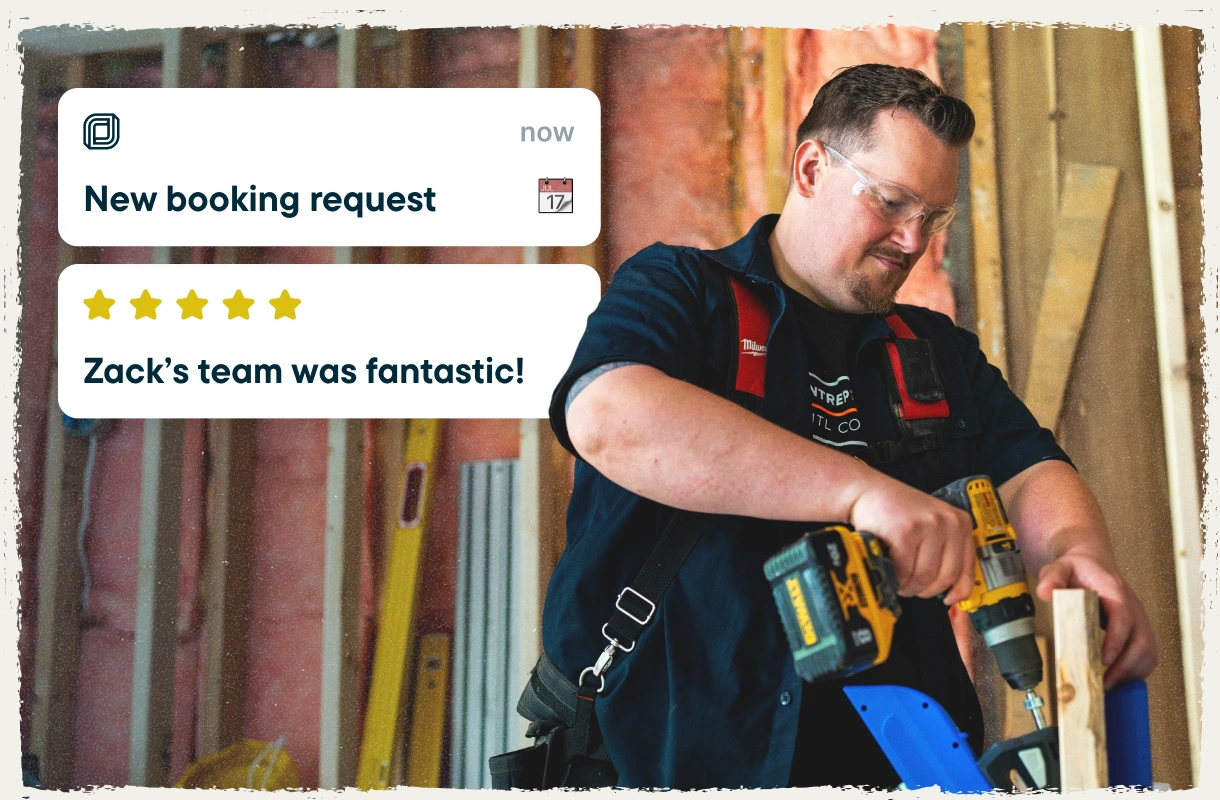
Attract new leads and stay connected with past clients. Jobber’s marketing tools help you build your reputation, collect reviews, and stay top of mind, turning great work into more referrals, repeat business, and future projects—without adding more to your plate.
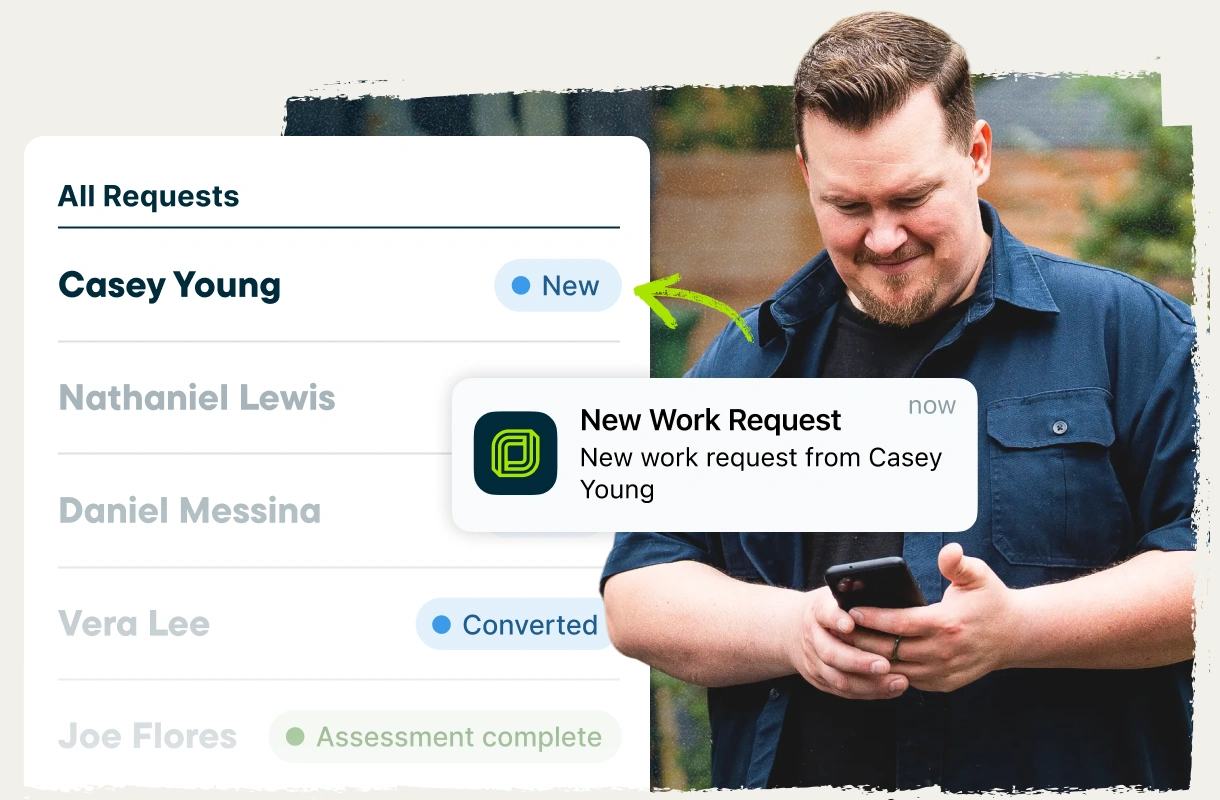
Online requests and booking
Add custom request forms with online booking to your website and social media profiles so leads can request consultations, estimates, or project work on their own time. Every request flows straight into Jobber with the details you need to qualify the opportunity, follow up fast, and win the job.
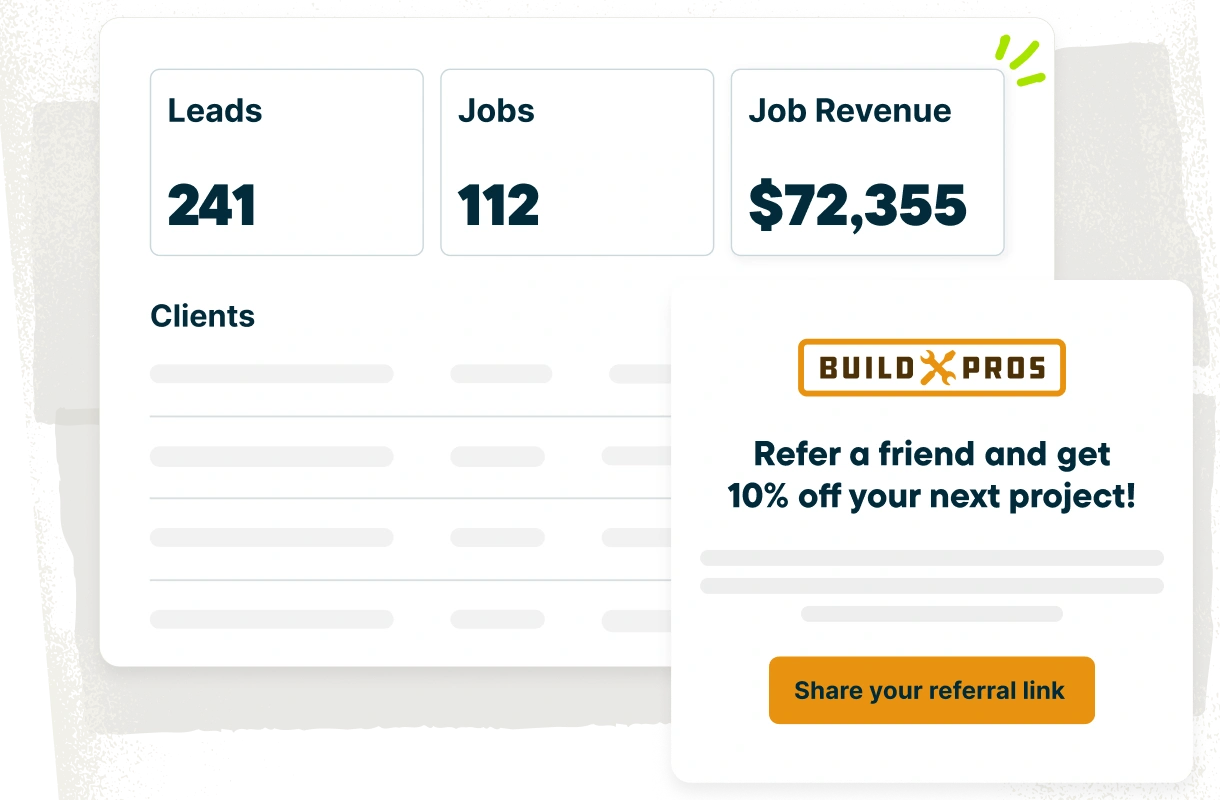
Word-of-mouth referrals
Happy clients are your best source of new work. Track and manage referrals in Jobber to grow your client list, earn more business, and apply referral incentives to future projects.
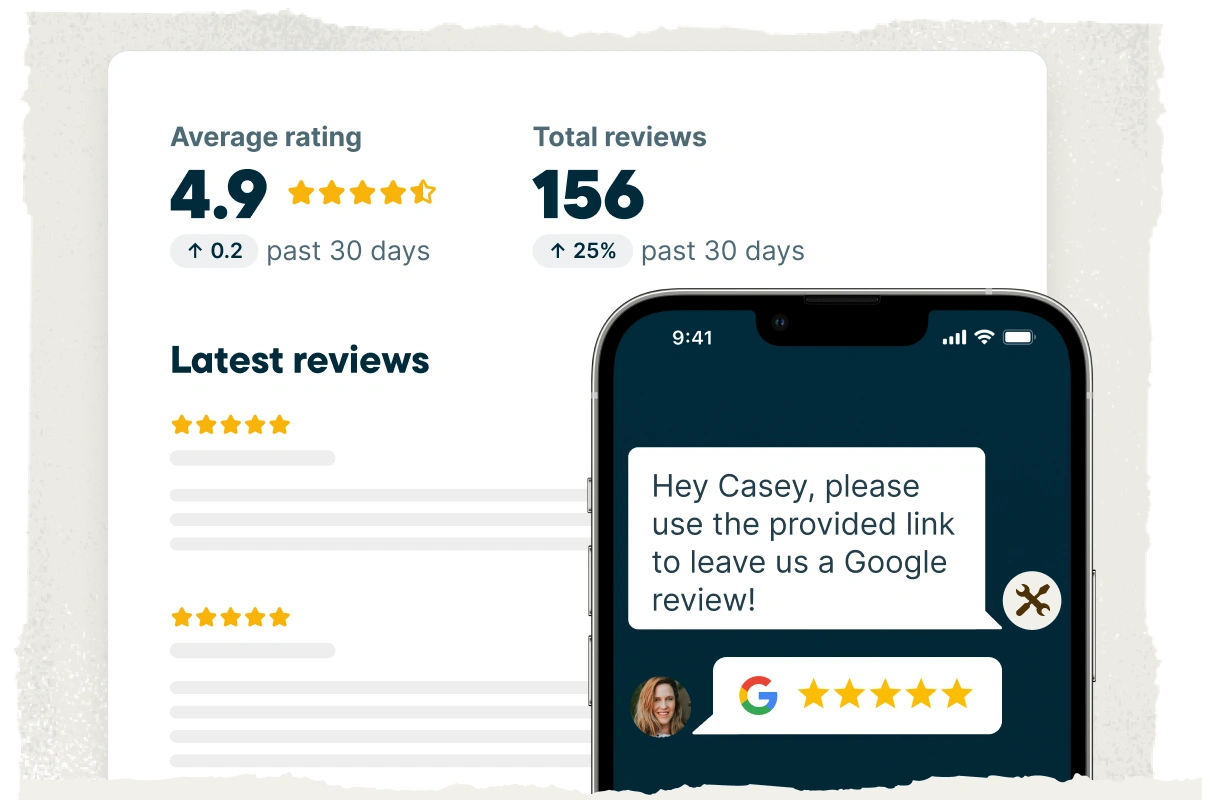
Automatic review requests
Positive feedback on public platforms builds trust, helps you appear higher in local search results, and gives leads more confidence to choose your contracting business. Jobber automatically follows up with clients after each project to request a Google review, based on your settings.
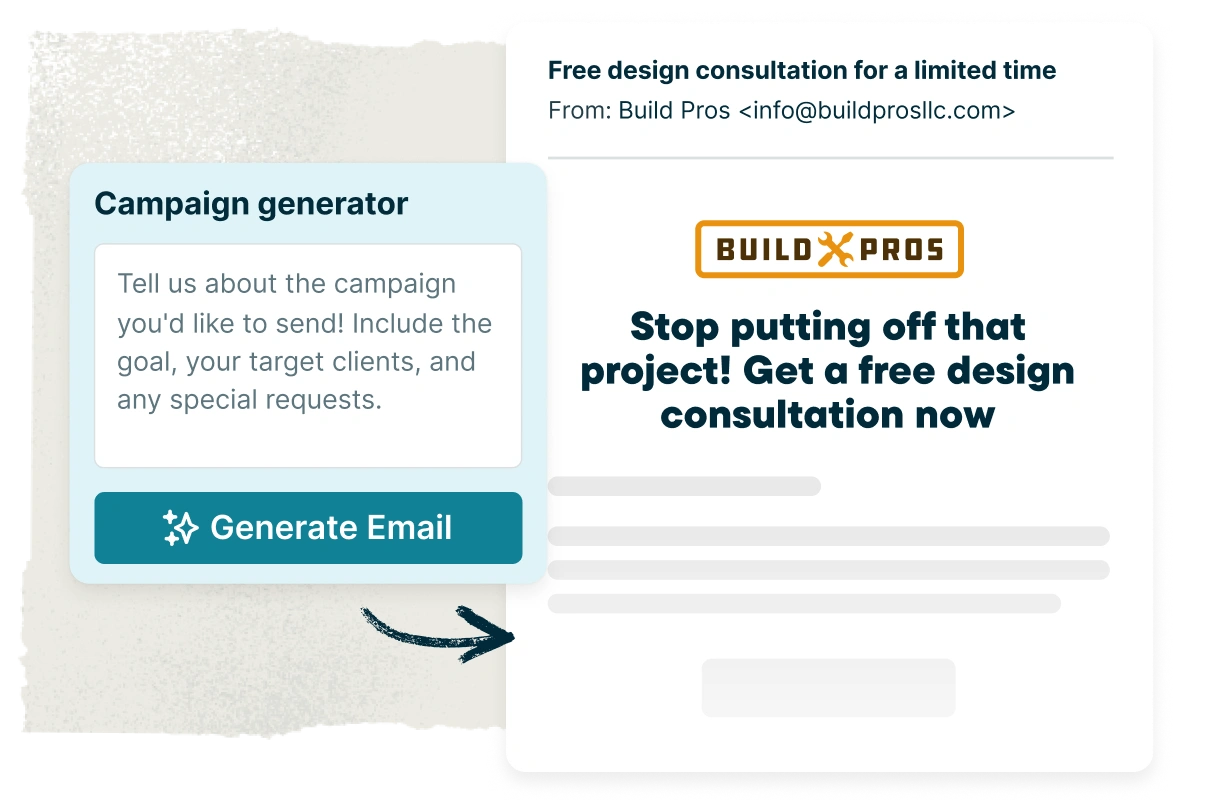
Email marketing
Not every project starts with a brand-new lead. Send referral campaigns, limited-time offers, or one-off messages to reconnect with past clients and stay in touch between projects. Jobber’s Marketing Suite lets you create targeted campaigns and send them automatically based on your preferences.
Contractor software for estimating
Win more bids with professional, detailed estimates that clearly communicate project scope and pricing. Bid faster with AI-powered drafting and reusable templates, offer financing, and give clients the flexibility to choose upgrades with optional line items.
Winning estimates
Jobber makes it easy to create customized estimates that help clients confidently approve the project. Highlight your quality of work with past job photos and five-star reviews to build trust. Clearly lay out project scope and costs, with access to up-to-date pricing and inventory from The Home Depot. Plus, AI-powered drafting and reusable templates save you from having to start from scratch every time.
Optional line items
Offer upgrades and project options right in your estimate—like premium finishes or upgraded materials. Clients can review and select what they want, and the total updates automatically for quick approval.
Sales Pipeline
Keep your sales pipeline and bid management process organized inside Jobber, from new requests to approved work. See where every opportunity stands, follow up at the right time, and stop losing jobs that quietly fall off your radar.
Consumer financing
Budget concerns don’t have to stand in the way of a bigger project. Consumer-friendly financing powered by Wisetack gives clients flexible payment options, opening the door to larger, more complex projects, upgrades, and higher-value work.
The best software for general contractors and their crews
Stay organized across every jobsite with general contractor software built to keep schedules, crews, client communication, job details, and project management connected. Give everyone access to the information they need while reducing the admin work that comes with running multiple projects at once.
Contracting CRM
Jobber is an all-in-one software for contractors that keeps client and project information, project history, documents, communication, and a complete audit trail easily accessible and searchable, so your team always has what they need to deliver standout client experiences. Plus, clients get 24/7 access to their own online portal to review estimates and invoices, approve work, sign documents, make payments, and stay informed throughout the project lifecycle.
Smart scheduling
Project scheduling tools keep active jobs, upcoming work, and team schedules visible in one calendar, making assignments clear and reducing scheduling conflicts and overlaps. Quickly reschedule or reassign work when plans change, and automatically notify crews and clients in real time so everyone stays in the loop.
Powerful automations
Let Jobber handle the admin so you can focus on clients, crews, and the work in front of you. Automate reminders, confirmations, estimates, invoice follow-ups, and other repetitive workflow tasks without adding more to your to-do list.
Mobile app
Give your crews the project management tools they need to stay productive in the field. With Jobber’s top-rated mobile app, they can access schedules, project details and notes, task management tools, photos, files, checklists, and time tracking from anywhere. Image markups and team @mentions make it easy to communicate updates and keep everyone on the same page, without unnecessary calls, texts, and trips back to the office.
General contractor management software that protects your profits
Spend less time chasing invoices, tracking expenses, and updating spreadsheets, and more time running your contracting business. Jobber’s general contractor business software gets you paid 4x faster with flexible invoicing that fits how you work, easy payment options, and automatic follow-ups for overdue balances. Plus, detailed job costing and financial insights mean you always know your margins.
Improve cash flow
Instantly generate accurate, professional invoices from anywhere and send them by text or email. Automatic follow-ups help you settle up with clients who still owe without awkward money conversations. For larger or longer projects, use progress invoicing to set clear payment schedules tied to project milestones.
Easy payment options
Make payments easy with secure credit card and bank transfer options through Jobber Payments, so cash keeps flowing and you get paid faster. Collect deposits, scheduled payments, and final balances online to simplify billing across every stage of the project.
Automatic job costing
Protect your margins by knowing the cost of every project from the very beginning through to completion. Jobber automatically tracks labor, materials, and other expenses in real time, so you’re not stuck piecing profitability together from spreadsheets, receipts, and supplier invoices later.
Business health insights
See job costs, expenses, labor hours, and business performance all in Jobber, with reports that show exactly how your contracting business is performing. Everything is captured automatically and updated in real time, so you can track revenue against your goals, make confident decisions, and stay on top of your margins.
Grow your reputation and your business
Attract new leads and stay connected with past clients. Jobber’s marketing tools help you build your reputation, collect reviews, and stay top of mind, turning great work into more referrals, repeat business, and future projects—without adding more to your plate.
Online requests and booking
Add custom request forms with online booking to your website and social media profiles so leads can request consultations, estimates, or project work on their own time. Every request flows straight into Jobber with the details you need to qualify the opportunity, follow up fast, and win the job.
Word-of-mouth referrals
Happy clients are your best source of new work. Track and manage referrals in Jobber to grow your client list, earn more business, and apply referral incentives to future projects.
Automatic review requests
Positive feedback on public platforms builds trust, helps you appear higher in local search results, and gives leads more confidence to choose your contracting business. Jobber automatically follows up with clients after each project to request a Google review, based on your settings.
Email marketing
Not every project starts with a brand-new lead. Send referral campaigns, limited-time offers, or one-off messages to reconnect with past clients and stay in touch between projects. Jobber’s Marketing Suite lets you create targeted campaigns and send them automatically based on your preferences.
Trusted by top general contractors
“Jobber probably saves us 40 hours a week. We look like a well-oiled machine just because we’re using the right software.”

“Jobber gives me a process; It gives me a framework. The app actually guides me on what to do…It helps me to manage my business more efficiently.”

“Jobber helps us stand out by communicating proactively with customers, which is unusual in the home improvement business.”

Deliver a better client experience
Show clients the quality of your business through a polished request experience, detailed estimates, clear communication, easy-to-understand invoices, and convenient payment options throughout their project.

Client Hub
Give your clients 24/7 access to a self-serve portal built into Jobber’s general contractor software, where they can request work, review estimates, approve projects, sign documents, and pay online.
See Feature
Online Booking
Let clients request consultations, estimates, or project work anytime through a form on your website, social media, or client hub. Every request includes the details you need to follow up quickly and win the job.
See Feature
Professional Bids
Build confidence with detailed estimates that include photos, reviews, clear pricing, the project timeline, and detailed line items tailored to each client’s project.
See Feature
Convenient Payment Methods
Make payments easy with secure credit card and bank transfer options built into Jobber. Collect deposits, scheduled payments, and final balances online, or accept payments in person with Tap to Pay.
See Feature
Five-Star Communication
Keep clients informed without constant back-and-forth. Automatic texts and emails handle reminders, project updates, and important milestones, while saved conversations give your team the context they need throughout the job.
See Feature
Client Relationship Manager (CRM)
Client details, estimates, project history, documents, and billing stay connected in one place, giving your team a single source of truth. As a CRM for general contractors, Jobber helps keep every project organized from bid to payment.
See FeatureIntegrations built for your workflow
Jobber saves you time by seamlessly integrating with your favorite apps and software to help you do more with your contracting business.

Simplify payroll with automatic syncing of your approved timesheets from Jobber to QuickBooks Online.
Learn More
Boost sales by offering customers instant financing on quotes.
Learn More
Build fast, accurate quotes with up-to-date Home Depot pricing and local inventory—right in Jobber.
Learn More
Automate tasks between apps with custom triggers—seamlessly connecting Jobber with 2,000+ other tools
Learn MoreAward-winning contracting service software
Jobber is proud to be recognized as top-rated general contracting software by third-party platforms like G2, Capterra, and Software Advice.


Free contracting business resources
Reach your goals faster with contracting business tips, insights, free tools, and resources from Jobber.

Calculating and Tracking Profits
Learn how to calculate your profit margins, set goals, and keep your business on track.
Read Now
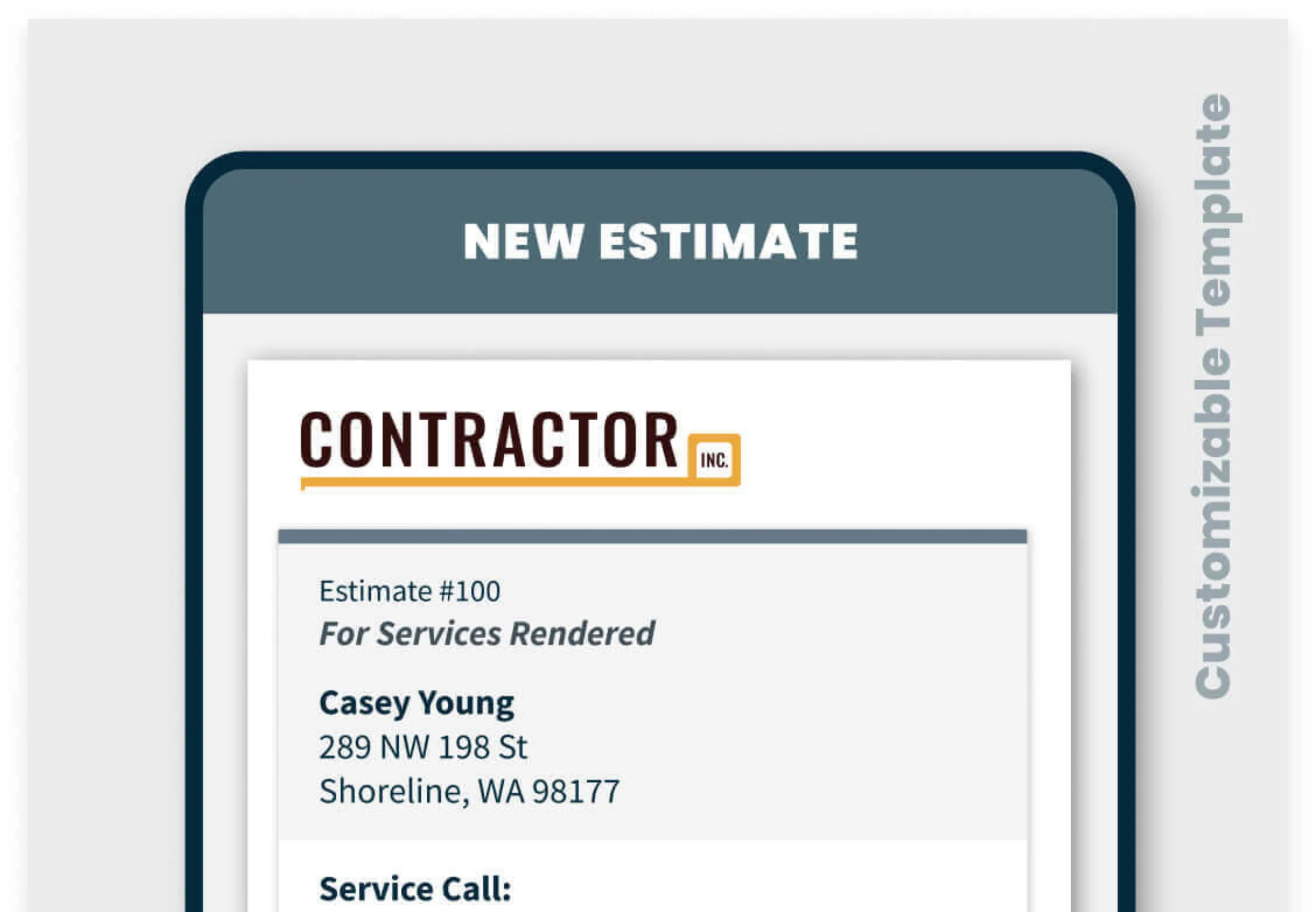
Free Contractor Estimate Template
Customize estimates with your brand details, then send them to clients by email or text.
Download Now

Tracking Time to Boost Profits
See how Greg Pilotti used Jobber to cut non-billable hours by 50% and guarantee profit on every job.
Read Now

12 Marketing Tips for Contractors
Use expert-backed strategies to attract clients, build your brand, and grow your business.
Read Now

Pricing Tips for Contractors
Use these pricing models and formulas to ensure your jobs are profitable and competitive.
Read Now

How to Get More Contracting Jobs
Learn 7 proven strategies to win more bids, stand out from competitors, and grow your profits.
Read Now
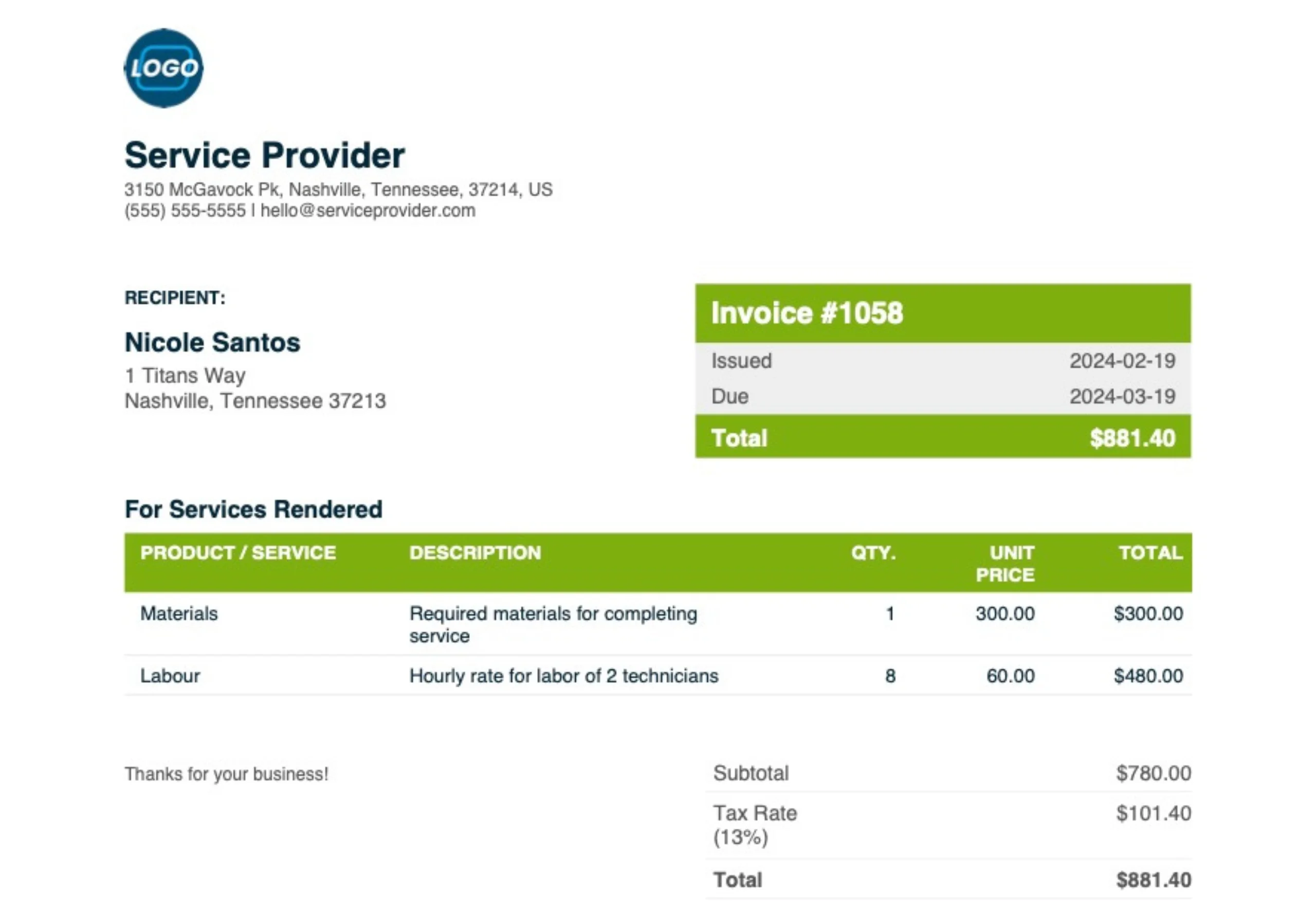
Free Contractor Invoice Template
Create and download professional, customized invoices for any job with our easy PDF generator.
Download Now

General Contractor Earnings Explained
Discover average salaries, income factors, and tips to boost your earning power as a contractor.
Read Now
FAQ
If you have any additional questions about our contractor field service software or features, contact us and we’ll be happy to help.
-
General contractor management software, like Jobber, acts as a project management tool, helping business owners manage everything from estimating and scheduling to invoicing, payments, and client communication. Jobber brings every stage of the job together in one tool to keep crews coordinated, clients informed, and projects profitable.
-
Many general contractors rely on a mix of spreadsheets, paper forms, accounting software, project management software, and disconnected apps to manage their business. Business software for contractors like Jobber gives general contractors a single tool for estimating, scheduling, job management, invoicing, payments, and client communication, helping them stay organized as they grow.
-
The best software for general contractors helps you manage estimates, schedules, crews, payments, and client communication without adding unnecessary complexity. Jobber is the tool contracting businesses need to run efficiently, all in one easy-to-use system.
-
Yes. Jobber’s general contractor software includes a mobile app that gives you and your team access to schedules, job details, project photos, documents, checklists, and time tracking from anywhere. Crews stay aligned in real time, while office staff always have visibility into what’s happening in the field.
-
The easiest way to send professional estimates is with reusable templates and AI-powered drafting tools. Jobber lets you build detailed estimates faster, add photos and optional line items, and send them to clients online for review and approval.
-
Assign jobs to the right crew members, track progress in real time, and quickly adjust schedules when plans change. Jobber keeps job details, schedules, communication, and updates connected, so everyone knows what’s next and where they need to be.
-
Whether you’re a project manager overseeing multiple job sites or a business owner coordinating crews, Jobber makes it easy to manage your active jobs at the same time with scheduling tools, project tracking, real-time updates, GPS tracking, and job-specific details that keep crews coordinated across every job site.
-
Jobber integrates with QuickBooks Online and other accounting software and payroll tools, so your client, invoice, and payment data stay in sync without double entry. With 100+ integrations available through Jobber’s App Marketplace, it’s easier to manage your books and run your contracting business without the manual overhead.
-
Jobber has every tool you need to run your general contracting business: lead management, estimating, scheduling, workflow automation, task management, job costing, time tracking, invoicing, payments, client communication, and more. Features vary by plan, so you can start with what you need and add more as your business grows. Visit our pricing page to find the right plan for your team.
-
You’ll have access to Jobber’s customer support team, onboarding resources, and training to help you get up and running quickly—even if you’re switching from another system. Whether you’re running a small business or managing multiple jobs at once, support is available when you need it.