
Key takeaways:
Choosing the right technology is key to running a successful tree service business. Here’s how to build the right tech stack for you:
- Streamline operations with specialized apps. Utilize purpose-built apps for quoting, scheduling, payments, and customer management to save time and boost professionalism—Jobber stands out as an all-in-one solution for tree care businesses.
- Enhance on-the-job efficiency and accuracy. Tools like Knots 3D help train new hires and keep skills sharp, while Leafsnap makes plant identification fast and reliable, reducing costly mistakes.
- Improve financial management and communication. Use QuickBooks Online for seamless accounting and Google Workspace or Slack to simplify team collaboration, file sharing, and project coordination in the field.
- Maximize fleet utilization and routing. Fleetsharp and other GPS tracking apps monitor vehicle locations, optimize routes, control fuel costs, and improve responsiveness for urgent jobs.
- Prioritize integration, ease of use, and value. Select apps with mobile compatibility, easy learning curves, good customer support, and the ability to connect with your favorite tools to streamline workflows as your business grows.
Run a smoother tree care business with Jobber. Quoting, scheduling, invoicing, and payments—all in one place. Start your free trial.
These days, running a tree business requires more than being a nature enthusiast. Leveraging the right technology is essential for fieldwork efficiency, excellent customer service, and overall business success.
Whether you need a tool to identify different types of trees or an all-in-one software solution for your tree service business, it’s important to find the best arborist apps to reach your goals.
Luckily, you can start your search right here. We’ve compiled a list of eight essential tree service apps for running and marketing your tree business below.
The essential tree care apps to streamline your business:
Best tree service apps comparison chart
| App | Best for | Key features | Price | Free trial? |
|---|---|---|---|---|
| Jobber | Running your tree service business from quote to final payment | • Professional quotes • Easy customer management • Streamlined payment options | Starting at $39 per user per month | Yes |
| Knots 3D | Tying knots | • Over 190 knots • Organized knot categories • 3D illustrations | $7.49 | No |
| Leafsnap | Identifying plants | • 32,000 plants • Quick photo snapping • Detailed plant care guides | Free | N/A |
| QuickBooks Online | Accounting | • Invoice and expense management • Payroll management • Integration with other tools | Starting at $19 per user per month | Yes |
| Google Workspace | Administration | • Professional personalized email addresses • Document management | Free with extra features available for an additional cost | N/A |
| Slack | Remote team communication | • Easy file sharing • Create channels • Text or video chat options | Free plan available, then starting at $4.38 per user per month | N/A |
| Fleetsharp | GPS and mileage tracking | • GPS tracking • Data tracking • Efficient routing | Must contact for pricing | No |
| RealGreen by WorkWave | AI tree service estimating | • Total job management • Automated qualifying questions • Bot technology | Must request pricing | No |
How we chose the best arborist apps
We understand that a tree business involves a variety of services, which affect what you may need from an app. So, we made sure to include a range of apps with unique features for arborists.
For example, if your business relies on providing customers with estimates, you’ll want tree service software that offers an estimate app. If your business requires climbing trees, you’ll definitely want a knots app in your pocket.
To narrow down our list to the best tools, we combed through online user reviews from sites such as Capterra and online industry forums. We then tried out the apps ourselves to come up with comprehensive reviews and ensure that you find the right app for your business.
Our findings resulted in the best arborist business apps for:
- Identifying plants
- Tracking fleets
- Communicating with your team
- And much more!
Read on to discover our top picks.
Jobber
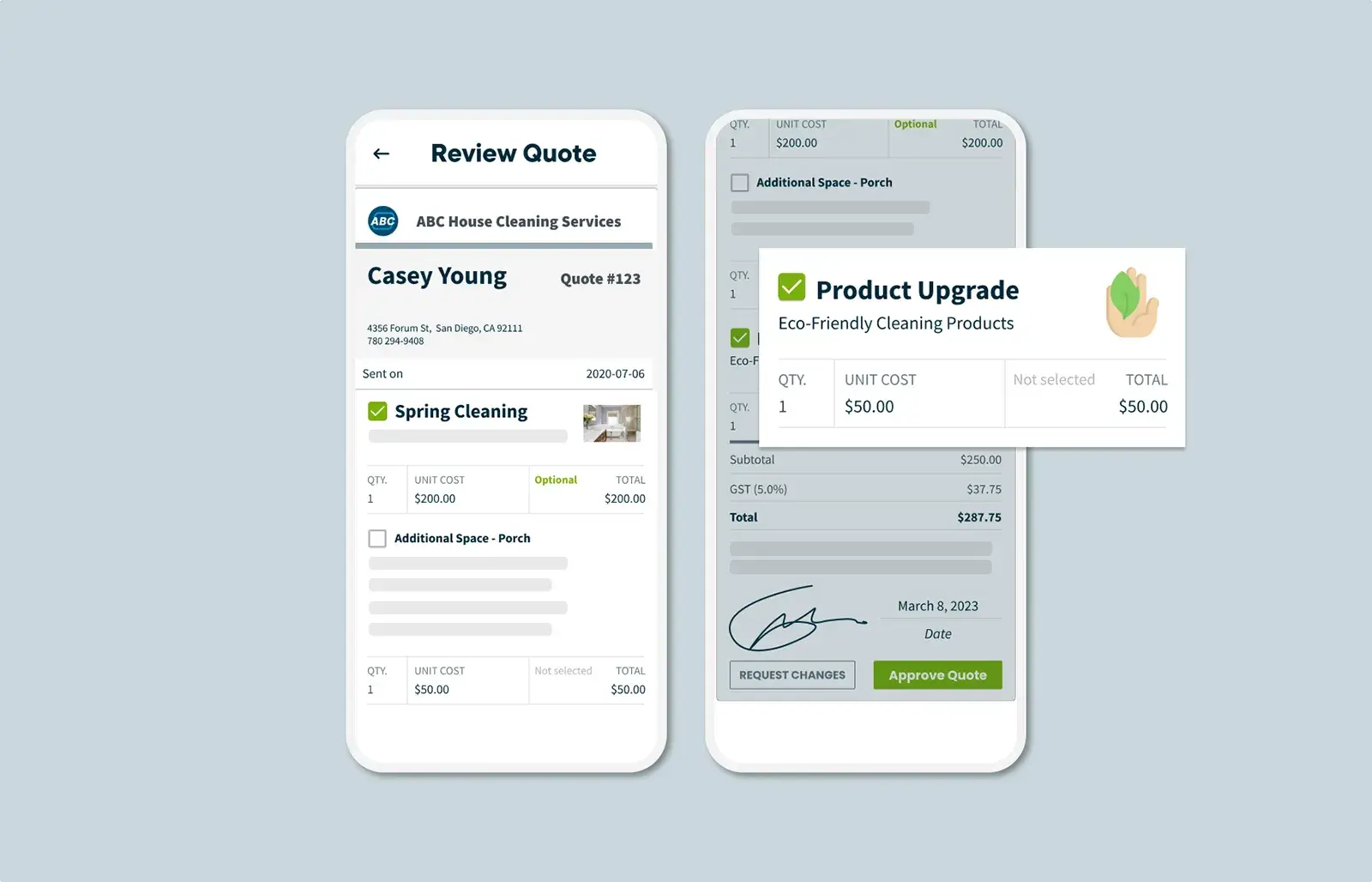
Jobber is the best tree care business software to track job details, manage crews, and get paid quickly.
You can use the mobile app to log, update, and organize information on tree species and health—as well as your chemical usage in the field—to deliver consistent service and stay compliant with regional regulations.
Here are Jobber’s top features for arborists:
Professional quotes
Good quotes help turn potential customers into loyal clients.
Jobber lets you customize your estimates by adding optional line items for detailed quotes that cater to your customer’s needs.
Once you send a quote, your customer can approve it easily in the client hub, so you can get to work sooner. If you really want to impress your customers, you can add images of your work to your estimates.
CRM
Jobber’s CRM features help you provide excellent customer service.
With Jobber, you can tag contacts as leads to separate them from your paying customers. Send automated appointment reminders and follow-ups to improve your customer communication.
You can also provide your customers with a self-service experience through an online portal, which allows them to approve quotes and pay invoices.
Plus, automatically collect customer reviews after every job to ensure satisfaction.
Payments
Once your arborists finish a job, Jobber allows them to collect payment on the spot with an easy credit card reader.
Jobber also makes processing online payments easy. Customers can simply make payments through an online customer portal.
Jobber tree care software also helps you:
- Create job checklists to keep crews on track and consistent
- Schedule work in seconds with a drag-and-drop calendar
- Automatically optimize your daily routes to fit more visits into the day
- Manage day-to-day work in the field in English or Spanish with the Jobber mobile app
- Advertise your tree services with professional, branded email campaigns
- Get AI-powered business insights and coaching
Unlike other tree care apps, Jobber also includes free, award-winning training and support with all plans—making it a small-business-friendly option.
I really view Jobber as an advantage for my business.
We’re much more organized, efficient, and easy to deal with.
Knots 3D
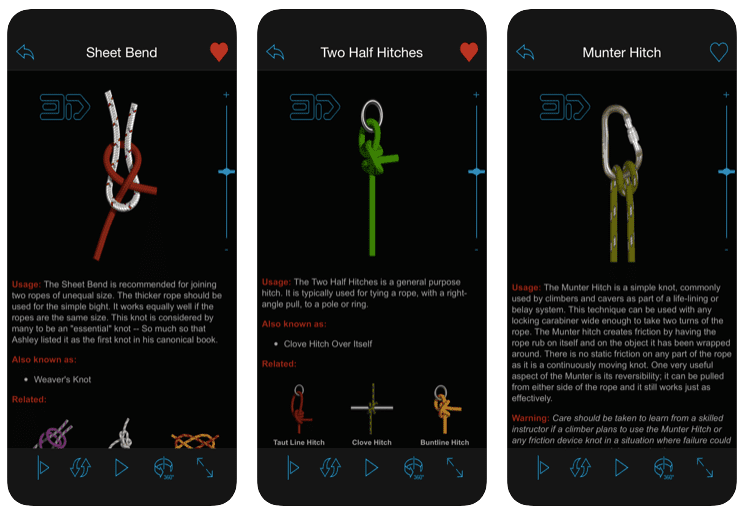
Knots 3D is the best knots app for businesses that transport tree inventory and other large plants.
The app includes instructions on how to tie over 190 knots, with 3D animations that let you see the knot from every angle and follow along at your own pace.
The app features common knots used by arborists, including:
- Blake’s hitch
- Distel hitch
- Poacher’s knot
- Water knot
Even if you already know how to tie these knots, it’s always good to have a refresher on hand to practice, refine your skills, or even train a new hire.
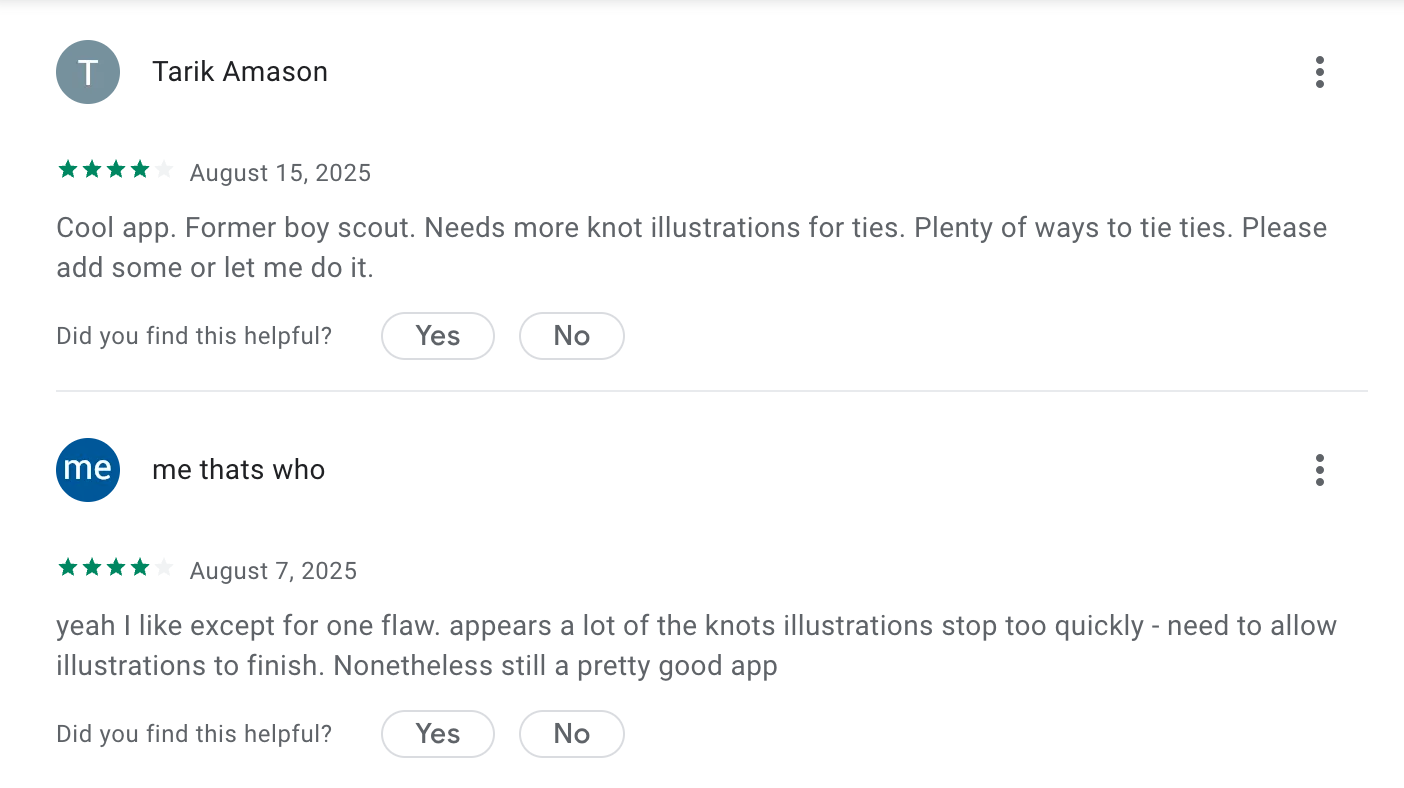
Some users say that the knot illustrations can be more extensive.
Leafsnap
If you offer tree healthcare services, the last thing you want to do is prescribe the wrong treatment because you incorrectly identified a tree.
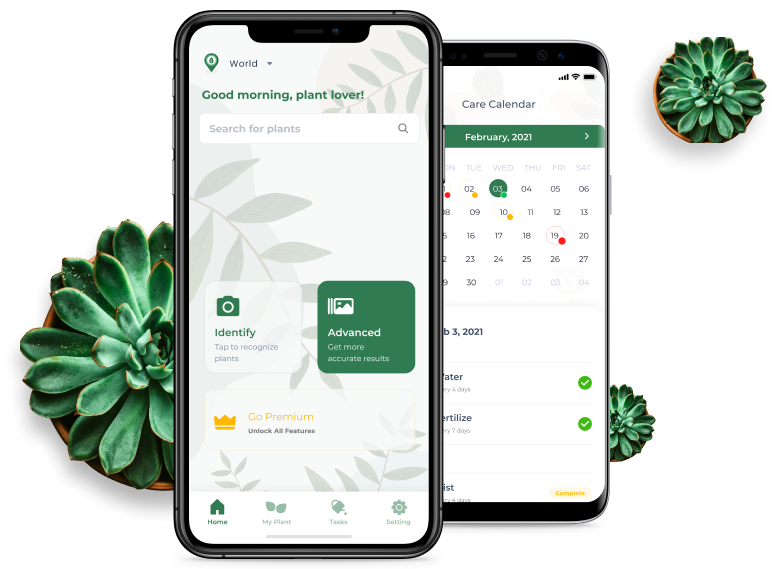
Enter Leafsnap: One of the best tree service apps for identifying trees.
Leafsnap currently identifies over 32,000 plants from around the world. Using the app is like having a field guide in the palm of your hand. Simply take a photo of the leaves of a plant, and Leafsnap will identify the species for you.
You can also take advantage of their extensive plant care guides if ever you’re stuck on the best way to treat a plant.
Leafsnap is also a great tool to use alongside a tree service estimate app, as it ensures that you can properly identify the tree that you are working with, increasing your estimate accuracy.
While Leafsnap is a free app, some users find that the app features too many ads.

QuickBooks Online
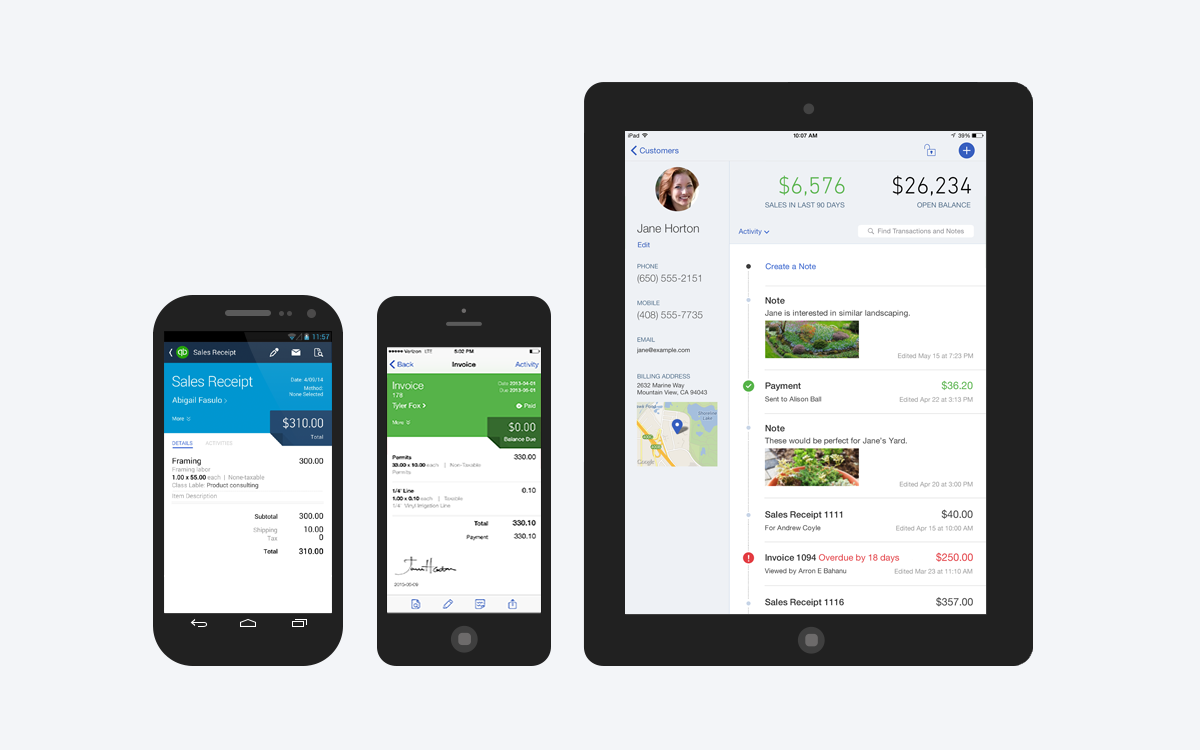
Accounting is often the last thing on your to-do list, but it’s crucial to running any successful business—and tree service businesses are no exception.
By staying on top of your finances, you always know how your business is performing and are prepared for tax season.
That’s why QuickBooks Online is an essential tree service app for running your business successfully.
Use QuickBooks to manage your invoices, expenses, income, reports, and payroll information from a desktop, phone, or tablet. One user says that QuickBooks covers everything they need for their accounting.
Better yet, integrate QuickBooks with other tree service estimate apps, so you spend less time flipping between apps.
Google Workspace
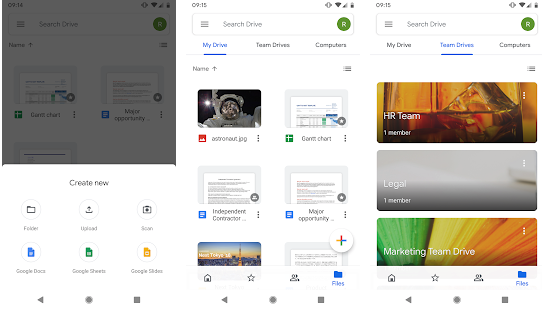
For tree service businesses just starting out, leveraging Google Workspace is a great place to start.
Google offers a variety of free apps to create and store documents in the cloud. You can also easily share documents with your team to collaborate from anywhere and on any device.
Key Google apps for your arborist business include:
- Gmail
- Google Calendar
- Google Docs
- Google Meet
Pro-tip: For an extra $6/mo, you also get your very own business email instead of the generic “@gmail.com” one, more cloud storage, 24/7 live support—and more.
While most users love that Google Workspace provides many of the tools they need to run their business, one user said that the platform’s offline use is a little clunky.
Slack
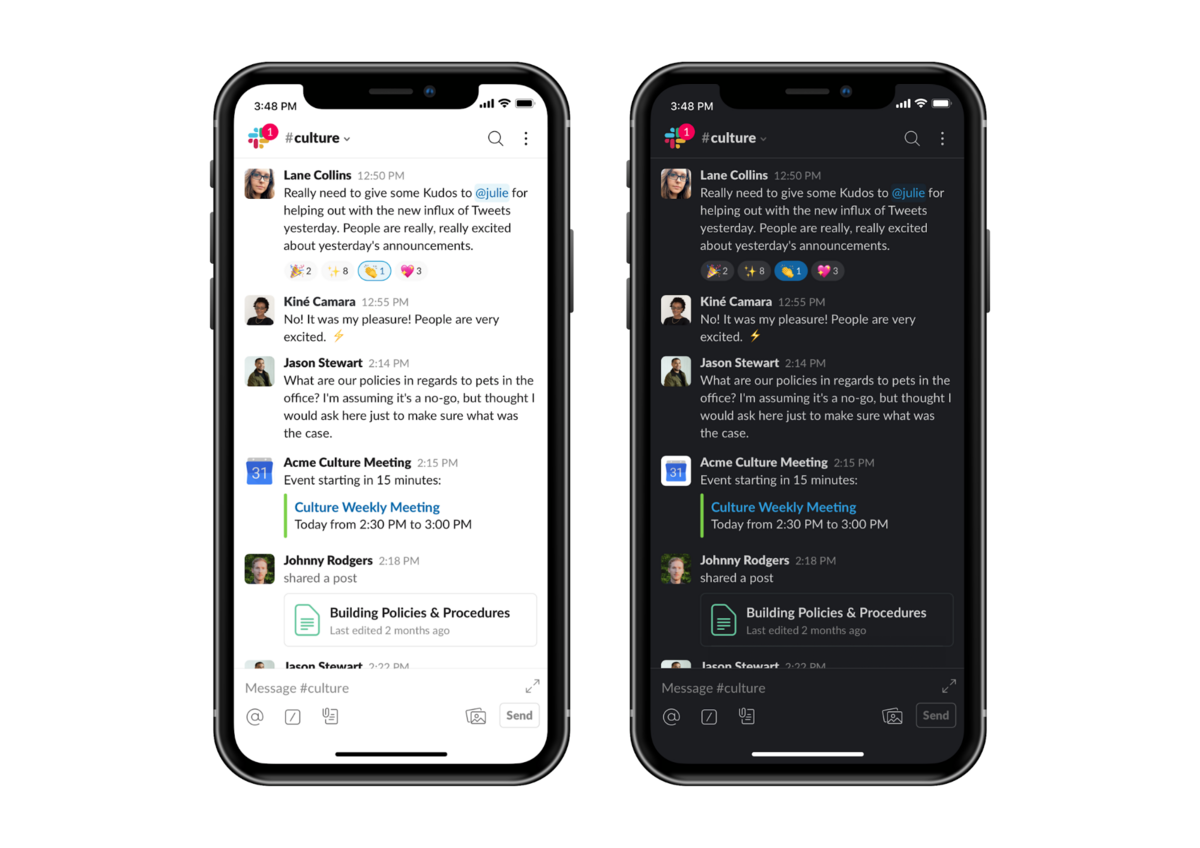
When you have a team that spends a large chunk of time on the road and out in the field doing tree work, communication can get complicated. Slack is a great tree service estimate app to bridge the communication gap.
With Slack, you can keep your entire team in the loop no matter where they’re working. Slack lets you:
- Share important files and images with your team
- Chat via text or video
- Communicate one-on-one or via specific channels
You can create different channel topics so people can post relevant information to each one. For example, you could create a “Tree ID” channel devoted to identifying individual trees. When someone on the job is struggling to identify a particular plant, they can take a tree photo and share it with the channel.
Some users mention that Slack’s notifications can be overwhelming. If your team is actively chatting throughout the day, this is something to keep in mind.
FleetSharp
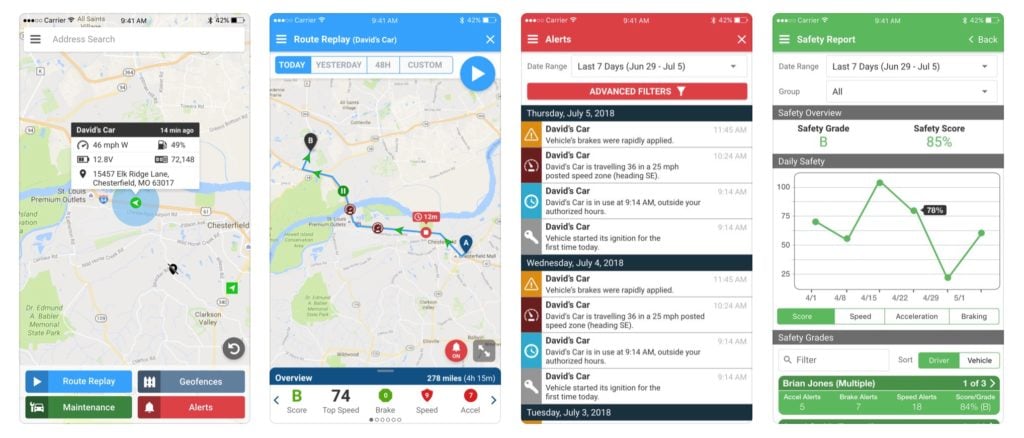
As more and more service businesses struggle with inefficient vehicle routes and high fuel costs, they’re turning to fleet management apps such as FleetSharp.
Fleetsharp is one of the best arborist business apps for GPS tracking. With Fleetsharp, you can track:
- Your crew’s vehicle activity during the day
- Vehicle location at any specific time
- Driver behavior, e.g., excessive idling
- Mileage and fuel levels
- Vehicle maintenance alerts
Use the app to reduce fuel costs by carving out more efficient routes and improve your customer service by responding to urgent client requests faster, such as the removal of a fallen tree. Simply dispatch the nearest vehicle and track its location on the app.
You can further optimize your tree care business by integrating Jobber and Fleetsharp for even more powerful live GPS tracking.
RealGreen by WorkWave
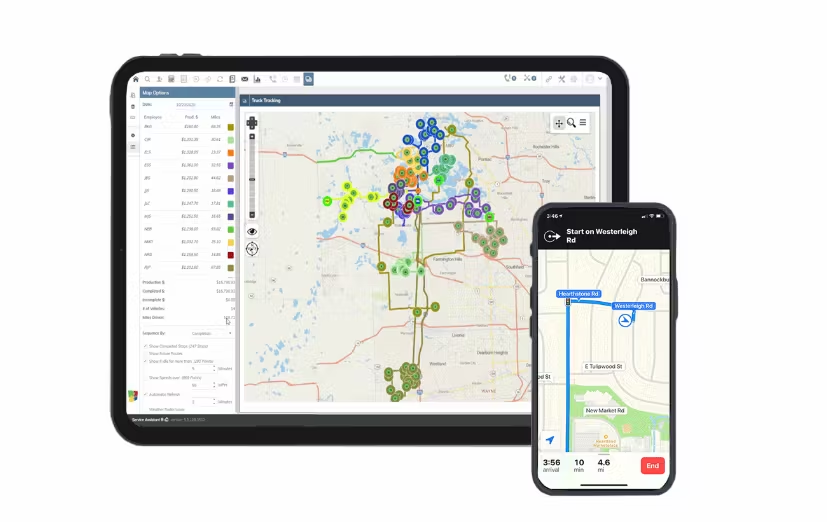
RealGreen allows you to quote, route, schedule, and invoice jobs. However, this app’s best feature is its AI capabilities.
RealGreen’s Service Bot asks qualifying questions to steer prospects toward the most suitable tree care services and programs.
From there, the app uses bot technology to allow customers to measure their own property and receive instant estimates. This cuts down on phone calls and increases your field team’s productivity.
While one user says RealGreen has a bit of a learning curve, they still see it as easy to navigate.
Unfortunately, RealGreen requires users to integrate with another system for two-way messaging with customers, meaning you’ll have one extra platform to monitor and troubleshoot if things go wrong.
Jobber, on the other hand, sends customers automated emails and text messages for a hands-off yet efficient process. Managing communication in one platform ensures a seamless experience for your customers, helping you provide first-rate service.
How to choose the best tree service apps for your business
The best tree service app for your business depends on your tree company size, workflow, and long-term goals.
Here are the key factors to consider when choosing tree service apps.
Identify your core business needs
Start by outlining the biggest challenges in your day-to-day operations. Do you need better marketing? Better way to identify plants? Smoother team communication?
Small businesses may only need basic tools, while growing companies often benefit from all-in-one platforms that handle multiple workflows.
Prioritize full mobile access for your crew
Tree service work happens in the field, not behind a desk. Choose apps with mobile functionality that matches their desktop functionality.
Tree service apps should allow crews to perform tasks such as view schedules, update job statuses, upload photos, and collect customer signatures directly from their phones or tablets.
Consider ease of use
An app is only valuable if your team actually uses it. A steep learning curve can slow adoption and disrupt operations.
Look for intuitive interfaces, minimal training requirements, and helpful onboarding resources such as tutorials or live support.
Determine integration needs
Your software should grow with your business and help it work like a well-oiled machine.
Choose an app that integrates with your other favorite tools—such as accounting tools and GPS tracking systems—to reduce manual work and improve data accuracy.
Compare pricing and value
Tree service apps vary widely in pricing, from per-user subscriptions to tiered feature plans.
Don’t just look for the cheapest option—focus on the value provided. An app that saves hours on jobs, reduces missed appointments, or speeds up payments can quickly pay for itself.
Read reviews
Research what other tree care professionals are saying.
Reviews, testimonials, and case studies can reveal real-world pros and cons. For business apps, if possible, request a demo or free trial to see how the app fits your workflow before committing.
Tree service apps help you work faster, stay organized, and provide a better customer experience. From estimate and scheduling tools to arborist-specific apps, the right software can simplify daily operations and support long-term growth.
Frequently Asked Questions
-
Arborist software helps streamline all aspects of your business—scheduling, estimates, invoicing, and crew management—saving time while improving organization and customer service.
-
The cost of arborist software depends on the type of software you are looking for.
Some apps are free, while others, such as arborist business software, require monthly subscriptions with options for higher-tier plans.
Jobber starts at $39 per user per month and provides you with tools for many aspects of your tree service company—from quote to payment. You also get a free 14-day trial so you can check out the app before you commit. -
Yes, some tree service apps, such as Jobber, offer online booking or request forms that allow homeowners to easily schedule estimates or services.
-
Top tree service apps should include estimating, scheduling, invoicing, customer management, mobile access, and tools for field crews to update jobs in real time.
With Jobber, you get all of these features and more to keep your workflows centralized and to achieve your goals.
Originally published in September 2024. Last updated on January 27, 2026.