Skip to content

Get more five-star reviews without the awkward ask

Customers check reviews before they decide who to call. Stand out in search and build up your reputation with Jobber.
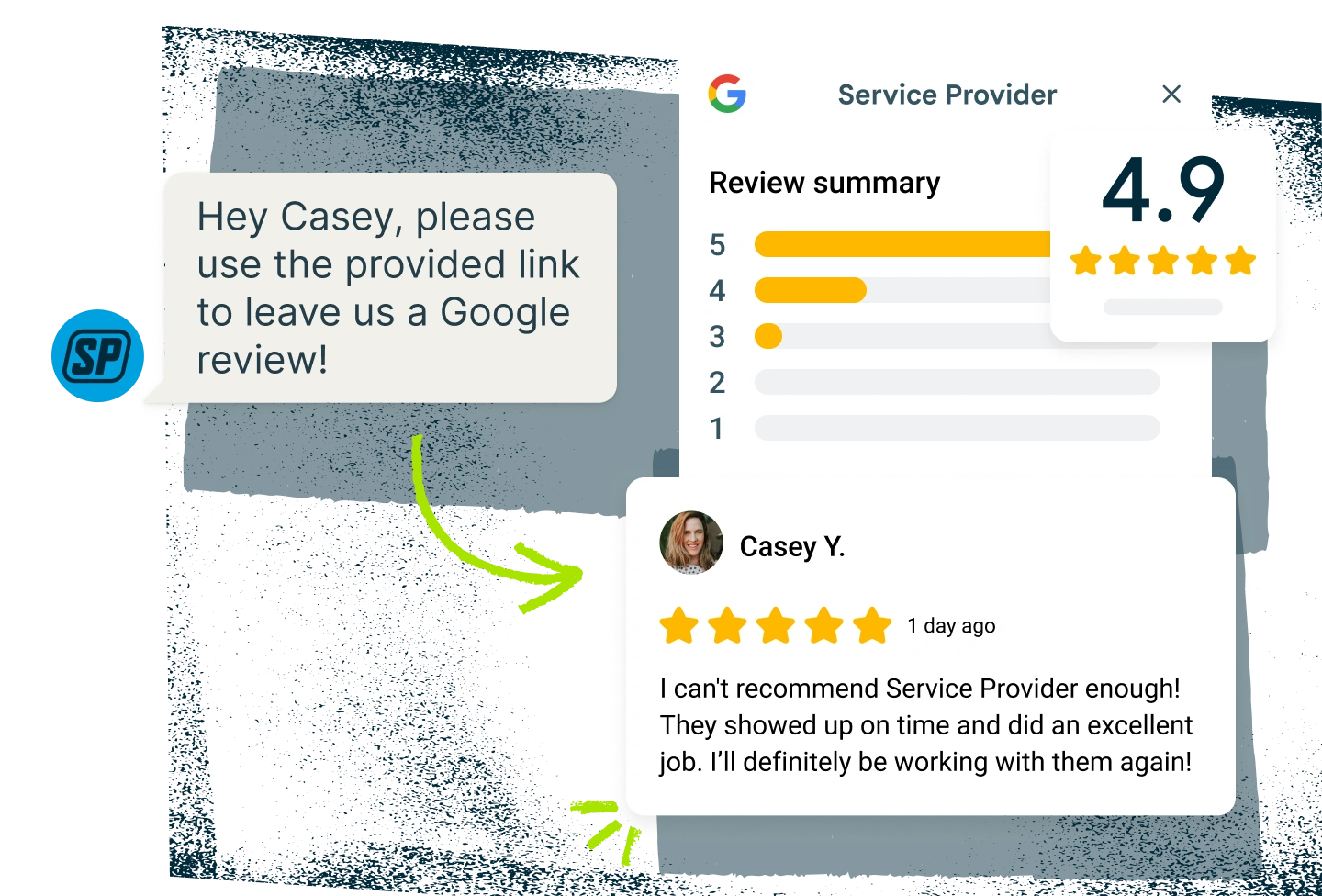
Reviews is available as an add-on to most Jobber plans.

A screenshot of a4.9 star review left via Jobber's automated review collection software

Top-rated businesses get noticed and booked

Make collecting and managing customer reviews part of your everyday with Jobber’s review request software.
Automatic Requests

Let reviews come in naturally

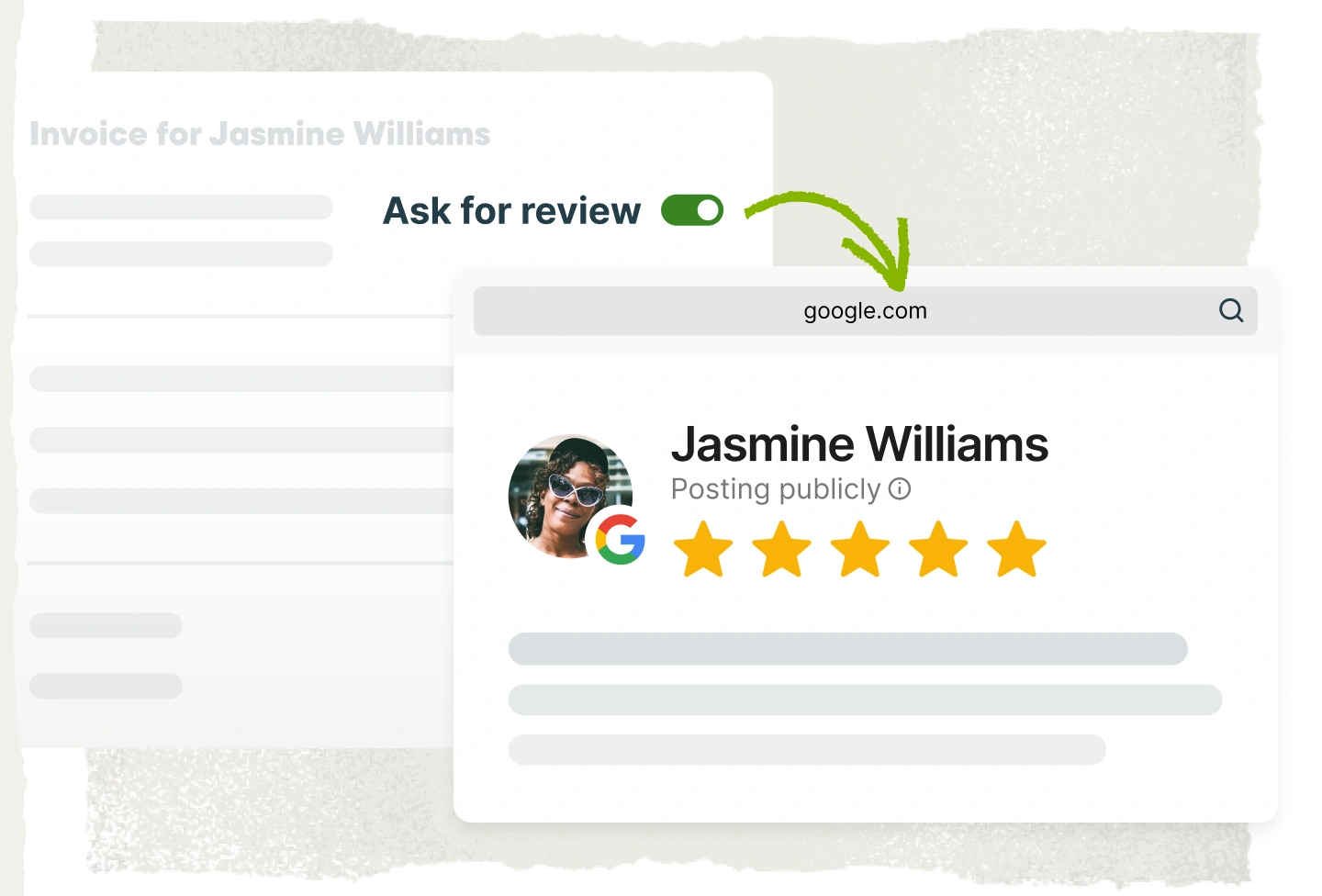
No one wants to beg for reviews. Automatically request feedback right after the job so customers can easily share their experience without you having to nudge them.
Jobber's review request software lets you control when the 'ask for review' toggle is on, so you can collect reviews on jobs without the awkward ask.
Reviews Dashboard

See what customers are saying

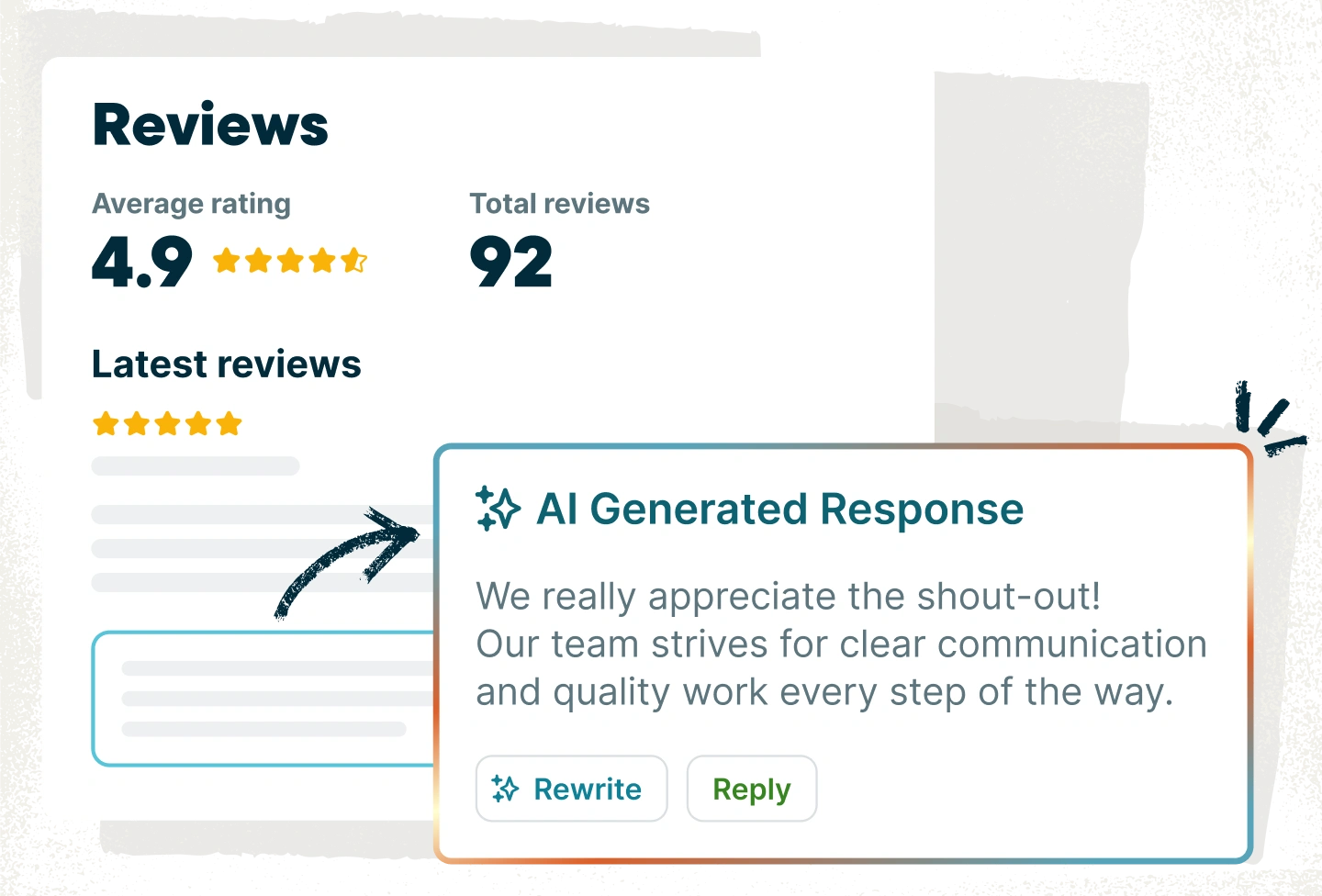
Keep an eye on how your rating is trending and get notified when customers post new reviews. Reply quickly with AI-generated responses or add your own personal touch.
Jobber's reviews dashboard shows you what customers are saying and lets you respond to each review.
Connect your Google Business Profile

Strengthen your local presence

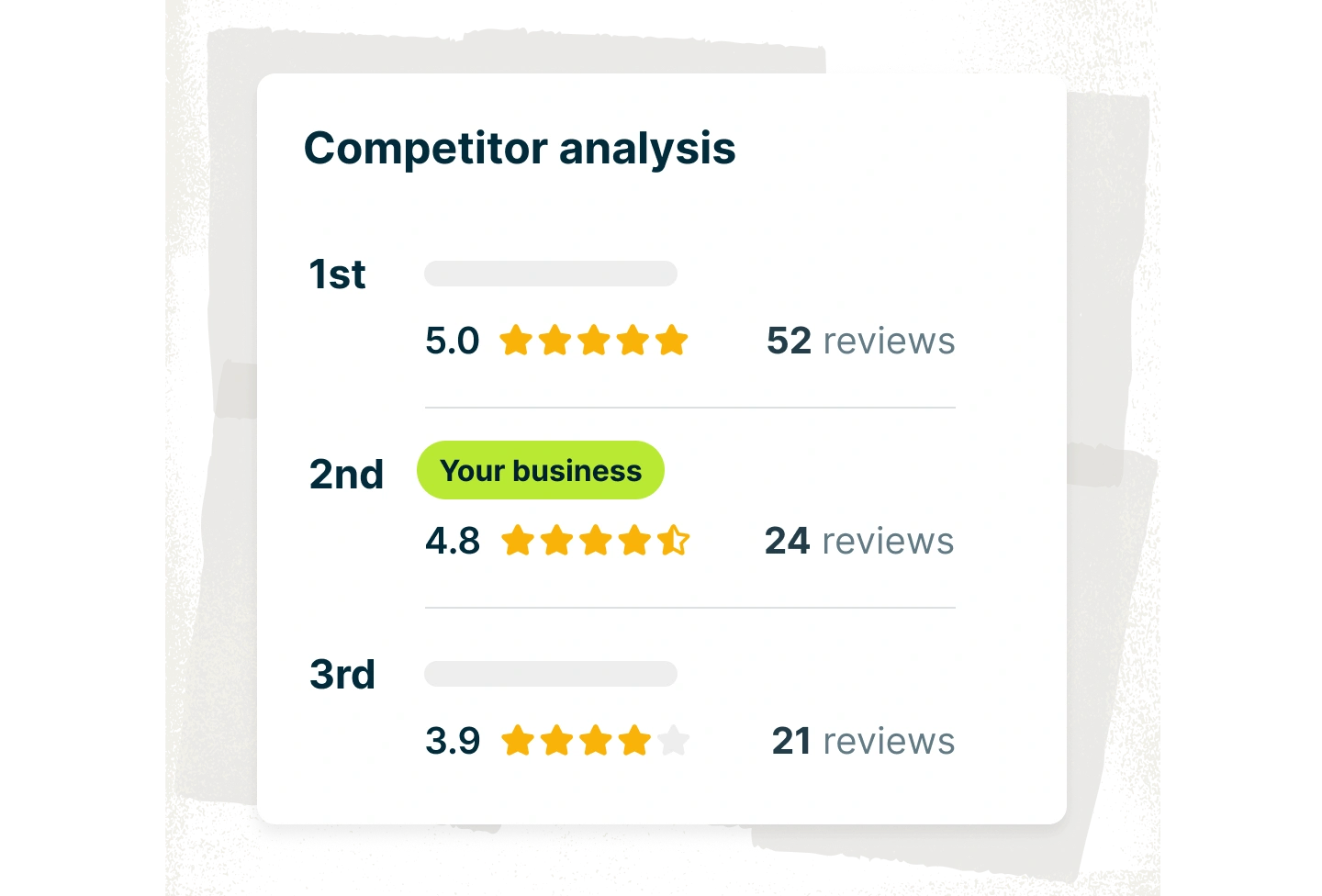
In a crowded market, strong reviews can be the tiebreaker that gets you hired. Compare your rating with nearby businesses to see where you stand in your community.

Jobber's review software connects with your Google Business Profile, so you can compare your rating with nearby businesses and see how to improve.

“One thing I love about Jobber is the fact that our clients receive texts to leave us a review. We’ve gotten about 150 to 160 in a year.”

Misael Avalos

Pick the best plan for your business.

Get the tools you need to work smarter, stay in control, and grow with confidence.

Frequently Asked Questions

The best way to collect more reviews is to ask customers right after a job wraps up. Many service businesses use automated review request tools that send a request after a visit, a completed job, or a paid invoice.
Review request software automatically asks customers to leave feedback after a job is complete. Instead of having to remember to ask every customer, the software sends a review request at the right moment so customers can share their experience.
You can automate the process of requesting Google reviews, but customers still write the reviews themselves. Automated review software simply sends the request at the right time so customers can easily leave their feedback.
When you connect your Google Business Profile to Jobber, you can automatically send review requests at key moments, such as after a completed job or a paid invoice. New reviews appear on your Google Business Profile so customers can see your rating when deciding who to hire.
Home service reputation management involves collecting customer reviews, responding to feedback, and maintaining a strong rating online. A consistent flow of reviews helps build trust and improve visibility when customers search for local services.
Reputation management shapes how potential customers see your business when they compare options online. Strong reviews build trust and often influence who gets the job. Staying active in your reviews also matters. Responding quickly shows customers you care about feedback and can improve your visibility in search results. With AI-generated response suggestions from Jobber, you can reply in seconds, customize your message, and address both positive reviews and any concerns that come up.