Jobber vs. ServiceTitan
Service business teams that find ServiceTitan complex or costly choose Jobber’s field service management software for a faster, more flexible way to run daily operations.

Why growing field service management teams choose Jobber
Get up and running faster
~80%
You can get up and running approximately 80% faster with Jobber than with ServiceTitan (a few days versus 4–6 weeks), helping you see value sooner.
Keep costs and admin overhead low
$0
You don’t pay a setup fee with Jobber. ServiceTitan typically charges $3,000–$10,000 to get started and requires more configuration.
Stay productive with zero downtime
0 days paused
You can learn Jobber while continuing to operate, unlike ServiceTitan, which often requires up to 1–2 weeks of paused operations for training, according to reviewers.
Get results faster with simpler onboarding
Jobber lets you learn on the job without pausing your business. Unlike ServiceTitan, workflows are flexible from day one, so you can send a quote on the fly without an admin bottleneck.
I tried four other CRMs before going with Jobber.
Their customer support and onboarding team was an overall incredible experience. We haven’t looked back since.

Automate more without adding complexity
Save time and reduce overhead without adding friction to your day. Jobber includes AI tools for everyday workflows, with advanced automation available as you grow. ServiceTitan’s add-on-driven approach often means more setup and more day-to-day overhead.
Built-in AI tools
AI chat and voice are built in, with advanced automation available as you scale.
Days, not months
Automation works out of the box
(vs. weeks to set up).
Low admin overhead
Owner-managed from day one (no dedicated admin required).
Keep crews moving without delays
Jobber lets you schedule first and adjust as you go. ServiceTitan offers powerful dispatch tools, but they often come with stricter workflows and higher administrative overhead.
Drag-and-drop scheduling
Move jobs, reassign techs, or change routes without restarting workflows or following a fixed sequence.
Multi-crew support
Assign more than one technician to a job or split work across roles without complex crew rules or extra setup.
Owner-managed dispatch
Job scheduling and dispatch can be handled by owners or existing staff (no dedicated dispatcher needed).
Live schedule changes
Teams can adjust schedules and dispatch in real time
Get paid faster with easy payments
We make invoicing seamless with our quote-to-payment mobile workflow, so you can move from approval to payment without delays. ServiceTitan often depends on a heavier setup and additional admin support to keep things moving.
Quote-to-payment workflow
Create a quote, turn it into a job, and get paid without rigid steps or workarounds. Our instant payouts options lets you access funds within hours instead of waiting days.
Accessible customer financing
Financing is built into the platform so customers can apply themselves (ServiceTitan has stricter revenue requirements).
Mobile invoicing and payments
Field technicians can invoice and collect payment on the spot, without relying on office admins.
All-in-one billing system
Quoting, invoicing, and payments live in one system, with transparent processing fees so you know what it costs before you get paid.
Stay on top of job costs and performance as work happens
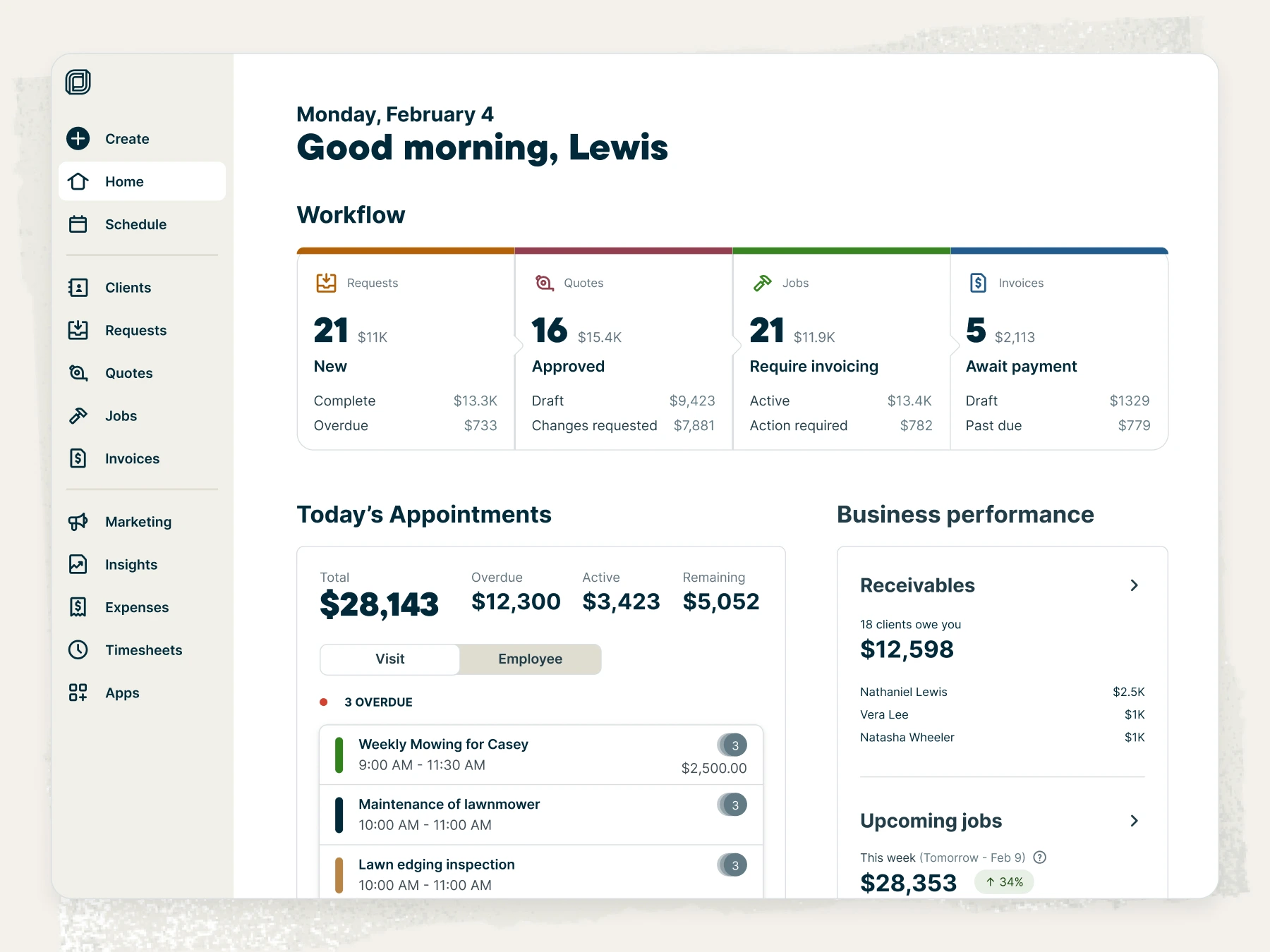
Get the answers you need without digging through reports. Our real-time dashboard gives you clear reporting you can act on the same day. By contrast, ServiceTitan users describe its reporting as powerful but complex. This can make data harder to interpret, especially for teams without dedicated financial or data resources.
Grow your team without pricing surprises
Unlike ServiceTitan pricing, Jobber pricing is transparent and predictable, so you know what you’re paying for as you scale.

Pricing model
• Tiered, team-based plans
• Add staff without immediate cost spikes
Per-user/per-truck pricing
Monthly cost range
• ~$150–$450 for most growing teams
• Costs scale predictably
$1,500–$7,000+ as teams add technicians
Setup costs
• $0 setup or onboarding fees
• Start without upfront risk
$3,700–$10,000 mandatory fees
Contract flexibility
• Month-to-month or annual options
• Adjust as your business changes
1–3 year lock-ins
Cost of adding staff
• Included within plan limits
• No per-tech penalties
~$250–$300 per tech/month
Free trial available?
Yes
No
See what customers say about Jobber
Jobber Reviews




Frequently asked questions
-
For larger or multi-crew service businesses that value speed and flexibility, Jobber is often the better choice because it delivers operational power without the administrative overhead of an enterprise system. ServiceTitan is better suited for larger enterprise organizations with complex inventory and equipment management, dedicated back-office teams, and strict governance needs.
-
Yes, Jobber can support multi-location teams, including franchise operations. It’s built to handle field operations with multiple crews, branches, and service zones, giving growing field teams centralized visibility without heavy enterprise overhead. Multi-location setups are typically managed through separate accounts or sub-accounts, which keeps workflows flexible as teams scale. For organizations that need fully unified roll-up reporting across many locations, ServiceTitan may offer more native enterprise controls.
-
Companies have reported leaving ServiceTitan when the platform starts slowing them down instead of supporting growth. As teams scale, many find the software too complex, expensive, and admin-heavy for day-to-day operations, often requiring dedicated staff just to manage it. Long onboarding timelines, rigid workflows, and high ongoing costs make it harder to stay agile.
As a result, businesses switch to ServiceTitan alternatives such as Jobber to regain speed, reduce overhead, and keep teams productive. -
ServiceTitan includes enterprise-only features that Jobber does not offer natively, such as advanced inventory management (barcode scanning, per-truck replenishment, and automated purchase orders), deep two-way syncing with QuickBooks Desktop, and drill-down reporting that traces metrics back to individual jobs or technicians.
It also supports features like live technician tracking, strict mandatory workflows, and complex project billing (AIA). These capabilities are designed for large enterprises but add cost, setup time, and administrative complexity. -
Yes. Jobber offers a 14-day free trial with instant access and no credit card required, so you can explore the platform hands-on before committing. By contrast, ServiceTitan does not offer a standard free trial and requires a sales-led demo to evaluate the product. For many buyers, Jobber’s “try before you buy” approach reduces risk and makes it easier to assess fit quickly.