Jobber vs. ServiceTitan
Jobber is the practical choice for busy field service teams that need serious tools for scheduling crews, invoicing complex jobs, and collecting payments—without the long setup, steep learning curve, or enterprise admin overhead of ServiceTitan.
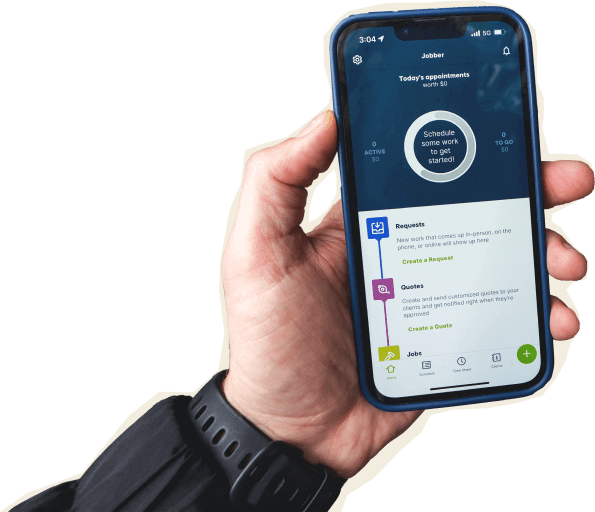

Jobber vs. ServiceTitan: Comparison Table (2026)
Here’s how Jobber and ServiceTitan compare at a high level. ServiceTitan is built for larger contracting operations with dedicated office staff. Jobber gives multi-crew service businesses the tools to keep daily work moving, with faster setup, transparent pricing, and an app your team can actually use in the field.
High-Level Comparison
Setup time
~50 mins
12-16 weeks implementation
Pricing model
Individual and team pricing. Individual pricing starting from $29/month. Team pricing starting from $149/month
Hidden pricing, by request only
Scheduling & Dispatch
Custom report builder
AI tools
Jobber AI available on all plans
AI receptionist available as an add-on (included in Plus)
Atlas AI assistant and AI Virtual Agent available; some AI features require additional subscriptions, and AI call handling carries usage-based fees.
Mobile app
Who are Jobber and ServiceTitan?
Jobber
Jobber is field service management software built for growing home and commercial service businesses that need to manage work from the first request to the final payment.
You get client management, quoting, scheduling, dispatching, invoicing, payments, reporting, customer communication, marketing tools, and mobile tools in one place.
ServiceTitan
ServiceTitan is a platform for commercial contractors with robust tools for dispatching, reporting, payments, front-office workflows, and field operations.
It’s built for larger contracting businesses with the budget, staff, and time to manage a more complex system.
Core operations
Both Jobber and ServiceTitan support the core workflows field service businesses rely on. The difference is the level of complexity required to manage them. Jobber connects quoting, scheduling, job management, invoicing, payments, marketing, and customer communication in a system that owners, office staff, and field crews can learn and adopt quickly.
Client management
Keep all quotes, jobs, invoices, payments, and communication history organized in one place.
Learn more
Organize customers into targeted groups for streamlined communication, reporting, and marketing
Learn more
Give clients a centralized portal to view quotes, approve work, pay invoices, and manage appointments online.
Learn More
Track leads, quotes, and follow-ups in one place so opportunities never slip through the cracks.
Learn More
✓ add-on (included in Plus)
Quoting
Instantly converts approved quotes into scheduled jobs without re-entering information.
Scheduling & Dispatch
Build named crews, view their availability, and schedule the whole team at once for easier dispatching.
Learn More
Automatically organize daily routes to reduce drive time and improve efficiency across multiple appointments.
Learn More
Invoicing
Get a dedicated bookkeeper to manage your books and deliver monthly financial reports for clearer business decisions.
Learn More
✓ add-on (US only)
Payments
Marketing
Create a simple business website to help attract and convert leads.
Learn More
✓ (included in all plans)
Stand out in local search with a Google profile that’s active and accurate.
✓ (included in all plans)
Listings management available as an add-on
Send follow-up requests to help generate more customer reviews.
Learn More
✓ add-on (included in Plus)
✓ available as an add-on
Send targeted marketing emails to clients.
Learn More
✓ add-on (included in Plus)
✓ available as an add-on
Let customers refer new business through structured referral incentives.
Learn More
✓ add-on (included in Plus)
Available through a 3rd party integration
Create and publish posts to your Facebook page and Google Business Profile.
✓ add-on (included in Plus)
Turn completed jobs into marketing posts you can share on your website, Google Business Profile, Facebook, and email to showcase your work.
Learn More
✓ add-on (included in Plus)
AI
AI-powered tools to help service businesses run smarter
Learn More
✓ (Jobber AI included on all plans)
✓ (Atlas)
Answer calls and texts 24/7, capture leads, and book jobs automatically.
Learn More
✓ add-on (included in Plus)
Available as paid add-on (AI Virtual Agent)
Connects to ChatGPT and Claude so you can use Jobber data in AI conversations.
“Since using Jobber, my business grew 6X. We were making less than 200,000 a year before Jobber and now we’re making $1.2 million, hopefully this year 1.8”
Mobile technician tools
Your software only works if the crew uses it. Jobber’s mobile app is built for techs who need to see the schedule, update job details, quote, invoice, and collect payment without calling the office for every next step.
Core Mobile app
iOS & Android native apps
App language
English & Spanish
English, French & Spanish
On the Job
Attach visual documentation directly to the job
Capture customer approvals directly on a mobile device.
INVOICING & PAYMENTS IN THE FIELD
Built for how you actually work
Running a busy service business is already complex. Your software shouldn’t add more steps, more training, or more office work just to keep jobs moving. Jobber is powerful where it counts and practical where it matters.
Faster adoption for field and office teams
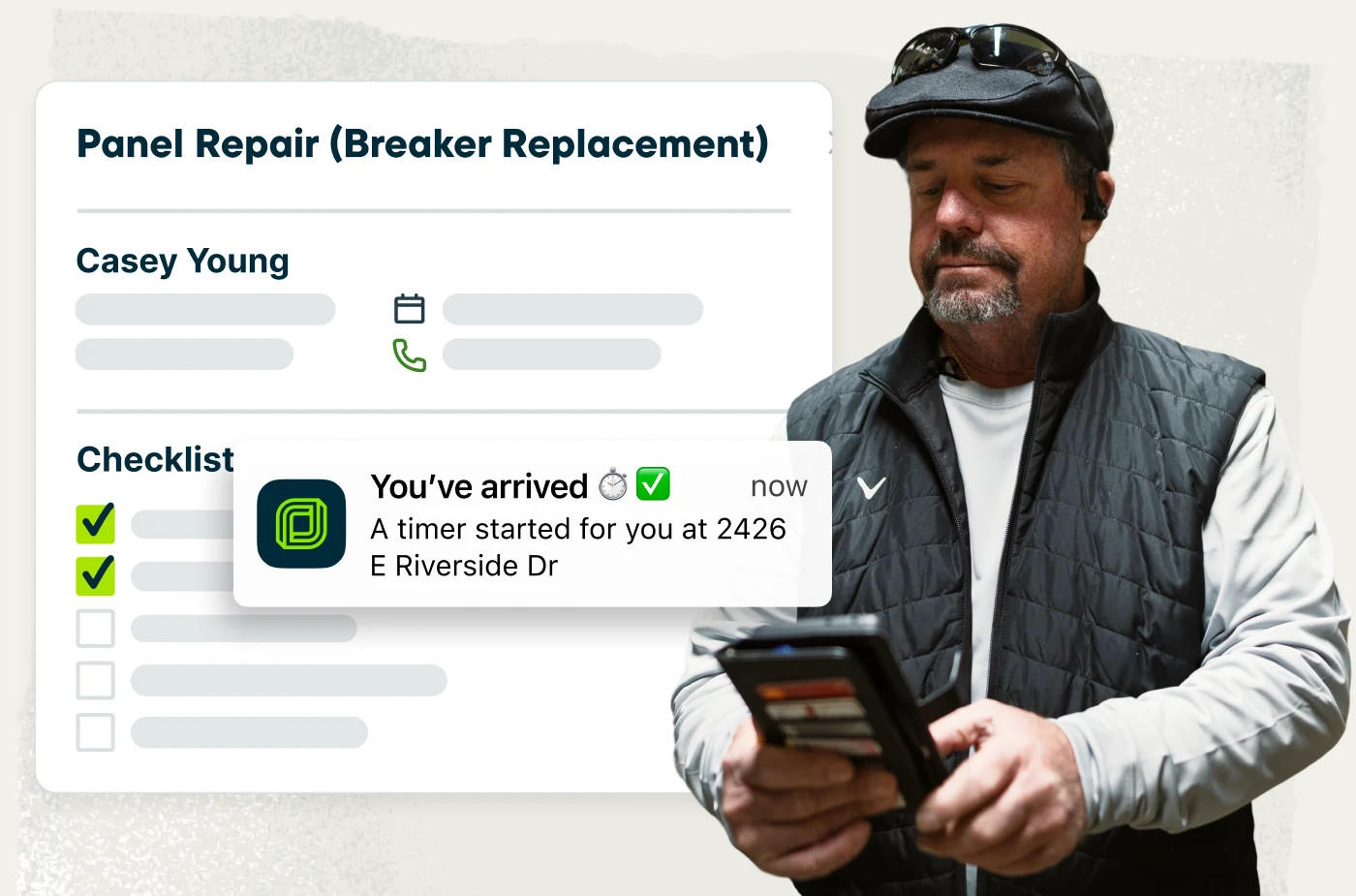
Getting started with Jobber takes hours, not weeks. While ServiceTitan implementations often require several weeks of onboarding, setup, and training, many Jobber customers are up and running in about two hours.
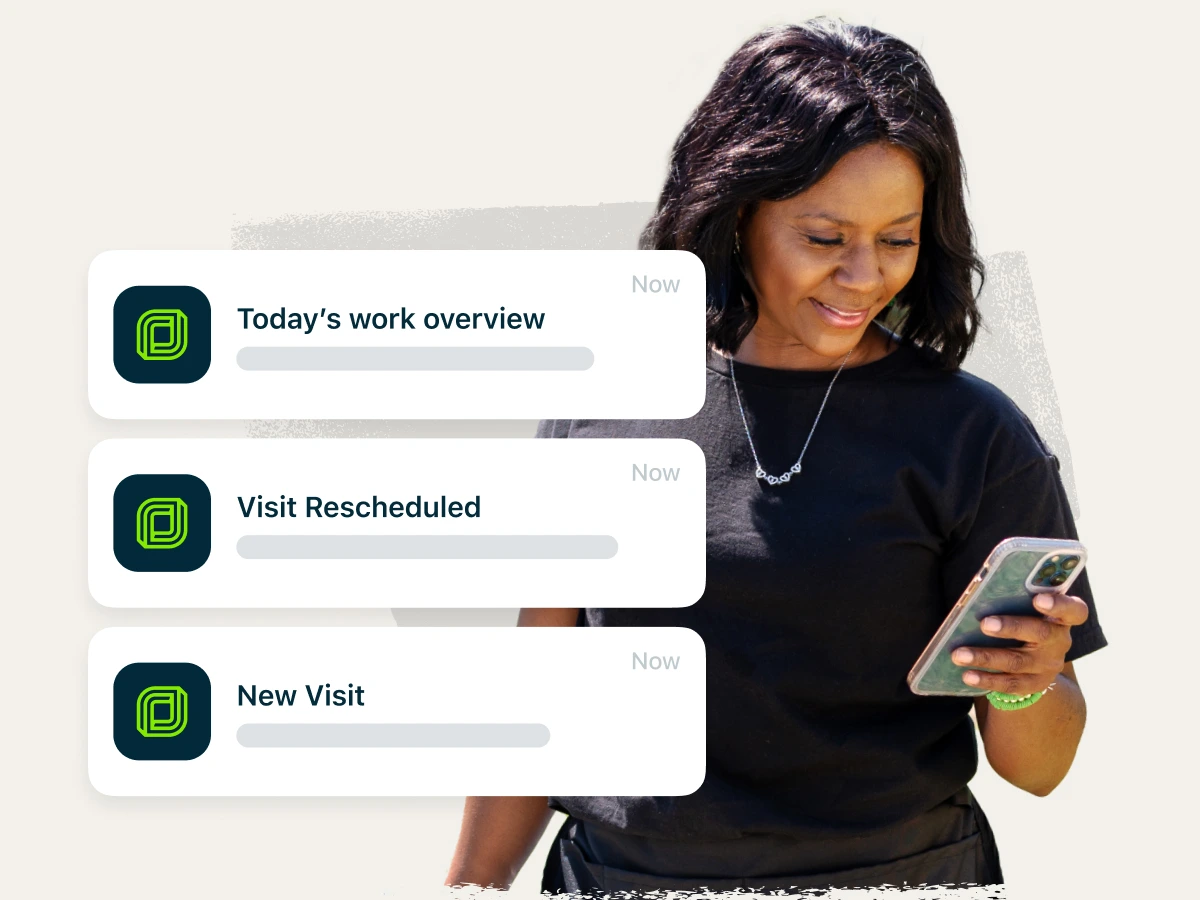
Jobber is designed so owners, office staff, and field crews can all use the same system with confidence from day one. Office teams can schedule work, follow up with customers, and send invoices without extensive configuration. Crews can access job details, update notes, capture signatures, and collect payments directly from the field.
Connected workflows from request to payment
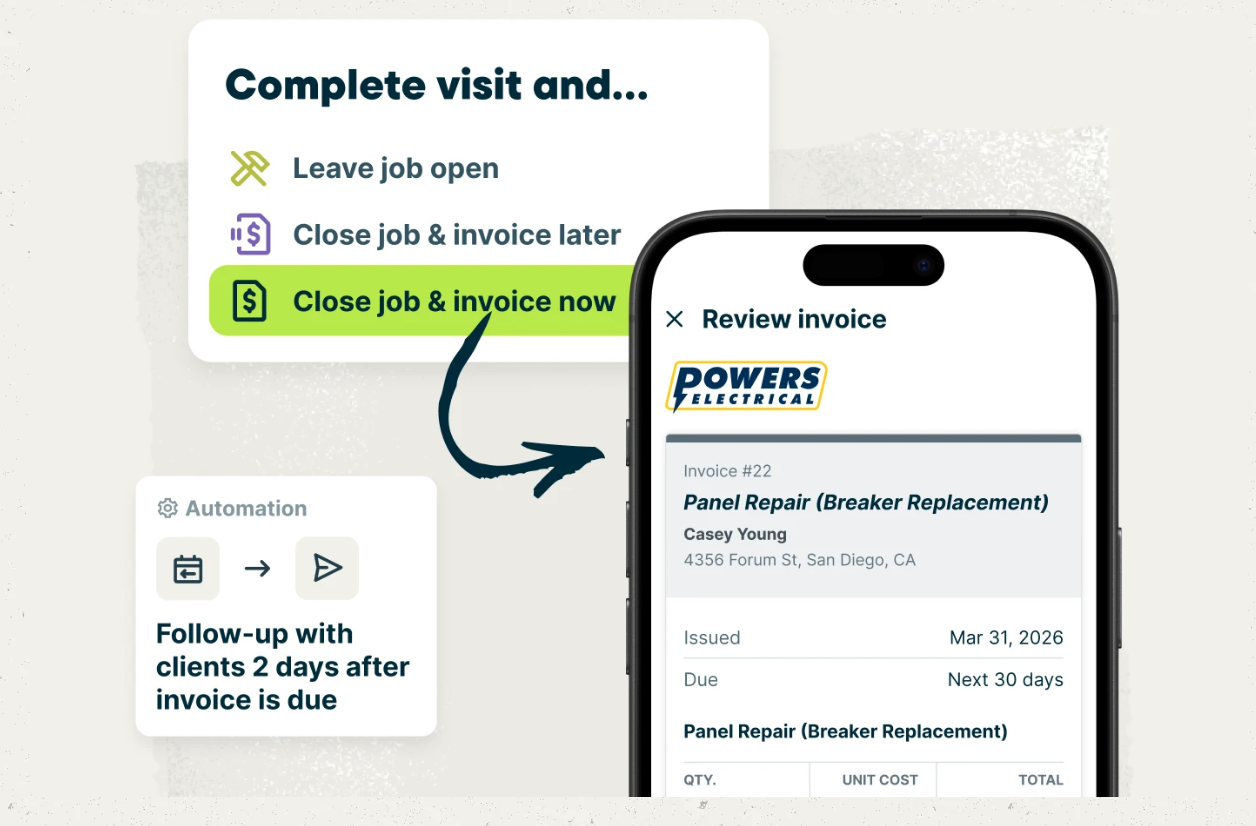
Jobber keeps requests, quotes, schedules, job details, invoices, and payments in one system. That means fewer handoffs, less duplicate entry, and a clearer path from “new lead” to “paid invoice.”
Predictable costs without enterprise weight
ServiceTitan uses per-technician request pricing and a demo-led sales process, which can make it harder to understand costs upfront and evaluate whether the platform fits your business before speaking with a sales representative.
Jobber publishes its team pricing, offers a 14-day free trial, and doesn’t charge onboarding fees—so you can explore the product, assess fit, and estimate costs before you commit.
Jobber vs. ServiceTitan: Pricing
Jobber publishes its team pricing, so you know what you’ll pay before talking to sales. ServiceTitan does not publish standard monthly pricing and uses per-technician request pricing. Available estimates suggest ServiceTitan pricing can vary widely depending on team size, plan, add-ons, and implementation needs.
Tier 1
Core
(1 user)
$29/mo (when billed annually)
Starter
Pricing by request only
Tier 2
Connect
1 user
$99/mo (when billed annually)
2-15 users
Starting from $149/mo (when billed annually)
Essentials
Pricing by request only
Tier 3
Grow
1 user
$149/mo (when billed annually)
2-15 users
Starting from $229/mo (when billed annually)
The Works
Pricing by request only
Tier 4
Plus
2-15 users
Starting from $399/mo (when billed annually)
The Works
Pricing by request only
Additional user pricing
$29/month
For 16+ users, contact for pricing.
Not publicly listed
Free trial
14 days, no credit card required
No standard free trial. Demo only.
Pricing Transparency
Individual and team pricing is publicly listed
Pricing by request only
Jobber vs. ServiceTitan: Integrations
Jobber connects to 100+ apps through its App Marketplace, covering accounting, marketing, payments, fleet management, payroll, customer communication, and more. You can also connect Jobber with tools like QuickBooks Online, Zapier, Gusto, CompanyCam, EagleView, and The Home Depot.
ServiceTitan lists 139 integrations and offers a broad partner ecosystem for larger contracting teams.
Why contracting businesses choose Jobber
Switching from ServiceTitan to Jobber
Switching field service software is a big move when your schedule is already full. Jobber helps make the move manageable with guided onboarding, data import support, and real people who help your team get comfortable without pausing day-to-day work.
Tell us your setup
Share your current ServiceTitan setup: how many techs you have, which services you offer, what’s working, and what’s slowing the team down.
Data migration
Our onboarding team helps move key business data into Jobber so your team can keep work, customers, and open follow-ups organized in one place—typically within 3-5 business days.
Team training
Get live onboarding for owners, office staff, and field techs. Your team can learn the workflows they’ll use every day: quoting, scheduling, job updates, invoicing, payments, and customer communication.
Go live
Run Jobber alongside your current system while your team gets comfortable, then cut over when you’re ready. Most teams are up and running within 10 business days.
Jobber vs. ServiceTitan: Which should you choose?
No tool is right for every business. Here’s an honest take on when each one wins.
Choose ServiceTitan if:
- You run a large contracting business with dedicated office staff to manage setup, configuration, and daily administration.
- You need advanced workflows across dispatch, reporting, field operations, and back-office processes.
- You’re ready for a longer implementation and demo-led buying process.
Choose Jobber if:
- You want strong field service tools without a long setup or steep learning curve.
- You need your owner, office team, and field crews using the same system every day.
- You want transparent team pricing, a 14-day free trial, and no onboarding fee.
Frequently asked questions
-
It depends on your team. ServiceTitan is built for larger contracting businesses that can support a more complex system with dedicated office staff. Jobber is a better fit if you want field service software that’s easier to adopt, faster to set up, and practical for busy office and field teams.
-
ServiceTitan does not publish standard monthly pricing. Its pricing page says packages use per-technician pricing and asks buyers to request pricing.
-
Yes. Jobber offers a 14-day free trial with no credit card required. ServiceTitan does not list a standard free trial, and buyers are routed to demo or sales contact flows.