Grow your painting business without growing your workload
Stop stitching together multiple tools to finish one painting project. You’re the estimator, the scheduler, and the lead painter, so the last thing you want to spend time on is paperwork. Jobber takes the admin off your plate and helps you stay on top of project management, protect your margins, win more work, and turn finished work into new business.
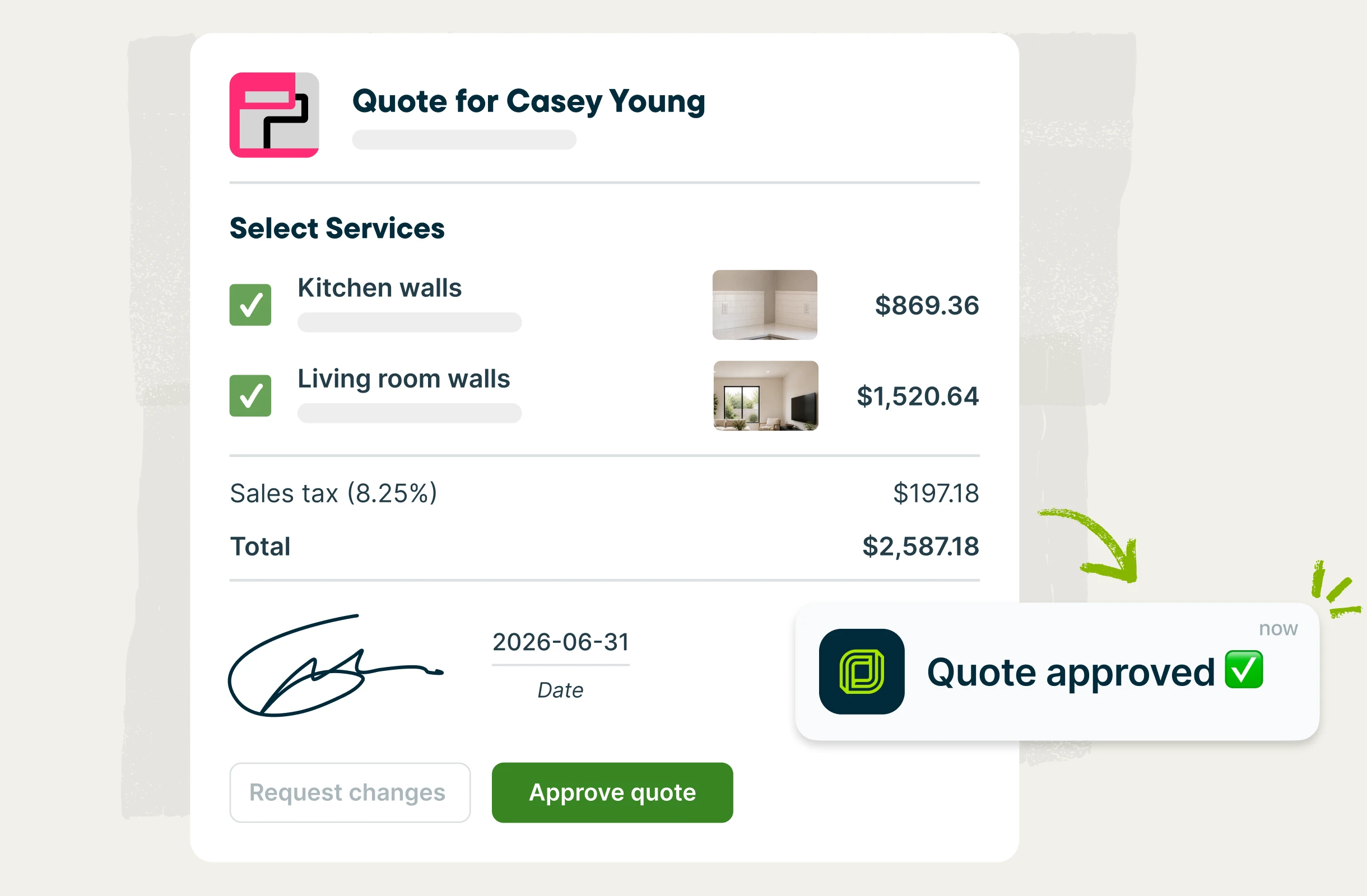
Painting estimating software built to win larger jobs
Build a professional estimate in minutes, from anywhere, complete with photos and clear pricing. Start from saved templates to quote faster, add optional upgrades your customer can select themselves, and let Jobber follow up automatically so nothing falls through the cracks.
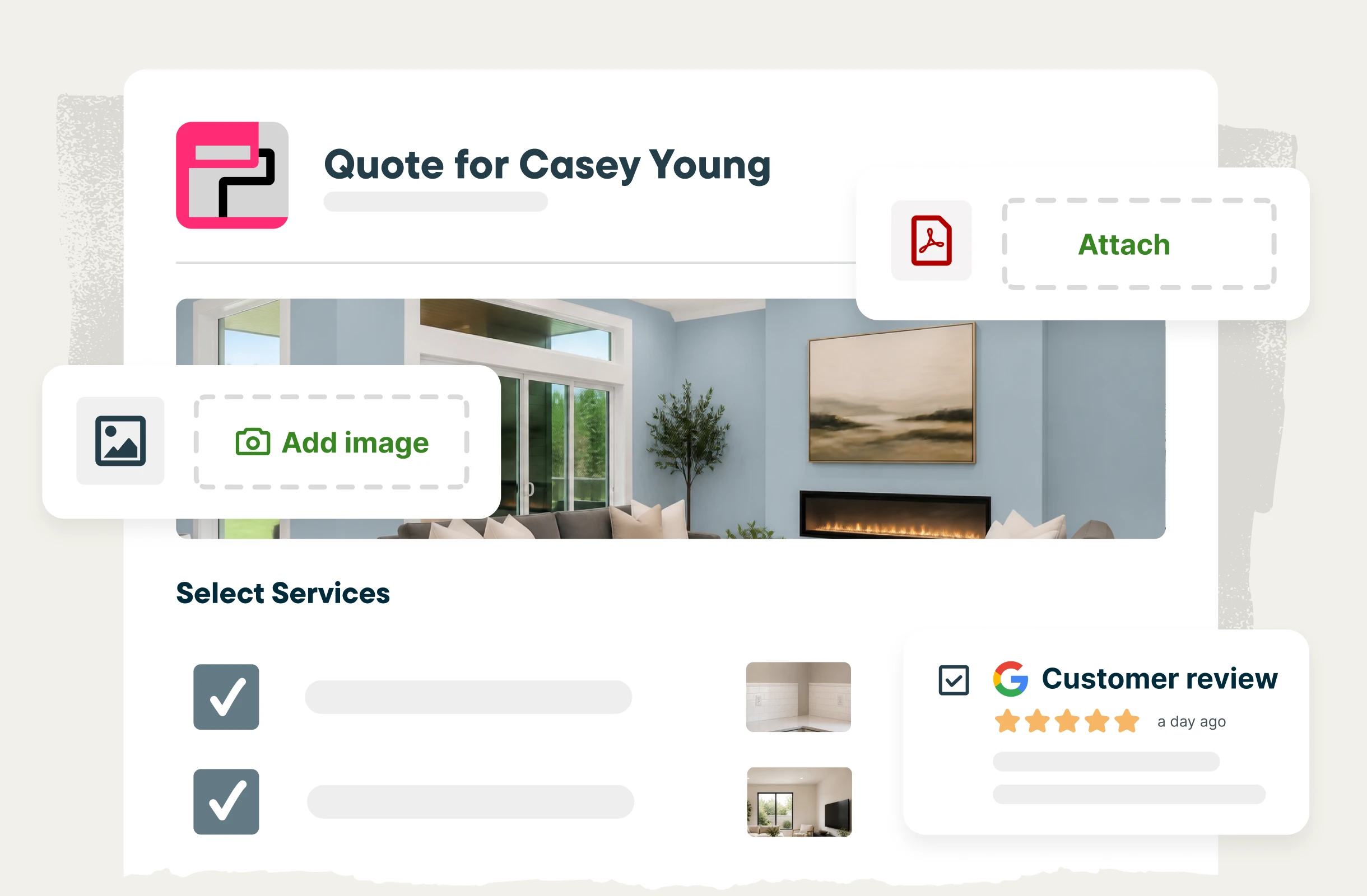
Estimates that win
Show customers exactly what they’re paying for. Add job photos, lay out the scope and prep work, break out line items and material costs, and add reviews from happy clients — so you can hand customers a professional estimate that answers their questions and builds trust from the start.
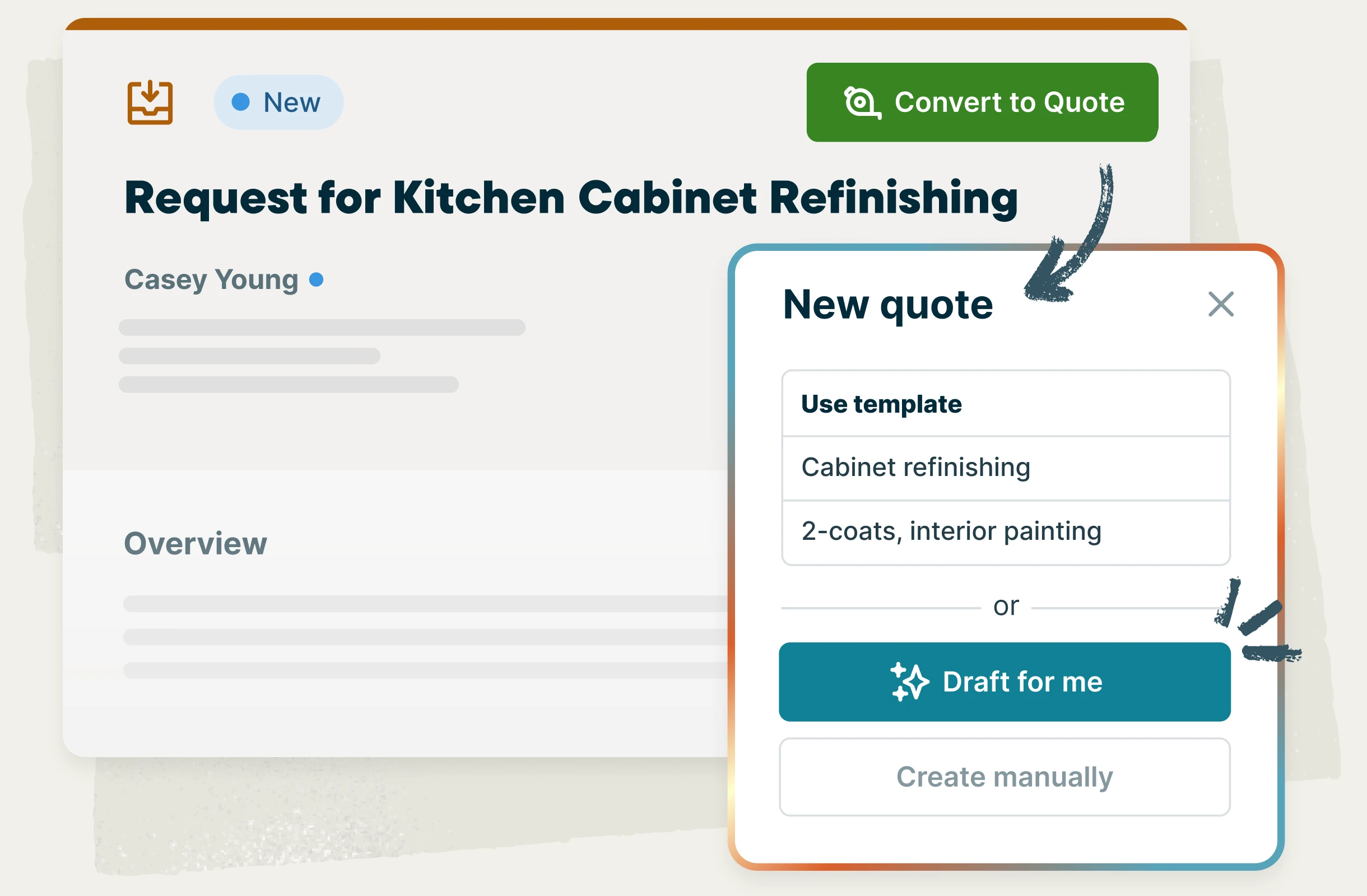
Quote drafts and templates
Exterior painting, two-coat interiors, cabinet refinishing—Save templates for the jobs you quote most often, or let Jobber draft the quote straight from the customer’s request, so you can always be the first bid in and the obvious choice.
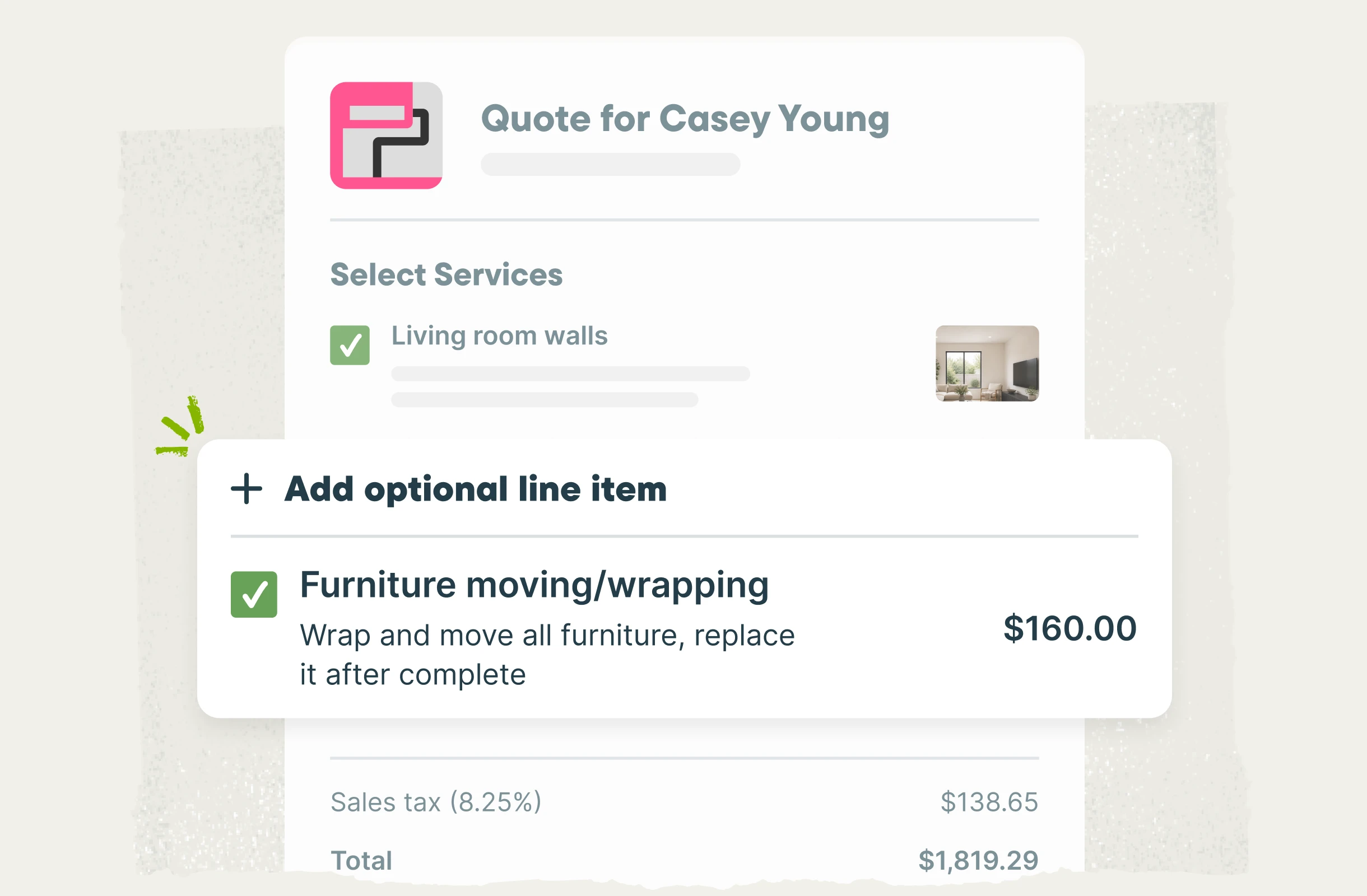
Optional line items
Painting pros who recommend optional line items in Jobber win quotes valued over $2,100 higher, on average, versus quotes without options. Offer upgrades and project options right in your estimate—like extra trim work, furniture wrapping, or premium paint products. Clients can review and select what they want, and the total updates automatically for quick approval.
Automatic quote follow-ups
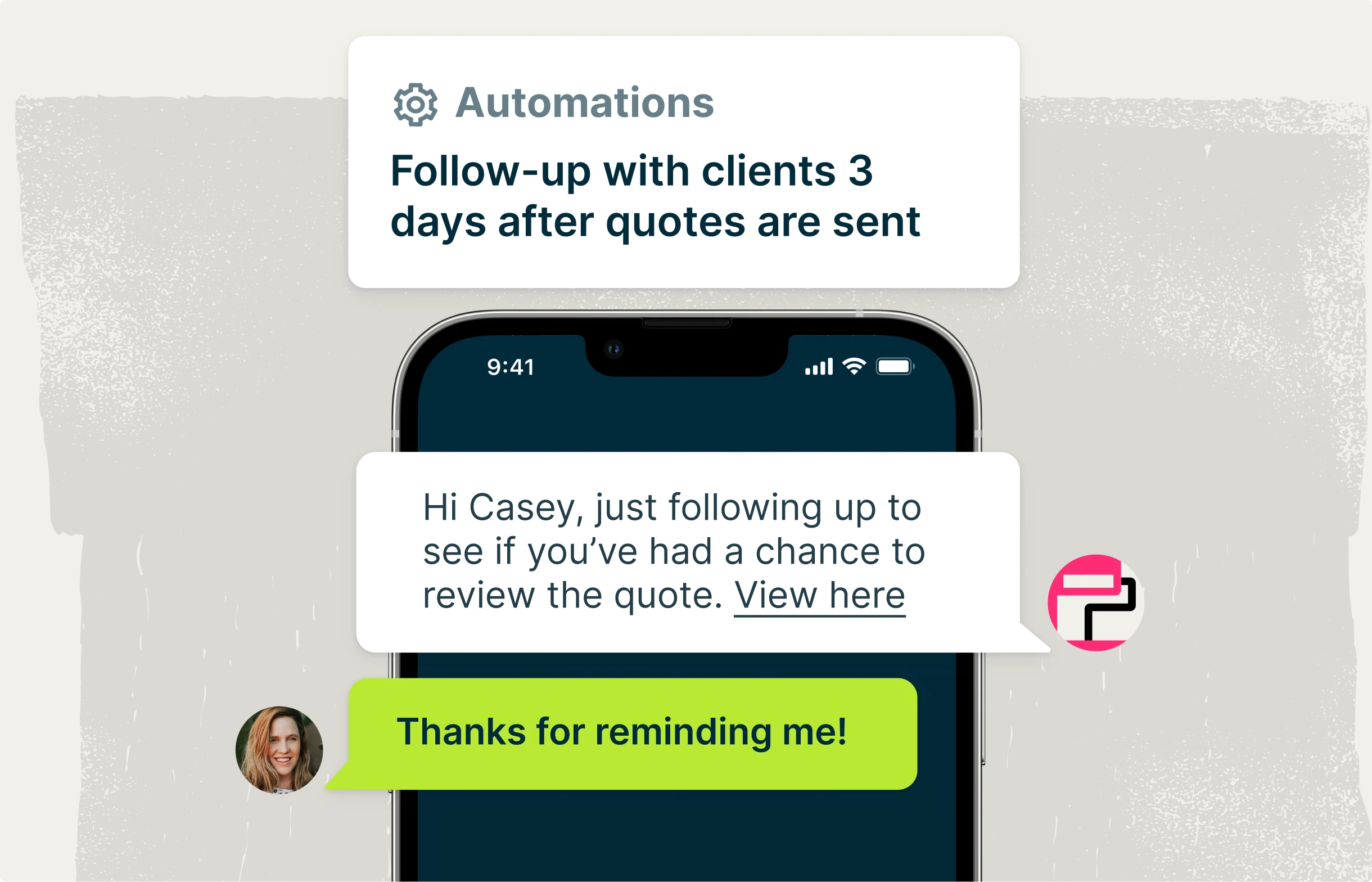
Focus on your painting projects without worrying about new business slipping through the cracks. After you send an estimate, Jobber follows up for you by text or email, so you can win more projects without the extra admin work.
Painting job costing software that protects your margin
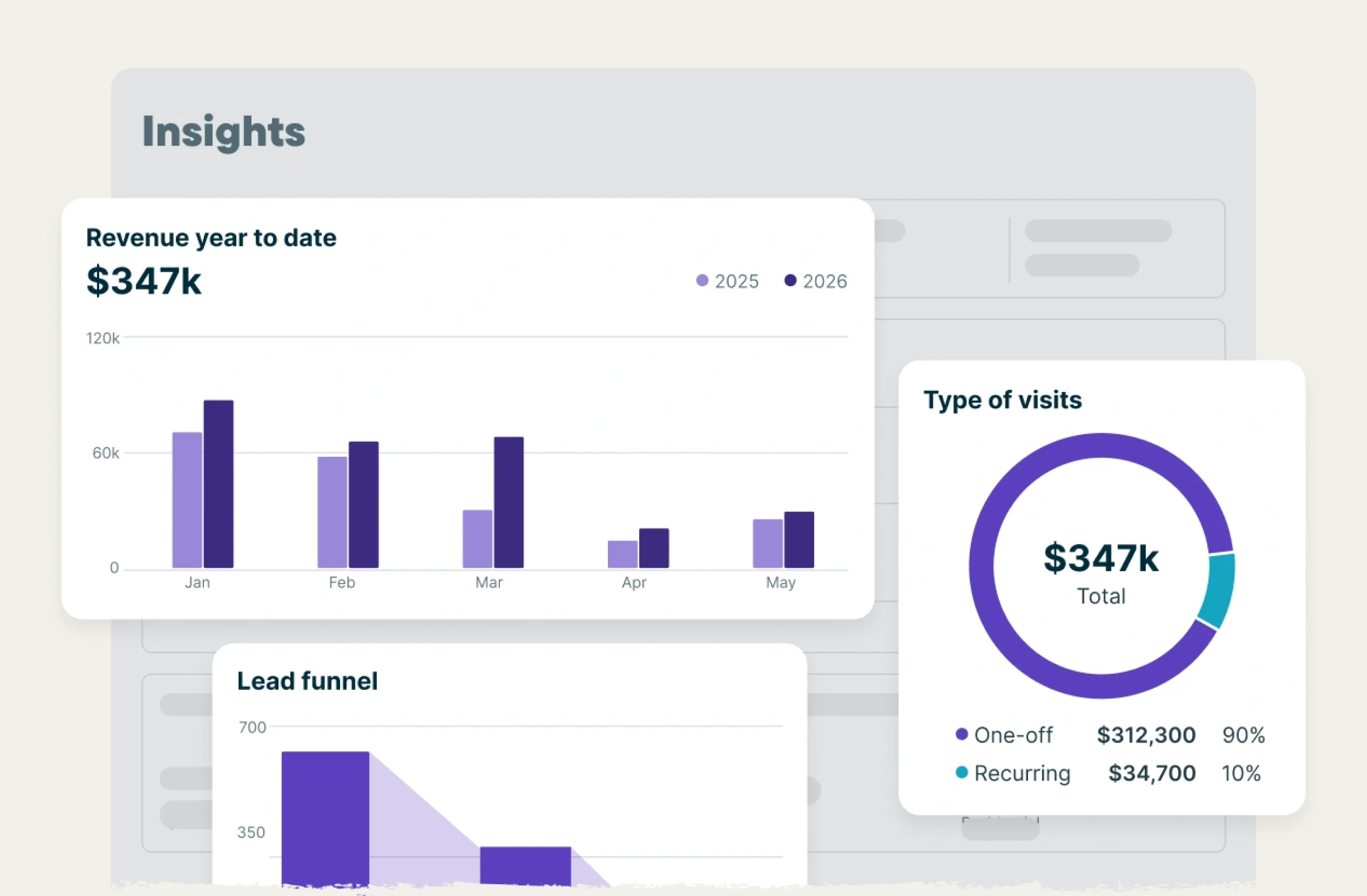
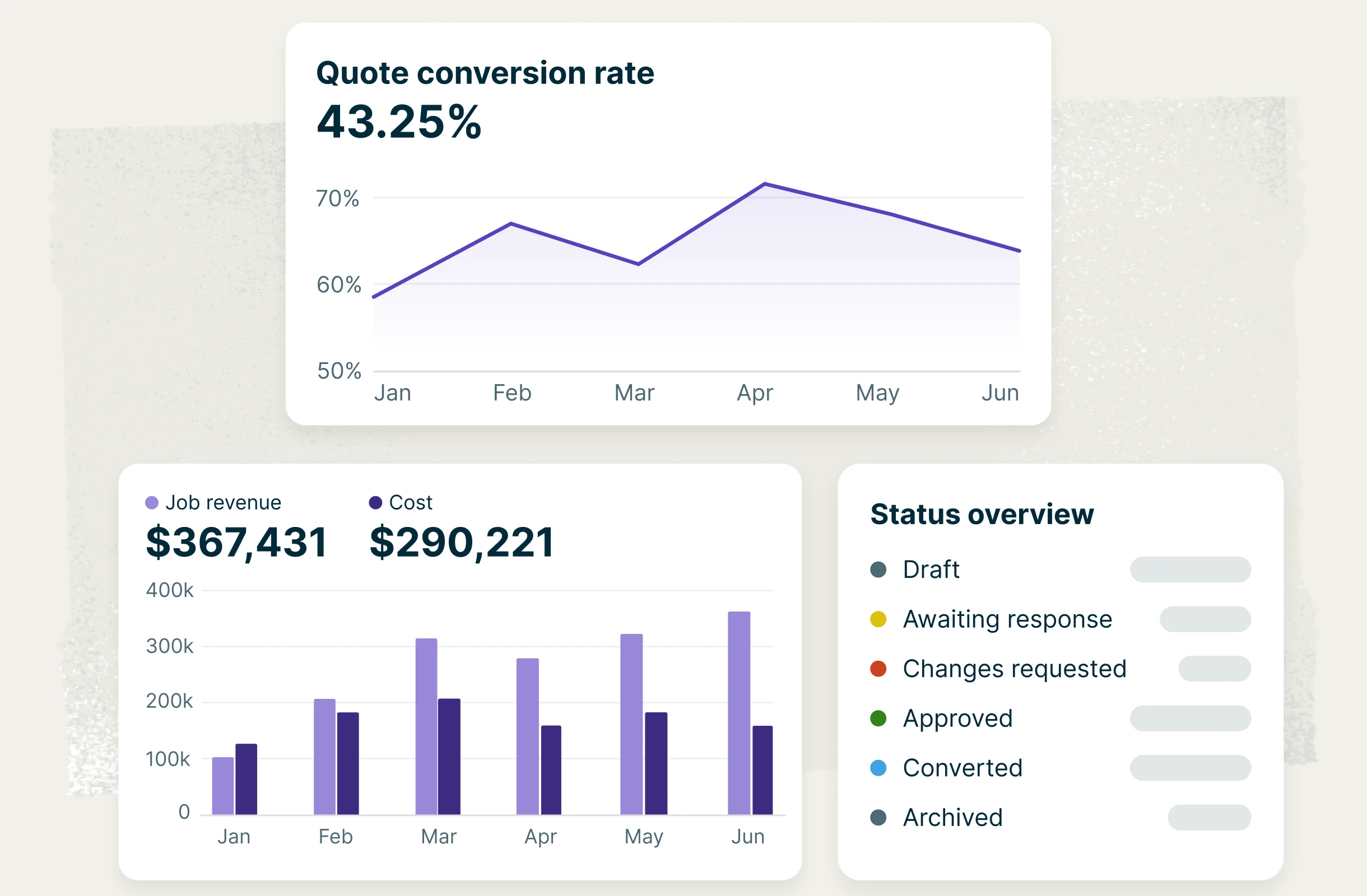
Jobber tracks labor, materials, and expenses as the job runs, so you can see your margin in real time. Keep your cash flow smooth by collecting deposits up front, collecting milestone payments as the project progresses, and invoicing the moment the last coat is done. Plus, see how the whole business is performing from one dashboard.
Job costing
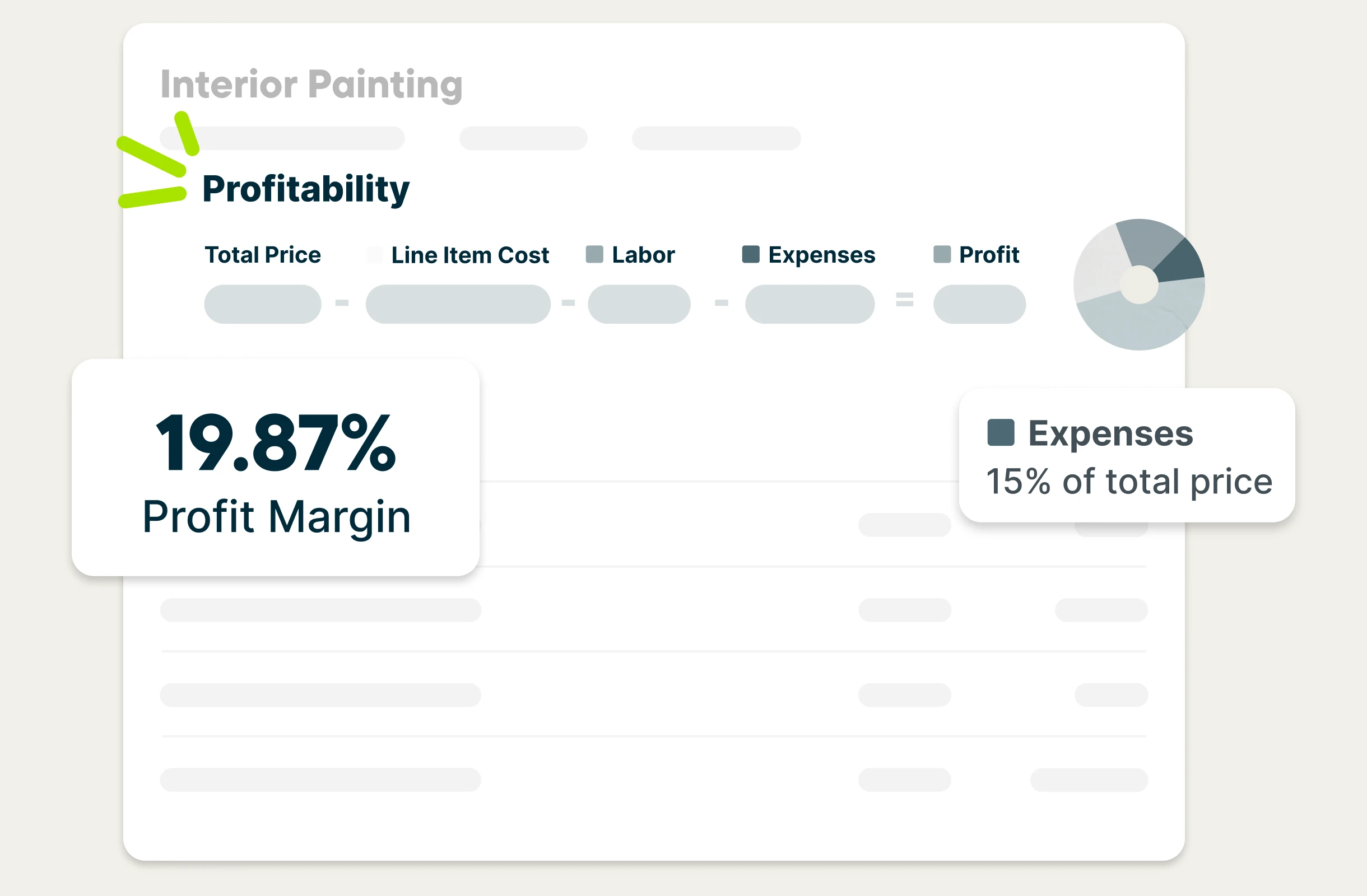
Know your job costs and margins to price your next project confidently. Track labor and capture your paint and material costs automatically in Jobber. Your job costing stays up to date as the work happens, so you can see which jobs are profitable before the work is even done. Set your minimum profit margin in Jobber to get visual alerts on jobs that are tracking below that threshold, so you can make changes before it’s too late.
Invoice faster
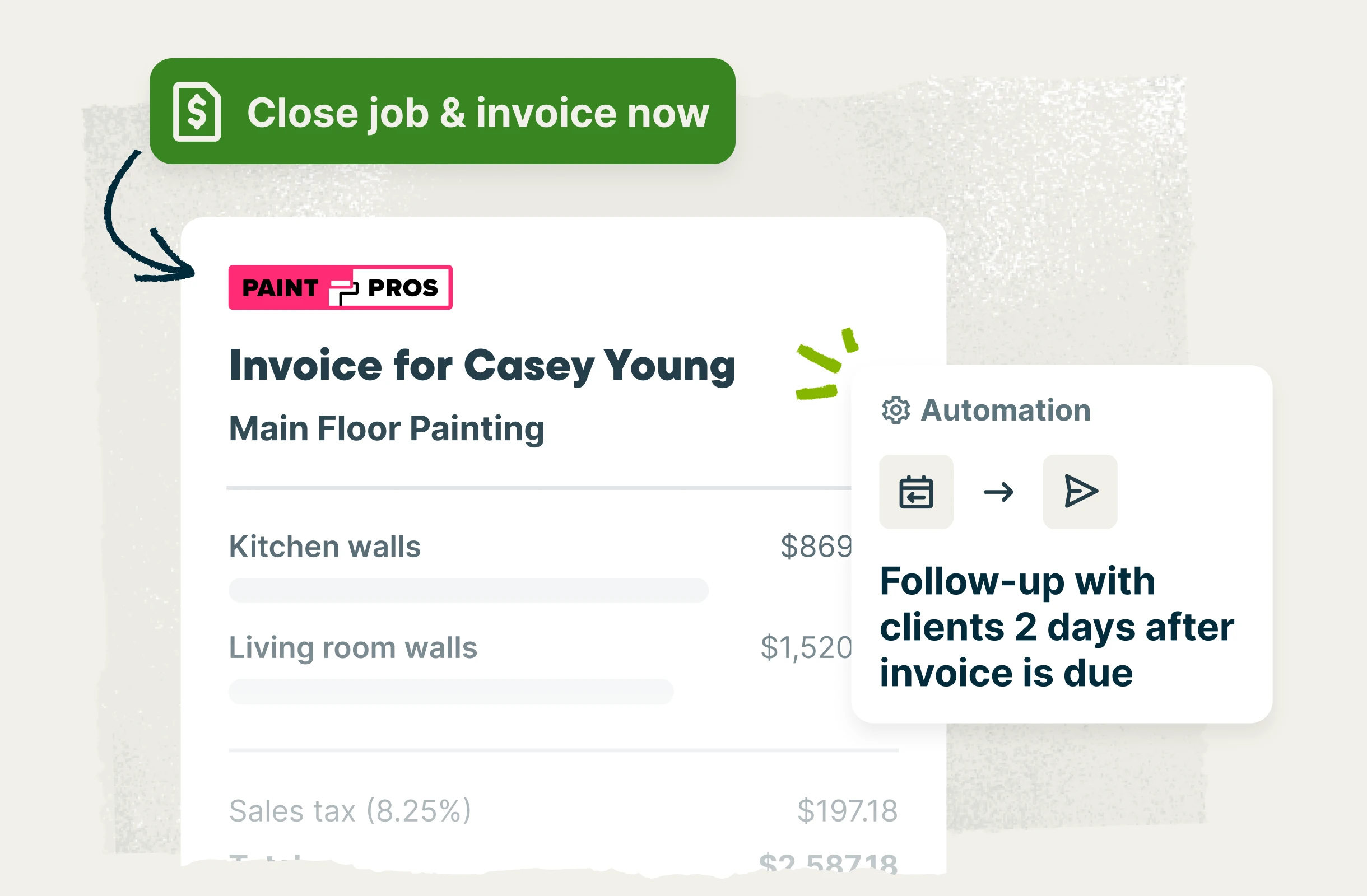
Close the job and invoice it on the spot. Jobber’s painting invoicing software builds a professional invoice with just a few clicks, so billing takes a minute instead of an evening. For larger projects, you can build out a payment schedule, so clients can clearly see when each bill will come through from the moment they approve the quote.

Easy payment options
You shouldn’t have to drive across town for a check or deal with lines at the bank after a long, hard day of work. With Jobber Payments, you can get paid 4x faster with easy online payment options. Take deposits up front, invoice in stages on larger projects, get reminders to invoice, and follow up automatically on late payments, so cash keeps flowing.
Painting job management software for multiple projects and crews
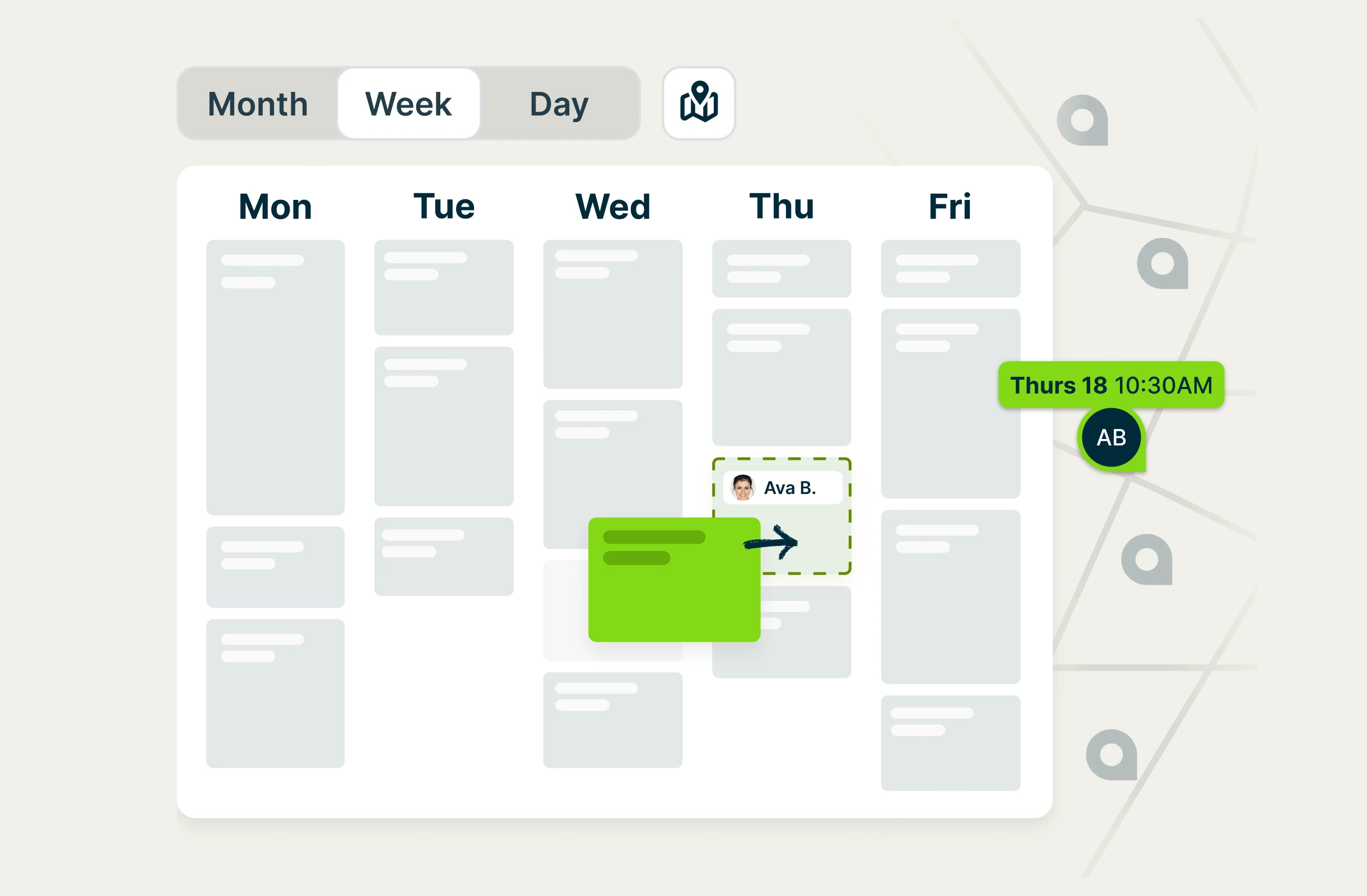
Manage your whole business from one place. Jobber gives you a centralized, visual calendar, handles customer and team communication, organizes the details of every client and project, and makes it all accessible through a mobile app your painters can use without training.
Smart scheduling
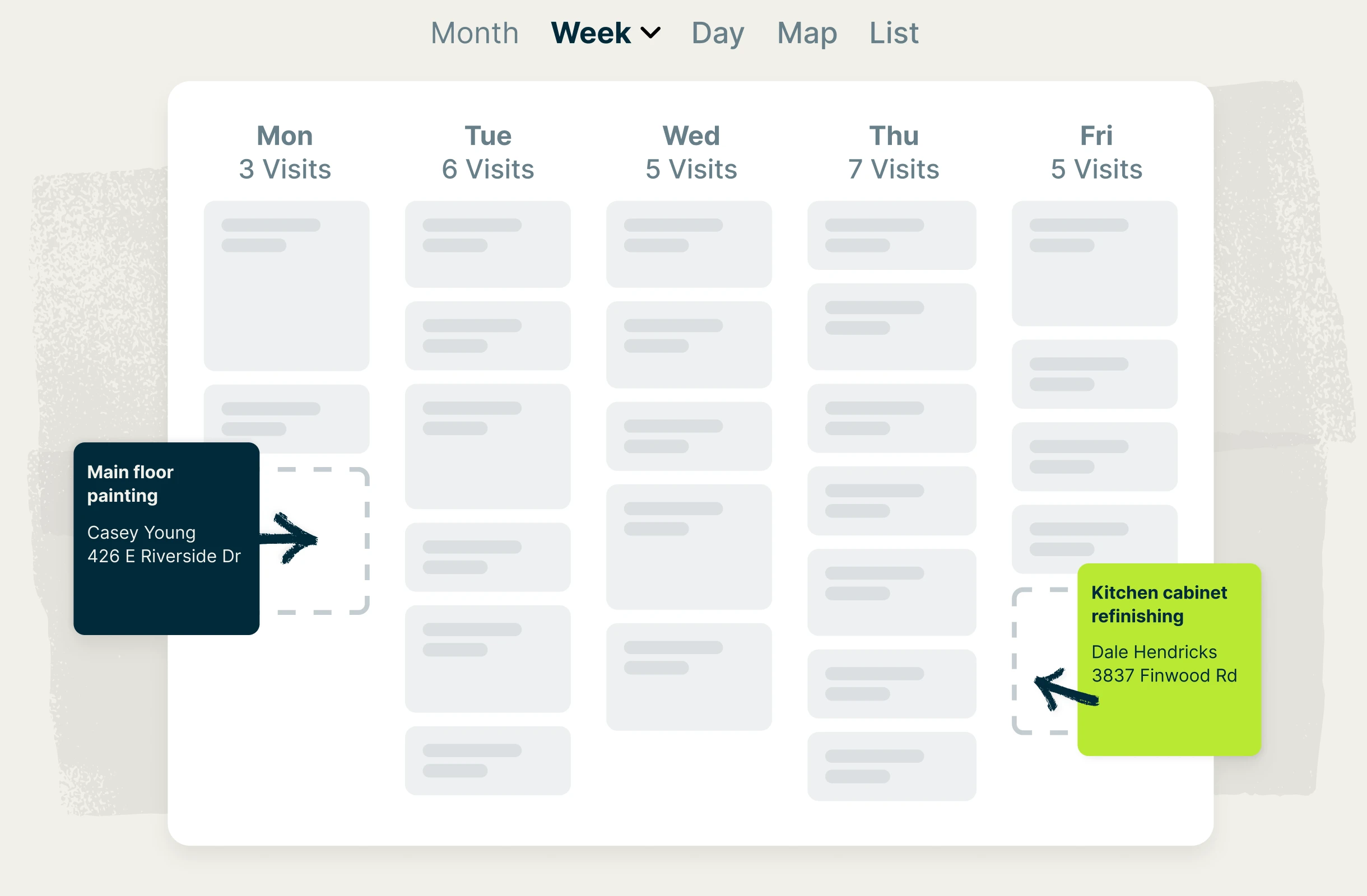
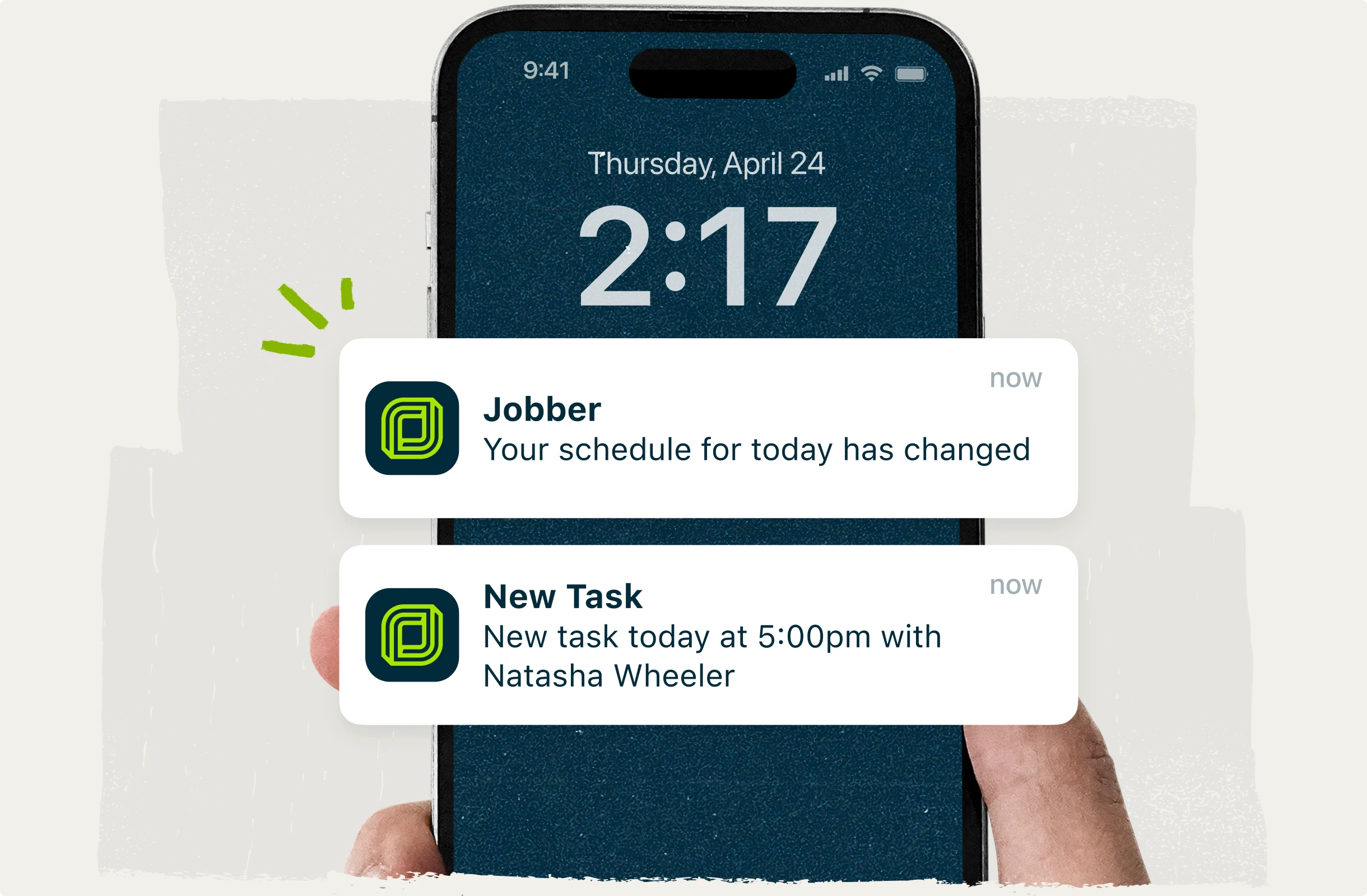
Jobber’s painting scheduling software keeps active jobs, upcoming work, and schedules visible in one calendar, making crew assignments clear and reducing scheduling conflicts. Quickly reschedule or reassign work when plans change, and automatically notify crews and clients in real time so everyone stays in the loop.
Powerful automations
Let Jobber handle the admin so you can focus on clients, your crews, and projects. Automate reminders, confirmations, estimates, invoice follow-ups, and other repetitive workflow tasks without you having to manually coordinate everything.
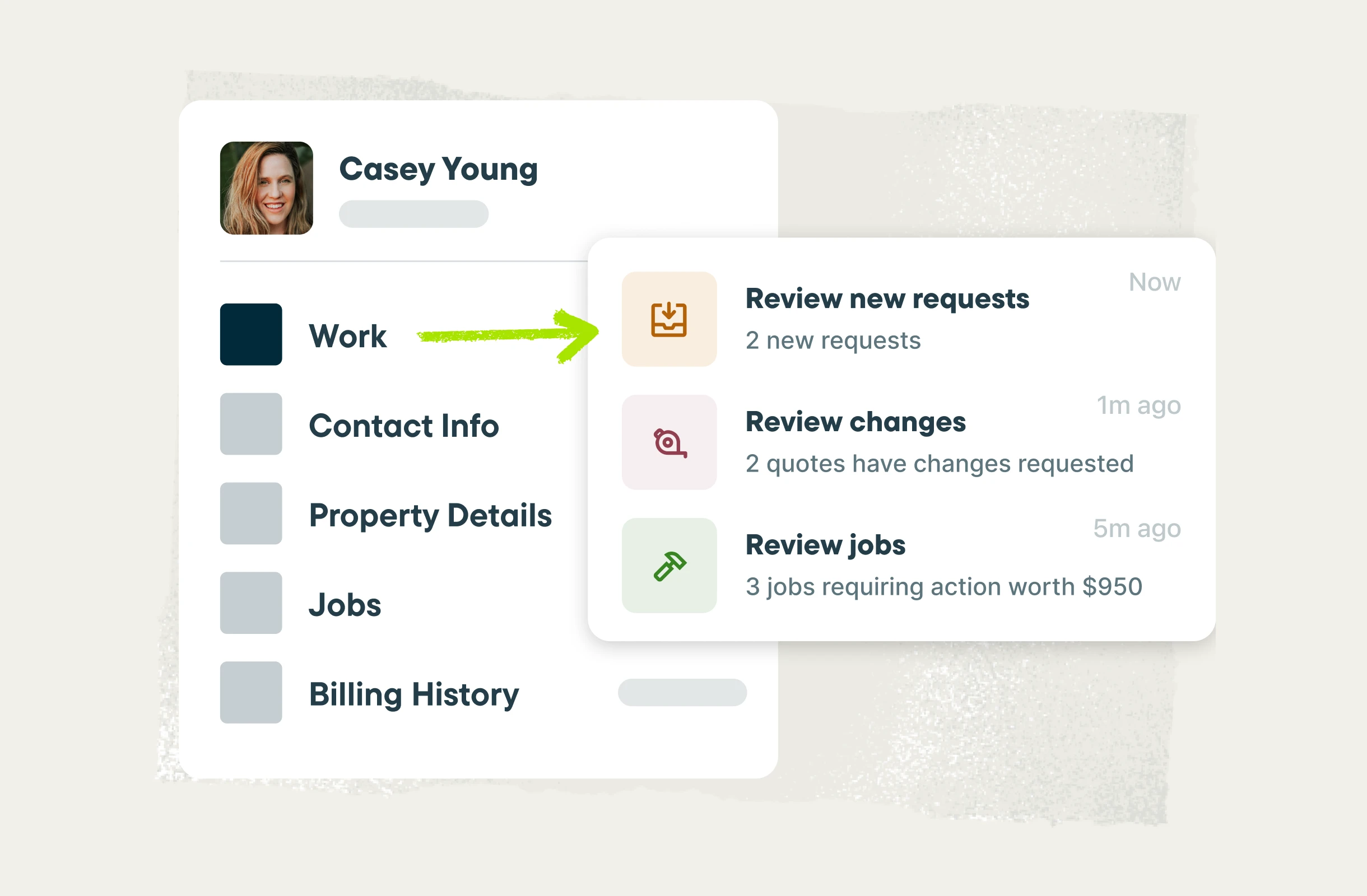
Painting CRM
Jobber’s painting contractor CRM keeps customer info and history organized in one place and accessible: the paint colors and color specs you used, the walkthrough notes, what you estimated, and what they paid. When a past client calls back to start a new project, you already know what you did and what you charged.
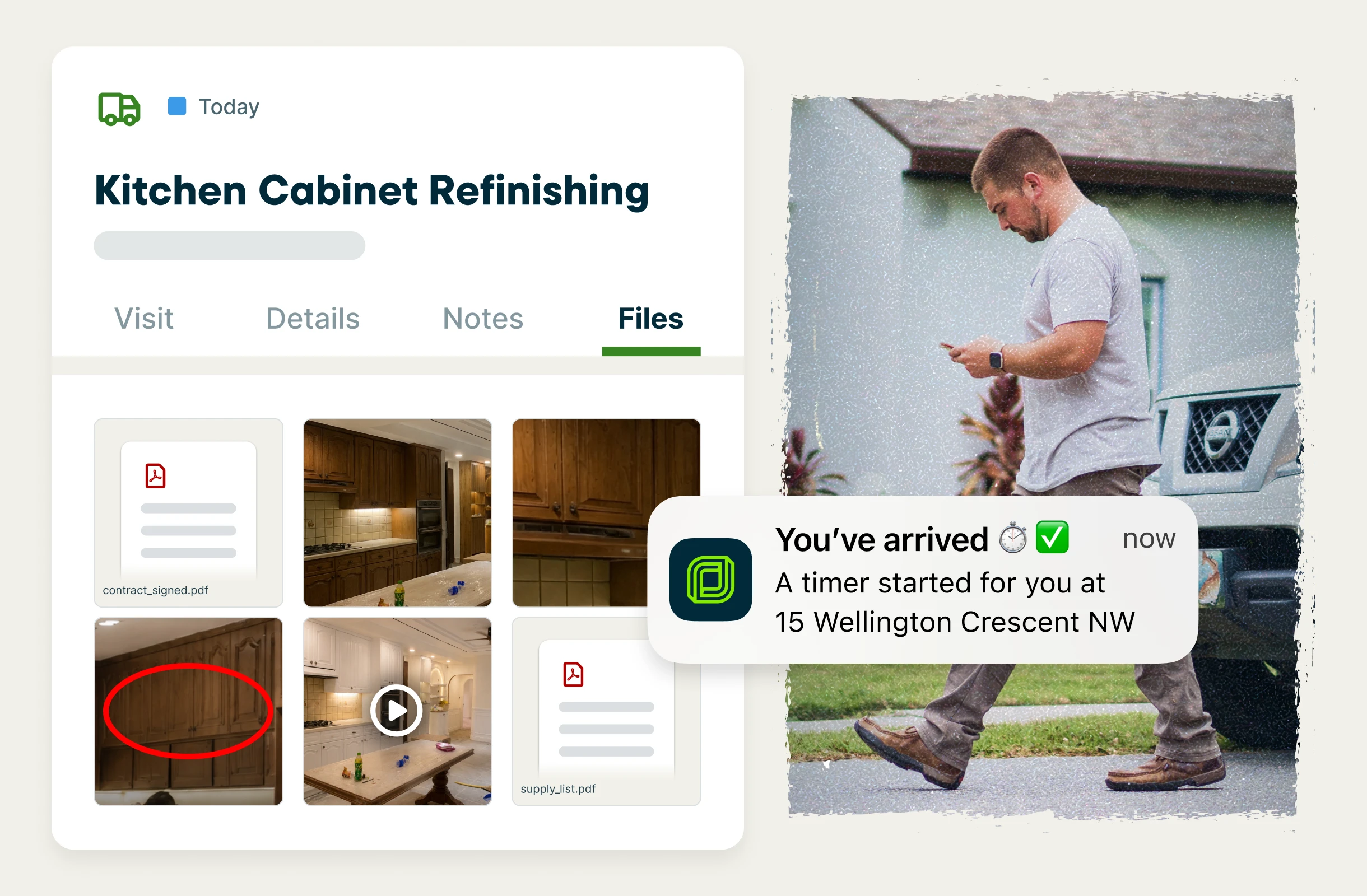
Mobile app
Give your crews the tools they need to keep every job on track. With Jobber’s top-rated mobile app, painters can access schedules, job details and notes, task management tools, photos, files, checklists, and time tracking from anywhere. Image markups and team @mentions make it easy to communicate updates and keep everyone on the same page, without unnecessary calls, texts, and trips back to the office.
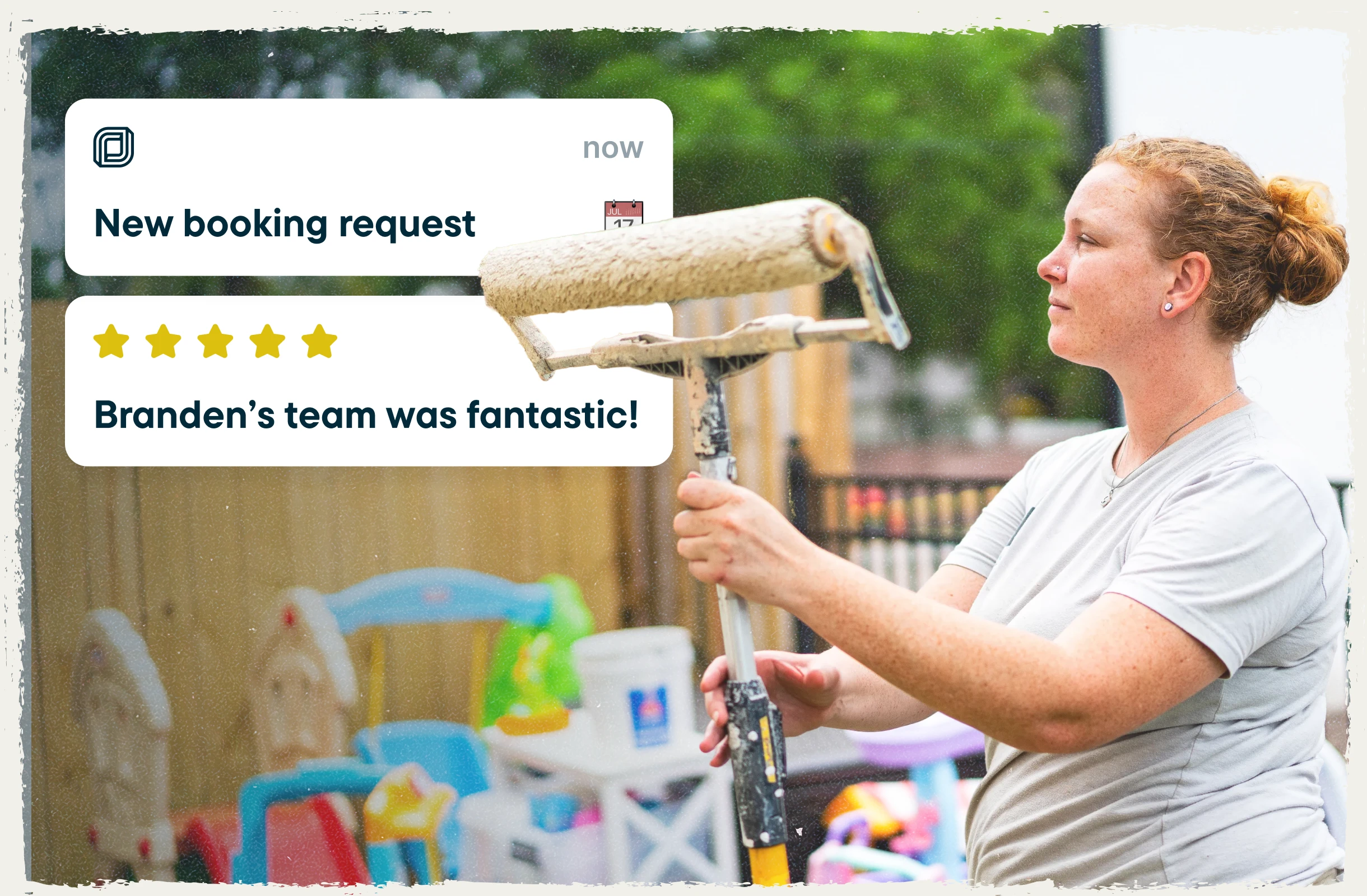
Painting marketing software to grow your reputation and your business
A great client experience doesn’t have to end once the last coat is applied. Jobber’s marketing tools help you build your reputation, collect reviews, and stay connected with past clients, turning great work into more referrals, repeat business, and future projects.
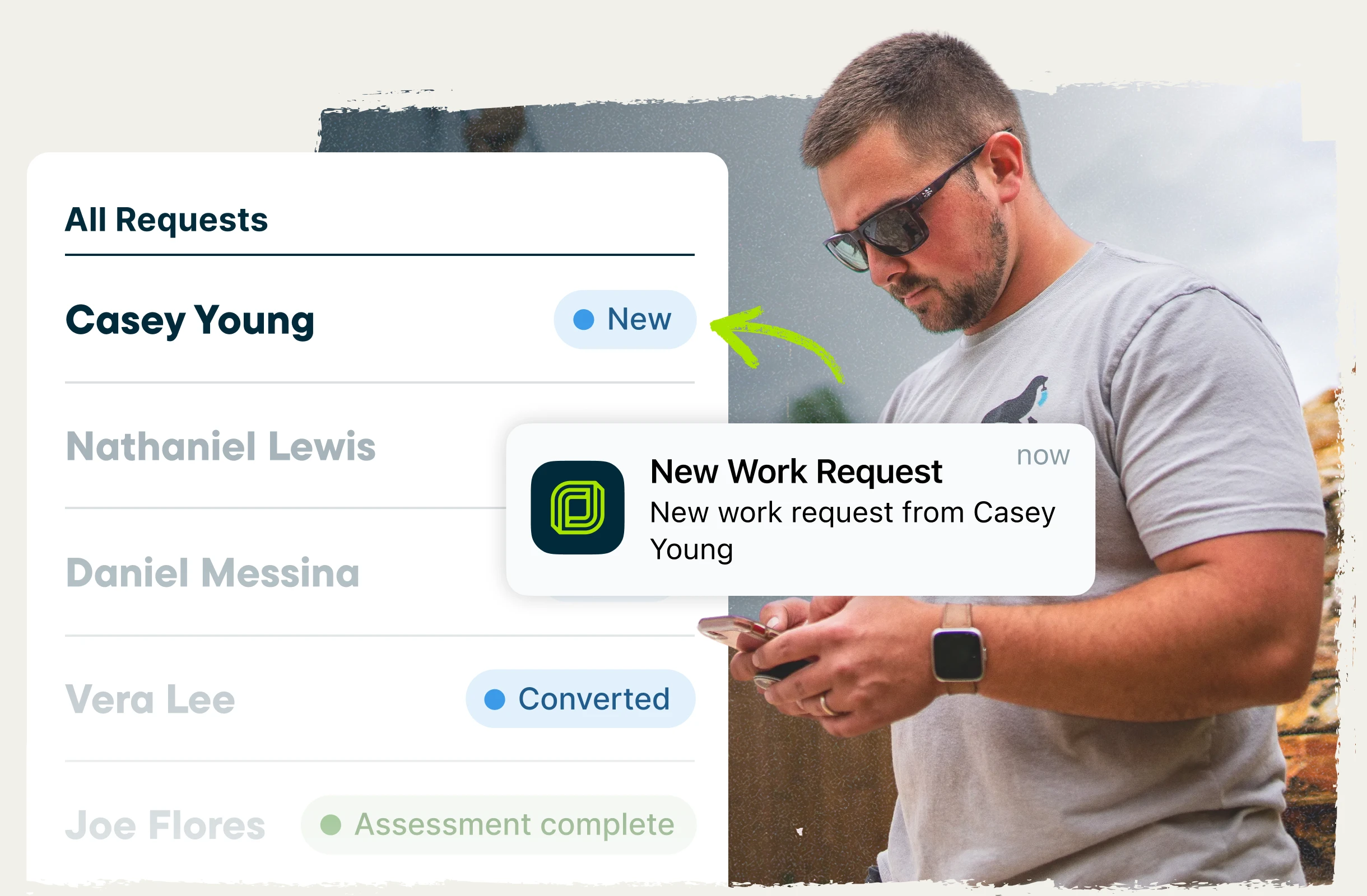
Online booking and requests
Let customers book or submit a request straight from your website, Google Business Profile, or social media pages. Every request comes to you directly, complete with all the information you require, and no per-lead fees.
Automatic review requests
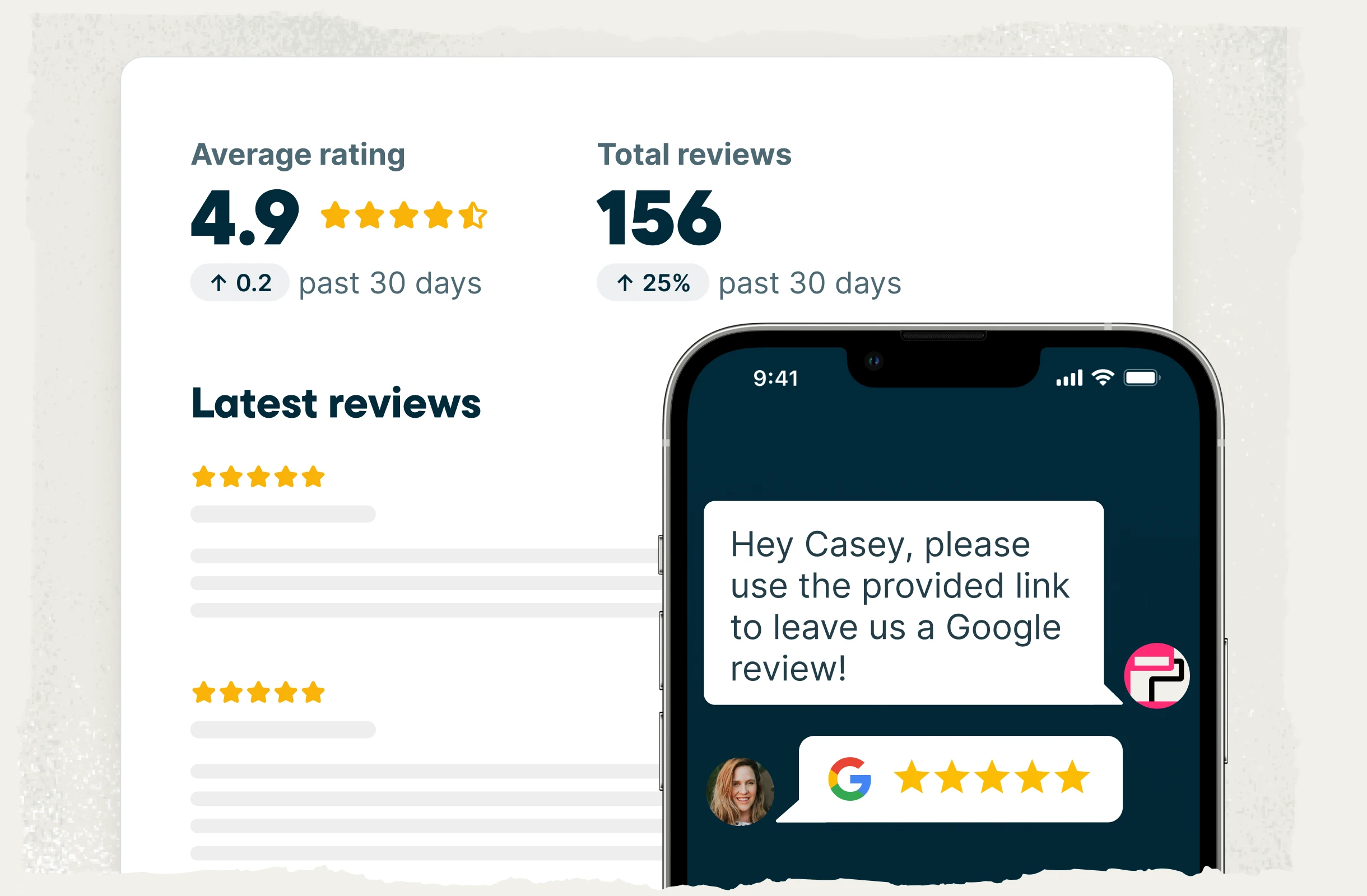
Double your Google reviews without any of the admin work. Jobber automatically sends a review request once the project is complete, according to your settings, so you build more trust and credibility right away with leads online.
Email marketing
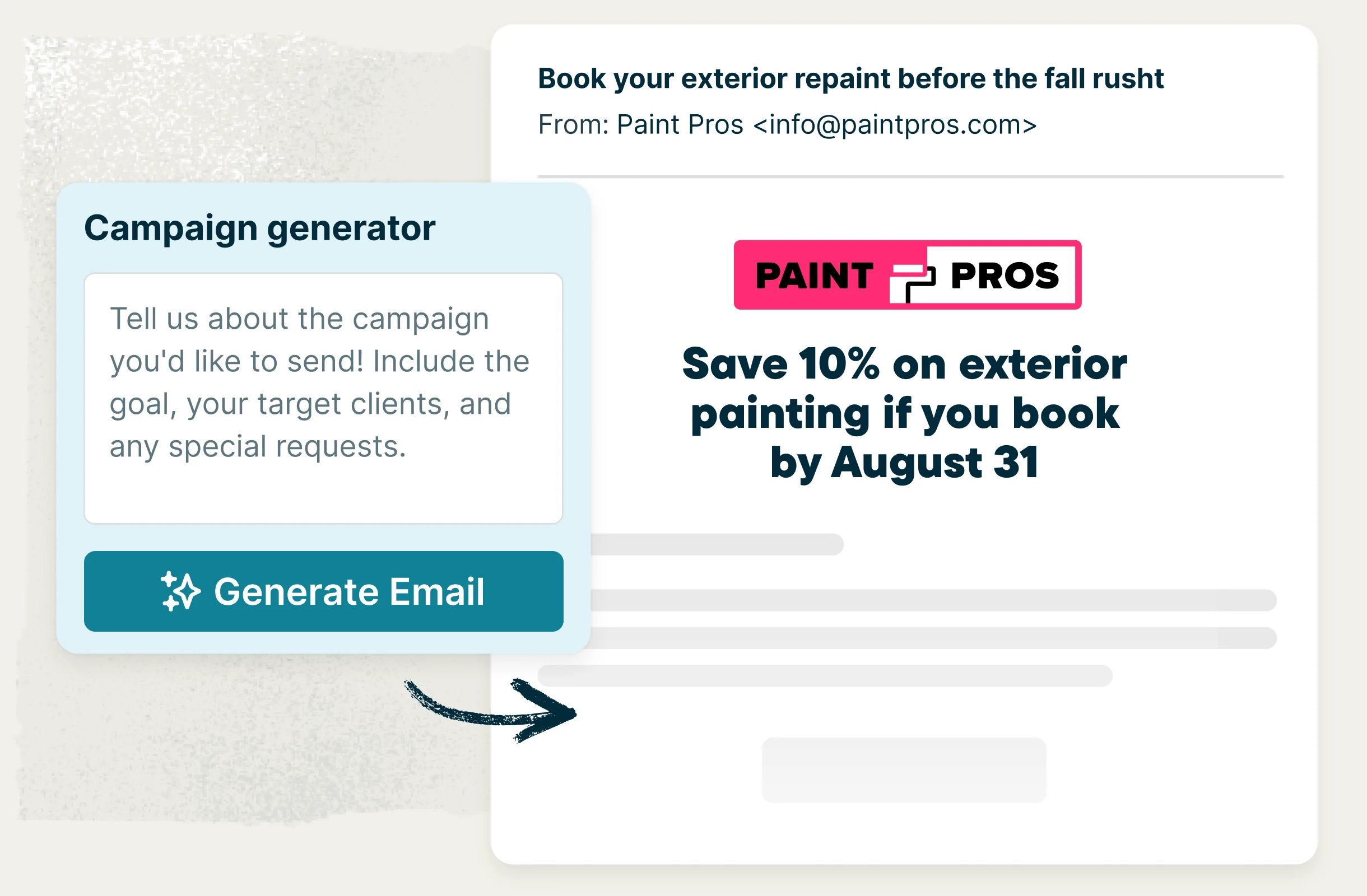
Send referral campaigns, new painting trends, or one-off messages to reconnect with past clients and stay in touch between projects. Jobber’s Marketing Suite can create targeted email campaigns and send them automatically based on your preferences.
Word-of-mouth referrals
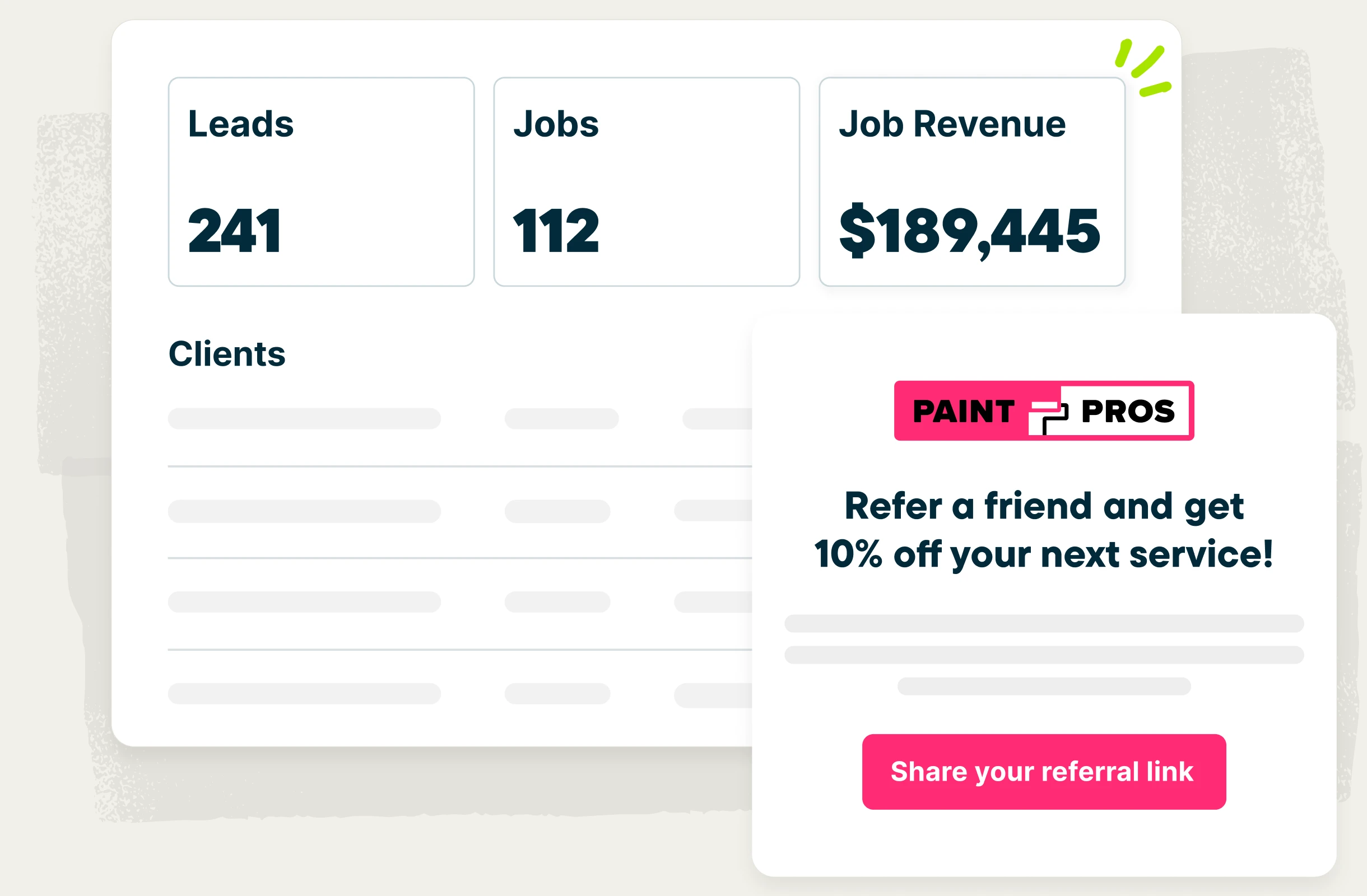
Happy clients are your best source of new work. Track and manage referrals in Jobber to grow your client list, earn more business, and apply referral incentives to a future painting project.
Painting estimating software built to win larger jobs
Build a professional estimate in minutes, from anywhere, complete with photos and clear pricing. Start from saved templates to quote faster, add optional upgrades your customer can select themselves, and let Jobber follow up automatically so nothing falls through the cracks.
Estimates that win
Show customers exactly what they’re paying for. Add job photos, lay out the scope and prep work, break out line items and material costs, and add reviews from happy clients — so you can hand customers a professional estimate that answers their questions and builds trust from the start.
Quote drafts and templates
Exterior painting, two-coat interiors, cabinet refinishing—Save templates for the jobs you quote most often, or let Jobber draft the quote straight from the customer’s request, so you can always be the first bid in and the obvious choice.
Optional line items
Painting pros who recommend optional line items in Jobber win quotes valued over $2,100 higher, on average, versus quotes without options. Offer upgrades and project options right in your estimate—like extra trim work, furniture wrapping, or premium paint products. Clients can review and select what they want, and the total updates automatically for quick approval.
Automatic quote follow-ups
Focus on your painting projects without worrying about new business slipping through the cracks. After you send an estimate, Jobber follows up for you by text or email, so you can win more projects without the extra admin work.
Painting job costing software that protects your margin
Jobber tracks labor, materials, and expenses as the job runs, so you can see your margin in real time. Keep your cash flow smooth by collecting deposits up front, collecting milestone payments as the project progresses, and invoicing the moment the last coat is done. Plus, see how the whole business is performing from one dashboard.
Job costing
Know your job costs and margins to price your next project confidently. Track labor and capture your paint and material costs automatically in Jobber. Your job costing stays up to date as the work happens, so you can see which jobs are profitable before the work is even done. Set your minimum profit margin in Jobber to get visual alerts on jobs that are tracking below that threshold, so you can make changes before it’s too late.
Invoice faster
Close the job and invoice it on the spot. Jobber’s painting invoicing software builds a professional invoice with just a few clicks, so billing takes a minute instead of an evening. For larger projects, you can build out a payment schedule, so clients can clearly see when each bill will come through from the moment they approve the quote.
Easy payment options
You shouldn’t have to drive across town for a check or deal with lines at the bank after a long, hard day of work. With Jobber Payments, you can get paid 4x faster with easy online payment options. Take deposits up front, invoice in stages on larger projects, get reminders to invoice, and follow up automatically on late payments, so cash keeps flowing.
Painting job management software for multiple projects and crews
Manage your whole business from one place. Jobber gives you a centralized, visual calendar, handles customer and team communication, organizes the details of every client and project, and makes it all accessible through a mobile app your painters can use without training.
Smart scheduling
Jobber’s painting scheduling software keeps active jobs, upcoming work, and schedules visible in one calendar, making crew assignments clear and reducing scheduling conflicts. Quickly reschedule or reassign work when plans change, and automatically notify crews and clients in real time so everyone stays in the loop.
Powerful automations
Let Jobber handle the admin so you can focus on clients, your crews, and projects. Automate reminders, confirmations, estimates, invoice follow-ups, and other repetitive workflow tasks without you having to manually coordinate everything.
Painting CRM
Jobber’s painting contractor CRM keeps customer info and history organized in one place and accessible: the paint colors and color specs you used, the walkthrough notes, what you estimated, and what they paid. When a past client calls back to start a new project, you already know what you did and what you charged.
Mobile app
Give your crews the tools they need to keep every job on track. With Jobber’s top-rated mobile app, painters can access schedules, job details and notes, task management tools, photos, files, checklists, and time tracking from anywhere. Image markups and team @mentions make it easy to communicate updates and keep everyone on the same page, without unnecessary calls, texts, and trips back to the office.
Painting marketing software to grow your reputation and your business
A great client experience doesn’t have to end once the last coat is applied. Jobber’s marketing tools help you build your reputation, collect reviews, and stay connected with past clients, turning great work into more referrals, repeat business, and future projects.
Online booking and requests
Let customers book or submit a request straight from your website, Google Business Profile, or social media pages. Every request comes to you directly, complete with all the information you require, and no per-lead fees.
Automatic review requests
Double your Google reviews without any of the admin work. Jobber automatically sends a review request once the project is complete, according to your settings, so you build more trust and credibility right away with leads online.
Email marketing
Send referral campaigns, new painting trends, or one-off messages to reconnect with past clients and stay in touch between projects. Jobber’s Marketing Suite can create targeted email campaigns and send them automatically based on your preferences.
Word-of-mouth referrals
Happy clients are your best source of new work. Track and manage referrals in Jobber to grow your client list, earn more business, and apply referral incentives to a future painting project.
Trusted by top painting pros
“Jobber doesn’t just serve me. It doesn’t just serve my customers. It serves my employees as well. It makes their job easier, it makes things more efficient for them.”

“Jobber helped differentiate my business. It made me look professional, allowed me to be way more organized, and was a huge time saver.”

“Jobber has made running the administrative side of my business much smoother. You can tell the developers actually listen and build features around how businesses operate in the real world.”

Build trust from estimate to invoice
The right software for painting contractors gives customers a professional experience from the first request to the final receipt.

Client Hub
Customers get their own online portal where they can check the schedule, approve a quote, request more work, and pay an invoice — any time, without calling you.
See Feature
Online Booking
A booking request form on your website or social profiles lets customers ask for a quote on their own time, with the job details you need already filled in.
See Feature
Professional Quotes
Customers see photos, a clear scope, and the optional upgrades they can choose from, so they know exactly what they’re approving before they sign.
See Feature
Convenient Payment Methods
Deposits, progress payments, and final balances can all be paid by credit card, Apple Pay, Google Pay, or bank payment (ACH) — in person or online.
See Feature
Reliable Communication
Automatic texts and emails keep customers posted before, during, and after the job, so nobody has to chase you for an update.
See Feature
Customer Relationship Management (CRM)
Every quote, job, invoice, and note stays attached to the customer, so whoever picks up the phone already knows the history. Jobber’s CRM is where the whole client relationship lives.
See FeatureIntegrations built for your workflow
Jobber saves you time by integrating with your favorite apps and software to help you do more with your painting company.

Simplify payroll with automatic syncing of your approved timesheets from Jobber to QuickBooks Online.
Learn More
Boost sales by offering customers instant financing on quotes.
Learn More
Build fast, accurate quotes with up-to-date Home Depot pricing and local inventory—right in Jobber.
Learn More
Automate tasks between apps with custom triggers—seamlessly connecting Jobber with 2,000+ other tools
Learn MoreAward-winning painting contractor software
Jobber is proud to be recognized as top-rated painting business software by third-party platforms like G2, Capterra, and Software Advice.


Free painting business resources
Reach your goals faster with painting business tips, insights, free tools, and resources from Jobber.
12 Tips to Get Painting Contracts
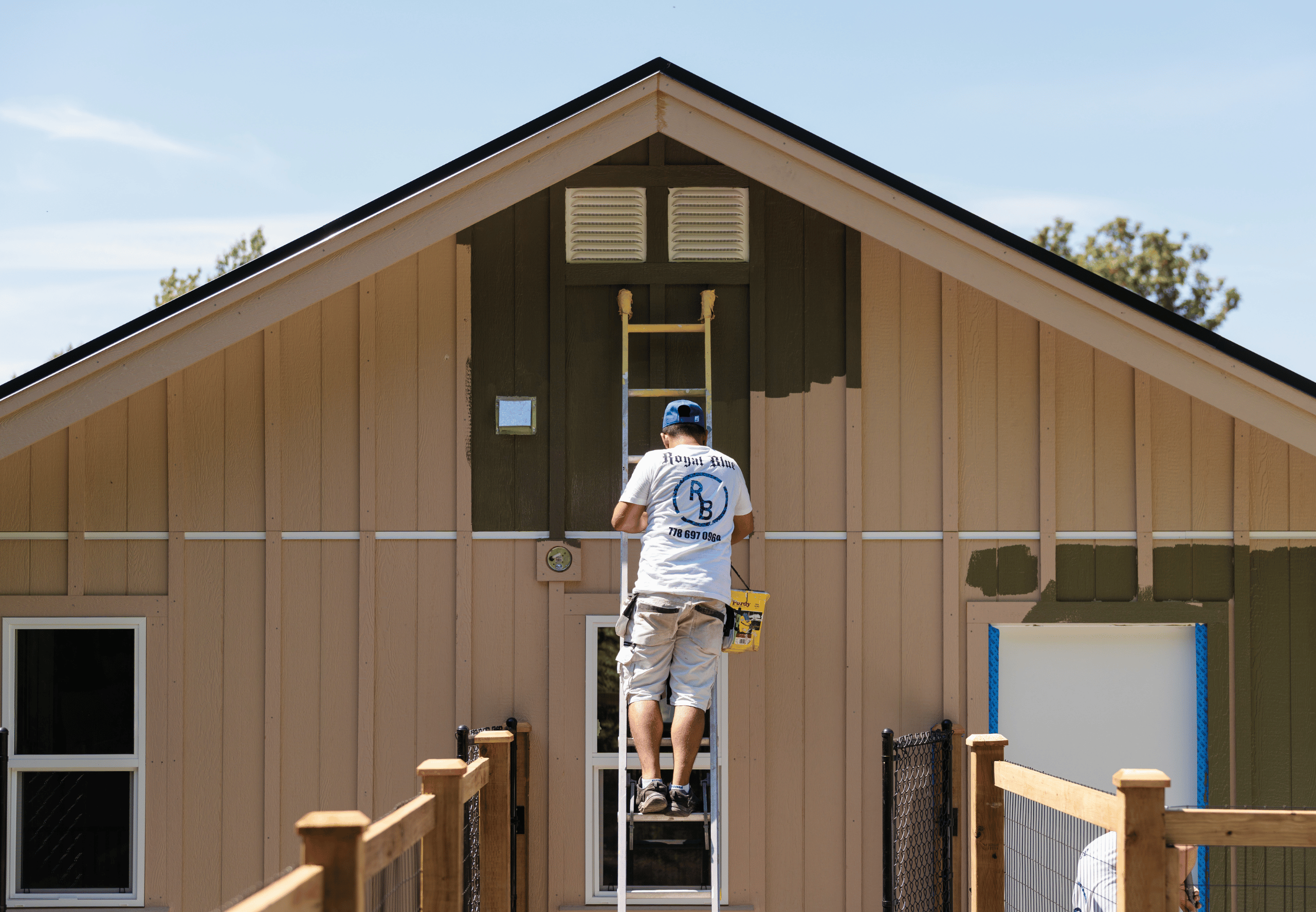
Learn where to find bigger painting contracts and how to win them against other bidders.
Read Now
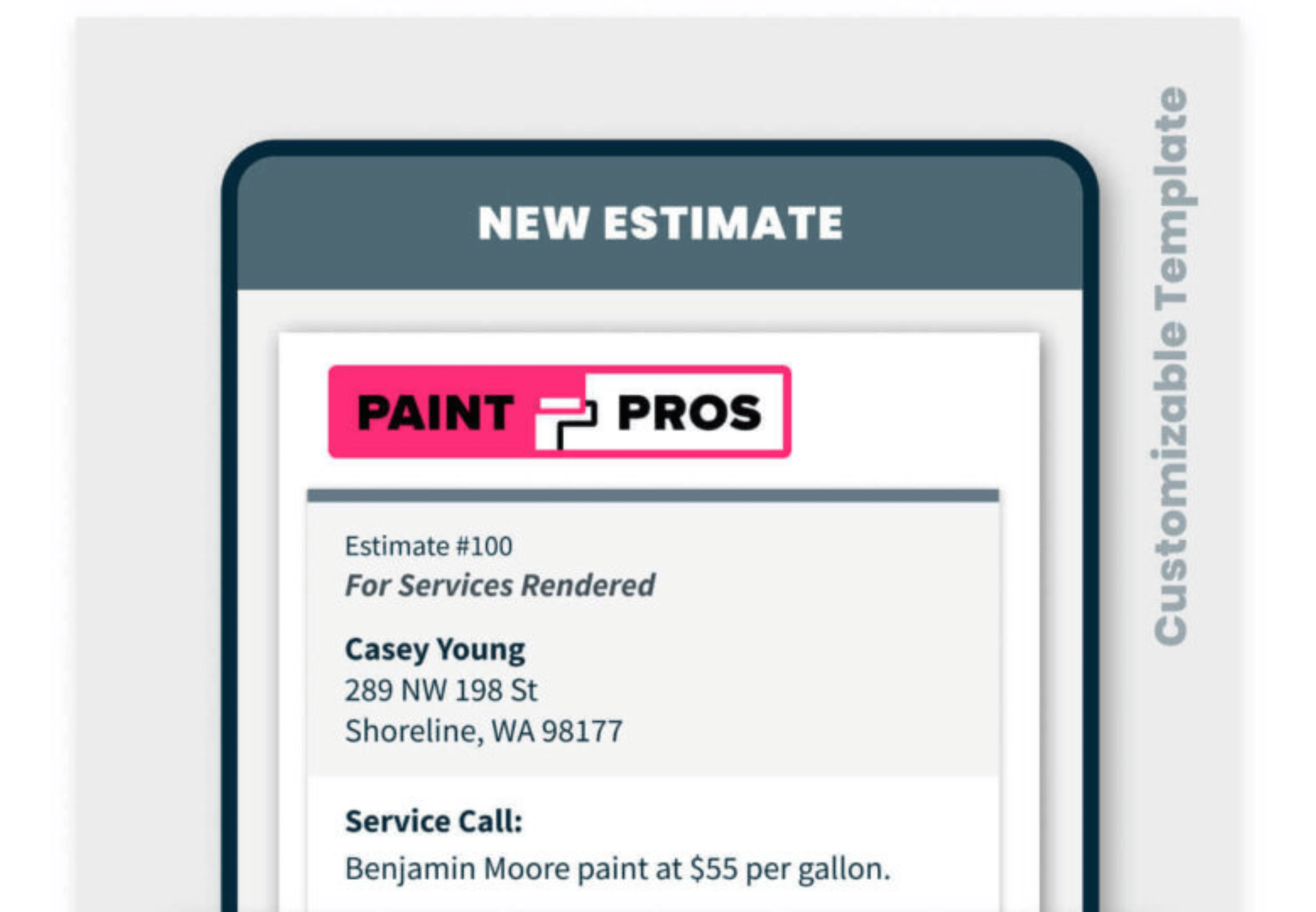
Free Painting Estimate Template
Customize this painting estimate with your own branding and details, ready to send for approval.
Download Now
How to Market a Painting Business
Explore eight practical ways to bring in painting leads and customers, without paying per inquiry.
Read Now

Building a Painting Empire with Jobber
See how Graham Audenart runs his painting business across 3 cities, managing it all through Jobber.
Read Now

How to Estimate a Painting Job: 4 Steps to Profit
Use this simple formula for estimating a painting job so the quote actually makes you money.
Read Now

Salary Guide: How Much do House Painters Make?
Explore U.S. house painter salaries, median pay, hourly rates, and key factors influencing pay.
Read Now
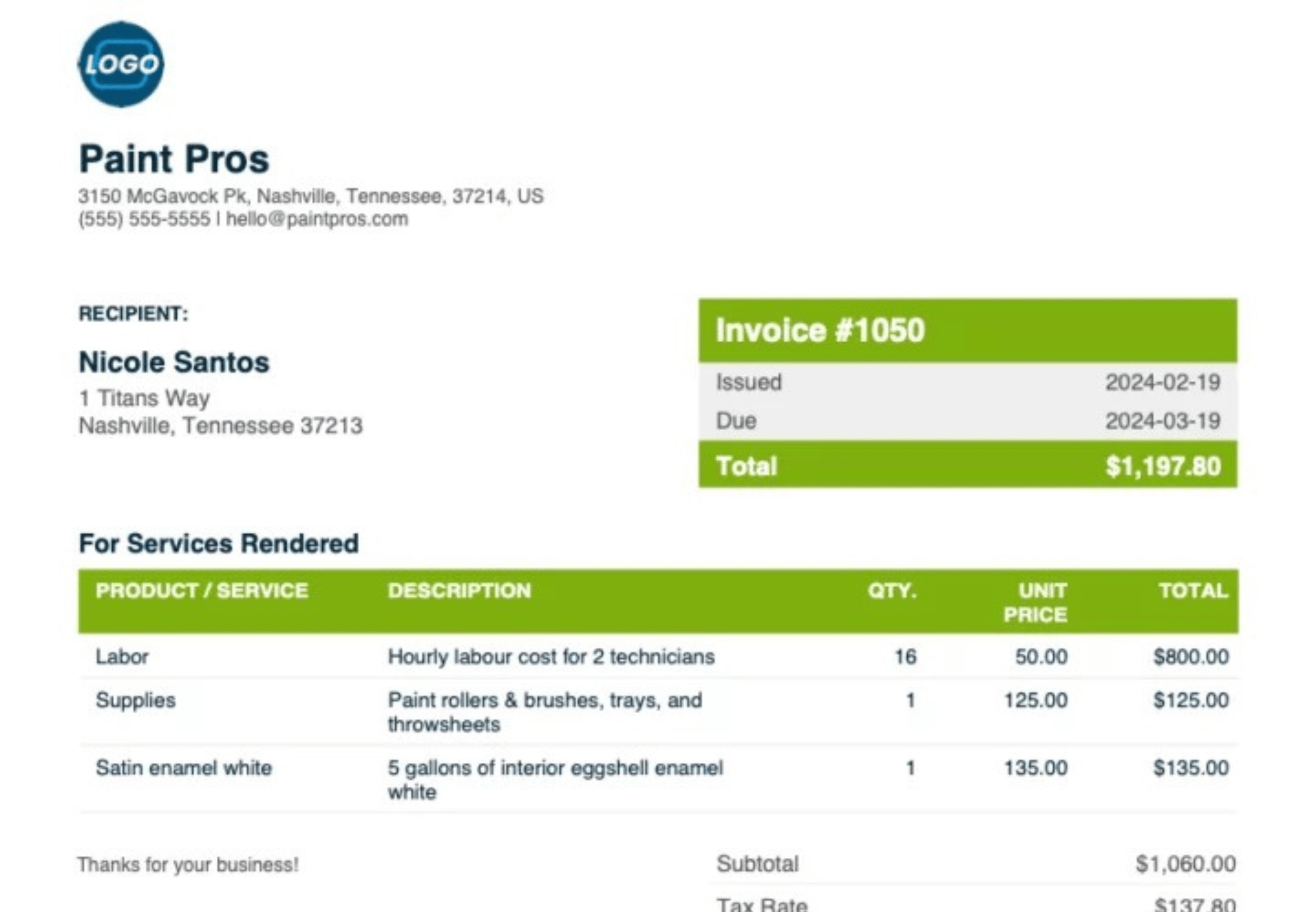
Free Painting Invoice Template
Create simple, professional, and customizable invoices faster with Jobber’s free invoice template.
Download Now
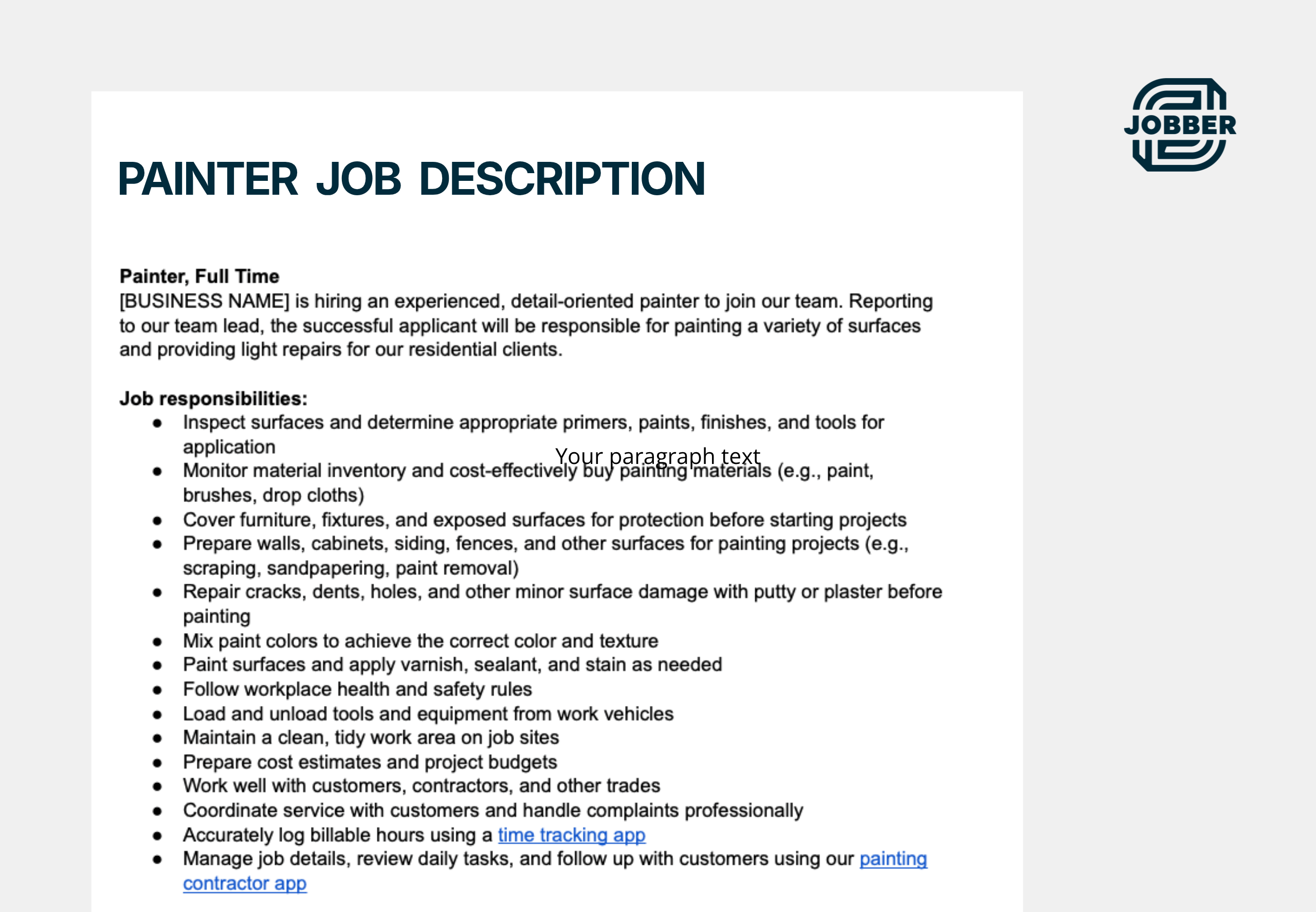
Writing a Painter Job Description: Tips & Template
Find and hire more quality candidates for your painting business with these tips and Jobber’s free template.
Read Now
FAQ
If you have any additional questions about our painting software or features, contact us and we’ll be happy to help.
-
Painting contractor software — also called painting business software or painting company software — helps you run all the parts of your business that aren’t the actual painting. With Jobber, you can estimate work, schedule crews, track job costs, invoice customers, and collect payments in one place, from the office or from a phone on site.
-
The challenges that a painting business faces aren’t usually the painting — it’s everything around it. Jobber handles that layer with reusable quote templates and automatic follow-ups that turn more bids into jobs, crew scheduling that keeps multiple crews moving without constant phone calls, automatic review requests that help you win more customers, and so much more.
-
Look for estimating that includes photos and optional line items, scheduling built for more than one crew, job costing that shows your real margin, flexible invoicing, and a mobile app your crews will actually use. This guide to the best apps for painting contractors walks through how to compare them.
-
Yes. Jobber’s job costing subtracts labor, paint, materials, and other expenses from a job’s total, so you can see your margin in both dollars and percentage while the work is still running rather than weeks after it’s finished.
-
A request comes in from your website or Google profile. You build out the estimate, and the customer approves it online. The approved quote becomes a scheduled job your crew sees on their schedule through the Jobber mobile app. They can document their progress and communicate through the app, and when the last coat is done, it becomes an invoice with a couple of clicks. Jobber then asks the customer for a review.
-
Yes. Jobber’s painting estimate and invoice software lets you build a quote that includes photos, a line-by-line scope covering prep work and coats, and optional upgrades the customer can select themselves. Save your most common jobs as quote templates so you’re not starting from a blank page every time.
Customers can approve or request changes to quotes in client hub, their personal, self-service portal. You’ll receive notifications in Jobber whenever a customer views or approves a quote, so you can schedule the painting job efficiently. -
Yes. Your painting crew can open the Jobber app to see the day’s jobs and access addresses, site notes, and checklists, upload before-and-after photos, and clock in — without seeing your pricing or margins. The Jobber mobile app is designed with painting businesses in mind and lets you manage your operations from anywhere. Send estimates, schedule jobs, dispatch your crew, and manage work order information on any iOS or Android device.
-
Yes. If you’re a solo painter, you can use Jobber to look more professional, quote faster, and get paid sooner. The scheduling and crew tools are there when you hire your first painter, so you’re not switching systems as you grow.
-
Jobber’s QuickBooks integration keeps your clients, invoices, and payments current without double entry. You can browse Jobber’s 100+ integrations through the App Marketplace.
-
Jobber offers several plans, each with a different set of tools for quoting, scheduling, job costing, invoicing, payments, and marketing. Visit the pricing page to compare plans and find the right fit for your painting company.
-
You’ll get access to Jobber’s support team plus onboarding help and training resources, including hands-on help moving your customer data across if you’re switching from another system.