
Key takeaways:
If you’re looking to work smarter in the HVAC industry, these top 12 apps can help streamline your day-to-day tasks and maximize productivity in 2025.
- Boost accuracy with specialized calculator apps. Tools like Ref Tools, HVACR Check & Charge, and HVAC Load Plus take the guesswork out of complex measurements and refrigerant calculations, helping you deliver precise results on-site.
- Diagnose and solve issues faster. Troubleshooting and diagnostic apps such as HVACR Fault Finder and Danfoss Troubleshooter guide you through common problems, using interactive resources to quickly pinpoint and fix issues.
- Organize your business operations seamlessly. Business management apps like Jobber, QuickBooks Online, Bluon HVAC, Ply, and CallRail centralize scheduling, invoicing, inventory, and customer communication—all from your phone—reducing admin stress and saving valuable time.
- Stay ahead with continuous learning. Training apps such as HVAC School and SkillCat provide updated courses, podcasts, and certification resources so you and your team can grow your skills and maintain a competitive edge in the market.
- Integrate and automate for maximum efficiency. Many of these apps can work together—such as linking Ply and Jobber—to improve workflows, track materials, monitor finances, and optimize field operations.
Run a smoother HVAC business with Jobber. Quoting, scheduling, invoicing, and payments—all in one place. Start your free trial.
Running an HVAC business can be stressful—but the good news is that your phone can take on some of the load. Thanks to some clever apps, you can simplify your workflow, save time, and make the daily grind a whole lot smoother.
Whether you’re tackling tricky on-site diagnostics, crunching numbers for load calculations, or managing invoices and team schedules, there’s an app to help.
Check out our list of 12 must-have HVAC apps that’ll make your job easier both in the field and behind the scenes.
Find the best HVAC apps for your business:
HVAC apps comparison chart
*Disclaimer: Pricing is subject to change.
| App name | Best for | Key features | Price | Free trial |
| Ref Tools | Refrigerant calculations | • Pressure-temperature charts • Danfoss product catalog | Free | N/A |
| HVACR Check & Charge | Measuring refrigerant charges for A/C units | • Dropdown list of common refrigerants • Large range of system refrigerant charge options | Free | N/A |
| HyTools | Calculating hydronics | • Pressure maintenance and vacuum degassing calculation • Valve sizing and presetting | Free | N/A |
| Danfoss Troubleshooter | Resolving typical HVAC/R system issues | • Common systems list • Downloadable offline database | Free | N/A |
| MeasureQuick HVAC | Resolving advanced HVAC system issues | • Equipment performance documentation and calculation • Data management | Free | N/A |
| Jobber | Managing your HVAC business from quote to final invoice | • Quick estimate creation • Efficient job scheduling • Streamlined invoicing | Starting at $39 per user per month | Yes |
| Bluon HVAC | Ordering HVAC parts | • Over 300,000 HVAC parts • Easy search system • 24/7 support team | Free | N/A |
| Ply | Managing inventory | • Automated inventory control • Price book | Must book a demo for pricing | No |
| QuickBooks Online | Managing accounting | • Income reports • Payroll management • Various integrations | $38 per use per month | Yes |
| CallRail | Optimizing marketing strategies | • Customer interactions management • Advertising channel tracking | Starting at $45 per month | Yes |
| HVAC School | Educating new HVAC technicians | • Easy to use • Podcasts, quizzes, videos • Variety of content from various HVAC pros | Free | N/A |
| SkillCat | Wide range of training options | • Two types of programs • 250 hours of training material • Progress tracking | $10 per month | No |
How we chose the best HVAC apps
To narrow down the best HVAC apps, we looked for apps that are easy to use and designed to make common tasks more efficient. Key tasks that we considered include:
- Diagnostics
- Calculations
- Scheduling
- Invoicing
From there, we checked out some of the top apps in both the Apple App Store and the Google Play Store, paying close attention to each app’s reviews.
We also looked at HVAC professional forums to see what apps were currently popular in the HVAC industry. We checked user reviews from sites such as GetApp and Capterra, to see what experienced HVAC pros had to say.
The result is this curated list of the best apps for HVAC techs. Whether you’re in the field or managing operations from your office, these apps are built to save you time and make your job easier.
HVAC calculator apps
When it comes to HVAC work, precision is everything—and that’s where calculation apps come in.
These handy HVAC tools take the guesswork out of tricky measurements, helping you with refrigerant calculations, airflow requirements, and more with just a few taps.
1. Ref Tools
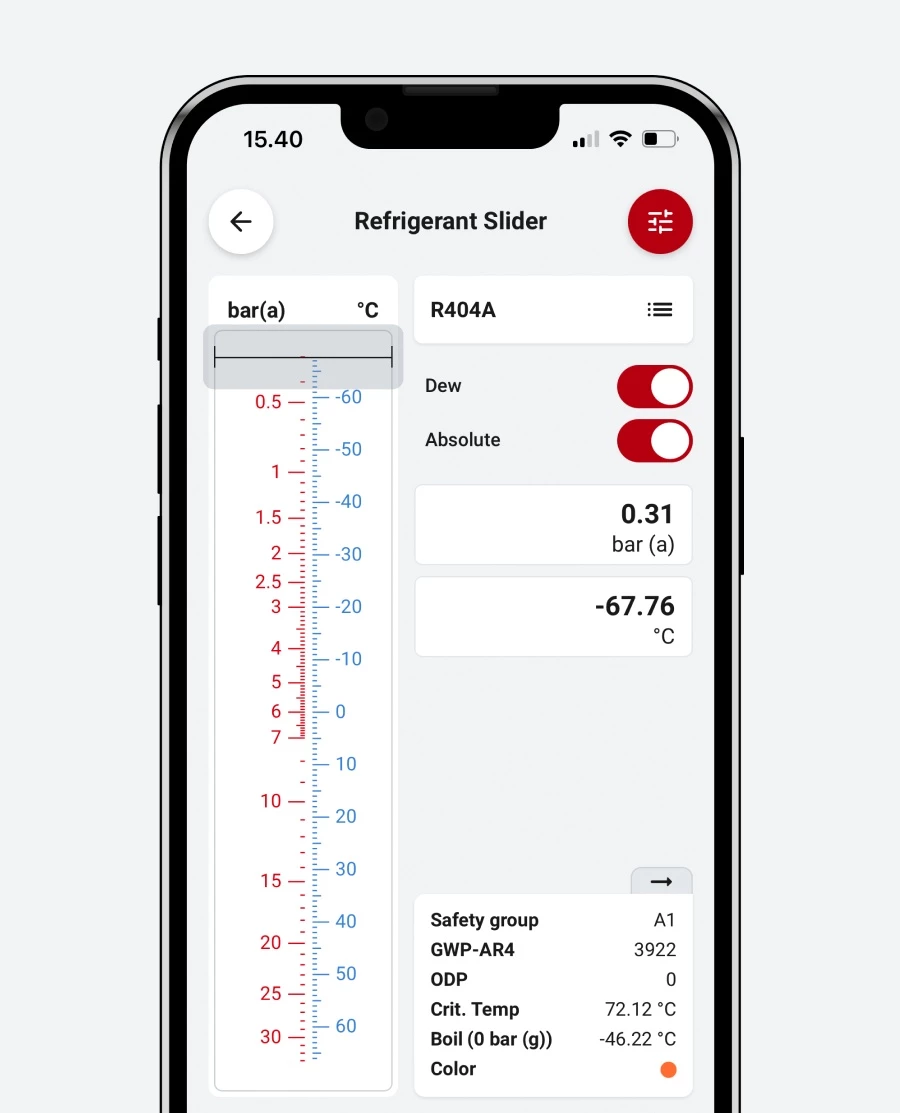
Ref Tools by Danfoss is the go-to HVAC app for many air conditioning techs who need refrigerant calculations, superheat tuning, and refrigerant information.
With easy-to-read pressure-temperature charts, Ref Tools is great for calculating pressure and temperature ratios on the job. You can also use Ref Tools to:
- Educate yourself and improve your HVAC knowledge
- Find and compare climate-friendly refrigerants
- Search for spare HVAC parts in the Danfoss product catalog
- Get specs and documents for specific Danfoss HVAC products
Users typically find this app a helpful tool for their techs to have in their pocket.

2. HVACR Check & Charge
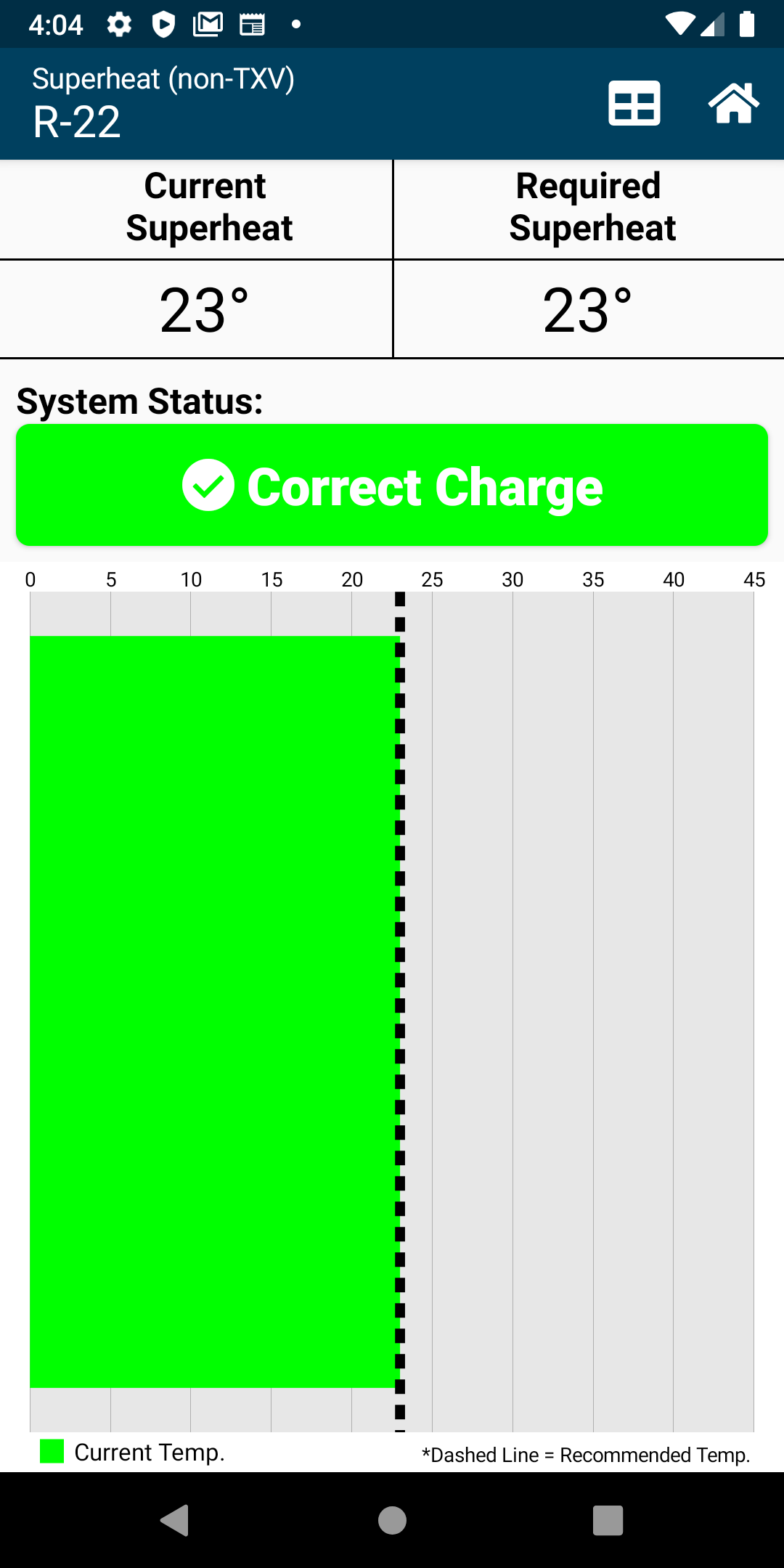
HVACR Check & Charge is a free calculator app that helps you measure refrigerant charges for A/C units on site.
You can choose from a dropdown list of common refrigerants and enter your system temperatures for superheat, subcooling, or airflow.
The app will use the values you enter to determine the right system charge and tell you if you need to alter the charge amount. This reduces the risk of errors and saves valuable time for building relationships with your customers.
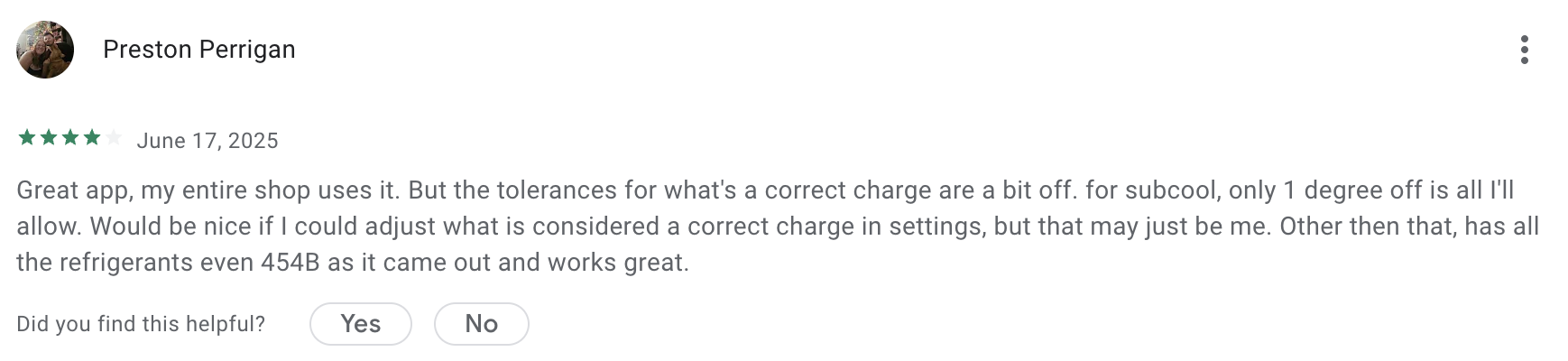
While users enjoy the app for determining the right charge amounts, one user notes that its accuracy might be off at times.
3. HyTools
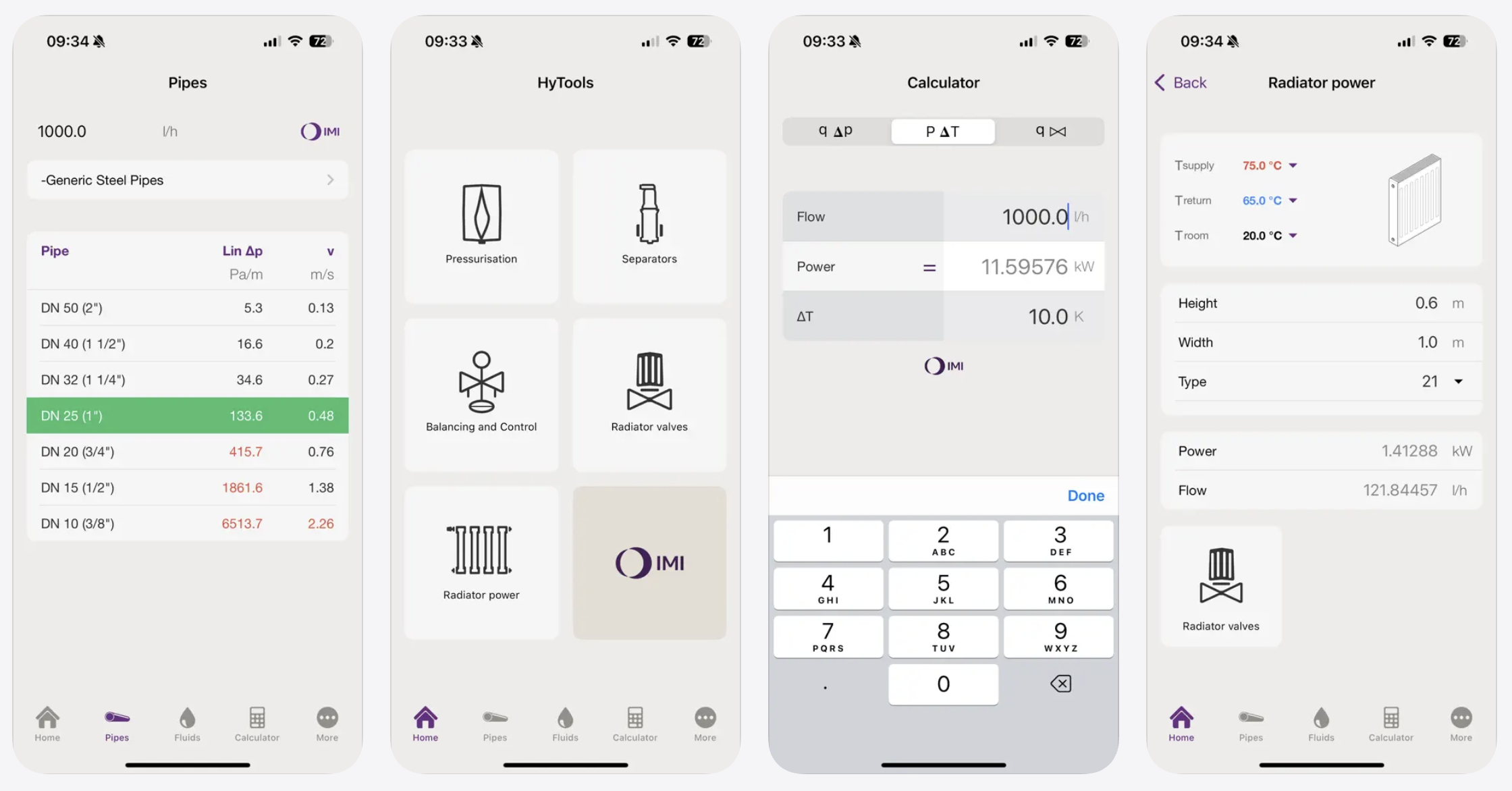
HyTools is a hydronic calculator app built specifically for HVAC professionals.
This HVAC app simplifies calculations and unit conversions for technicians working with radiant heating and cooling systems.
The app allows for pressure maintenance and vacuum degassing calculations for heating, cooling, and solar systems. It also helps you determine valve sizing and presetting, as well as pipe sizing calculations.
Troubleshooting and diagnostic apps
Sometimes, you need a little help determining the problem to find the ultimate solution for your customer.
To keep your HVAC systems in good shape, use one of these HVAC apps built for troubleshooting to identify system problems.
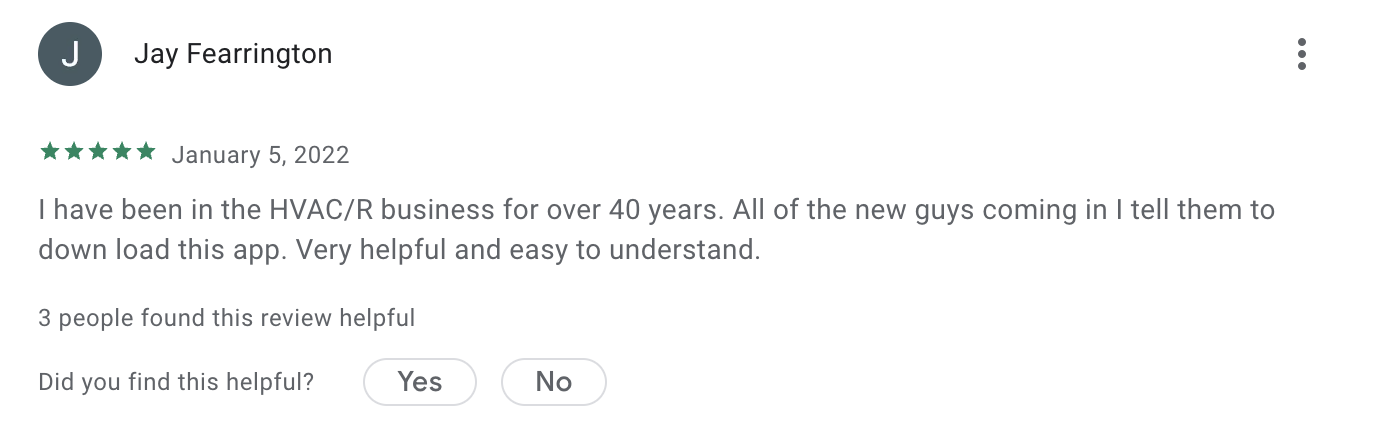
4. Danfoss Troubleshooter
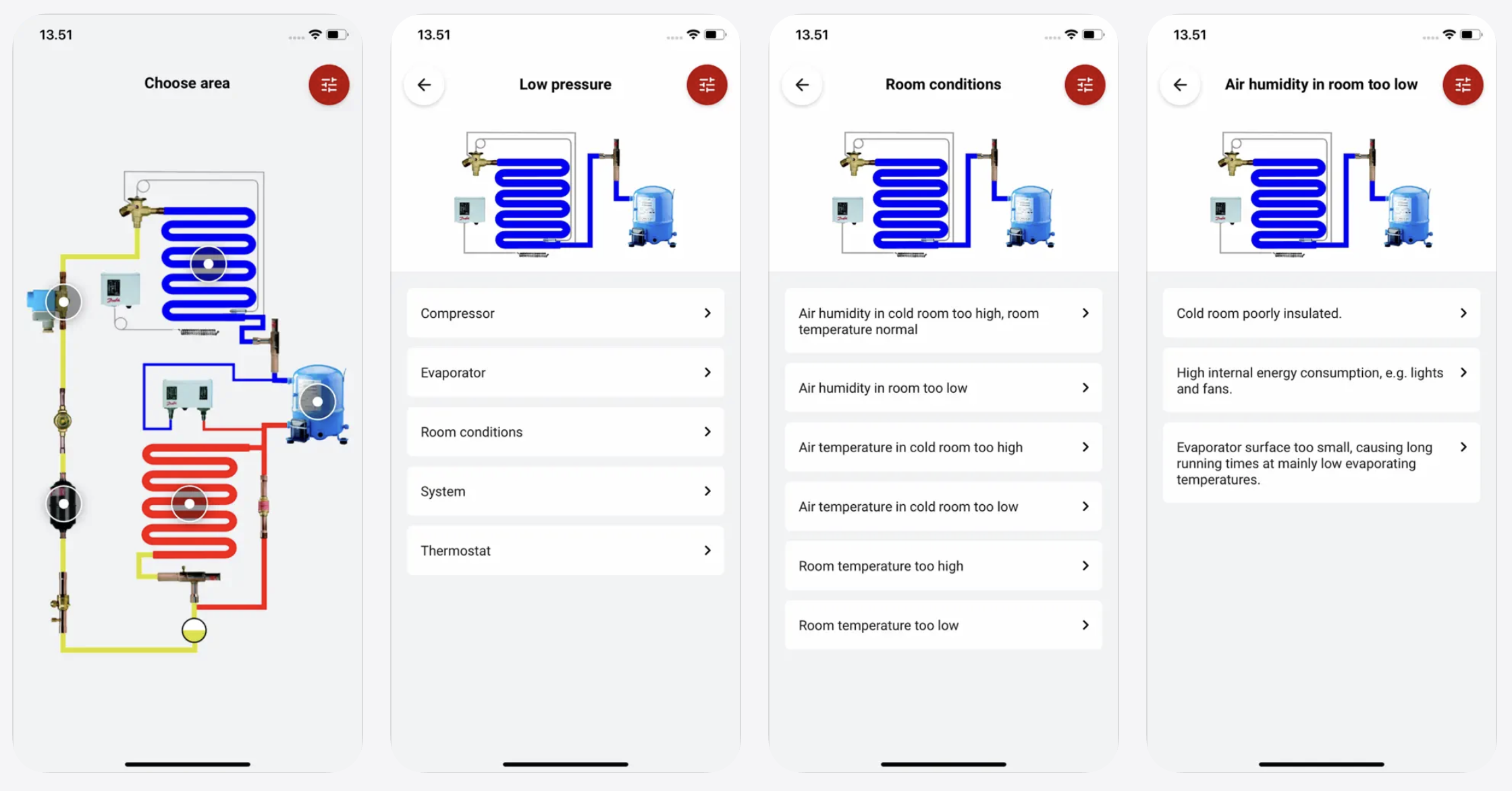
Danfoss Troubleshooter helps you diagnose and resolve typical HVAC/R system issues. This app can save HVAC technicians and installers lots of time on the job.
First, it shows you a list of common symptoms your system can experience—then it helps you narrow down the problem and offer possible fixes. The app’s design makes it easy to move back and forth between the system diagnosis and solutions.
Plus, you can download Troubleshooter’s database to access offline when you don’t have internet access.
5. MeasureQuick HVAC
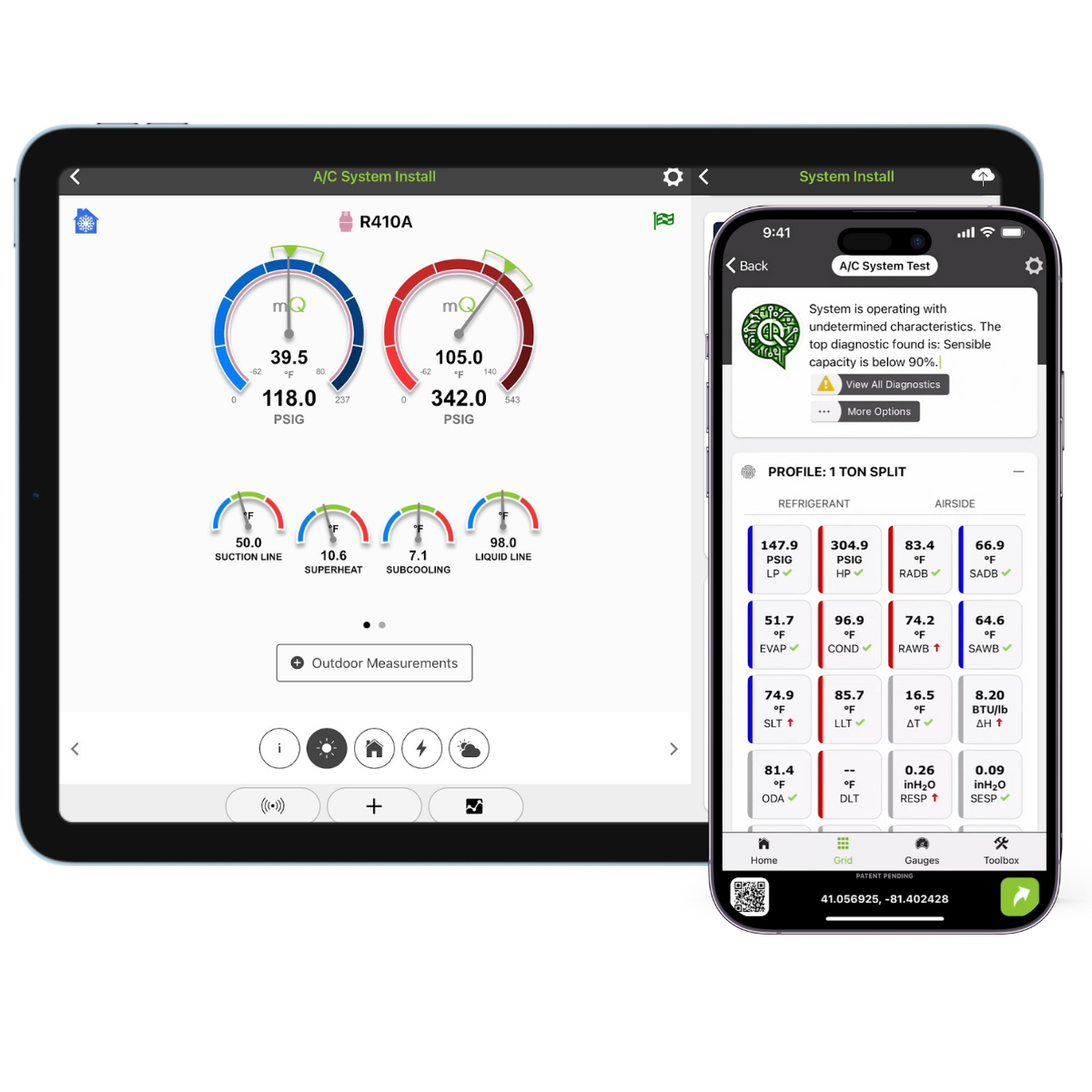
MeasureQuick HVAC lets you diagnose system issues in your equipment to help you solve problems on the jobsite.
This HVAC app calculates and documents equipment performance and efficiency and saves these measurements.
You can also store, view, and retrieve data in the app’s cloud storage facility such as:
- Job information
- Equipment specs
- System information
From there, you can use this information to ensure all HVAC workflows are completed correctly.
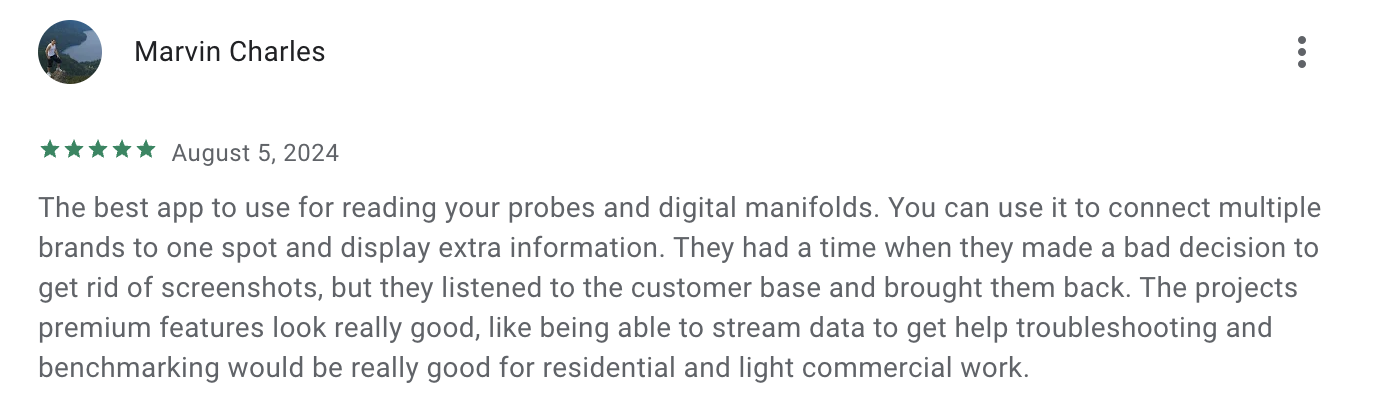
If you check out reviews for MeasureQuick HVAC, you will find several that express disappointment in the app charging users to take screenshots.
However, this seems to be fixed now, as one user notes that the MeasureQuick HVAC crew listened and eventually allowed screenshots.
Business management apps
Install an HVAC business app that helps you simplify tasks outside of the job site. The best app for HVAC business can help with:
- Overseeing team productivity
- Scheduling your techs
- Collecting payment
6. Jobber
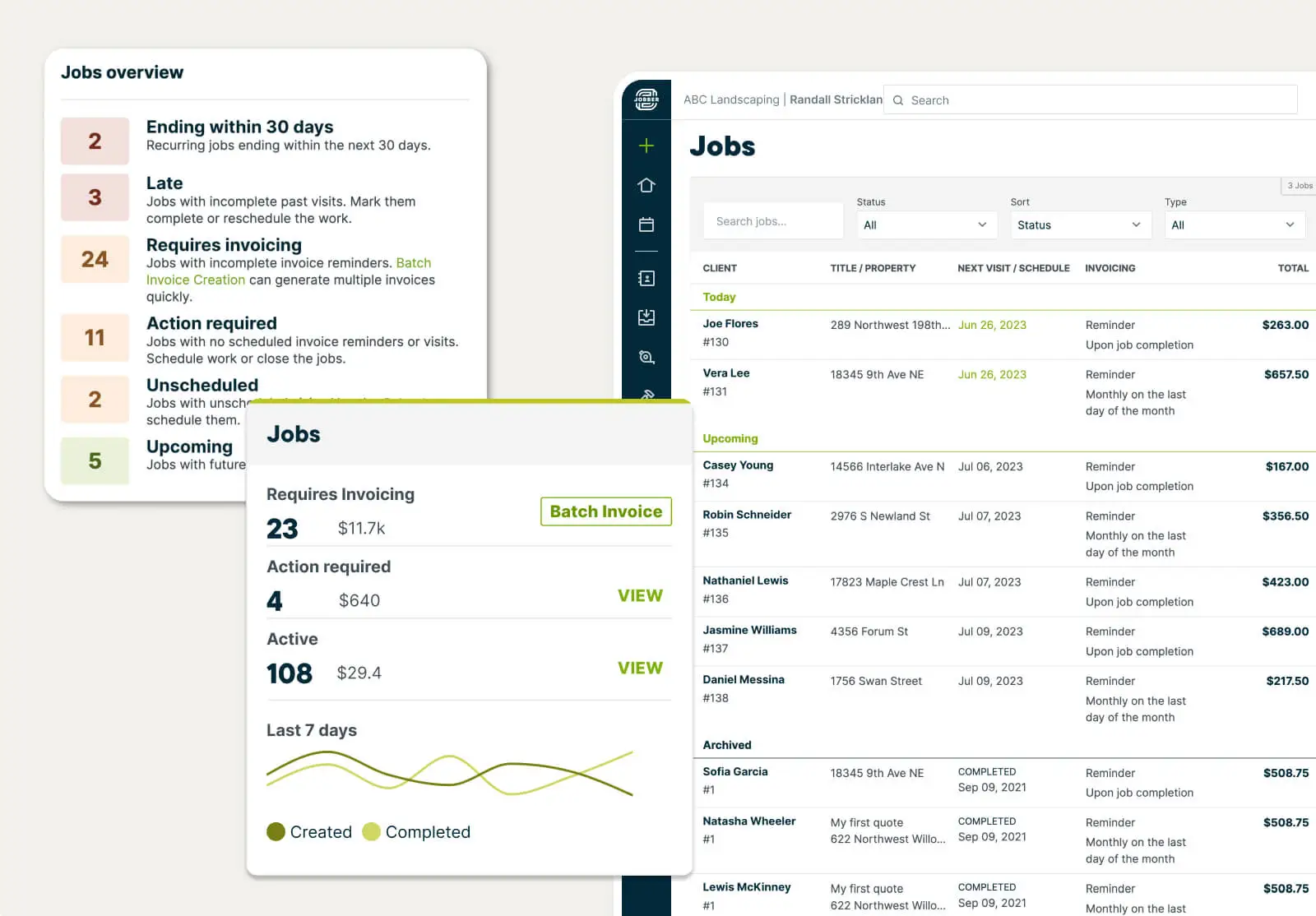
Jobber is HVAC business software that helps you dispatch HVAC techs, manage jobs, invoice customers, collect payments, and more. You can manage your job workflow while moving between properties using the Jobber HVAC mobile app.
One feature that makes Jobber the best app for HVAC technicians is the ability to create HVAC inspection checklists and installation checklists that your techs can check off while they work. This lets you control the quality of every job.
Here are Jobber’s top features for HVAC companies:
Quotes
Use Jobber to quickly build HVAC estimates that include optional service packages and customer-friendly financing options.
Jobber also sends automatic quote follow-ups to customers you haven’t heard back from to ensure that no potential work slips through the cracks.
Scheduling
Use Jobber to seamlessly schedule, reschedule, or reassign your HVAC techs with a drag-and-drop calendar.
Track labor time more effectively with Jobber’s automatic clock-in timers that start when your techs arrive at the job site.
Invoicing
When you wrap up a job, turn your estimates into invoices in just a few clicks.
From there, Jobber lets you collect payment online or in person, offering flexibility to your customers.
Before Jobber, we were using paper invoices. Now, with everything all in one app, we invoice quicker and get paid a lot quicker.
You can also use Jobber to:
- Generate faster driving routes automatically when you dispatch your techs
- Set up automatic follow-up texts and emails for your quotes, invoices, and visits
- Get instant access to business data to help make informed decisions with Jobber Copilot
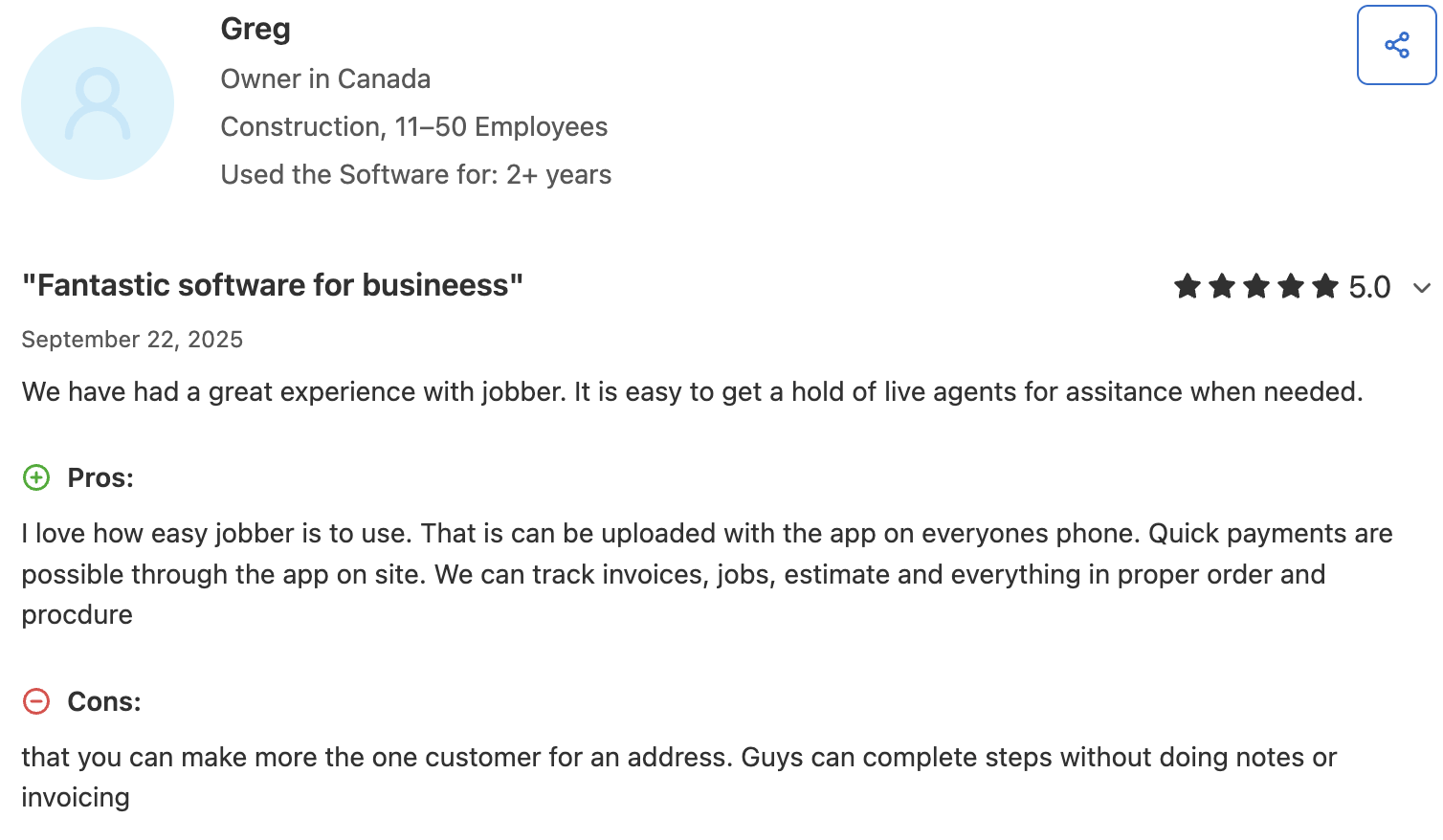
One user says that they love that Jobber lets them book jobs, send quotes, invoice, and take payments all from one platform.
7. Bluon HVAC
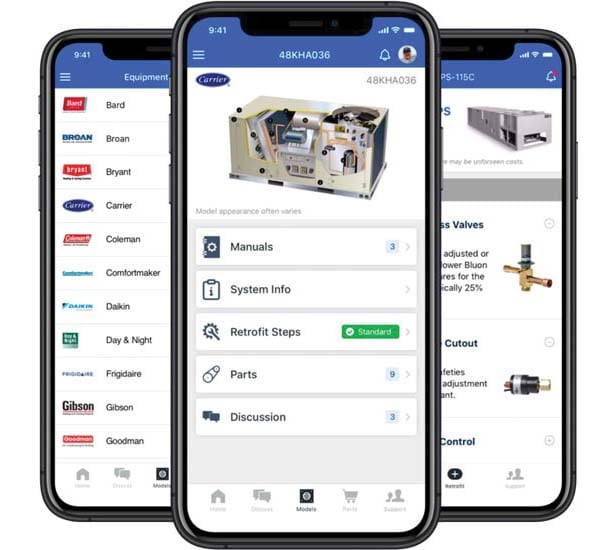
Bluon HVAC helps you find and order HVAC parts from local suppliers in one app.
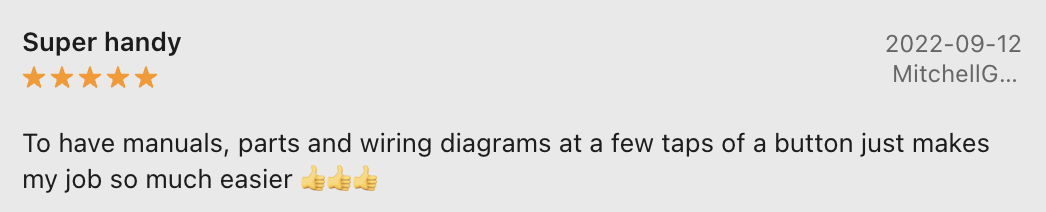
When estimating a job or working on an HVAC system, you can use Bluon to look up the supplies you need for repairs, upgrades, or installations.
Use Bluon to easily search product manuals for over 300,000 HVAC parts. Plus, their technical support team is around 24/7 to help you find specific unit info.
8. Ply
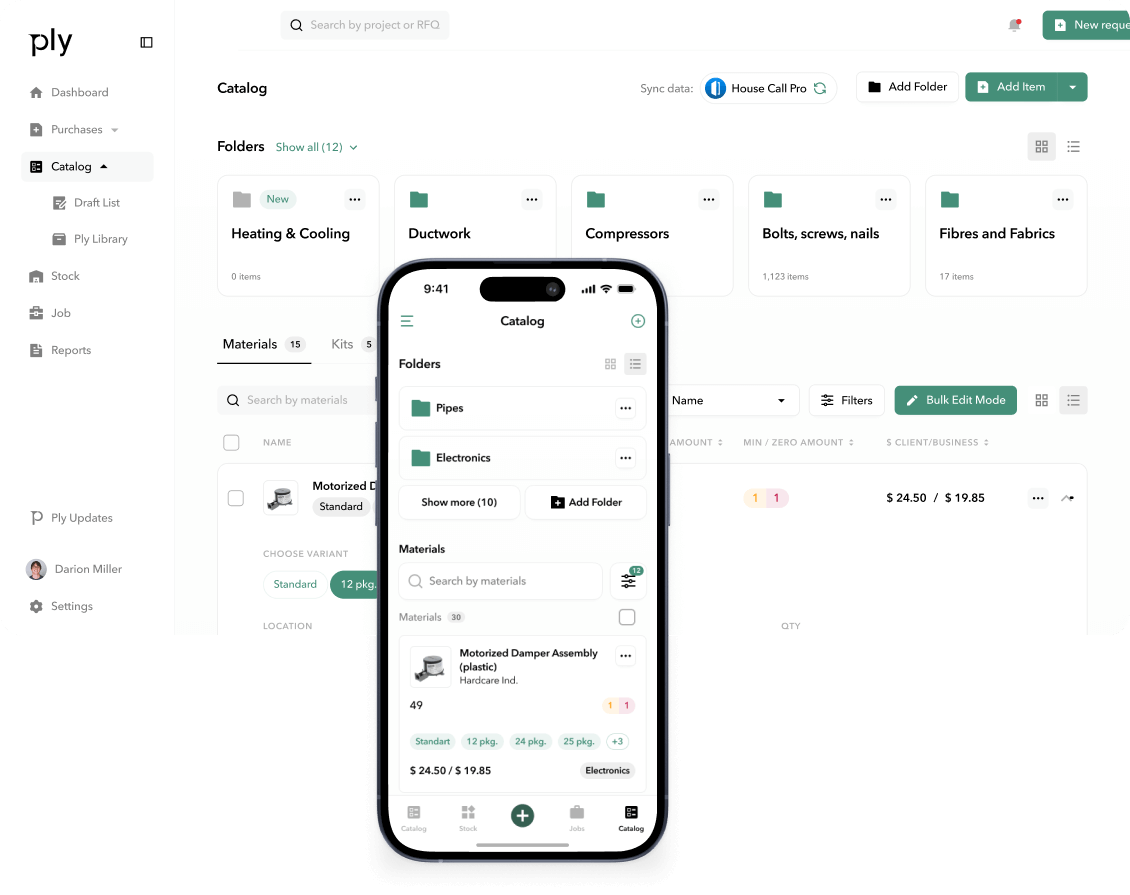
Ply is inventory management software that is perfect for HVAC contractors struggling to keep track of parts and materials.
Ply allows you to implement systematic examination of existing HVAC equipment and inventory, or common purchases from an existing price book. The app also lets you scan materials and uses intelligent tracking to stay organized.
You can automate inventory control by defining conditions to trigger specific actions, such as low-inventory notifications.
Pro Tip: Integrate Ply with Jobber to combine your inventory workflows. For example, link materials directly to jobs and invoices in Jobber with mobile scanning.
READ MORE: How to price HVAC jobs
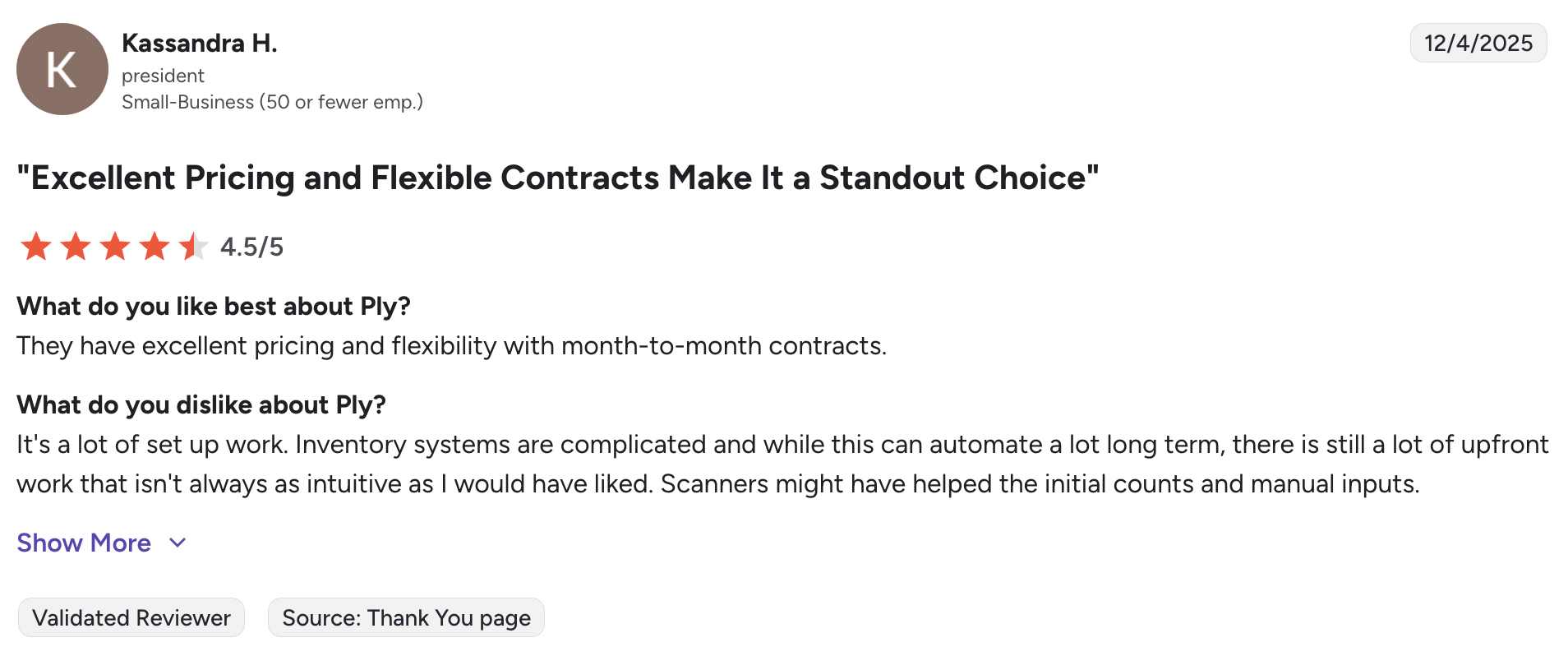
One user says that while Ply can be a lot of work to set up, they enjoy the app’s excellent pricing and flexibility.
9. QuickBooks Online
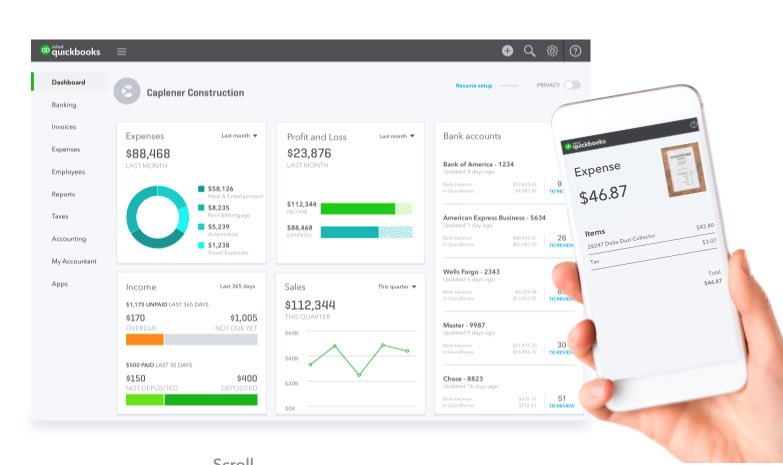
Every HVAC contractor needs an accounting app in their pocket. QuickBooks offers a mobile app that’ll help you keep your business finances healthy from anywhere.
Use the QuickBooks Online Accounting app to manage your invoices, expenses, income, reports, and payroll for your HVAC company. So you can maximize your profit margins without adding a ton of extra admin.
QuickBooks’ mobile app is easy for users with all levels of accounting experience—so it’s a great tool to lean on whether you have an accountant or not.
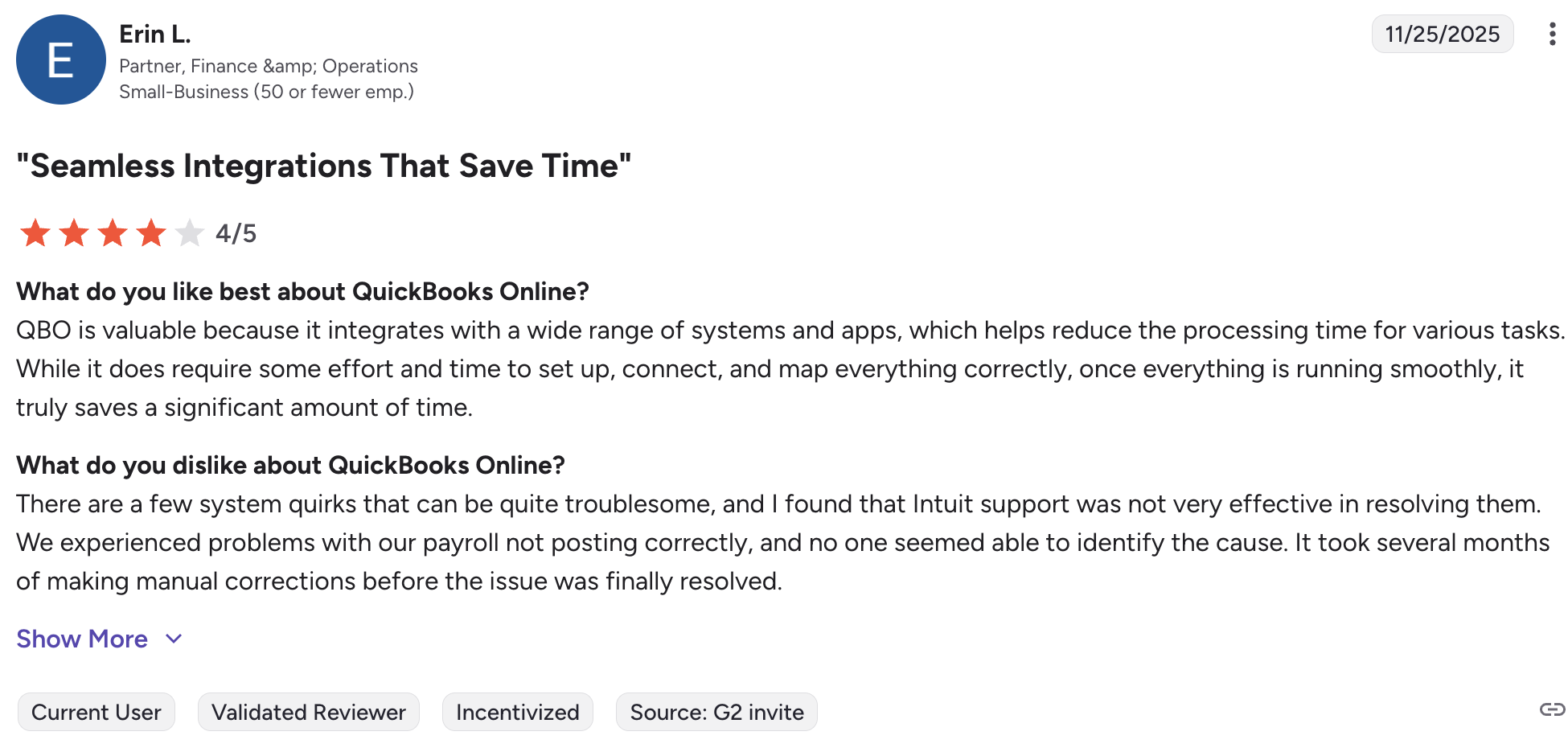
One user explains that they like how QuickBooks Online integrates with a wide range of software to cut down time spent on business admin tasks.
Connect QuickBooks with your HVAC business software, like Jobber, to keep your finances up to date and eliminate double entry.
10. CallRail
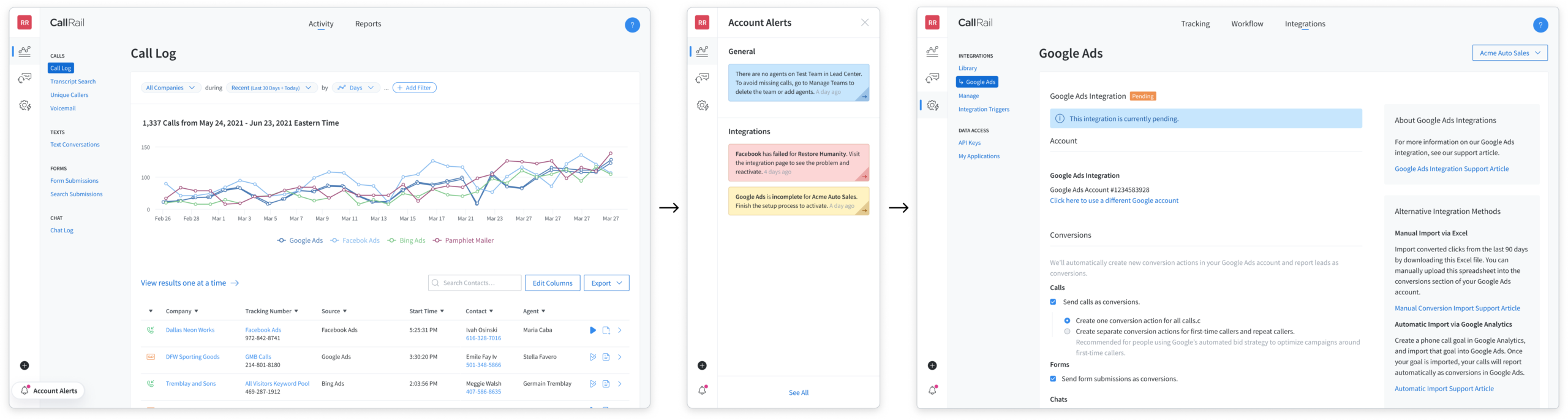
With the global HVAC system market expected to grow at a rate of 7.4% from 2024 to 2030, it’s important to have a plan to capture all of this potential business.
CallRail is a must-have tool for your HVAC marketing strategy. The app helps HVAC businesses track and manage customer calls, providing valuable insights into marketing performance and customer interactions.
With CallRail, you can track which advertising channels are driving the most calls, ensuring you spend your marketing budget wisely.
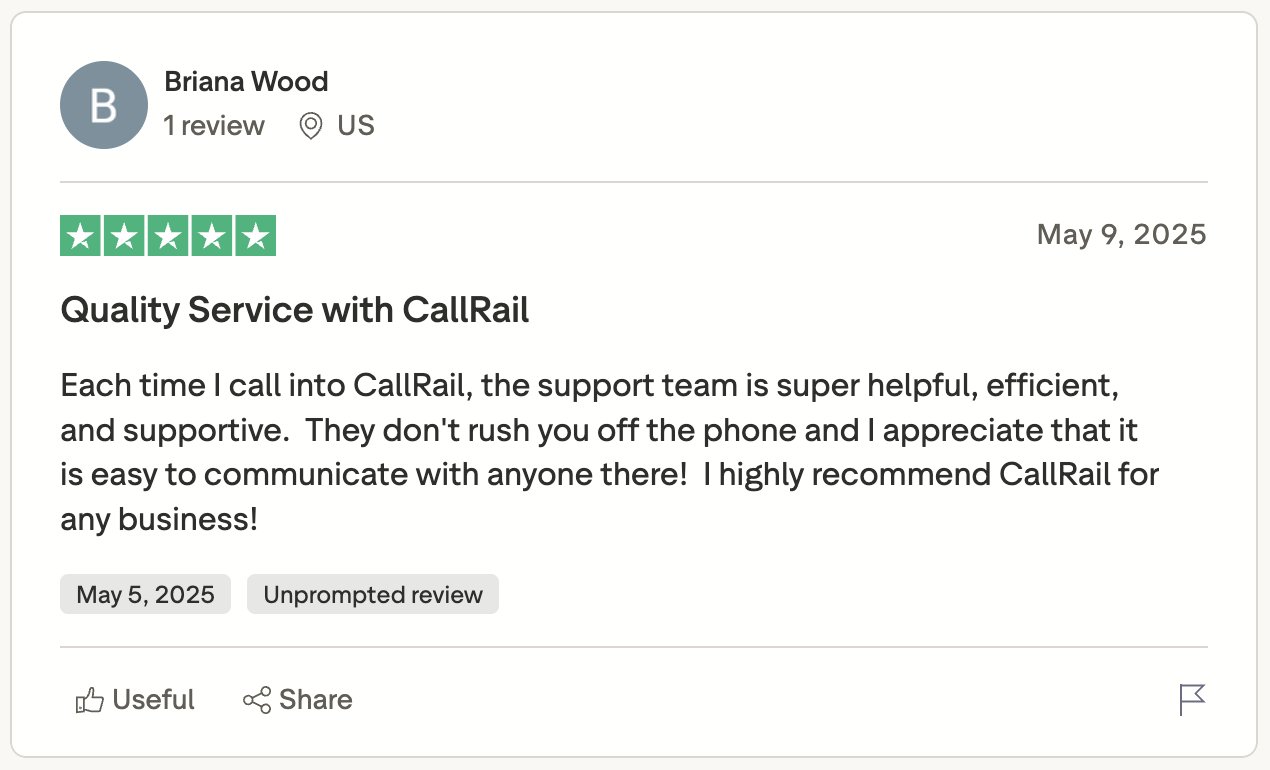
CallRail is known for having a great support team, with one user saying that the team is helpful, efficient, and supportive.
CallRail is even more powerful when used with other field service management software. For example, use CallRail to gain a detailed view of HVAC leads and marketing sources within Jobber.
Training apps for HVAC professionals
Keeping your team’s knowledge and skills sharp is a must if you want to keep giving A+ customer service. Get your apprentices using these training and learning apps.
My advice is to lean into learning a new skill, do the hard work that’s required, and in the end you become a master at the craft.

11. HVAC School
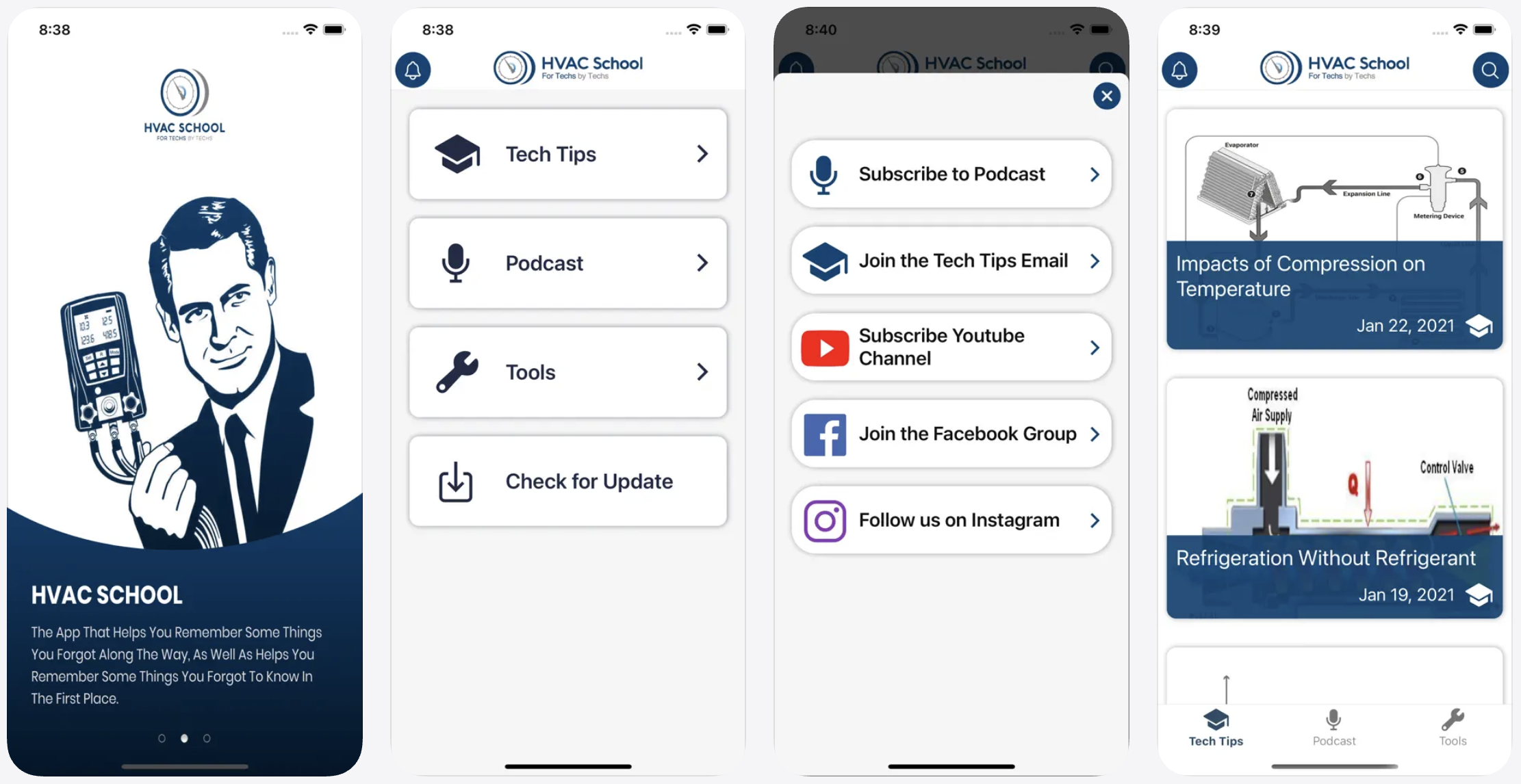
HVAC School is a free community that compiles and shares up-to-date HVAC/R training material and industry knowledge.
Complete with podcasts, quizzes, videos, and other resources, this is the perfect app for any HVAC contractor interested in professional growth. Contributors come from all over the U.S. and offer a variety of advice for HVAC pros.
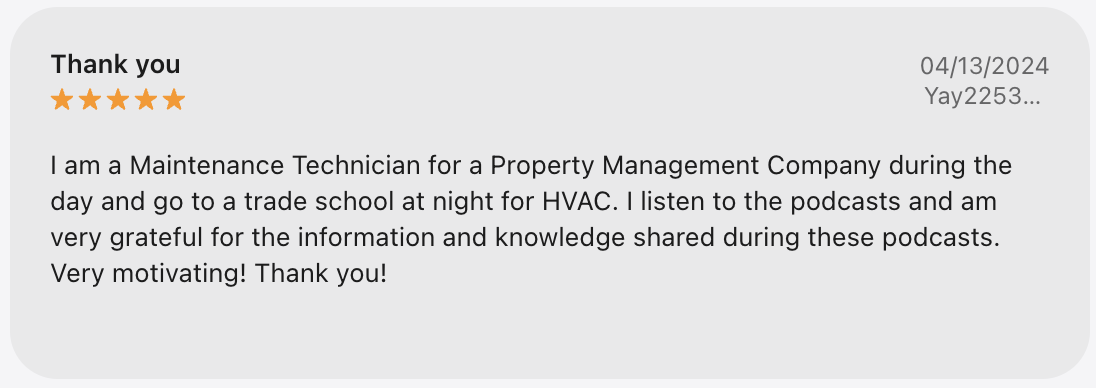
Users find that the app provides informative and motivating content that is easy to listen to.
12. SkillCat
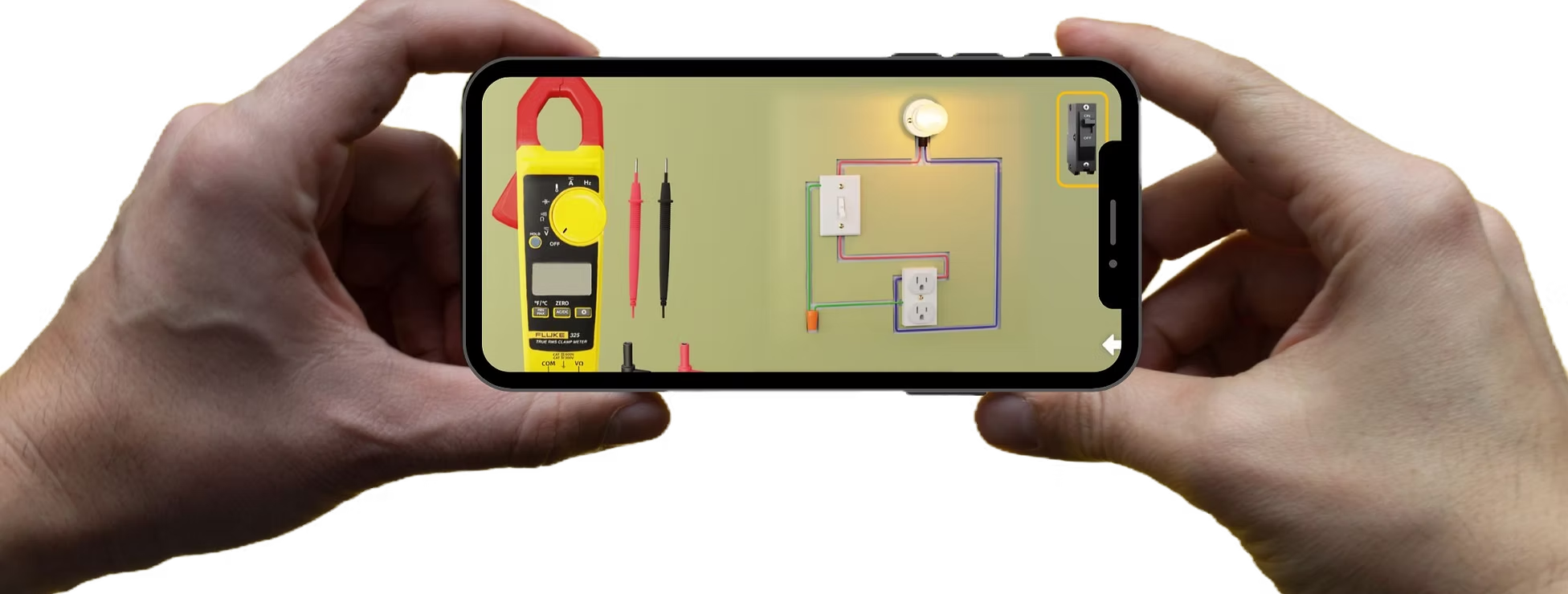
SkillCat is a learning app and community for skilled trades pros. It has two programs for HVAC contractors:
- SkillCat HVAC School, an online trade school that prepares technicians for certification
- SkillCat For Companies, a service that helps business owners train, retain, and attract workers
When it’s time to hire or train new HVAC contractors, consider using SkillCat for Companies. You can access over 450 hours of training material to create your own apprenticeship program and reports that track training progress.
If you’re an HVAC student or apprentice, use the SkillCat app to access essential HVAC and job site safety courses (including EPA 608 certification), boot camps, and 3D job site simulations.
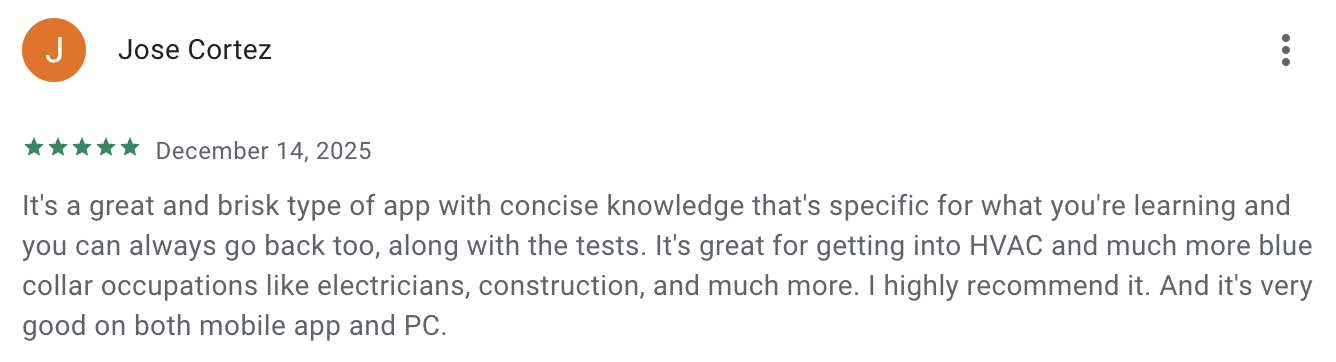
Users are generally impressed with the app’s content, including accompanying HVAC practice tests to help those training to become HVAC techs.
READ MORE: How to start an HVAC business
How to choose the best apps for your HVAC business
The best HVAC apps don’t necessarily have the longest list of features—look for apps that fit how your business actually runs.
Here’s how to narrow it down your list of best HVAC apps:
- Identify your biggest challenges: Figure out what’s slowing your business down—whether that is scheduling, identifying parts, invoicing, or all three. Choose apps that directly solve those issues instead of paying for features you won’t use.
- Know your budget: While many HVAC apps are free, if you need more extensive features, you may need to pay a monthly subscription
- Focus on HVAC-specific apps: Look for apps designed for HVAC workflows, such as service contracts, load calculation support, and service checklists.
- Prioritize ease of use: Your HVAC techs are likely to use these apps the most, and they don’t have time to troubleshoot apps on the field. Look for apps that are intuitive, mobile-friendly, and usable in the field with limited connectivity
- Consider compatibility with your other tools: For a complete system, check that your apps of choice integrate with accounting software, CRMs, payment processors, and other tools you already use.
- Test, when possible: Take advantage of free trials or demos. Run real jobs through the app and gather feedback from your HVAC technicians.
The right apps can transform the way you run and scale your HVAC business, making everyday tasks faster, easier, and more efficient.
These tools can help you save time, improve accuracy, and deliver better service to your customers. Test out some of these HVAC apps and take your productivity to the next level—because when your tools work smarter, so do you.
Originally published in March 2021. Last updated on February 11, 2026.
Frequently Asked Questions
-
Some popular HVAC calculator apps include:
– Ref Tools: Best for refrigerant calculations
– HVACR Check & Charge: Good for measuring refrigerant charges for A/C units
– HyTools: For hydronic calculations -
HVAC scheduling apps help businesses manage daily operations by:
– Simplifying scheduling and dispatching
– Improving communication between office staff and technicians
– Reducing travel time through route optimization
– Automating customer reminders and notifications
Overall, HVAC scheduling apps reduce manual work, prevent scheduling errors, and help your team complete more jobs efficiently each day. -
Key benefits of using an HVAC app include:
– Improved productivity through faster scheduling, dispatching, and job management
– Better communication between office staff and field technicians
– Reduced paperwork with digital estimates, invoices, and reports
– More accurate billing and faster payments
– Enhanced customer experience with appointment reminders and real-time updates