
Key takeaways:
If you’re looking for alternatives to TaskRabbit to generate more high-quality leads and find the best fit for your service business in 2026, consider these key insights.
- Diverse lead generation platforms cater to different needs. Options like Angi, Thumbtack, Porch, and Google Local Services Ads offer varying pricing models, service categories, and geographic coverage. This helps you target leads that align with your specialty and business goals.
- Platform choice affects job size and client relationships. While TaskRabbit excels with one-off or small jobs, platforms such as HomeAdvisor, Pro Referral, and Houzz can connect you with larger projects and clients seeking ongoing relationships, putting you on a path to steady business growth.
- Be aware of costs and competition. Most alternatives charge fees per lead or take a cut of each job. Weigh these costs against your expected job volume and conversion rates, and note that competition for leads is often intense in high-demand categories or cities.
- Expand your strategy beyond lead platforms. Build your own business website, focus on local SEO, start a referral program, and run varied marketing campaigns to diversify how you attract and keep customers over the long term.
- Leverage tools to track and organize leads efficiently. Use marketing software like Jobber to automate lead management, review collection, and campaign measurement, which streamlines how you turn leads into loyal, repeat clients.
Want more tips and resources for growing your service business? Sign up for the Jobber Newsletter.
Bringing in new business is a necessary challenge in every industry, which is why you should use lead generation platforms like Taskrabbit to get the ball rolling.
But lead generation sites can be pricey, so using the right tool is essential to your success. Not sure which platform is the right choice for you? Take a look at these other apps like Taskrabbit to find one that aligns with your business goals, services, and budget.
Top TaskRabbit Alternatives:
What is Taskrabbit?
Taskrabbit is a lead generation service that matches service providers with homeowners who are looking to complete one-off tasks and odd jobs.
Customers log in to Taskrabbit, choose the category that best suits their required task, and see a list of Taskers who work on those categories. From there, they select a Tasker, pick a date and time, and briefly describe what they need.
As a Tasker, customers will send you task invitations based on your skills and rates. You can accept or decline jobs as you see fit.
Taskrabbit service providers (known as Taskers) can work in any of the 50+ available task categories if they have the skills and abilities to do so. This could include:
- Home repairs
- Cleaning
- Snow removal
- Painting
- Trash removal
Taskrabbit is often expanding their categories. For example, they recently added truck-assisted moving as a category. This allows customers to book Taskers who provide both moving labor and a large vehicle for all-in-one moving and hauling service.
Taskrabbit also partners with IKEA to offer furniture assembly, which is a popular service on the platform. Customers book these services through IKEA, providing an additional source of work for Taskers.
How to become a Tasker
To become a Tasker on Taskrabbit, you need to:
- Complete a background check.
- Provide government-issued identification and banking information so you can receive payments.
- Create a profile that includes your services, rate, and availability.
Once you’ve completed the onboarding process, your profile will be visible to homeowners looking for your local services. When they reach out, you can respond with a quote for the work.
While Taskrabbit charges a $25 registration fee for service providers, it doesn’t take a percentage-based commission out of your Tasker earnings. Instead, you keep 100% of your set hourly rates.
Why consider Taskrabbit alternatives?
Because the Taskrabbit app is geared toward short-term gigs and one-off household tasks, you may eventually want to look for alternatives that can help them build a steadier stream of higher-value work.
While the platform can be useful for earning extra income or getting a new business off the ground, it’s often less effective for attracting long-term customers who need larger projects like HVAC installations, renovations, or recurring maintenance services.
Other reasons why you may want to consider Taskrabbit alternatives include:
- Low-value or one-time jobs: Many jobs on Taskrabbit are small tasks, such as furniture assembly, mounting TVs, or minor repairs. These jobs can provide quick income but may not align with your business if you want to book large projects or recurring work.
- Limited opportunities for long-term customer relationships: Since many customers use Taskrabbit for a single task, it can be difficult to build ongoing relationships that lead to repeat business.
- Lead quality: You may want to consider platforms that connect you with homeowners actively seeking your long-term services rather than one-off visits.
As your business grows, you may need tools and platforms that support advanced field service marketing and customer management strategies, like lead tracking, email campaigns, ads, and reputation management. This can help you win more clients and scale your operations.
The best TaskRabbit competitors at a glance
We compared the best Taskrabbit alternative platforms to determine who they’re best for, their pricing models for service providers, and what countries they’re available in.
| Disclaimer: Mobile app prices are subject to change after publishing. |
| App | Best for | Cost model | Pricing | Availability |
|---|---|---|---|---|
| Angi Services | Businesses looking for a variety of leads | Fee per lead | 10–30% referral fee | USA and Canada |
| HomeAdvisor | Businesses looking for home service jobs of varying sizes | % of payment | 20–30% of the total payment amount | USA, UK, and Canada |
| Thumbtack | Home and commercial contractors | Fee per lead | $10–$30 per lead | USA |
| Porch | Variety of home service providers | Fee per lead | Varies based on your location, competition, and job | USA |
| Nextdoor | Service providers doing small-scale jobs | Free to create profile but monthly fee for advertising | $200–$500 per month for advertising | USA, Canada, and various other countries |
| Pro Referral | Contractors who do large-scale home projects | Fee per lead | Fee varies based on location, scope, and size of job | USA |
| Houzz | Contractors who specialize in high-end design | Free to create a profile with paid options to boost visibility | Visibility booster starts at $50 per month | USA and various other countries |
| Bark | Contractors working on small and large jobs | Fee per lead | $20–$100+ | USA |
| LawnStarter | Lawn care businesses | % of every completed job | $5–$10 | USA |
| Yelp | Businesses that want to build a stronger reputation | Free to create a profile with optional advertising costs (Yelp Ads) | Average $5 for Yelp Ads | USA and Canada |
| Google Local Services Ads | Businesses looking for high-intent customers | Fee per lead | Vary depending on your service category and location | USA, Canada, and various other countries |
1. Angi Services
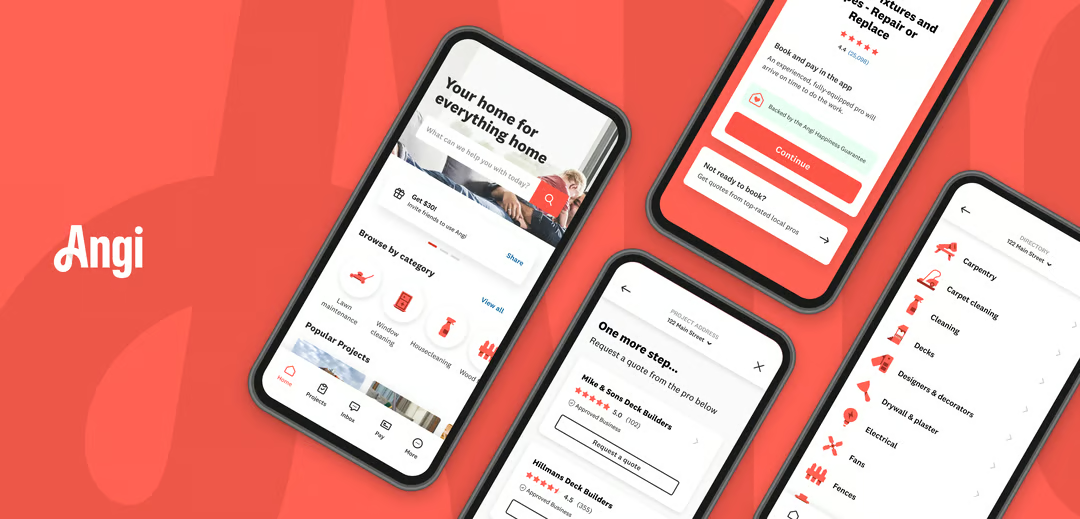
Angi (previously Angie’s List) is a lead-generation platform that connects service providers with homeowners looking for help with a variety of home-based tasks. This could include home cleaning, remodeling, plumbing, painting, pest control, and gutter services.
Who should use it?
Angi can be used by home service providers in just about any industry for both small- and large-scale jobs.
Pros and cons
| Pros | Cons |
|---|---|
| • Large homeowner marketplace with leads available across many home service categories • Can help land both one-off jobs and larger, higher-value projects • Offers paid increased visibility options and customer reviews to help build credibility and attract more leads | • Lead and referral fees can become expensive • Leads may not always convert into paying customers |
How much does it cost?
A service provider on Angi pays a fee per lead that typically falls between $10–$50, as well as a referral fee of 10–30%. You can also pay for a membership to increase your profile’s visibility, which starts at $300 per year.
How to sign up
To start generating leads on Angi:
- Sign up to become a Pro.
- Create a profile with your business information (including rates and services) and any relevant credentials, like certifications or licenses.
- Complete a criminal background check and any required licensing verification.
- Choose between a pay-per-lead or membership model.
2. HomeAdvisor
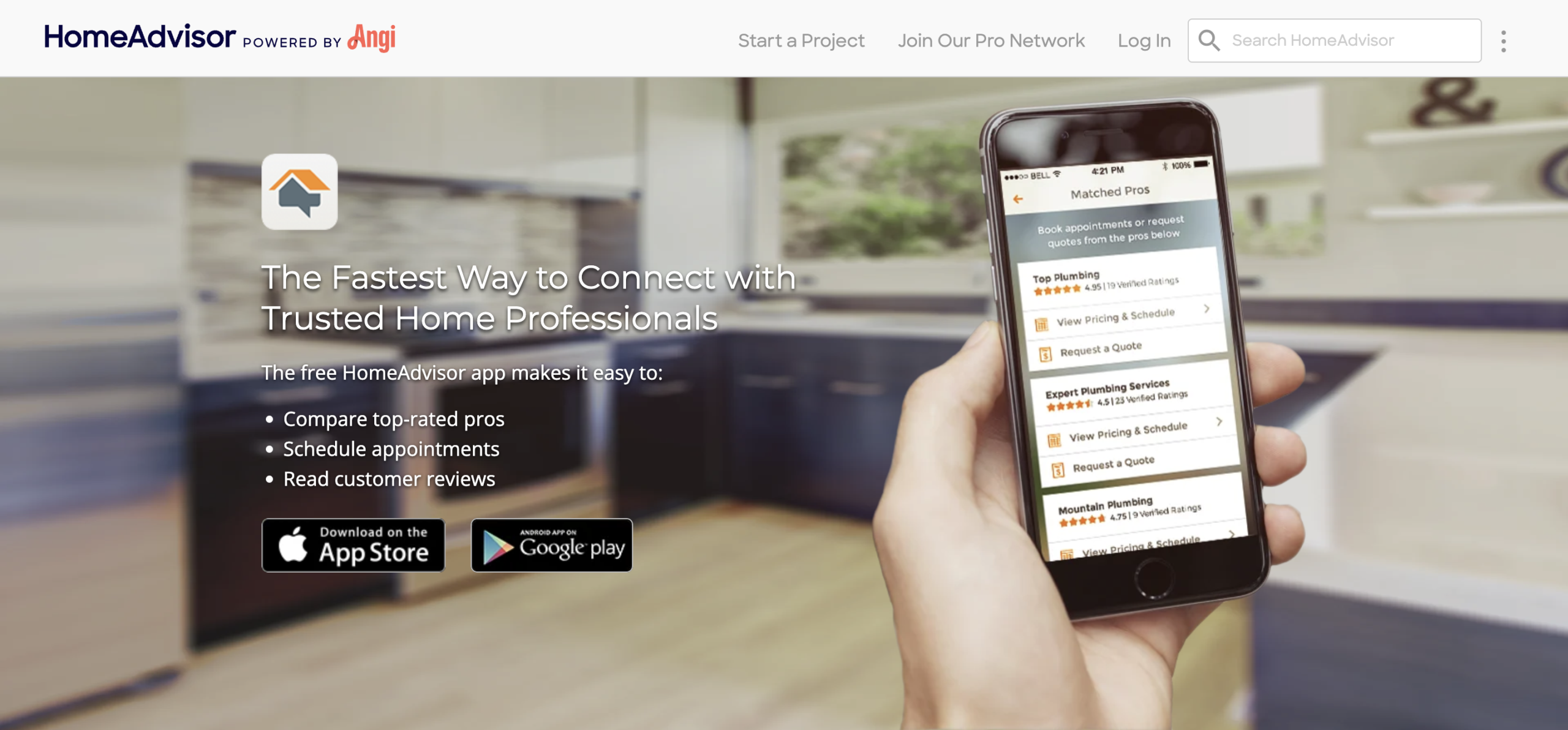
HomeAdvisor is a lead generation platform owned by Angi that offers similar services to Taskrabbit, like house cleaning, painting, fence repair, and gutter services.
Who should use it?
HomeAdvisor works well for house cleaners, handymen, and other service providers looking to take on jobs like handyman services, appliance installations, home repairs, or basic home maintenance tasks.
Pros and cons
| Pros | Cons |
|---|---|
| • Easy way for service pros to find consistent small-job opportunities • Simple onboarding process with access to an established customer marketplace • Popular for everything from small recurring jobs to larger one-off projects | • Pay-per-lead model can become expensive over time, especially if the lead doesn’t turn into a paid job • Leads are sent to multiple service providers so homeowners can compare quotes, reducing your chances of winning the work |
How much does it cost?
HomeAdvisor’s pricing varies based on the gig, but the platform typically charges around $15–$100 per lead. The platform also charges an annual service fee of $288–$348 per year.
How to sign up
To start using HomeAdvisor, you will need to:
- Apply to become a Pro.
- Define your service area and budget.
- Upload documents like your trade license, proof of insurance, and references.
- Pass a background check, including a criminal record check.
- Create a profile that outlines your professional services, hours, and past projects.
Note: Since HomeAdvisor is part of Angi, HomeAdvisor is now called Angi Leads.
3. Thumbtack
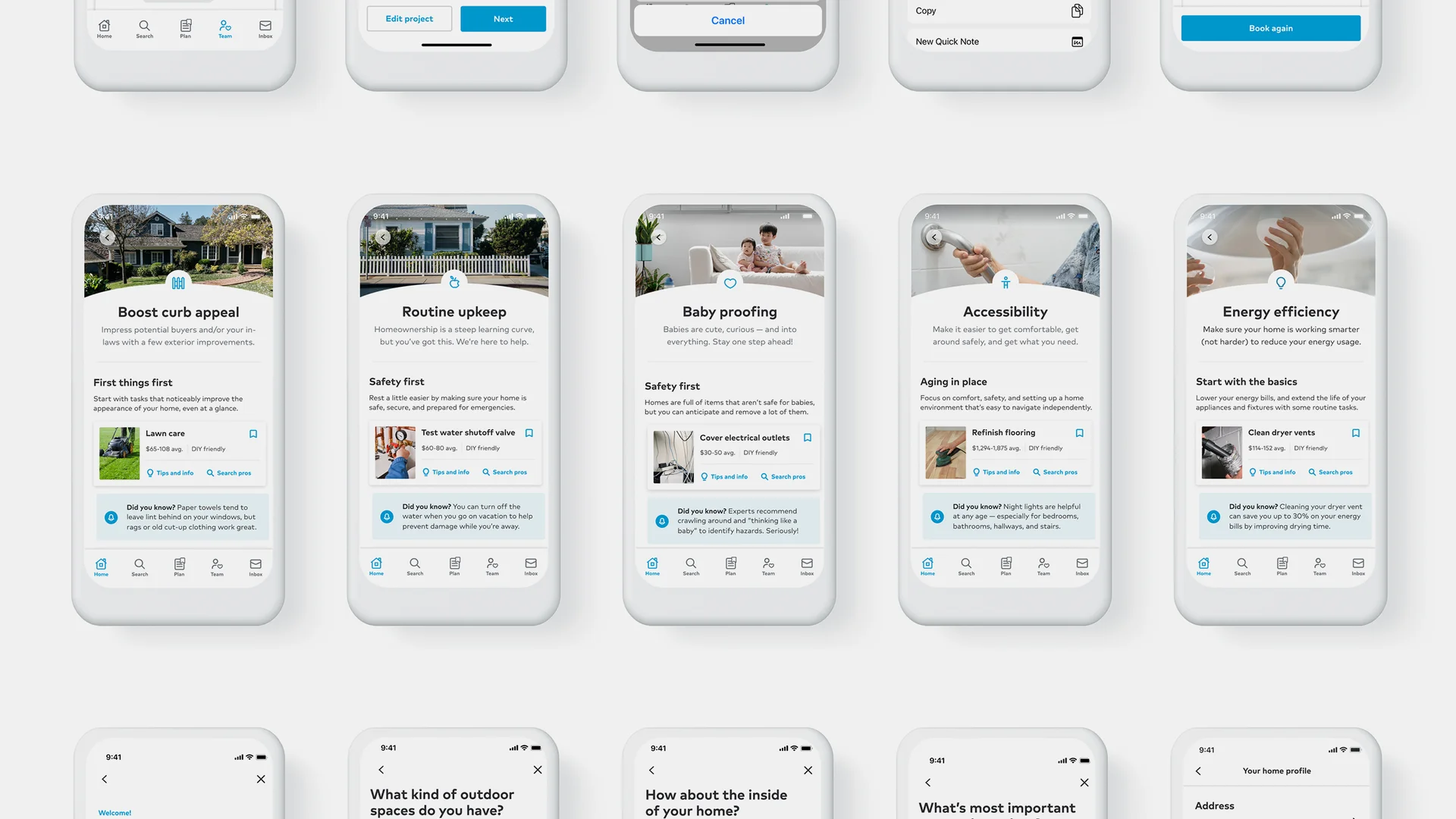
Thumbtack is a lead generation platform that covers a wide range of home services and industries, from dog walking and personal shopping to cleaning, repairs, and remodeling.
Who should use it?
Service providers from many different industries can use Thumbtack to bring in new business, including:
- Electricians
- General contractors
- Plumbers
- Painters
- Cleaners
- Pressure washing professionals
- HVAC specialists
- Landscapers
- Lawn care specialists
- Pool cleaners
- Home inspectors
In many ways, Thumbtack is an app like Taskrabbit. Contractors create a profile that is shown to clients searching for their services. Customers review service provider profiles and reach out to whoever is the best fit for the job.
However, where Taskrabbit is good for same-day, one-off services, Thumbtack is better for ongoing projects.
If you are just getting started and have a limited budget, using platforms like Thumbtack can be a way to get your name out there before you scale up to having a full professional website.

READ MORE: Thumbtack competitors for service providers
Pros and cons
| Pros | Cons |
|---|---|
| • Supports a wide variety of industries and home service categories • Easy-to-use platform with strong local lead generation opportunities • Allows service providers to build reviews and showcase credentials to attract more customers | • Lead fees can become expensive, especially when leads don’t convert into booked jobs • Competition can be high in popular service categories and larger cities |
How much does it cost?
Thumbtack charges a fee per lead that varies based on your location, competition, services, and the gig. It usually costs $10–$50, but you’ll have to pay the fee regardless of whether the lead turns into a job or not.
How to sign up
To start generating leads through the Thumbtack app:
- Register to become a Thumbtack pro.
- Create a profile with your business hours, rates, and professional services.
- Complete a background check and provide any required licensing verification, like your business or contractor license.
Or, use Jobber’s Thumbtack integration to seamlessly add lead generation to your existing field service CRM. This lets you bring in new business, send quotes, and book jobs—all from one place.
4. Porch
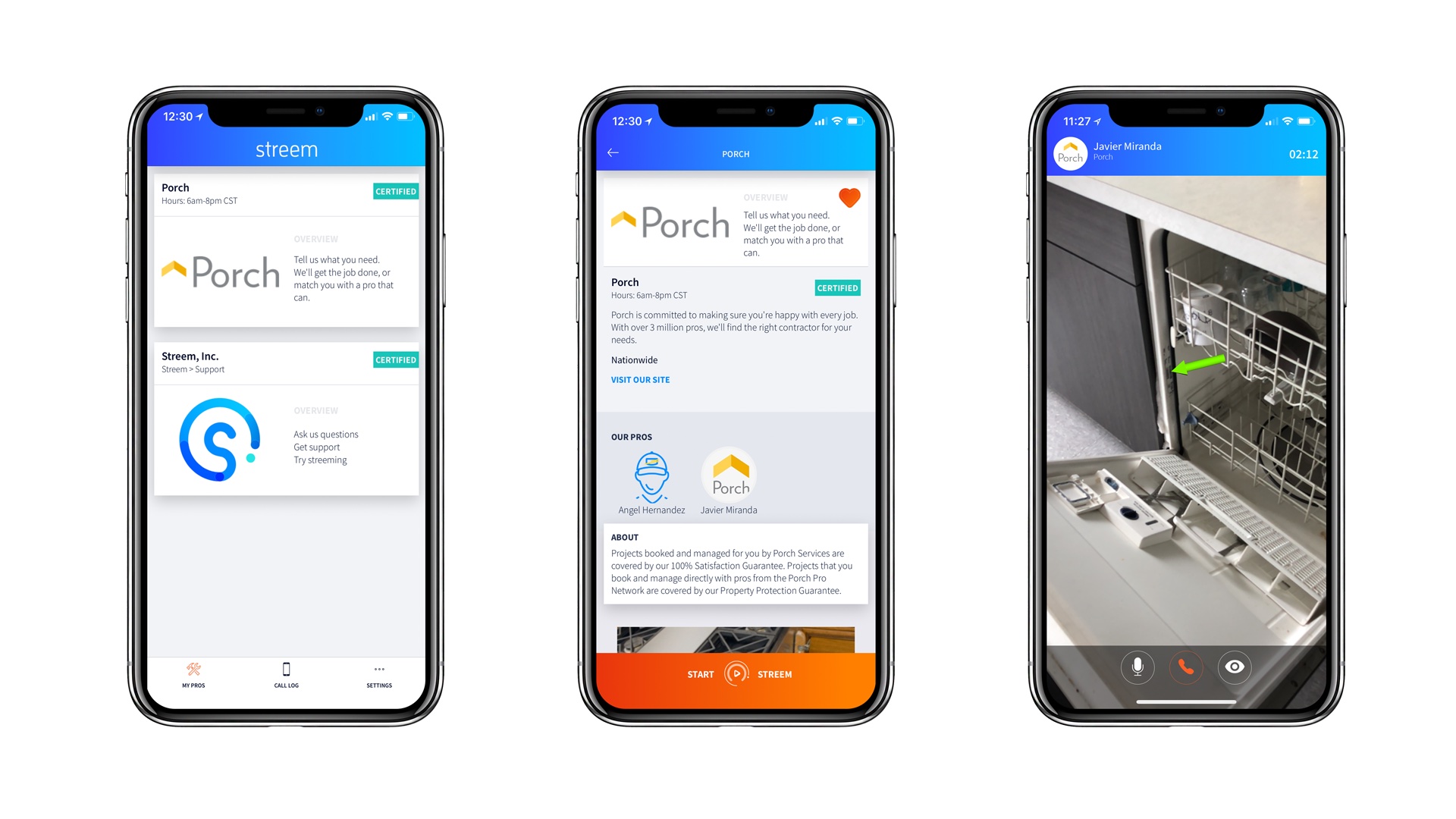
Porch connects contractors with homeowners who need home improvement jobs, repairs, and maintenance. It focuses on specific home-based services such as handyman repairs.
Who should use it?
Porch is a popular lead generation platform for service professionals who provide home improvement, repair, and maintenance services. This includes plumbers, HVAC techs, general contractors, movers, fencing companies, landscapers, and drywall professionals.
Pros and cons
| Pros | Cons |
|---|---|
| • Designed specifically for home improvement and repair professionals • Helps you connect with homeowners looking for larger, higher-value projects • Offers “Vetted Pro” verification to help build trust and credibility with potential customers | • Lead costs can vary significantly depending on competition and service area • Lead quality can be inconsistent |
How much does it cost?
Porch charges a fee per lead that changes based on your location, competition, and the job.
How to sign up
To become a Vetted Pro on Porch:
- Create an account.
- Fill out a profile with your services and qualifications.
- Provide any required license verification, like your journeyman electrician license.
- Complete a criminal record check.
5. Nextdoor
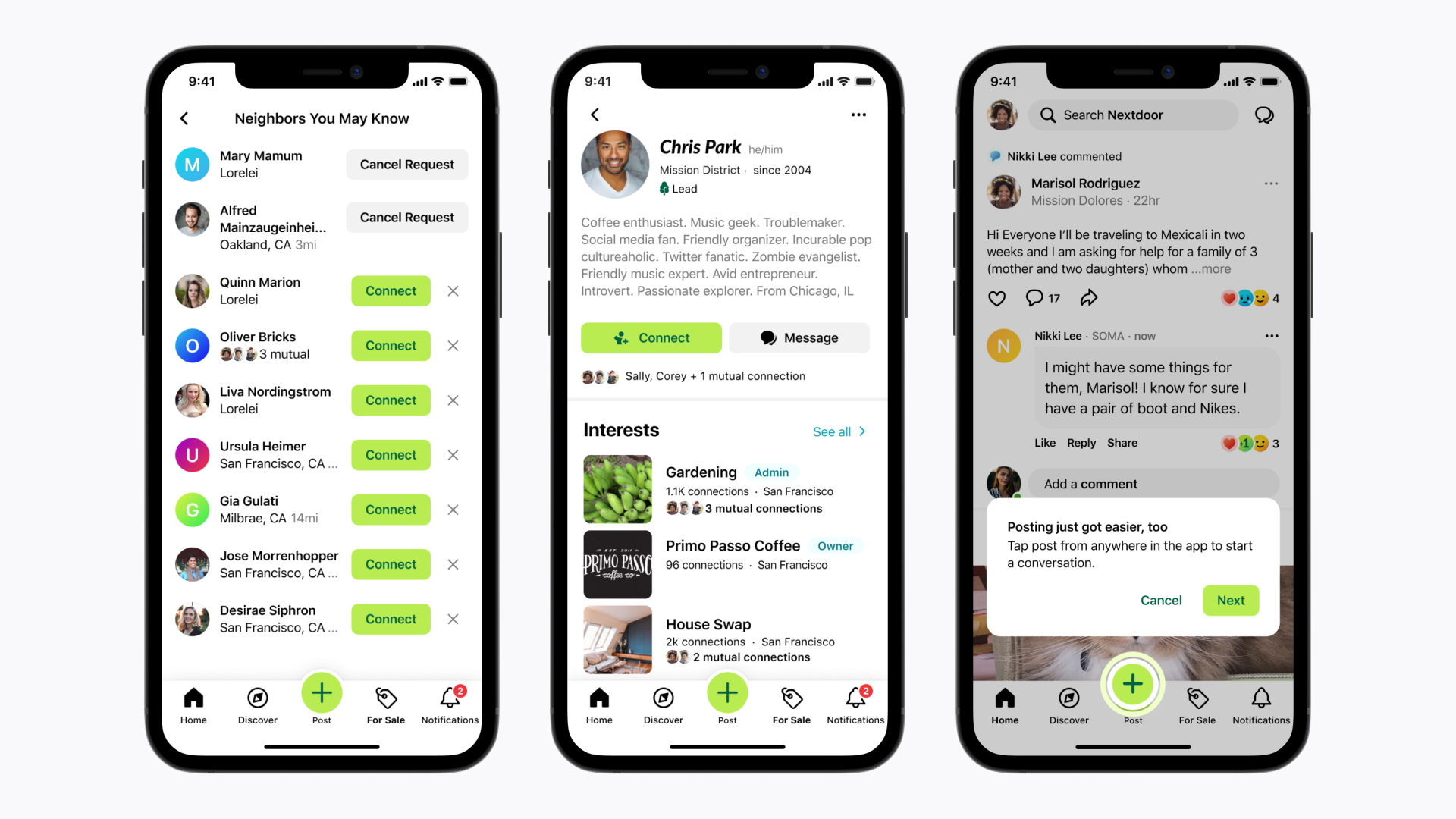
Nextdoor connects you with local homeowners through its neighborhood-based platform. It’s mostly used for home-based services like lawn care or pressure washing, but it can also be used for things like pet sitting or furniture assembly.
Who should use it?
Nextdoor is ideal for local handymen, cleaners, movers, pet sitters, dog walkers, lawn care professionals, landscapers, and other service providers who are open to small-scale jobs.
Pros and cons
| Pros | Cons |
|---|---|
| • Strong local focus to help you connect with nearby homeowners • Free business profiles make it easy to get started with minimal upfront costs • Word-of-mouth recommendations and neighborhood referrals can help build trust quickly | • Paid advertising can become expensive in competitive neighborhoods or cities • Better suited for small local jobs than large-scale or commercial projects |
How much does it cost?
It’s free to create a business profile on Nextdoor, but it will cost you $200–$500 per month to advertise your professional services, depending on where you live.
How to sign up
To generate leads through Nextdoor:
- Sign up for a business account.
- Create a business profile with details about your business and the local services you offer.
- Post ads or pay to advertise your profile.
6. Pro Referral
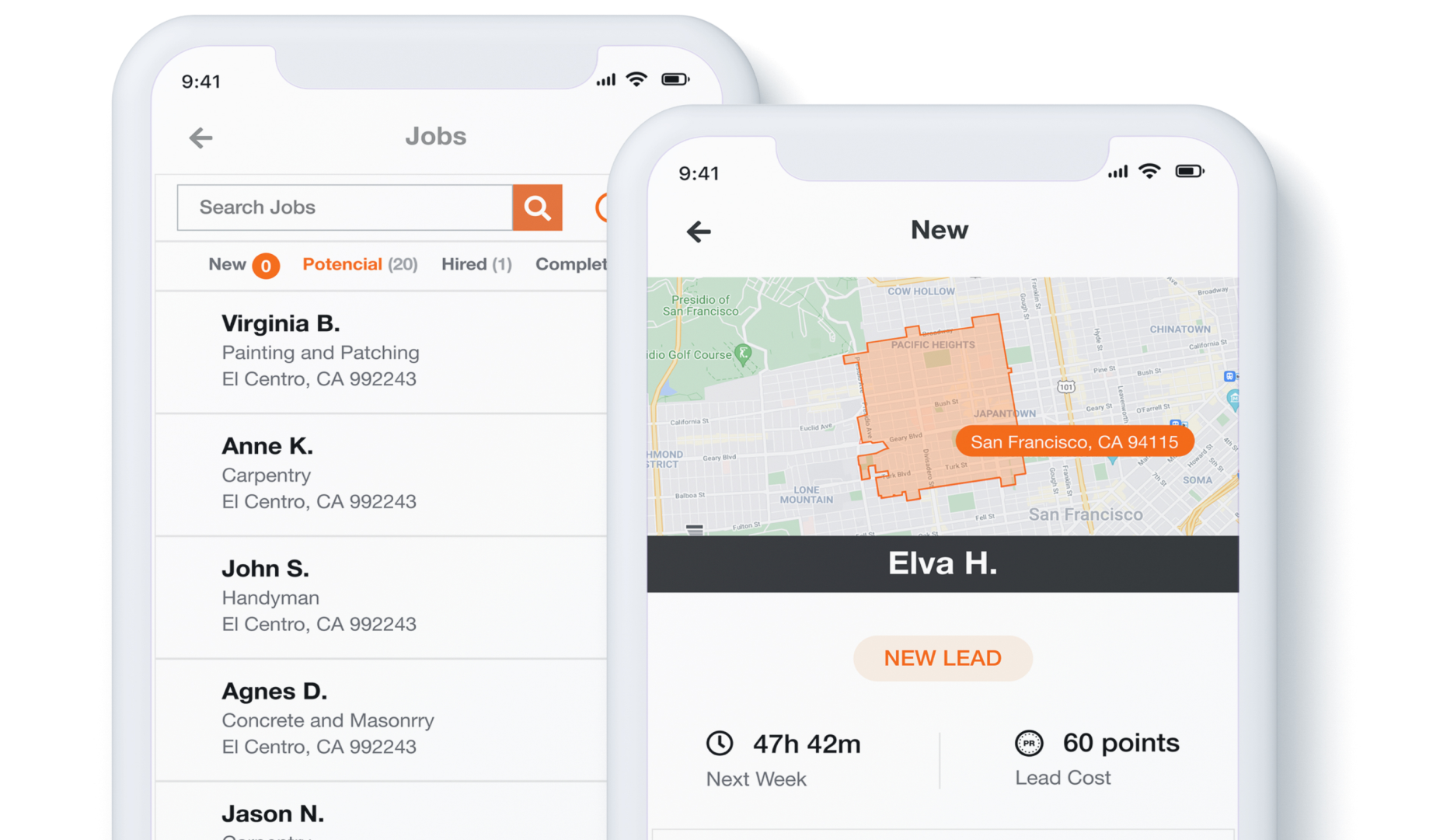
Home Depot’s Pro Referral matches you with potential customers looking for home improvement, repair, or maintenance services.
Who should use it?
Pro Referral is a good fit for you if you are looking to take on large-scale home projects, like remodels, renovations, repairs, or new builds.
Pros and cons
| Pros | Cons |
|---|---|
| • Backed by Home Depot’s trusted brand and large homeowner customer base • Well-suited for contractors seeking larger renovation, repair, or remodeling projects • Home Depot purchase rewards can help offset lead costs through redeemable points | • Lead fees can add up quickly, especially in competitive markets • Approval and verification process may take longer than other lead-generation platforms |
How much does it cost?
Pro Referral charges a fee per lead that varies based on location, scope, and the size of the job. However, the points you collect through Home Depot purchases can be redeemed to purchase leads.
How to sign up
To join Home Depot’s Pro Referral network:
- Sign up to become a Pro.
- Complete a profile that includes your business information, such as your rates, services, and availability.
- Pass a background check.
- Select your lead pricing model.
- Wait until your account has been verified to start generating leads.
7. Houzz
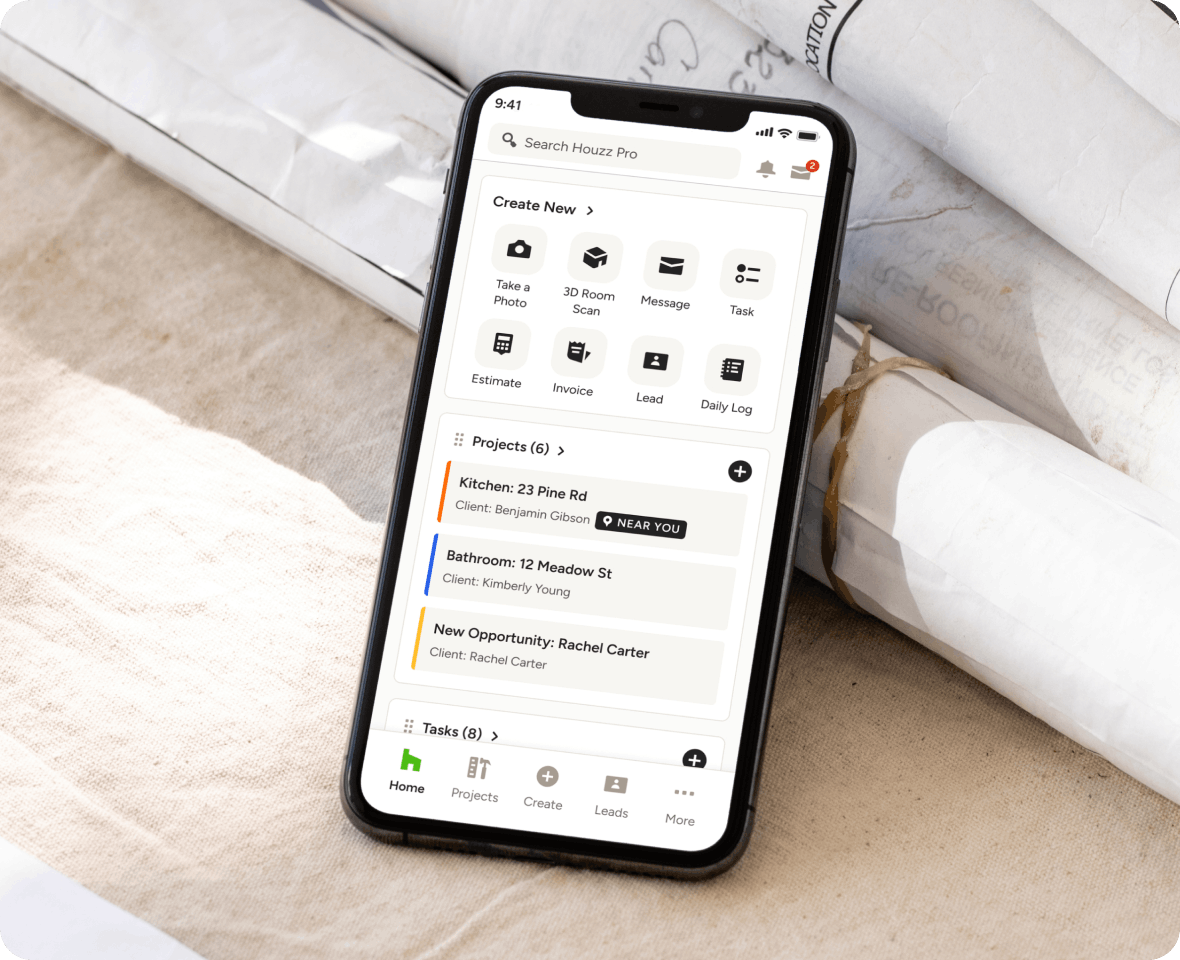
Houzz is a lead generation platform for skilled professionals in home building, remodeling, and renovation services, including painting, architecture, and interior design.
Who should use it?
Houzz is a good fit for home service providers who specialize in high-end or custom design, like architects, general contractors, landscapers, painters, and interior designers.
Pros and cons
| Pros | Cons |
|---|---|
| • Ideal for showcasing high-end projects with portfolios and project photos • Attracts homeowners looking for custom renovations, remodeling, and design services • Helps professionals build credibility through reviews, certifications, and visual work examples | • Paid visibility and advertising costs can become expensive over time • Works best for visually driven industries and may be less effective for smaller repair-based services |
How much does it cost?
It’s free to create a basic profile, but you can pay to increase your profile’s visibility, starting at $50 per month. You can also pay an additional fee to advertise your services on the platform.
How to sign up
To start generating leads on Houzz:
- Sign up to become a Pro.
- Create a profile with your business information, like rates, hours, and services.
- Add a portfolio of your past work.
- Upload images of completed projects.
- Provide any required licenses or certifications.
8. Bark
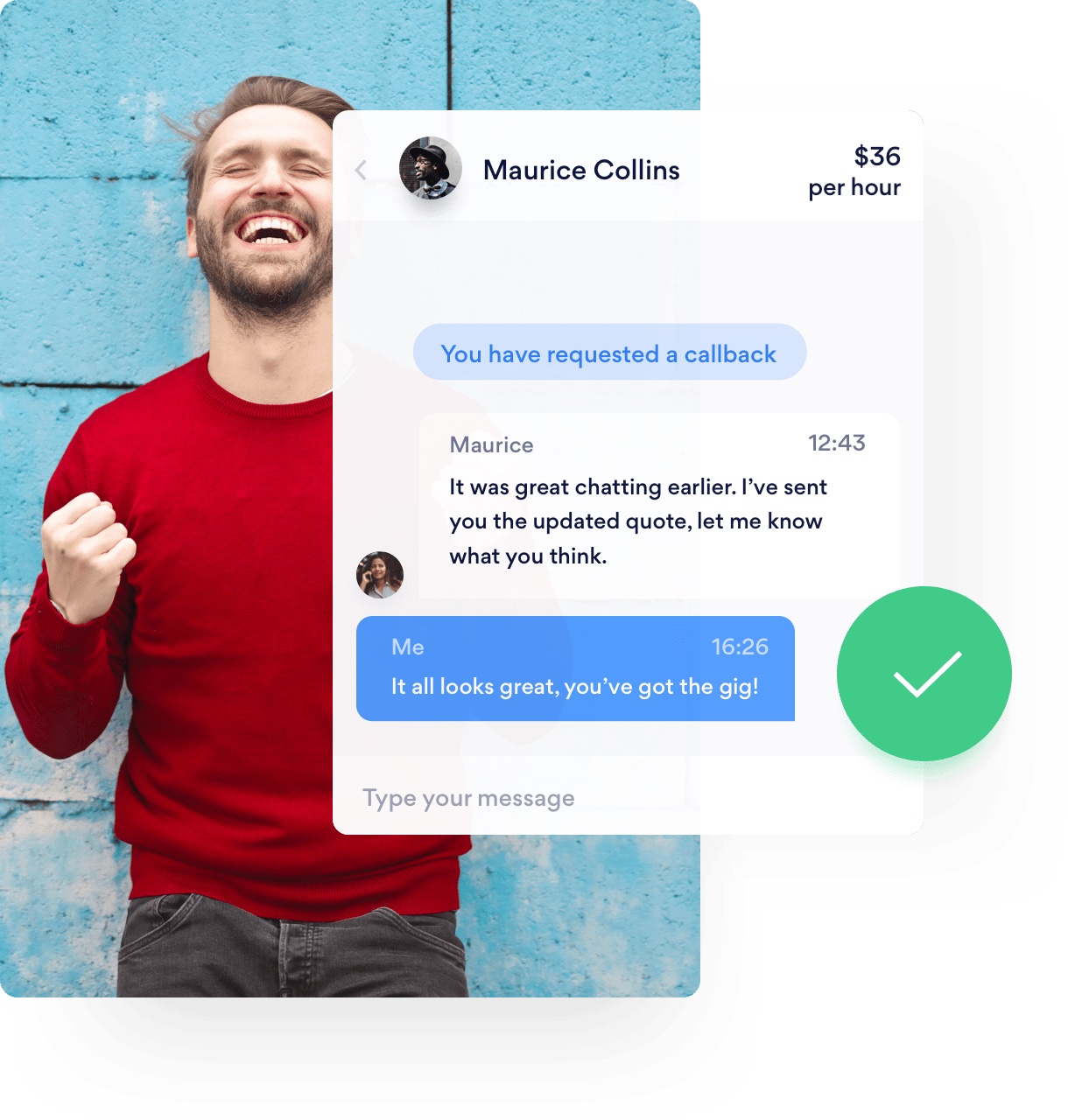
Bark is similar to Taskrabbit and covers a variety of different services and industries. It serves homeowners looking for everything from fence installations and gardening to business coaching and web graphic design.
Who should use it?
Bark is a good fit for service providers from any industry who are looking to take on both small and large jobs.
Pros and cons
| Pros | Cons |
|---|---|
| • Covers a wide variety of industries and service categories beyond home services • Flexible platform that supports both small one-time jobs and larger projects • Simple signup process makes it easy to start receiving leads quickly | • Lead costs can become expensive, especially for competitive service categories • Paying per lead does not guarantee that a customer will book your services |
How much does it cost?
Bark’s fees range are charged on a cost-per-lead basis and typically cost $20–$100+, depending on your location and the job.
How to sign up
To generate leads on Bark:
- Create a profile outlining your services and area.
- Choose your service categories and rates.
- Wait for Bark to start sending you leads.
9. LawnStarter
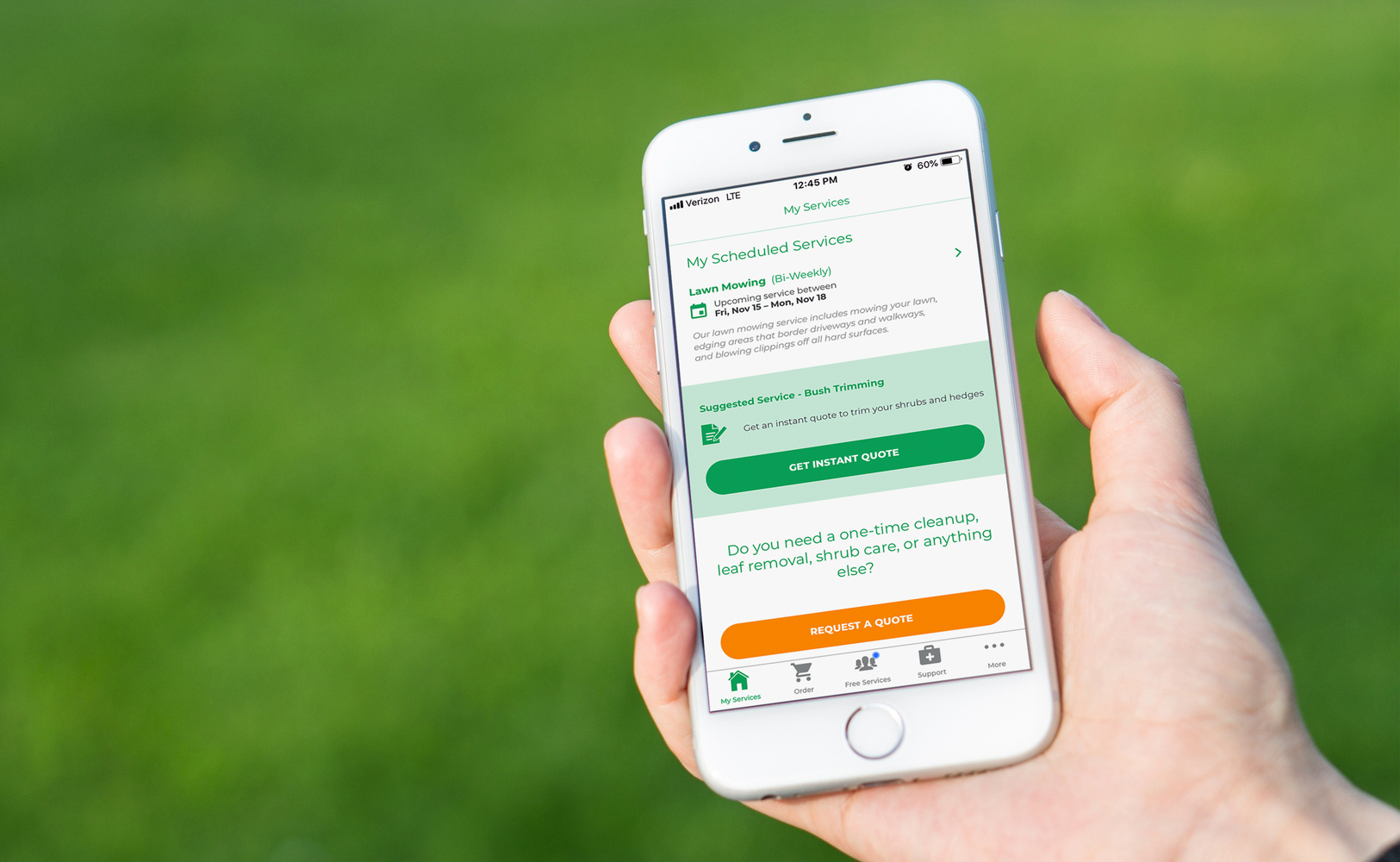
Homeowners use LawnStarter to request lawn services like mowing, trimming, and weeding, and LawnStarter sends an available lawn care specialist their way.
Who should use it?
LawnStarter is specific to lawn care and doesn’t serve any other industries, making it ideal for lawn care businesses looking to find new leads.
Pros and cons
| Pros | Cons |
|---|---|
| • No upfront fees, making it easy to get started without financial risk • Provides a steady stream of recurring lawn care jobs in local areas • Simple dispatch model reduces time spent finding customers | • Only available for lawn care services, limiting opportunities for other services or industries • Takes a cut of each job, which can reduce overall earnings over time |
How much does it cost?
There are no upfront fees to use or join LawnStarter, but it does take a cut of every completed job. This amount can vary but it usually costs about $5–$10.
How to sign up
To start getting leads through LawnStarter:
- Create a profile with your business details, such as your rate, services, and location.
- Complete a background check.
- Wait for LawnStarter to send you jobs.
Unlike other lead generation platforms, LawnStarter has some specific requirements for service providers. If you want to generate leads through this platform, you’ll need to own a lawn mower, trimmer, and leaf blower. You’ll also need access to a truck or SUV.
10. Yelp
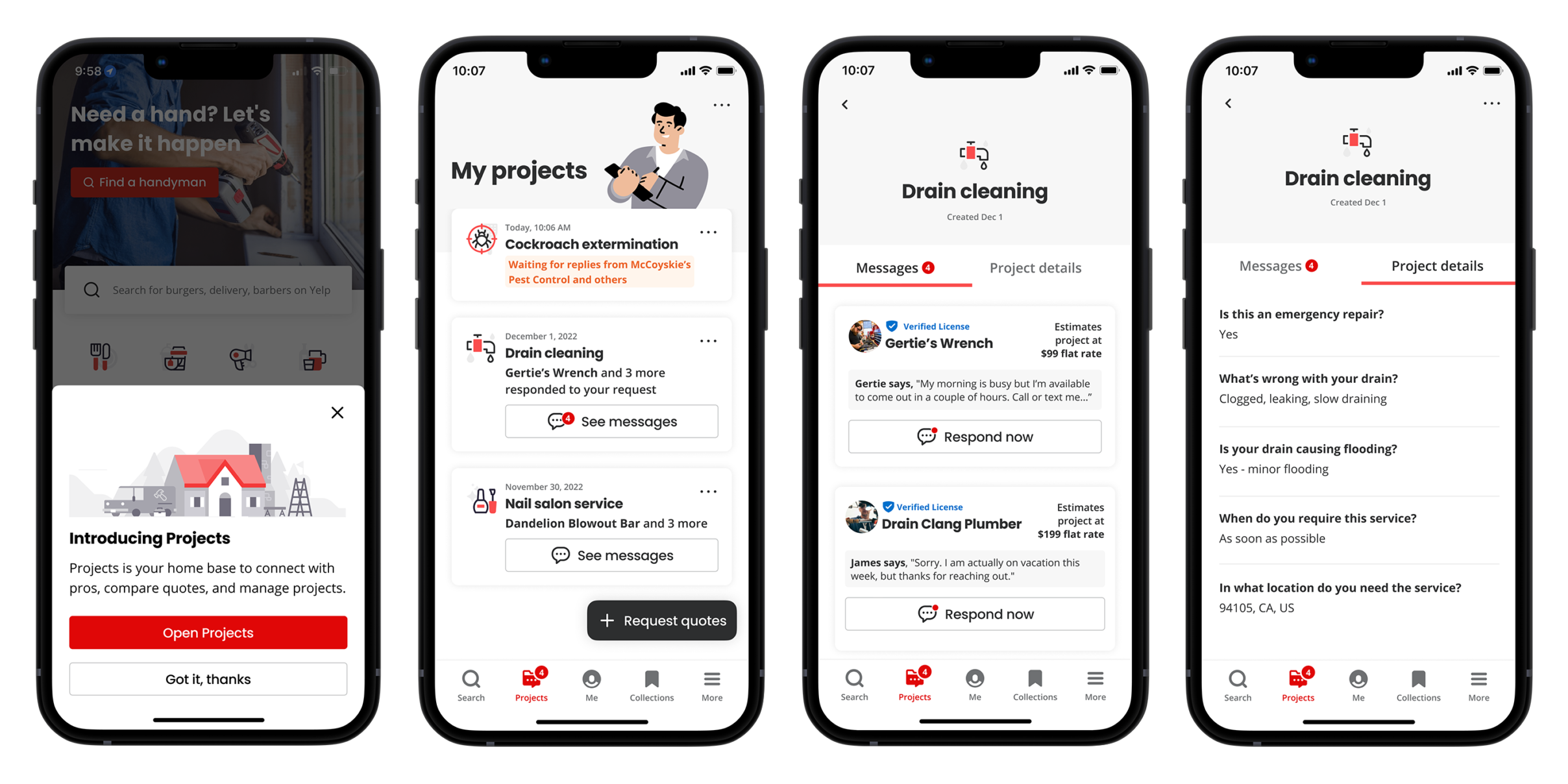
Yelp is a review-driven platform that helps you connect with local customers actively searching for home services and professional businesses.
While it’s widely known for restaurants and local businesses, Yelp also plays a major role in generating leads for service-based industries. This can include home repairs, cleaning, contracting, and maintenance work.
Who should use it?
Yelp is a good platform for businesses that want to build a strong local reputation and attract customers who are actively comparing businesses before booking.
Pros and cons
| Pros | Cons |
|---|---|
| • Strong brand recognition and high user trust among homeowners searching for local services • Review-based system helps you build credibility and stand out from competitors • Can generate high-intent leads from customers who are actively ready to hire | • Competitive platform where paid ads often outperform organic listings • Negative reviews can significantly affect visibility and lead generation potential |
How much does it cost?
Yelp is free to create a business profile, but most users use paid advertising to generate consistent leads. Advertising costs vary based on location and competition, typically running on a monthly budget model rather than a fixed fee per lead.
How to sign up
To start generating leads through Yelp:
- Create your business profile.
- Add detailed business information, services, and service areas.
- Upload photos.
- Set up Yelp Ads if you want increased visibility and lead volume.
11. Google Local Services Ads
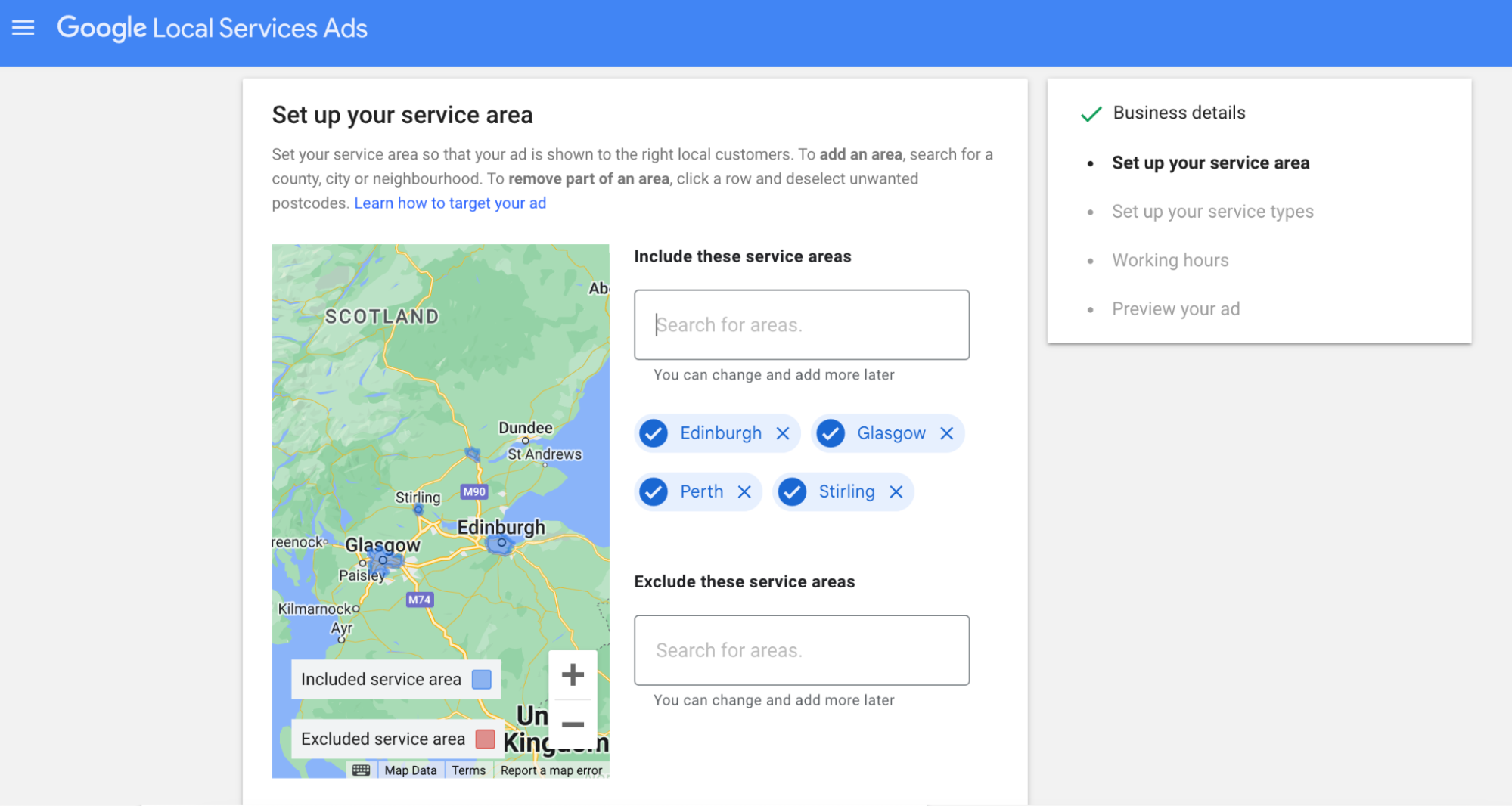
Google Local Services Ads is a lead generation advertising platform that connects local service providers with customers actively searching for nearby professionals on Google.
Who should use it?
Google Local Services Ads is best for home service providers who want to capture high-intent customers searching for immediate help.
Pros and cons
| Pros | Cons |
|---|---|
| • High-quality leads from customers actively searching for services in real time • Pay-per-lead model helps ensure you’re only paying for potential jobs, not clicks • Strong visibility at the very top of Google search results, increasing trust and conversion rates | • Requires background checks, licensing verification, and business approval to join • Lead costs can vary significantly by market and can become expensive in competitive industries |
How much does it cost?
Pricing is based on a pay-per-lead model, and costs vary depending on your service category, location, and competition. Most leads typically range from moderate to high cost per inquiry, especially in densely populated areas.
How to sign up
To start generating leads through Google Local Services Ads:
- Create a Google Business Profile and apply for Local Services Ads.
- Submit business details, licenses, and insurance information for verification.
- Complete background checks if required for your industry.
- Set your service area and budget preferences.
- Once approved, your ads will begin appearing in local Google search results.
How to generate leads without TaskRabbit
Lead generation platforms aren’t the only way to attract potential customers. If you aren’t sure whether using one is the right choice for you, consider these ideas.
1. Build a website
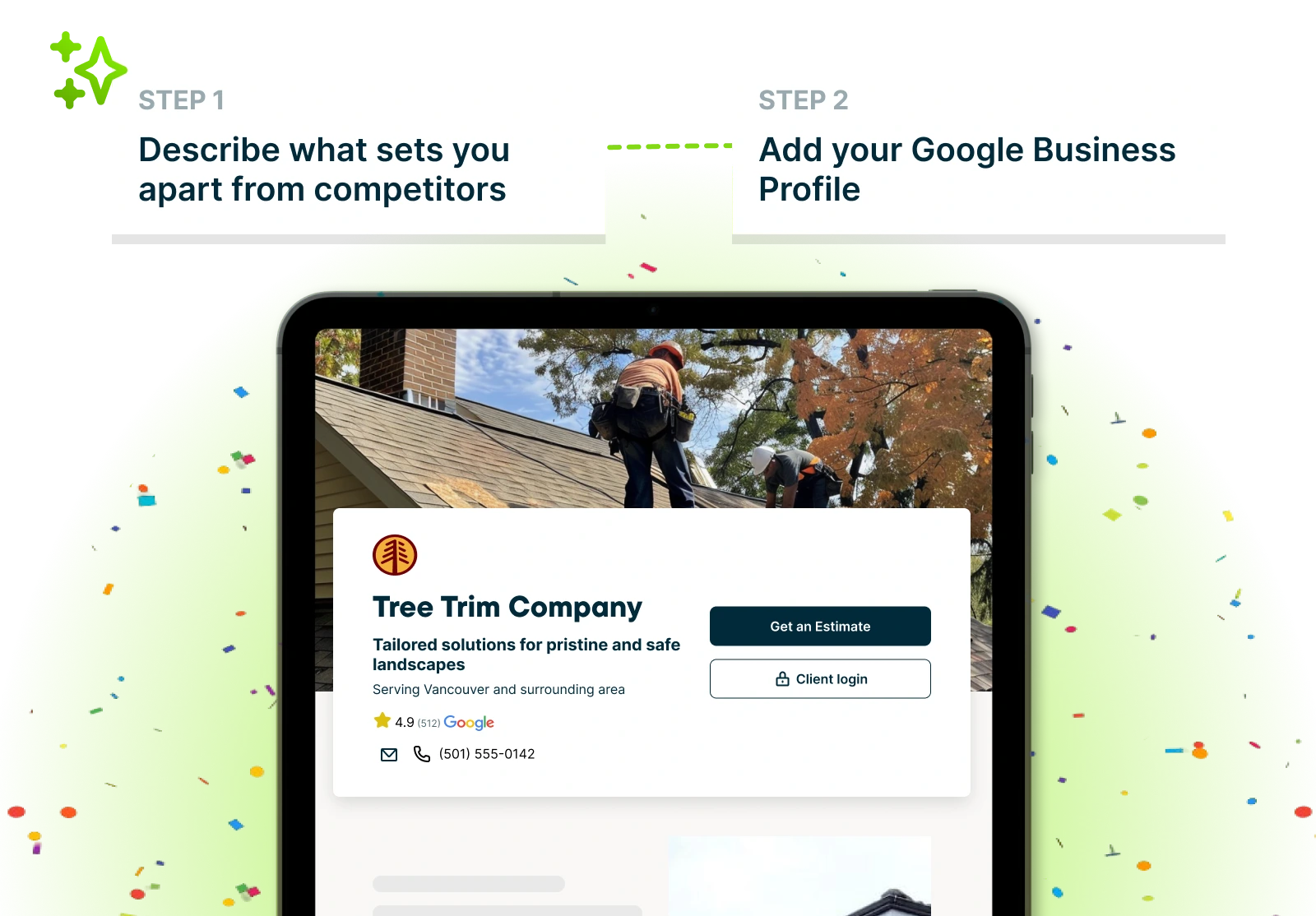
A service website is one of the most important marketing assets for your business. It gives potential customers a place to learn about your company, evaluate your services, and decide whether they want to hire you.
At a minimum, your website should include:
- Information about your services
- Your service area
- Business hours
- Customer reviews
- Contact information
- Clear calls to action (e.g., request a quote, book a service, contact us)
- Photos of completed work to build trust and credibility
With Jobber Websites, you can create a professional, mobile-friendly website designed specifically for your home service business. Every site includes features that help convert visitors into customers, including quote requests, online booking, and contact forms.
An optimized website also lets you use search engine optimization (SEO) to help you show up in search engines. That way, when local homeowners search for things like “plumber near me,” your business appears in the search results.
2. Use search engine optimization
A website isn’t the only way to boost your presence on search engines like Google. Claiming and optimizing your Google Business Profile and using Google Local Service Ads are part of a healthy local SEO strategy.
Make sure to claim your business on Google and update your profile to include photos, reviews, and your location, hours, and services. This helps increase your visibility to local homeowners looking for the services you offer.
3. Start a referral program
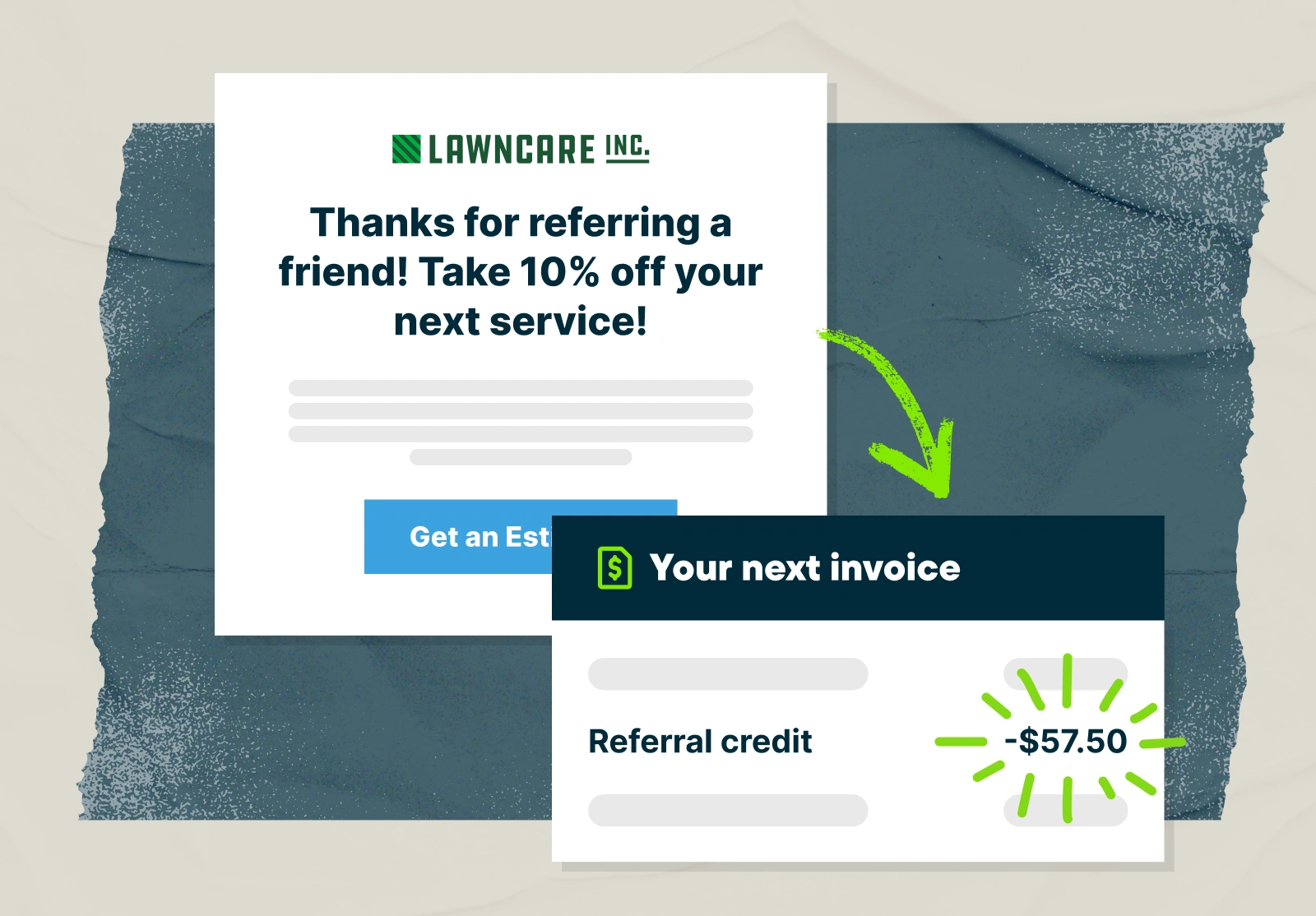
Referral programs encourage your existing customers to recommend your business to friends, family, neighbors, and colleagues in exchange for a reward. They work because people trust recommendations from people they know far more than traditional advertising.
In fact, referrals consistently rank among the most effective marketing channels for service businesses. They often generate higher-quality leads that are more likely to book and become loyal customers.
When a customer refers someone to your business and that person books a job, the referrer receives a reward. This could be a discount on future services, account credit, a gift card, or another incentive that encourages customers to spread the word about your business.
Referral software like Jobber makes it easy to plan, implement, and run a successful referral program. Simply decide how you want to reward customers who send work your way, then use Jobber to start asking for referrals.
4. Try new campaigns
There are many different marketing strategies that can help you generate leads. Based on your budget, services, business, and customers, here are a few options to try:
- Use postcards, flyers, or door hangers to create brand awareness and offer neighborhood-specific discounts.
- Promote your services through social media and online ads.
- Get a branded vehicle wrap.
- Leave signs at job sites with your contact information.
- Create an email list and use email marketing software to communicate with customers about promotions, discounts, new services, and updates.
5. Use marketing software
Managing your marketing in the same place you manage your business makes it easier to generate leads, streamline your workflow, and stay organized. Using Jobber’s Marketing Suite, you can:
- Automate review collection to grow your online reputation.
- Generate referrals to bring in new leads from happy customers.
- Turn past clients into present contracts with email campaigns.
Then, you can use Jobber AI to generate reports about your tactics, get insights into how to improve, and see where your efforts are having the biggest impact.
Get the Taskrabbit alternative that’s right for you
Taskrabbit isn’t the only lead generation platform available. With tools like Thumbtack, Angi Services, Porch, and more, you can find and win new leads to help your service business grow.
Originally published in September 2020. Last updated on June 12, 2026.
Frequently Asked Questions
-
Some of the top Taskrabbit competitors include Thumbtack, Angi Services, Handy, Porch, and Bark. These services like Taskrabbit offer similar home service leads across multiple categories, often with different pricing models and key features.
-
Apps like Taskrabbit, Thumbtack, and Handy pay you to complete local home service jobs, such as cleaning, repairs, and furniture assembly. Most require a background check and allow you to earn money by offering services in your chosen service category.
-
Thumbtack and Taskrabbit both have strong key features, but they work differently and are each a good fit for different purposes. Thumbtack is more lead-based, while the Taskrabbit app focuses on quick, on-demand handyman services. Thumbtack may offer more variety across service categories, while Taskrabbit is often simpler for short-term tasks.
-
Taskrabbit charges a $25 registration fee and doesn’t take a percentage from every job, allowing Taskers to keep their hourly rate. However, fees and policies can vary depending on the service category and location after background check approval.
-
Yes, Taskrabbit can be worth it for businesses looking for quick jobs through a trusted handyman app. However, it may be less ideal for building long-term clients compared to Taskrabbit alternatives such as Thumbtack, which focus more on ongoing business growth.